Slide 2 of 8 from Segmented 3D Sphere Diagrams for PowerPoint
1197-01-segmented-sphere-2
Layered Hemisphere Diagram for Presentations
- Diagram
- Layered Stack
- Concept Explanation Slide
- 16:9
- 100% Editable
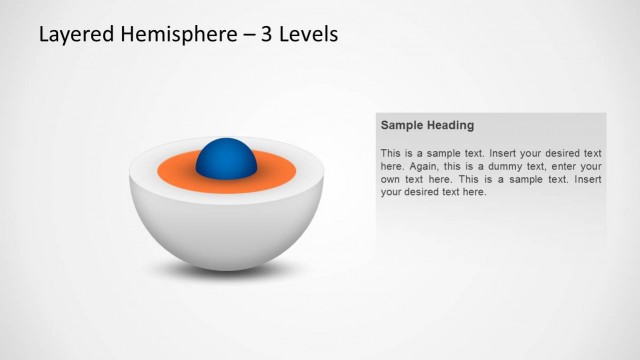
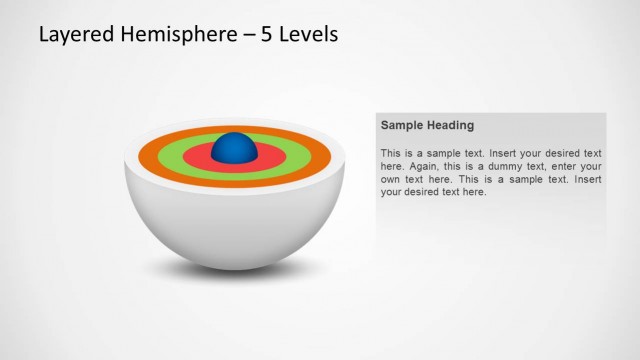
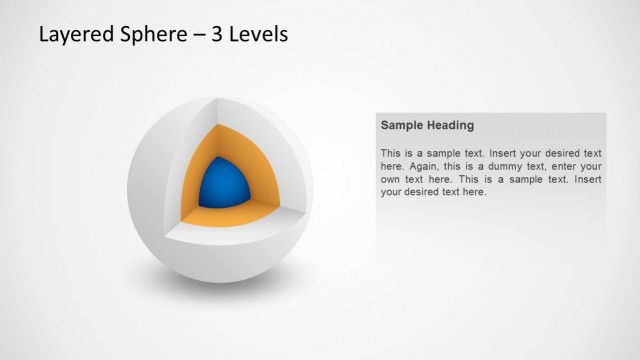
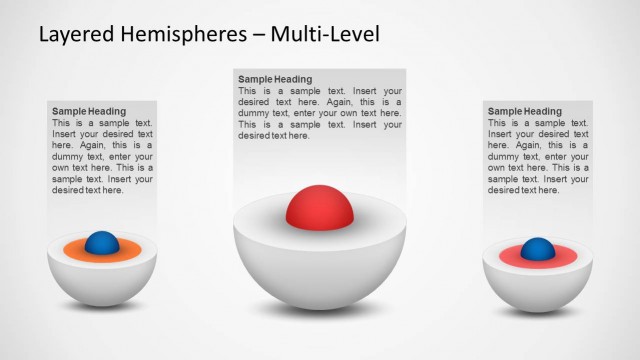
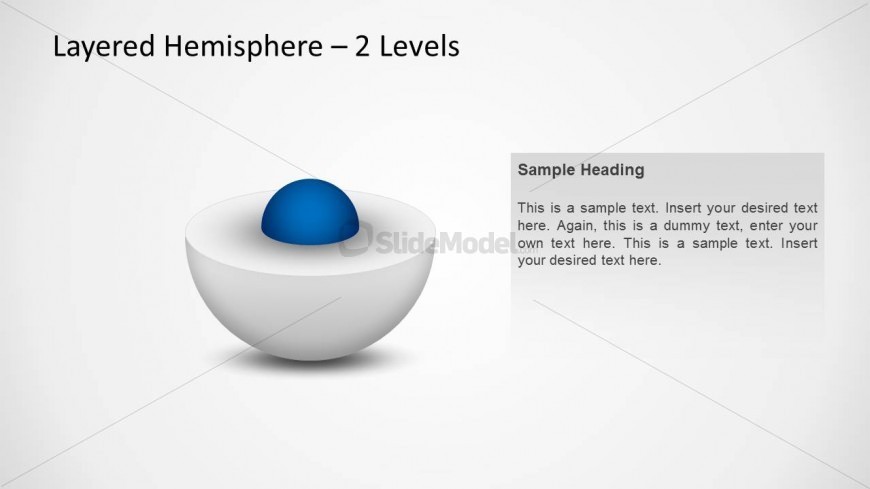
The Layered Hemisphere - 2 Levels slide from the Segmented 3D Sphere Diagrams for PowerPoint template offers a clear visual tool for explaining hierarchical concepts and project phases. This slide layout uses editable shapes and vector icons to highlight multi-level structures effectively, making it suitable for corporate presentations and business presentation slide decks that require a professional and structured approach.
What’s on This Slide
The slide features a layered hemisphere diagram positioned centrally, showcasing two levels. The outer hemisphere is white, while the inner sphere is blue. Above the diagram, there is a title placeholder aligned to the left. To the right, a text placeholder is present, featuring a sample heading and body text. The text box is rectangular and has a light gray background, allowing for clear visibility against the overall light backdrop. The visual hierarchy emphasizes the diagram, with the title providing context and the text placeholder supporting the main graphic.
How to Use It
This layout serves as a visual representation of layered concepts, suitable for explaining processes or structures. It fits well in presentations discussing hierarchical data or multi-level strategies. This slide can be used in business meetings, training sessions, or technical presentations to illustrate complex ideas simply. It is particularly effective for showcasing product features, project phases, or organizational structures, making it versatile for various professional contexts.
Text Placeholders & Capacity
Keep your copy within these limits so it fits without resizing. Text slots can accommodate around 30 and 200 characters respectively.
| Placeholder | Count | Max characters (approx.) |
|---|---|---|
| Slide title | 1 | 30 |
| Item body | 1 | 200 |
Slide Keywords
Download unlimited PowerPoint templates, charts and graphics for your presentations with our annual plan.
DOWNLOADReturn to Segmented 3D Sphere Diagrams for PowerPoint.