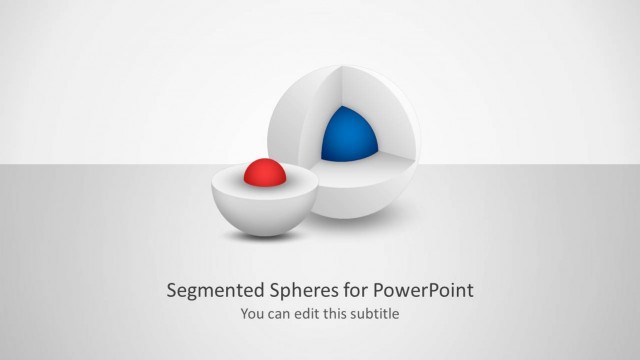
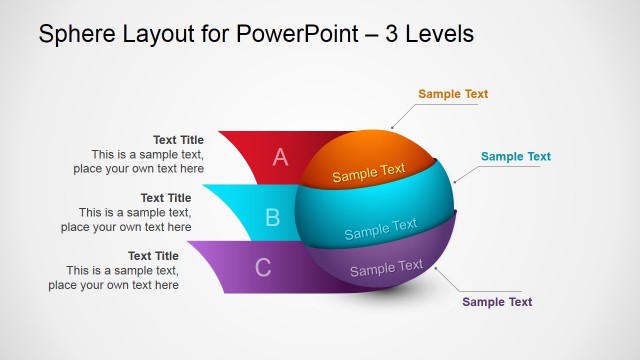
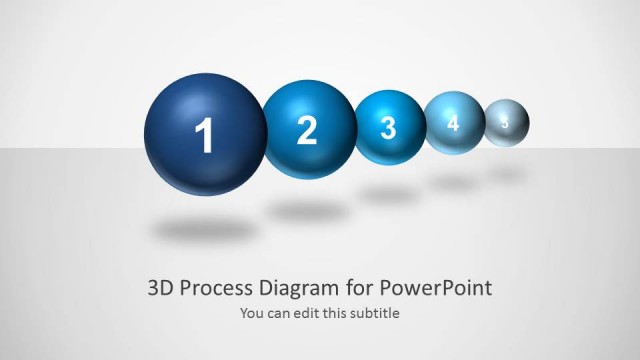
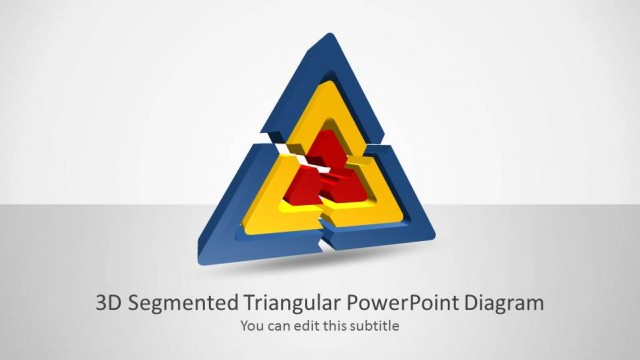
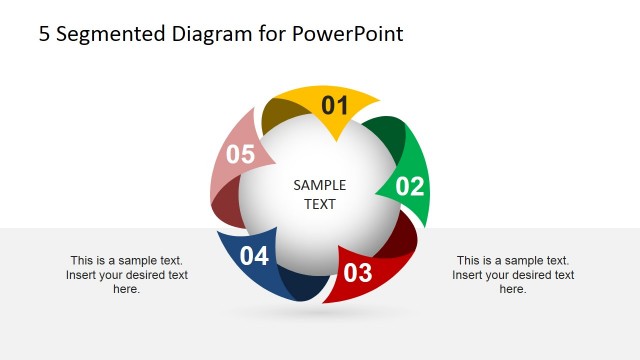
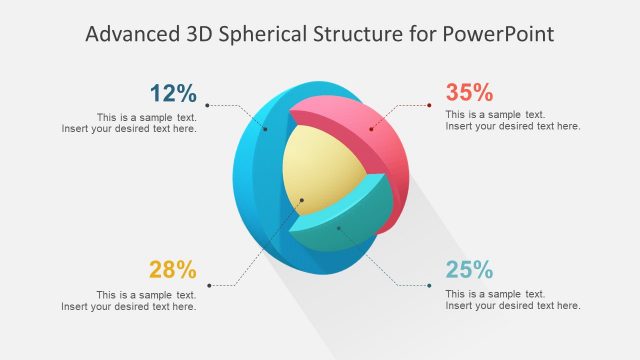
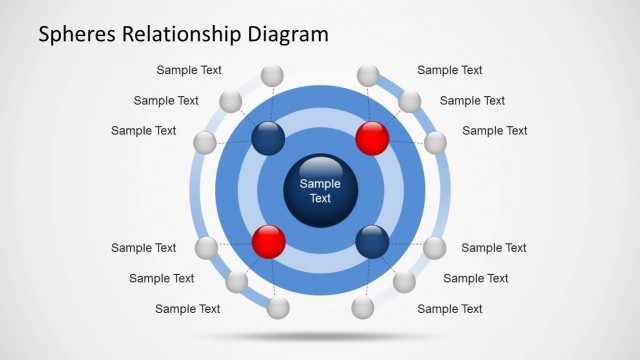
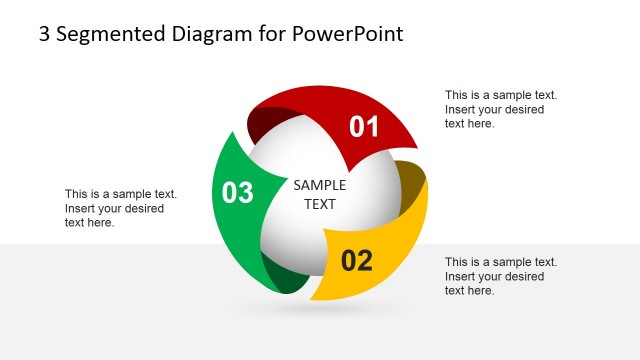
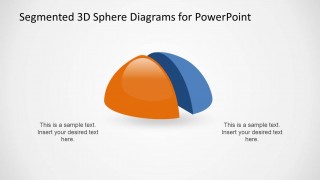
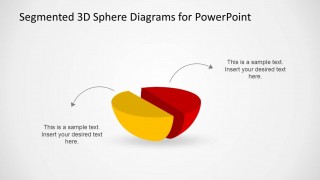
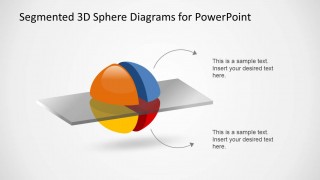
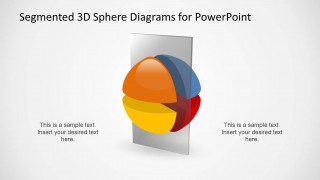
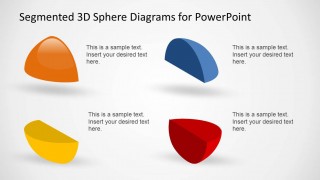
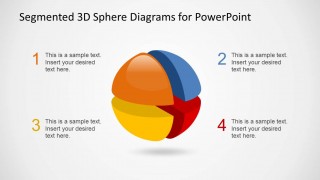
The 3D Segmented Spheres Diagram Template for PowerPoint is a creative diagram designed for Microsoft PowerPoint presentations with a quadrant of a sphere. This spheres diagram template for PowerPoint contains four isolated sphere parts or sections with horizontal or vertical layers.
You can download this sphere diagram design to create compelling PowerPoint presentations. Alternatively, you can download other creative 3D diagrams for PowerPoint or even the free bundle containing an example of PowerPoint slide designs and templates before you decide to subscribe to our website.
What’s inside this template
Example presentation scenarios
- A strategy consultant can use the four-part sphere with numbered callouts to explain the pillars of an operating model and keep the discussion organized by segment.
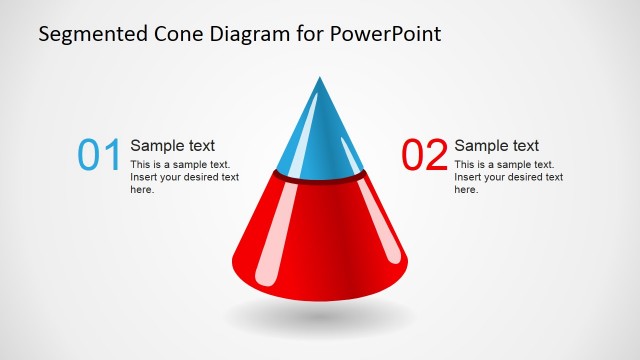
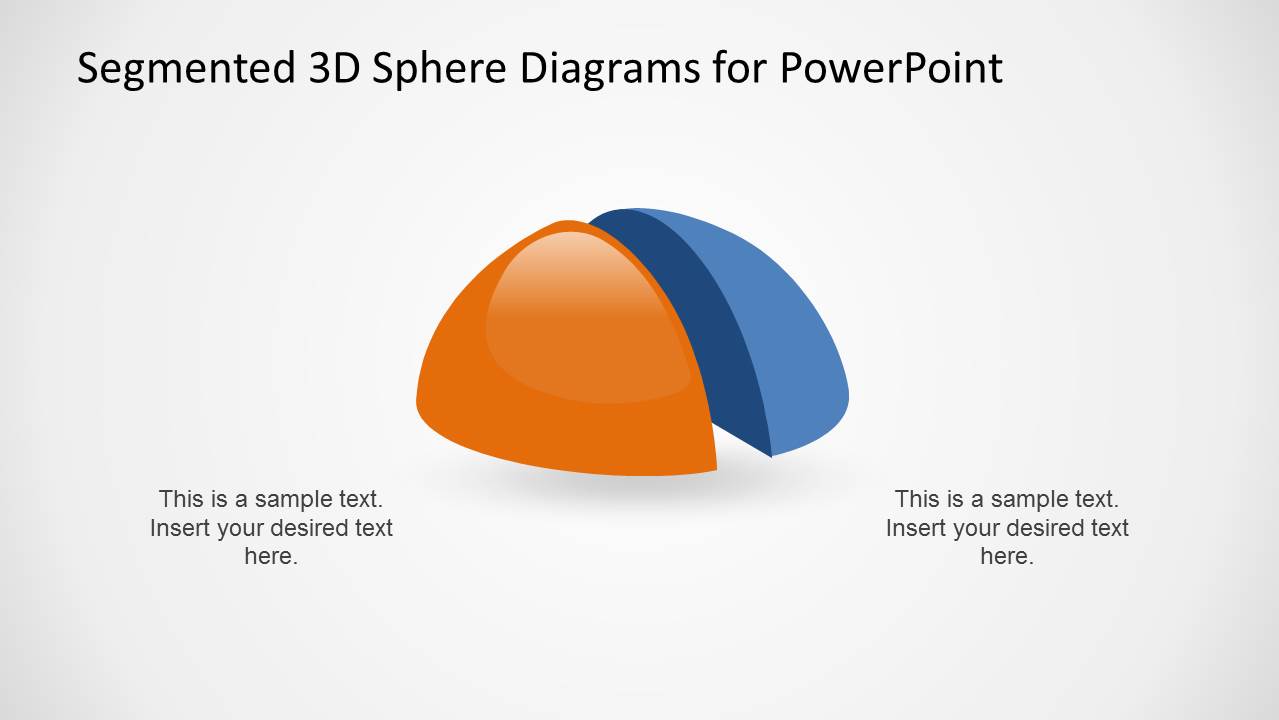
- A product manager can use the two-piece sphere comparison to show how two product modules, audiences, or value drivers relate within one larger solution.
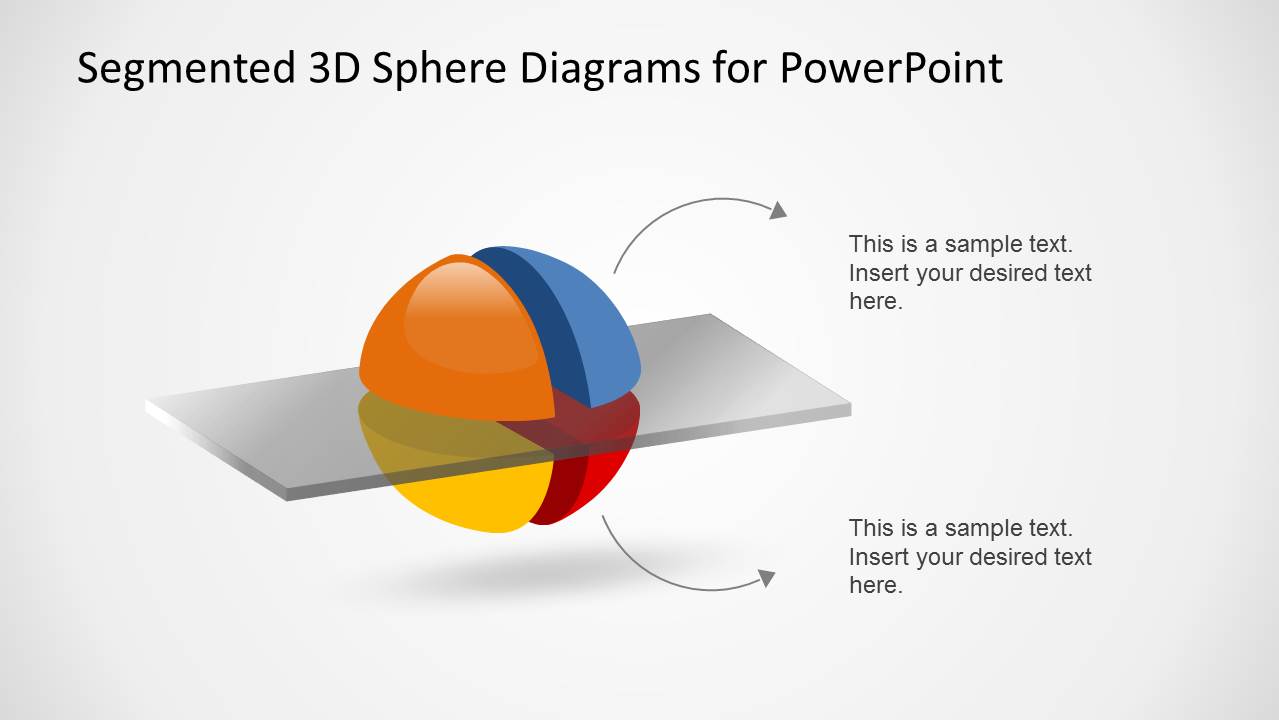
- A trainer can use the horizontal and vertical slice-plane diagrams to teach layered processes, cross-sections, or structural differences in a concept.
- An executive presenter can use the isolated four-piece layout to assign one key message, owner, or investment area to each visible segment.
Features
- 100% editable presentation template
- Compatible with Microsoft PowerPoint and Google Slides
- 16:9 aspect ratio slides
- Scalable vector shapes, icons and illustrations
- AI-Ready for Microsoft Copilot and Claude
- Instant access and download
Frequently asked questions
Q: How should a presenter organize the message across the segmented sphere slides?
A: Start with the four-part sphere to define the complete framework, then move to the separated pieces only when the audience needs detail on each component. Keep one idea per segment and use the surrounding callouts for labels, short explanations, or ownership. The 3D form works best when the parts clearly belong to one shared whole.
Q: Who is this sphere diagram template best suited for?
A: This template fits presenters who need to make an abstract model feel tangible, such as consultants explaining a business framework, product teams describing solution components, or trainers teaching layered concepts. It is strongest when the audience must understand how separate parts connect, not when they need detailed numerical proof.
Q: Why use a 3D segmented sphere instead of a flat quadrant or list?
A: The sphere metaphor suggests unity, balance, and interdependence, while the sliced segments make each part easy to discuss separately. The horizontal and vertical cut planes add the feeling of analysis or cross-section, which helps a presenter show that the concept can be examined by layer, side, or component.


3D Segmented Spheres Diagram Template for PowerPoint
6-slide presentation template with 3D segmented sphere diagrams and hemisphere part layouts
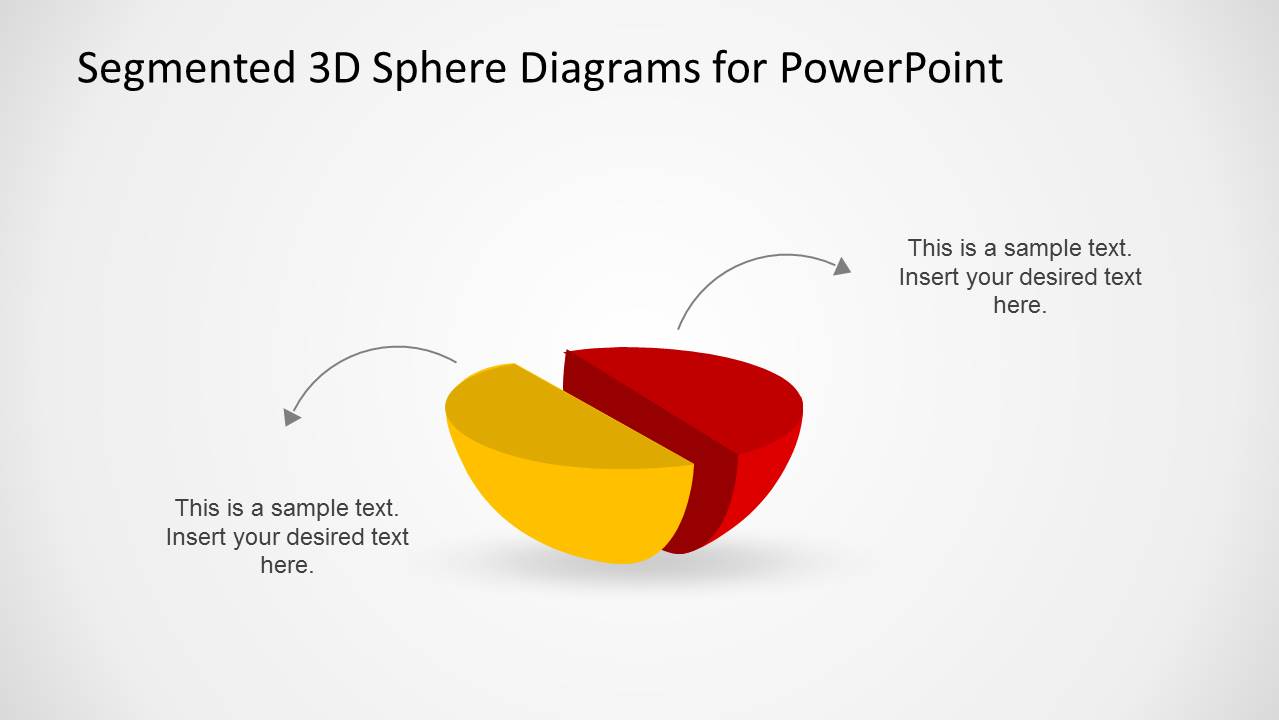
The 3D Segmented Spheres Diagram Template for PowerPoint is a 6-slide diagram template for explaining parts of a whole with segmented sphere visuals. It includes a four-part sphere with numbered callouts, two-piece sphere comparison, separated hemisphere segments, horizontal and vertical slice-plane diagrams, for Microsoft PowerPoint and Google Slides.
- Category
- Diagrams
- Rating


 Loading...
- Aspect ratio
- 16:9
- Item ID
- 6592-02
 Microsoft PowerPoint
  Microsoft Copilot
  Claude for PowerPoint
 Other formats supported
Subscribe today and get immediate
access to download our PowerPoint templates.