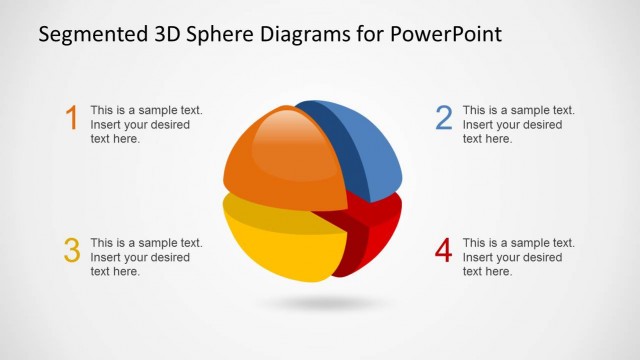
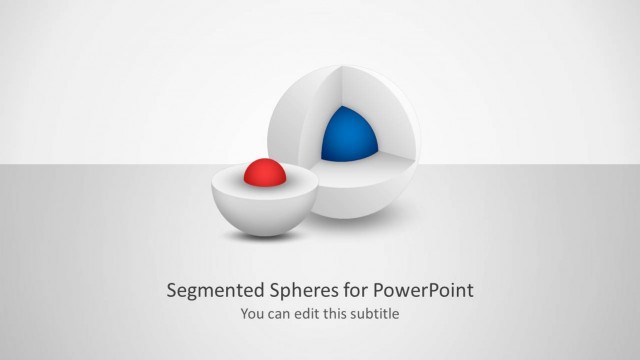
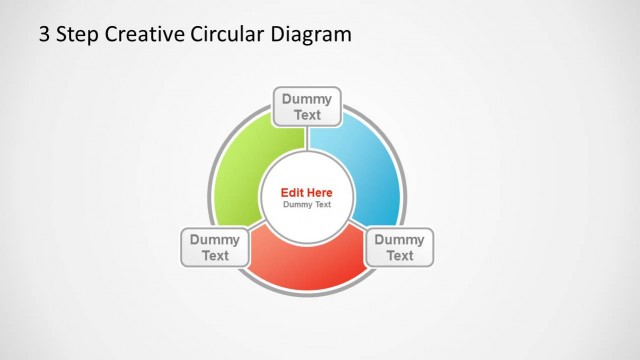
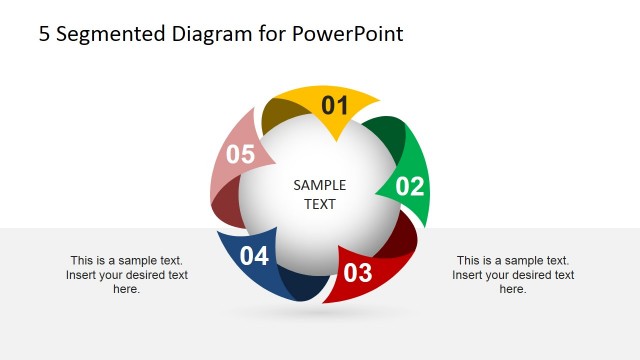
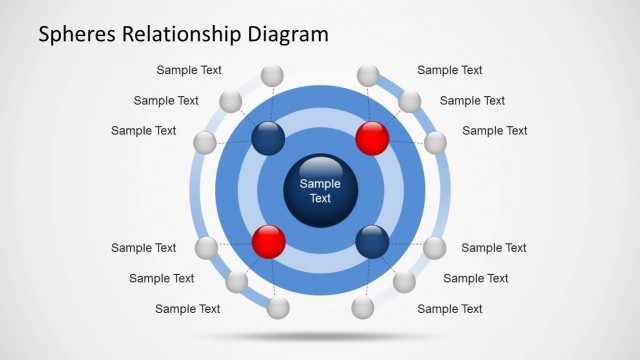
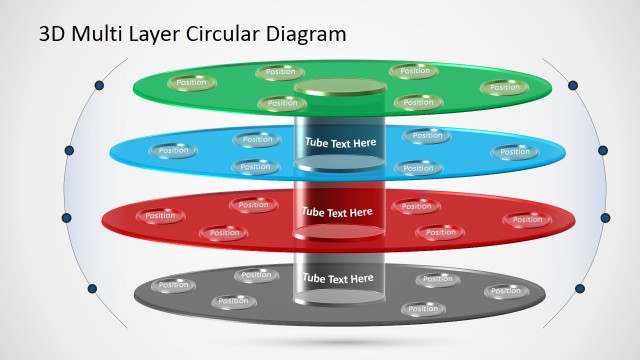
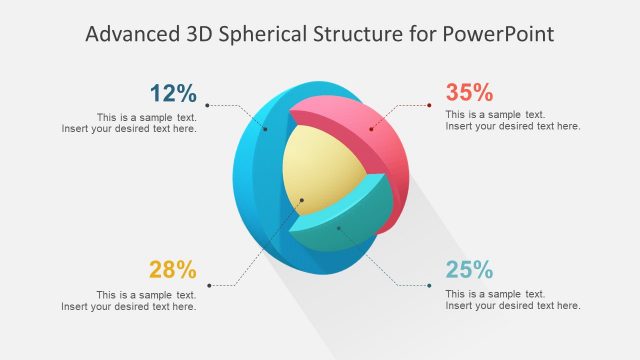
This presentation template contains a creative 3D sphere diagram for PowerPoint template. The segmented diagrams can be used to describe a multi-layered process or a concept having multiple steps.
Every segment of this PowerPoint diagram is 100% editable. You can be as much as creative and playful with its PowerPoint shapes. Like for example, when you ungroup the parts you can move each segment. By doing so, you can create an illusion of highlighting a particular step or segment. Additionally, you can fill the colors, edit the text, copy and paste the graphics without altering its quality.
This 3D Spheres Diagram Design for PowerPoint features the following:
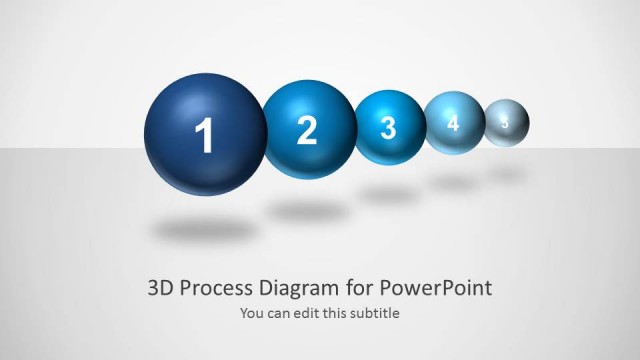
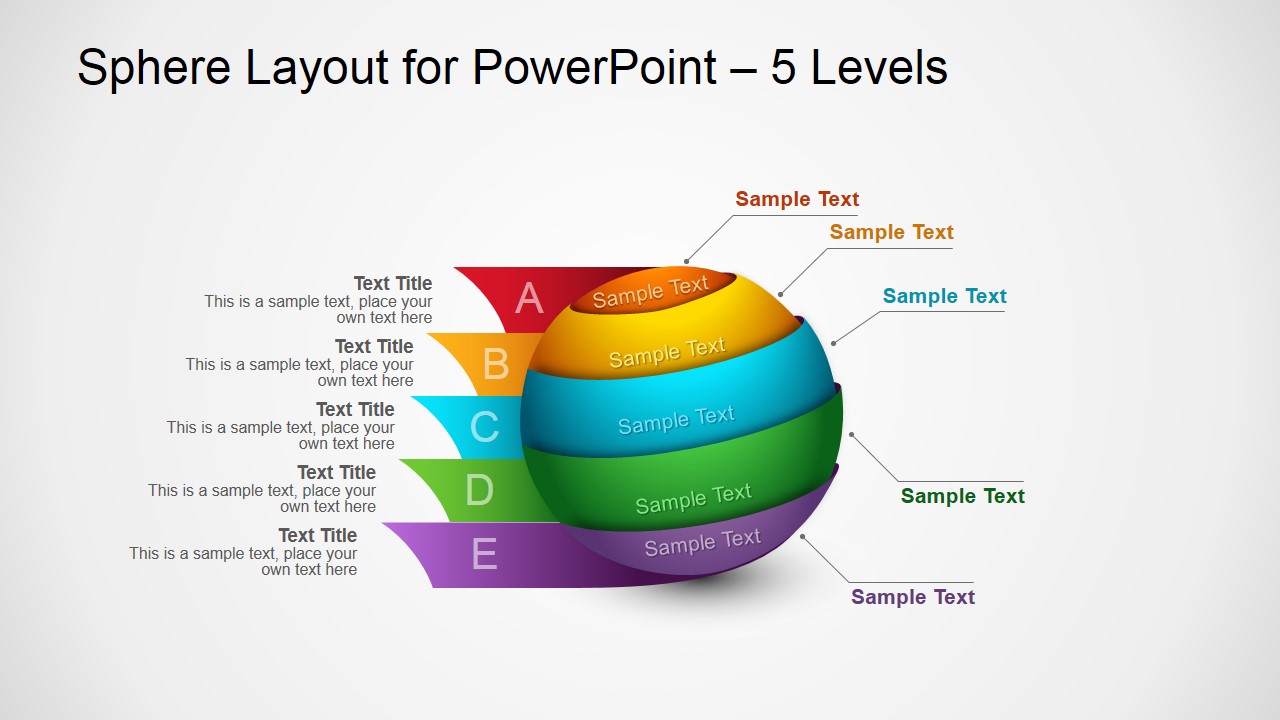
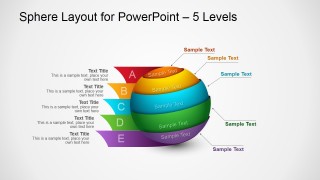
- 5 Steps 3D Spheres Diagram
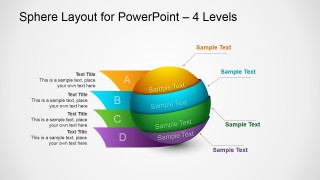
- 4 Steps 3D Spheres Diagram
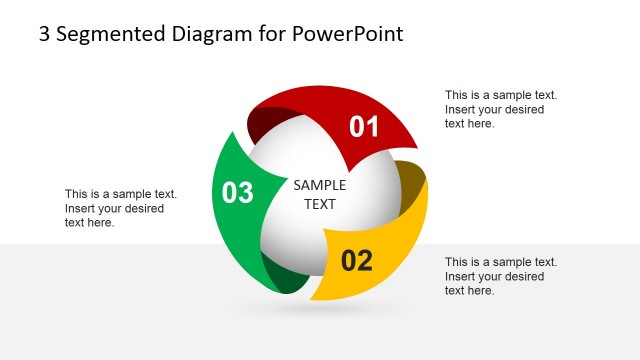
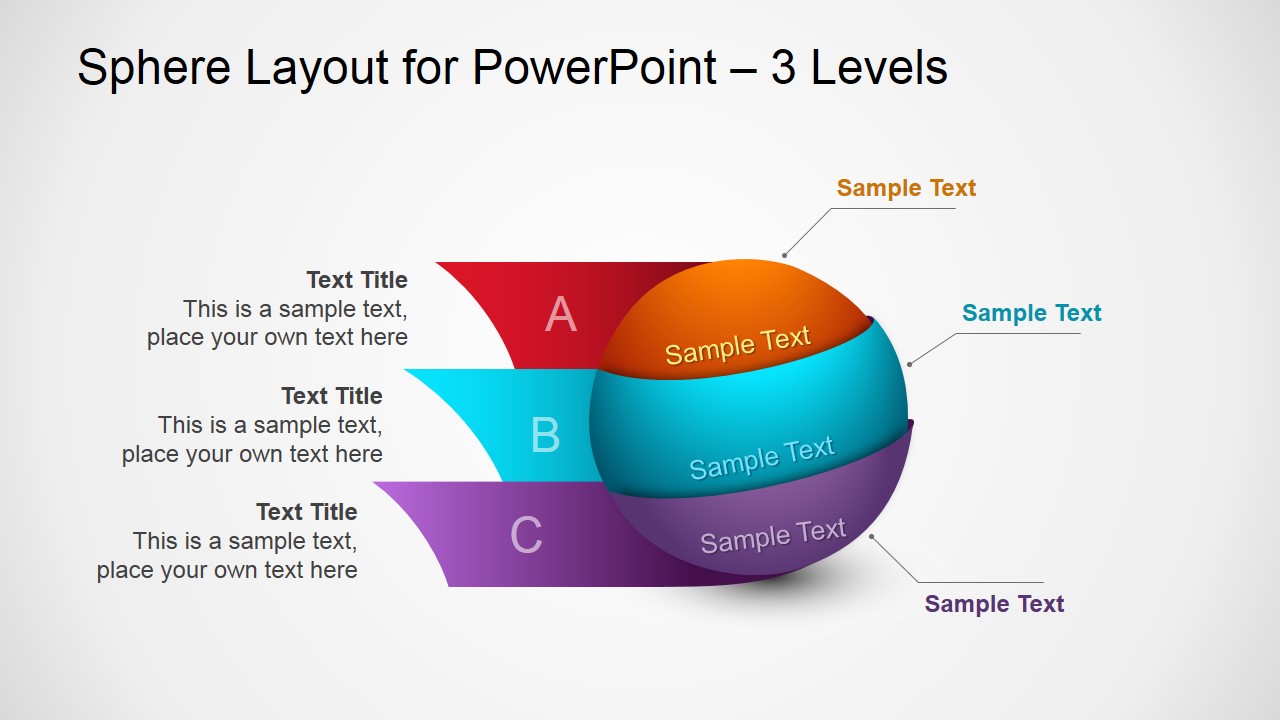
- 3 Steps 3D Spheres Diagram
3D Sphere for PowerPoint is an original way to use concept slides with sphere illustration. This design contains the 5-4-3 different levels. There’s a color differentiation that can help to keep the attention of your audience and make presentations effective.
Alternatively, we have other PowerPoint design that contains a unique circular diagram that is very similar in usage: 3D Segmented Spheres Diagram Template for PowerPoint. With our PowerPoint Editable templates, you can easily enhance your presentation with the use of standard visualization tools. Like for example, you can use powered graphics and icons instead of text to make it more appealing.
What’s inside this template
Example presentation scenarios
- A consultant can use the 5-level segmented sphere to explain a maturity model, with each colored band representing a stage and the side text summarizing the meaning of each level.
- A product manager can use the 3-level sphere layout to present a feature grouping, showing core, supporting, and optional elements with concise labels around the diagram.
- A trainer can use the 4-level sphere diagram to teach a process hierarchy, pairing the lettered bands with short explanatory text blocks for audience retention.
- A marketing presenter can use the color-coded sphere layers to compare service packages or campaign pillars, keeping the visual focus on the relationship between the levels.
Features
- 100% editable presentation template
- Compatible with Microsoft PowerPoint and Google Slides
- 16:9 aspect ratio slides
- Scalable vector shapes, icons and illustrations
- AI-Ready for Microsoft Copilot and Claude
- Instant access and download
Frequently asked questions
Q: How should a presenter explain the sphere diagram without making it feel decorative?
A: Start by naming the overall concept, then explain why the number of levels matters. Move from the top segment to the bottom segment and keep each callout short. The 3D sphere should act as a hierarchy or grouping device, so each colored band needs a clear role, not a generic label.
Q: Who is this template best suited for in a business presentation?
A: This template fits presenters who need to simplify a framework, service model, product structure, or staged idea without using a dense table. Consultants, product managers, trainers, and marketing teams can use the 3-, 4-, or 5-level versions when the audience must understand how parts fit into one complete concept.
Q: Why use a segmented sphere instead of a flat list of steps?
A: The sphere metaphor suggests that the parts belong to one complete system, while the colored slices separate each level for easier discussion. Compared with a flat list, the 3D form gives the audience a single focal point and makes step count, hierarchy, and grouping visible at a glance.

3D Spheres Diagram Design for PowerPoint
3-slide diagram template with 3D segmented spheres for 3, 4, and 5-step concepts.
3D Spheres Diagram Design for PowerPoint is a 3-slide diagram template for presenting layered processes, concept levels, or step sequences. It includes 3-level, 4-level, and 5-level segmented sphere layouts with side text callouts and lettered bands. Built for Microsoft PowerPoint and Google Slides, the shapes and vector graphics can be recolored and resized.
- Category
- Diagrams
- Rating


 Loading...
- Aspect ratio
- 16:9
- Item ID
- 2002-01
- Colors
 Microsoft PowerPoint
  Microsoft Copilot
  Claude for PowerPoint
 Other formats supported
Subscribe today and get immediate
access to download our PowerPoint templates.