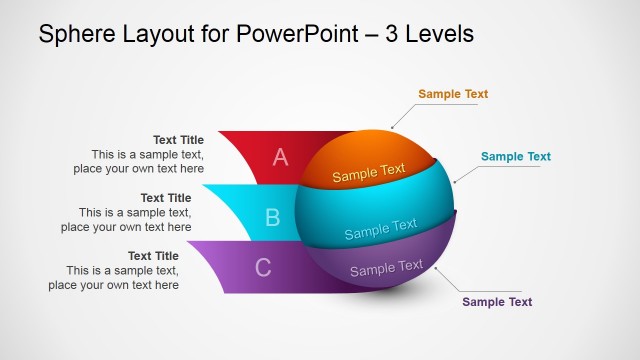
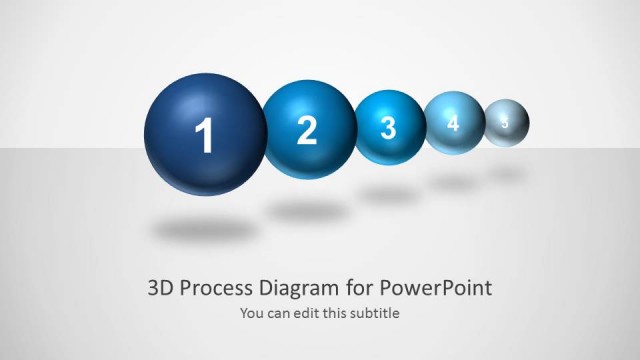
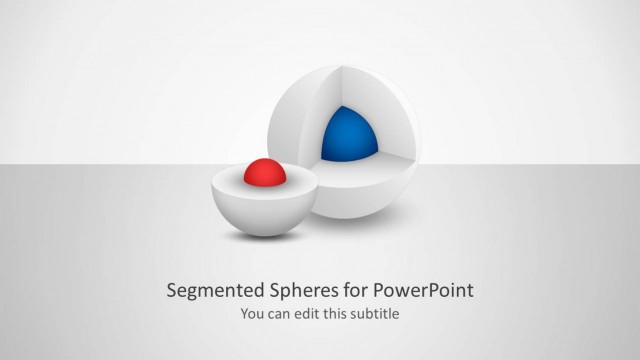
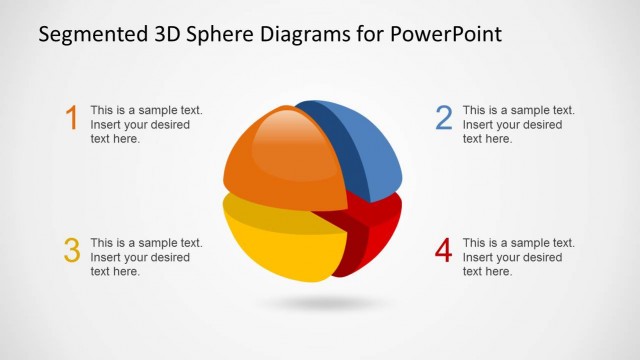
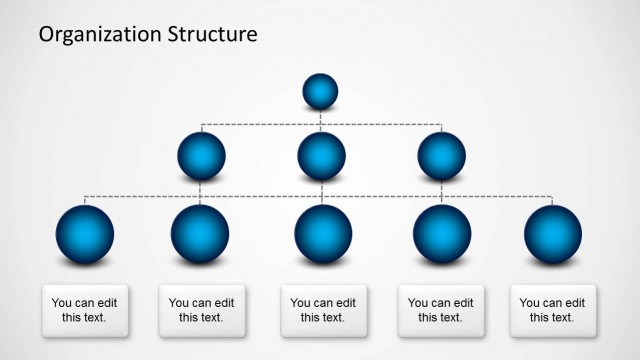
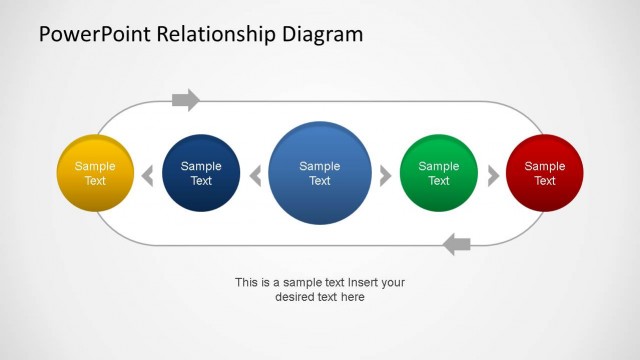
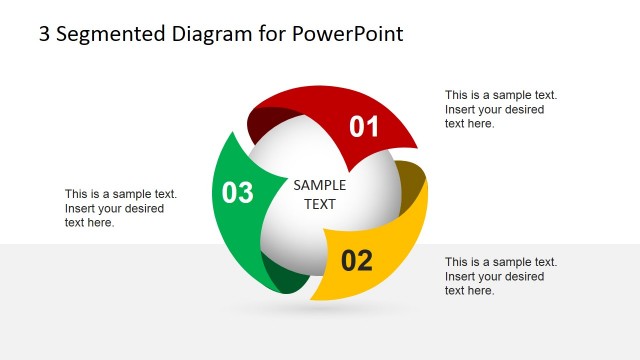
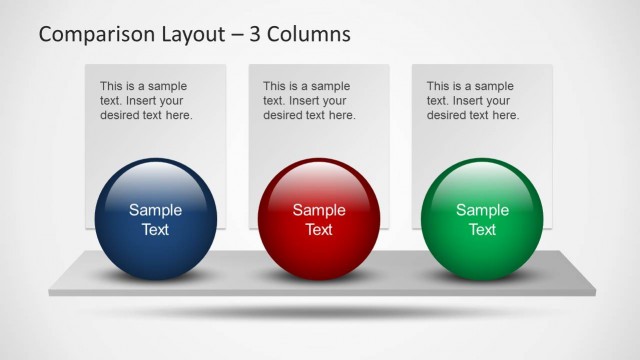
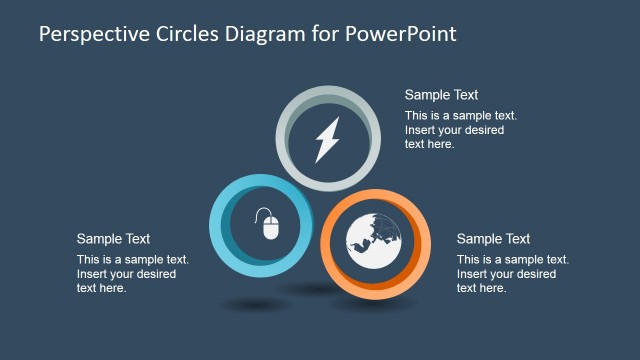
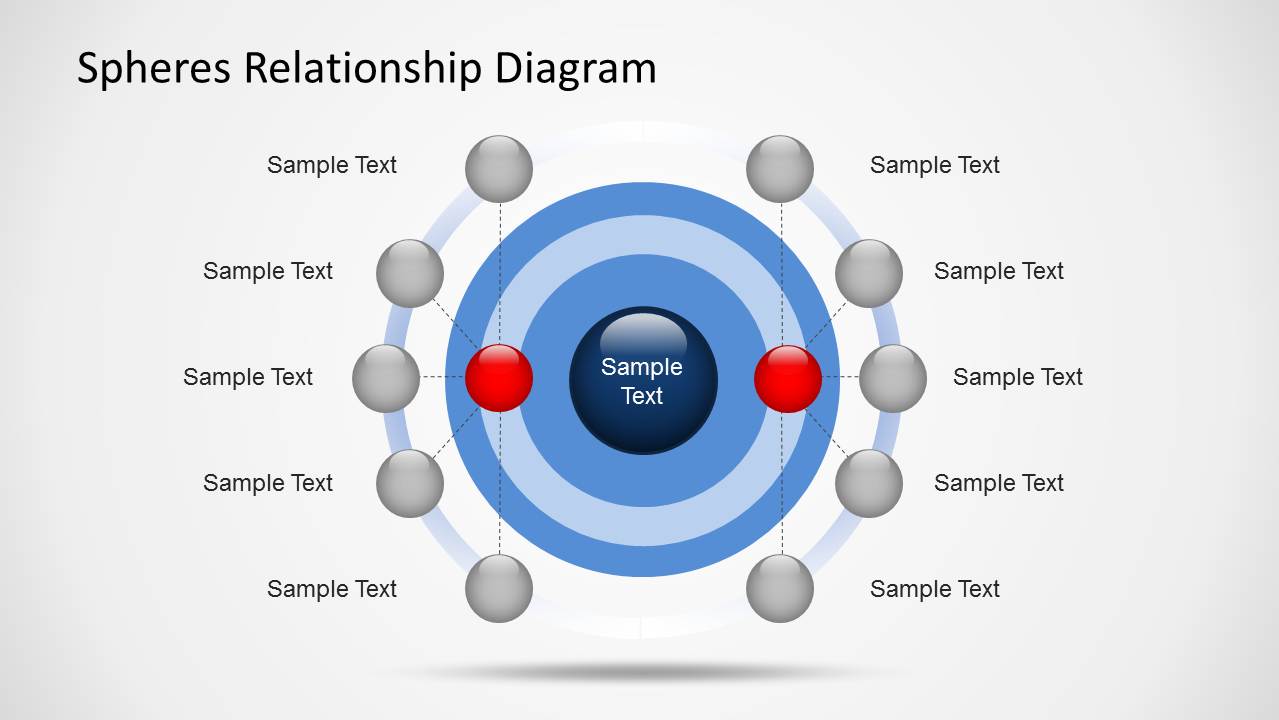
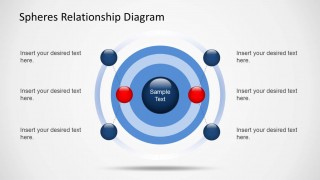
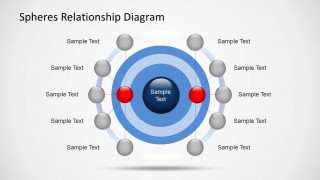
Spheres Relationship Diagrams for PowerPoint is a presentation design with a nice circular diagram and small spheres. With this template you can create elaborate relationship diagrams with the help of editable circular shapes.
The template not only makes it possible to generate professional looking Circular Diagrams in PowerPoint by simply adding text to sample slides but also provides the utility to customize and adjust the given circular shapes to create custom diagrams.
What’s inside this template
Example presentation scenarios
- A strategy consultant can use the concentric sphere diagram to explain how stakeholders, partners, or market forces relate to one central business issue.
- A product manager can use the orbit-style relationship map to show product features, user groups, or integrations organized by closeness to the core offering.
- A project manager can use the labeled sphere layouts to describe dependencies, influence levels, or communication groups around a major initiative.
- An educator or trainer can use the central hub and surrounding sphere format to explain a concept, its related terms, and the strength of each connection.
Features
- 100% editable presentation template
- Compatible with Microsoft PowerPoint and Google Slides
- Scalable vector shapes, icons and illustrations
- AI-Ready for Microsoft Copilot and Claude
- Instant access and download
Frequently asked questions
Q: How should a presenter explain the relationship structure without overcrowding the diagram?
A: Start by naming the central sphere as the main concept, decision, product, or stakeholder. Then introduce the surrounding spheres by ring or side, not one by one at random. Use the closest spheres for the strongest or most direct relationships and reserve outer positions for secondary links, context, or supporting groups.
Q: Who is this template best suited for in a business presentation?
A: This template fits consultants, project managers, product leaders, and analysts who need to explain how several entities connect to one central idea. It works well for stakeholder influence maps, partner ecosystems, dependency discussions, or conceptual frameworks where spatial distance and grouping communicate meaning faster than a text list.
Q: Why use orbiting spheres instead of a standard list or table?
A: The orbit metaphor turns relationship strength, grouping, and proximity into visible structure. A list treats every item as equal, while the concentric rings and surrounding spheres suggest closeness to the core topic. This helps audiences see primary and secondary relationships before reading the labels.
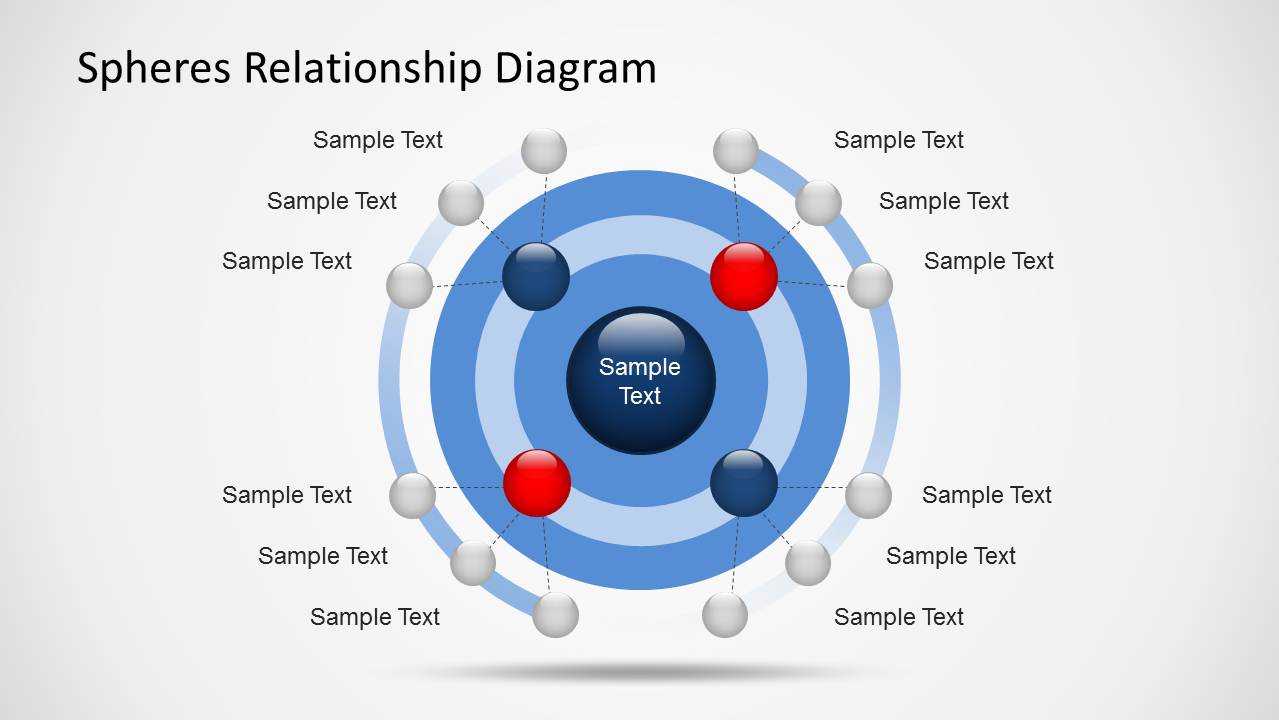
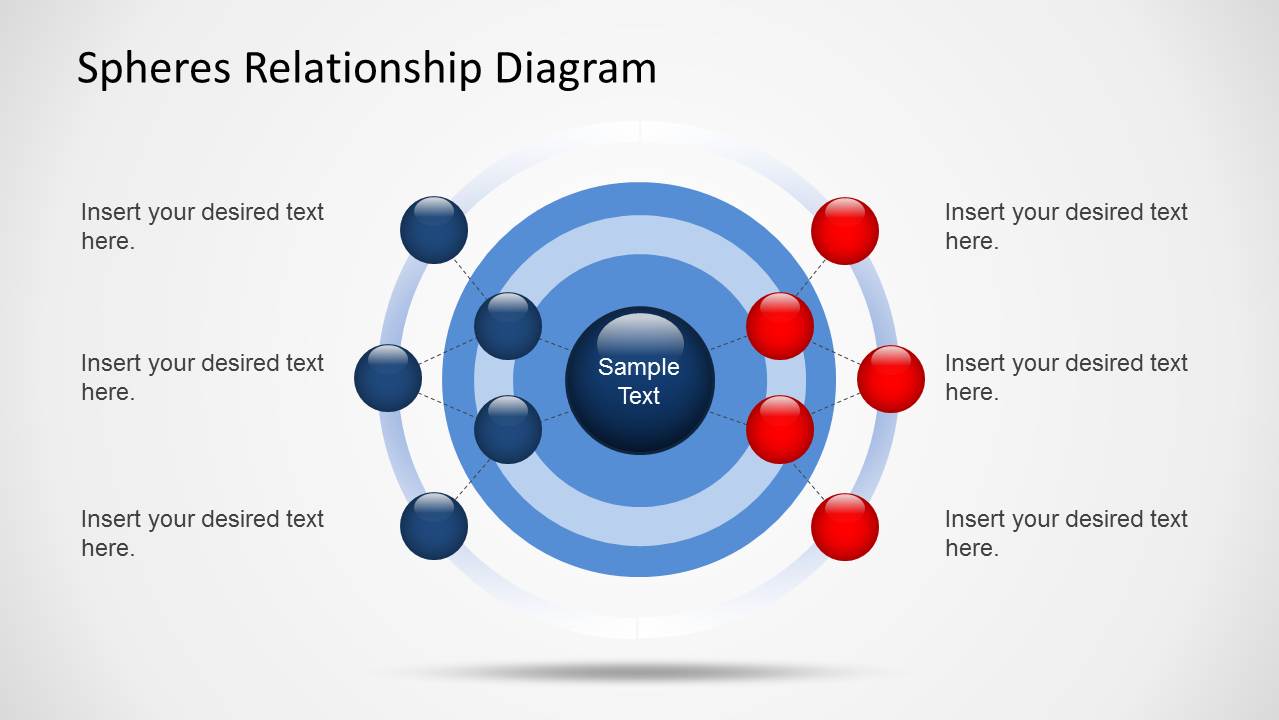

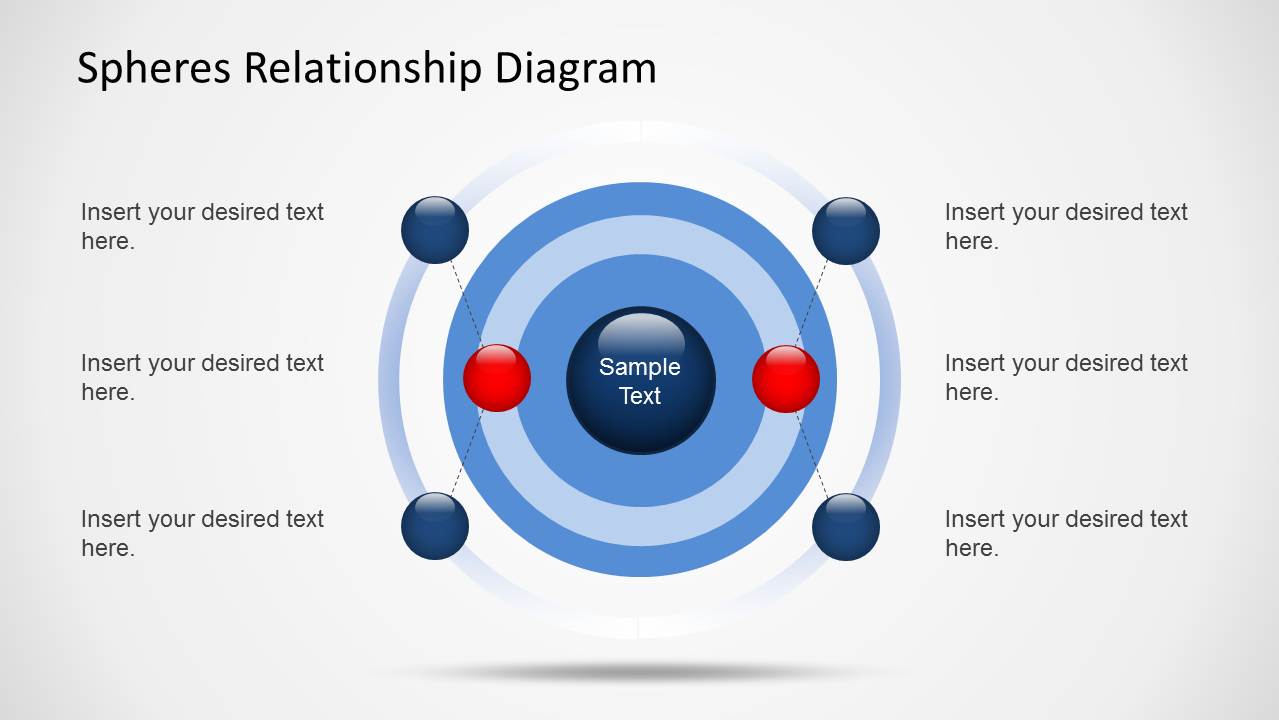
Spheres Relationship Diagrams for PowerPoint
5-slide PowerPoint diagram template for circular relationship maps and orbit sphere visuals
Spheres Relationship Diagrams for PowerPoint is a 5-slide diagram template built around concentric circles, orbit-style sphere arrangements, central hub diagrams, and callout labels. It is intended for presenters who need to show relationships, proximity, influence, or grouped connections using editable PowerPoint shapes and vector graphics.


 Loading...
 Microsoft PowerPoint
  Microsoft Copilot
  Claude for PowerPoint
 Other formats supported
Subscribe today and get immediate
access to download our PowerPoint templates.