4 Steps Onion Diagrams for PowerPoint is a powerful graphical tool that highlight on dependencies among entities or parts. The diagram has meaningful and technical uses. It can capture novel ideas and new perspectives in looking at how different aspects relate to each other. Use 4 Steps Onion Diagrams for PowerPoint to impress professional audiences with unique slideshows.
Numerous topics are applicable to the PowerPoint template such as organization and business. The user can identify tasks and process flows with the model. It is perfect for instilling cooperation and teamwork. This can be done by briefing team members on the importance of their contributions to the overall result. Some more subject matters include behavior, culture, religion, politics, among others.
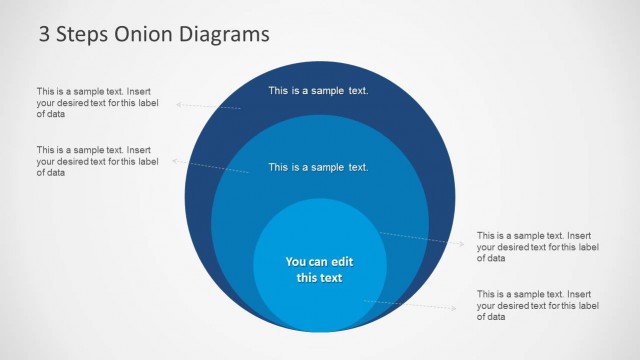
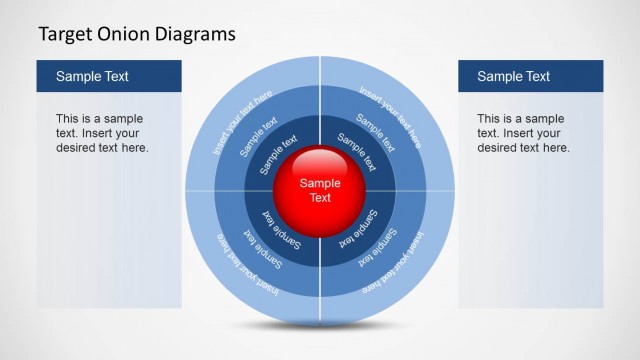
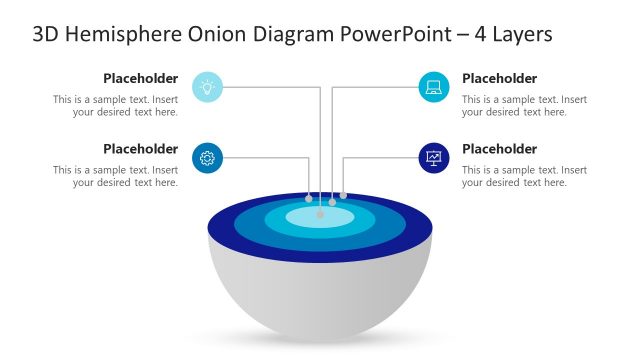
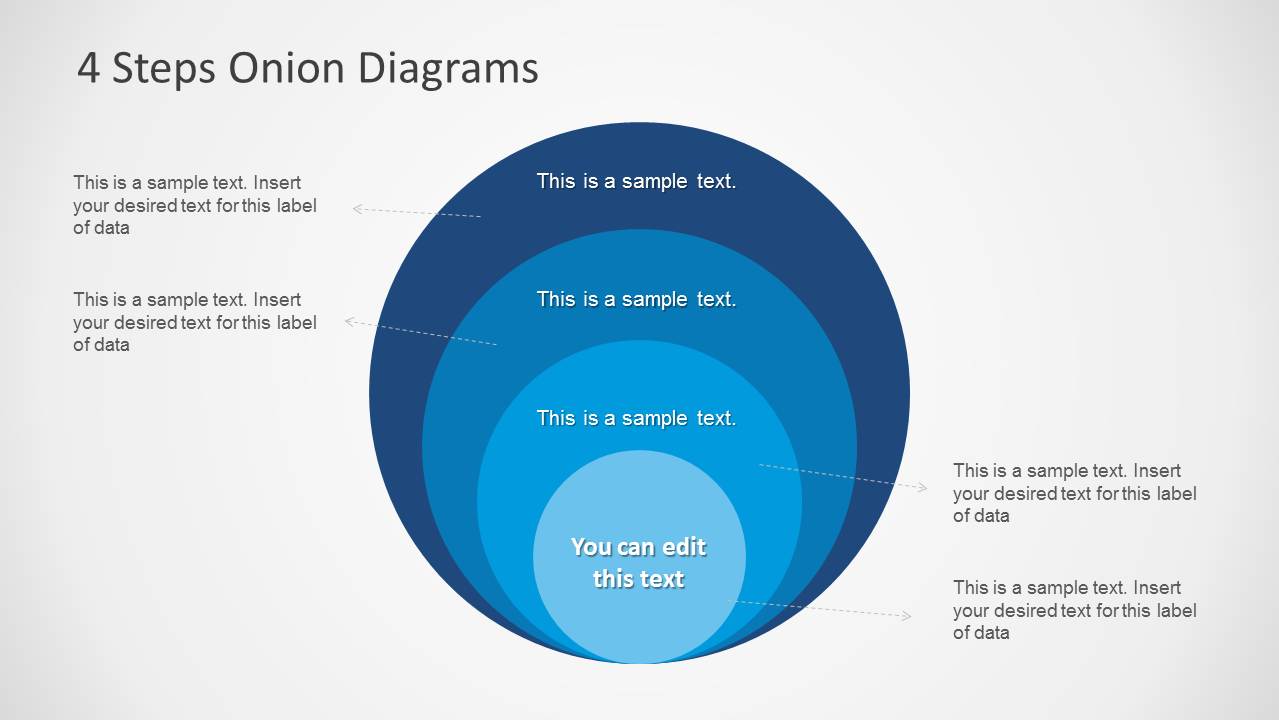
The complete onion diagram illustrates a system of layers. The outer layer is dependent on the inner layer, and so on. Each circle represents an element that affects the main concept. It is directed to generate infographics for easy understanding of a particular connection of components. The layers are defined in a variation of color in a scheme.
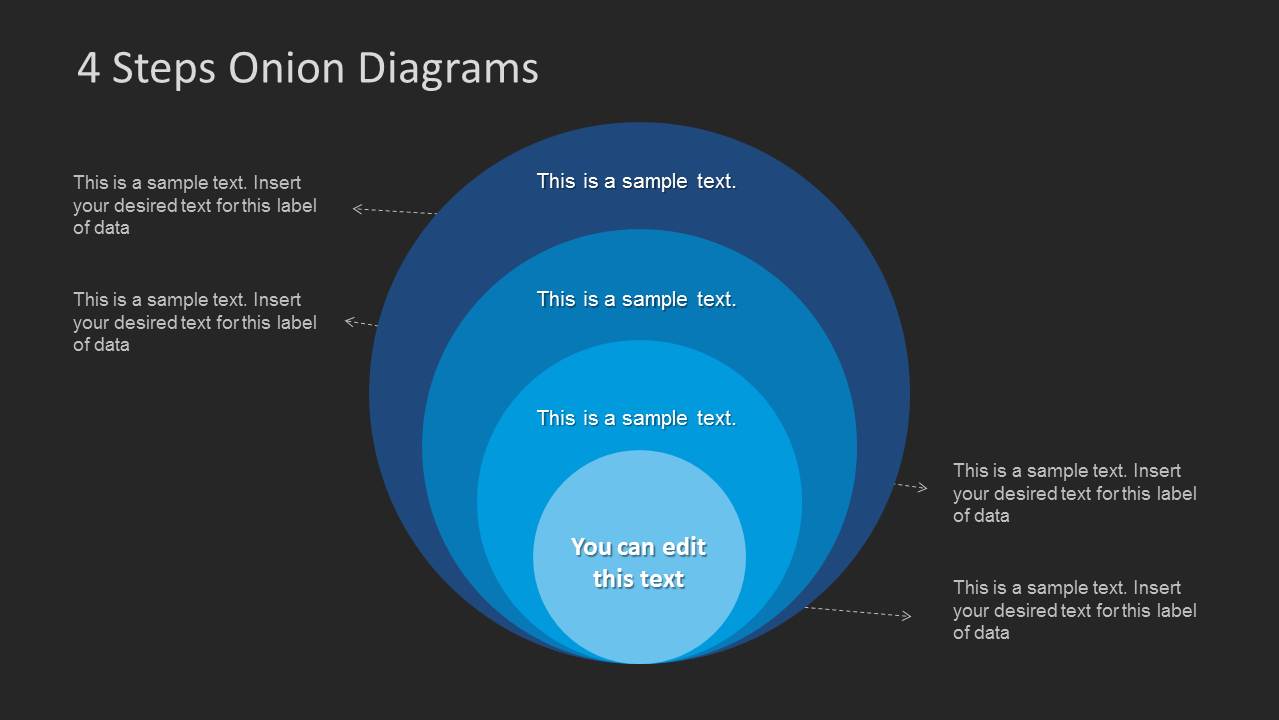
The PowerPoint template showcases two slides in a variation of backgrounds. The first one is in white while the second is in black. The cool blue color combinations are relaxing to the eyes. The slide designs are specific for 4-layer onion diagrams. The innermost circle is in the lightest shade. It is the independent variable of the dependency model. When given a behavioral concept for instance, this layer can be the stimulus. This is determined by an outside force. The first outer layer can be the person’s affected sense due to the stimulus. In the 3rd layer, the user can enter the mind processing. Lastly, the 4th layer can detail on the person’s reaction to the stimulus.
High standard and reusable, 4 Steps Onion Diagrams for PowerPoint can surely appeal to global audiences. 7 Level Onion Diagram Design for PowerPoint is a purple-themed collection downloadable at the Slide Model gallery.
What’s inside this template
Example presentation scenarios
- A business consultant can use the concentric onion diagram to explain how a central capability affects three surrounding operational layers during a strategy workshop.
- A trainer can use the center text and ring labels to teach a behavioral model, moving from an inner trigger to outer reactions or outcomes.
- An HR or organizational development presenter can map culture, teams, processes, and leadership influence using the four layered circles and side callouts.
- A project manager can brief stakeholders on dependencies by assigning each circle to a project layer and using the dashed callouts for risks, owners, or definitions.
Features
- 100% editable presentation template
- Compatible with Microsoft PowerPoint and Google Slides
- Scalable vector shapes, icons and illustrations
- AI-Ready for Microsoft Copilot and Claude
- Instant access and download
Frequently asked questions
Q: How should a presenter explain the four onion layers clearly?
A: Start with the center circle as the root concept, driver, or independent variable. Then move outward one ring at a time, explaining how each layer is affected by the previous one. Use the side callouts for short definitions, evidence, or examples so the diagram stays readable and the audience can follow the dependency logic.
Q: When is this onion diagram a better choice than a process flow or timeline?
A: This template is best when the message is about nested influence rather than sequence. Consultants, trainers, and team leads can use it to show how a core idea, stimulus, capability, or policy creates effects in surrounding layers. A timeline would imply time order, while this diagram emphasizes dependency and proximity to the center.
Q: Why does the onion metaphor work for business and training explanations?
A: The onion metaphor makes abstraction visible by placing the most important driver in the center and related factors in surrounding layers. The blue tonal changes separate each ring without breaking the model apart. This supports audiences that need to understand hierarchy, dependency, or cause-and-effect relationships in one compact visual.
4 Steps Onion Diagrams for PowerPoint
2-slide PowerPoint diagram template for four-step onion diagrams and concentric circle dependency models
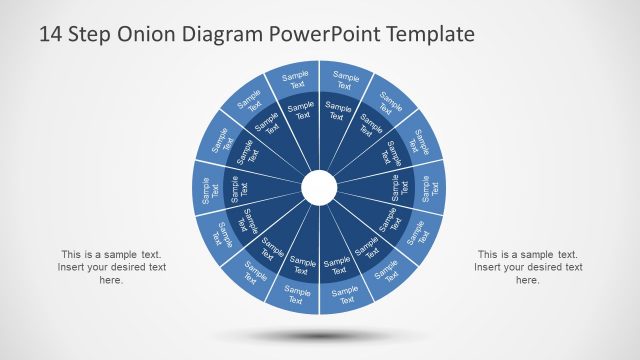
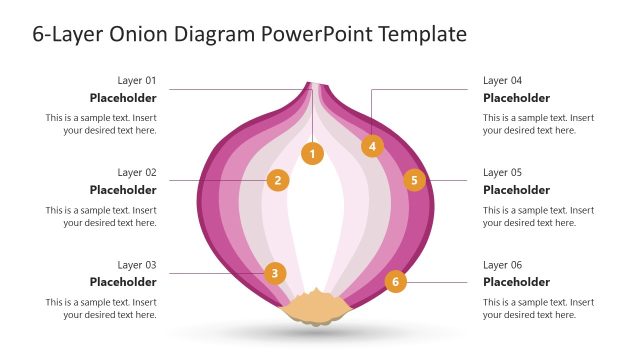
This 2-slide PowerPoint diagram template presents a four-step onion model with concentric circle layers, dashed callout labels, center text, and light and dark background variants. It is designed for consultants, trainers, and business teams explaining dependencies, core drivers, layered systems, or process influences with editable vector PowerPoint shapes.


 Loading...
 Microsoft PowerPoint
  Microsoft Copilot
  Claude for PowerPoint
 Other formats supported
Subscribe today and get immediate
access to download our PowerPoint templates.