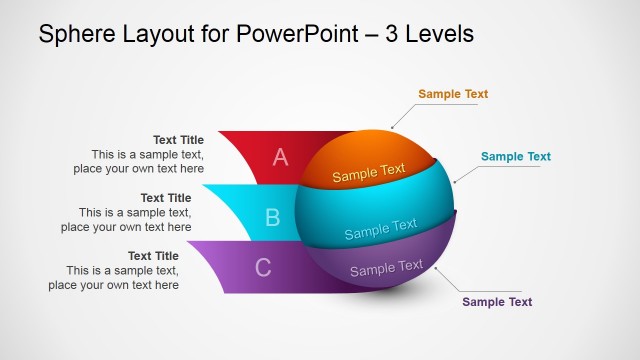
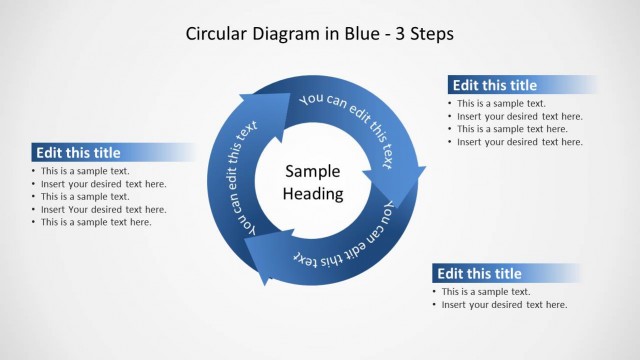
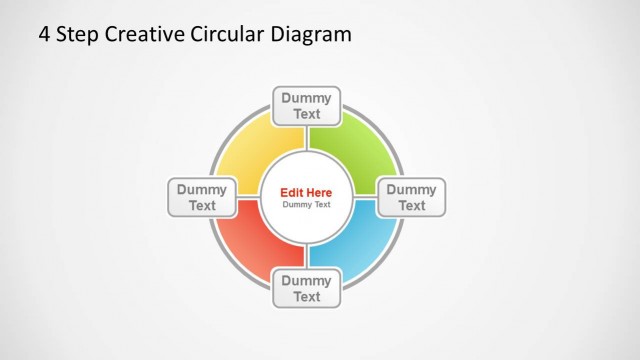
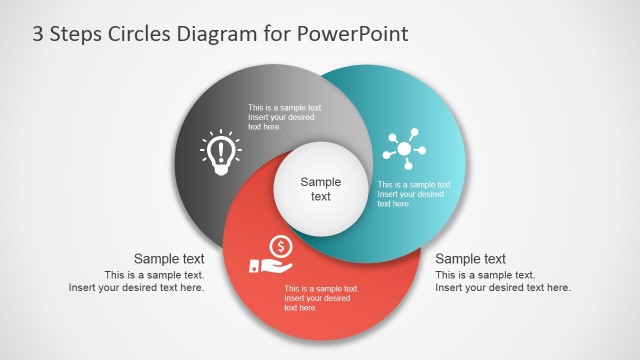
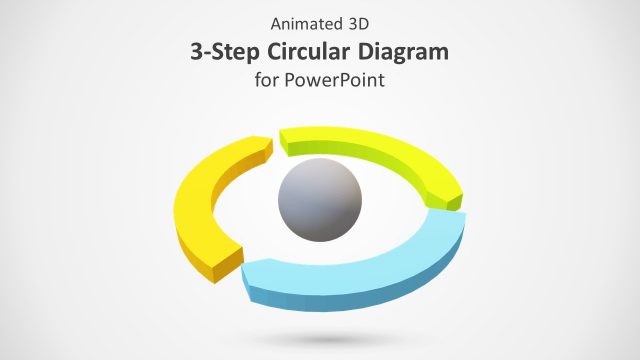
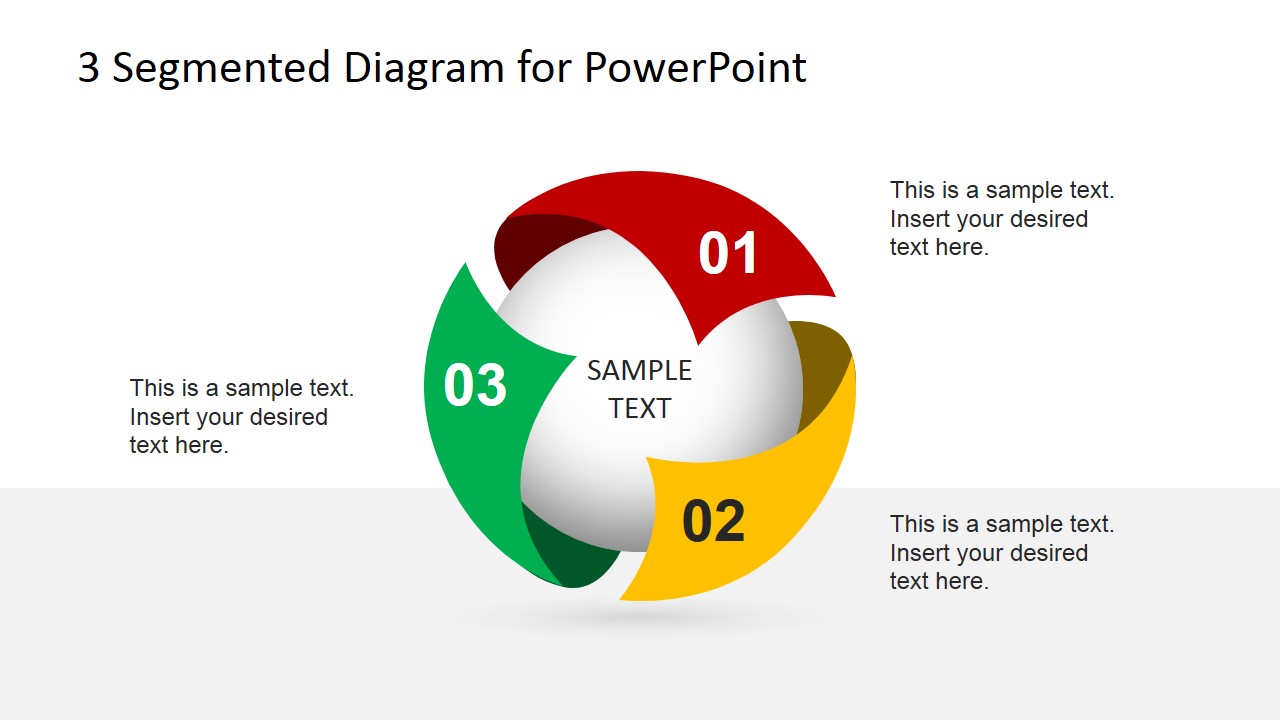
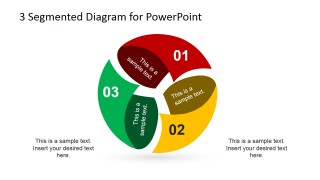
Generate catchy visuals for cyclical presentations using the 3 Step Spherical Segmented Diagram for PowerPoint. The PowerPoint template contains 3 dynamic spheres. They come in a variety of colors that can be used to represent processes. The design offers a continuous look making the concepts easy to grasp.
Cycles are sets of on going systems. The slide design applies to the concept of Water Cycle. This includes 3 operations namely evaporation, condensation and precipitation. All the procedures are equally important. This means that missing one point can have a vital effect on the whole. The cycle cannot move on to condensation if the evaporation phase in incomplete. The same thing will happen to precipitation if the condensation part is not successful.
Using the diagram, the presenter can capture the way one step ends and how the other step starts clearly. The design helps stress out all topics by making separate slides for each. The first and last slides can perfectly summarize the whole discussion.
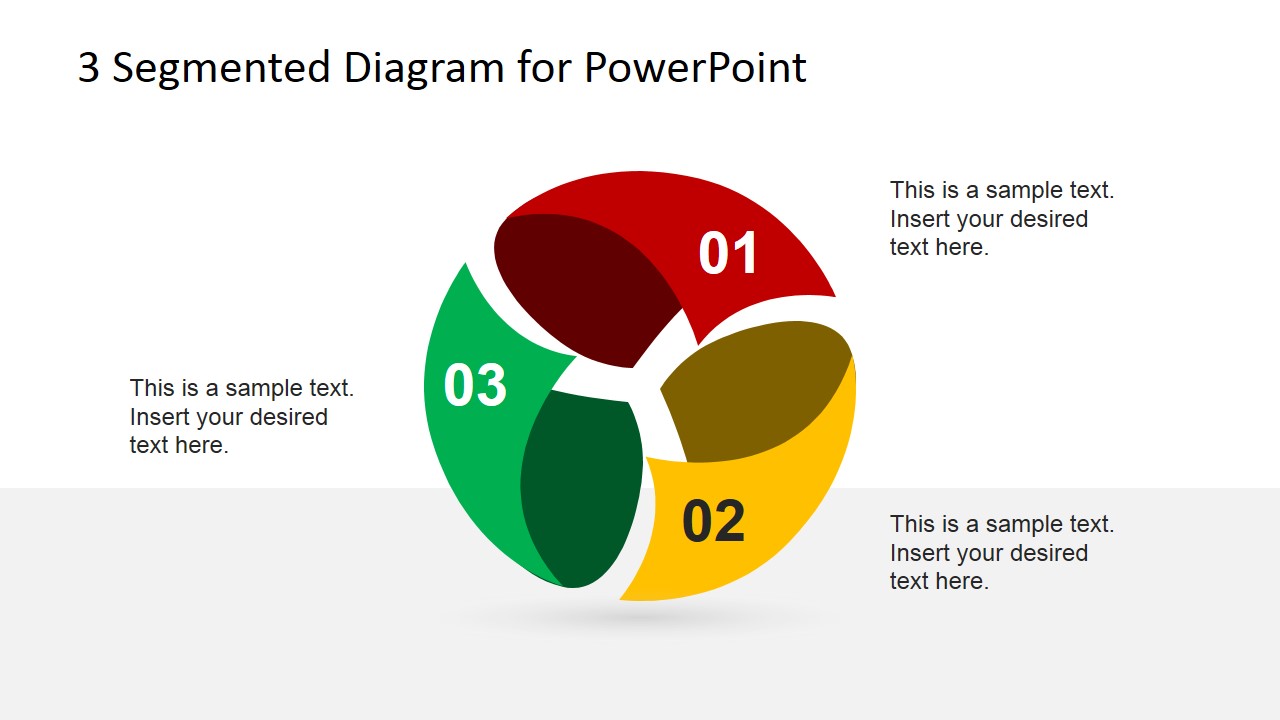
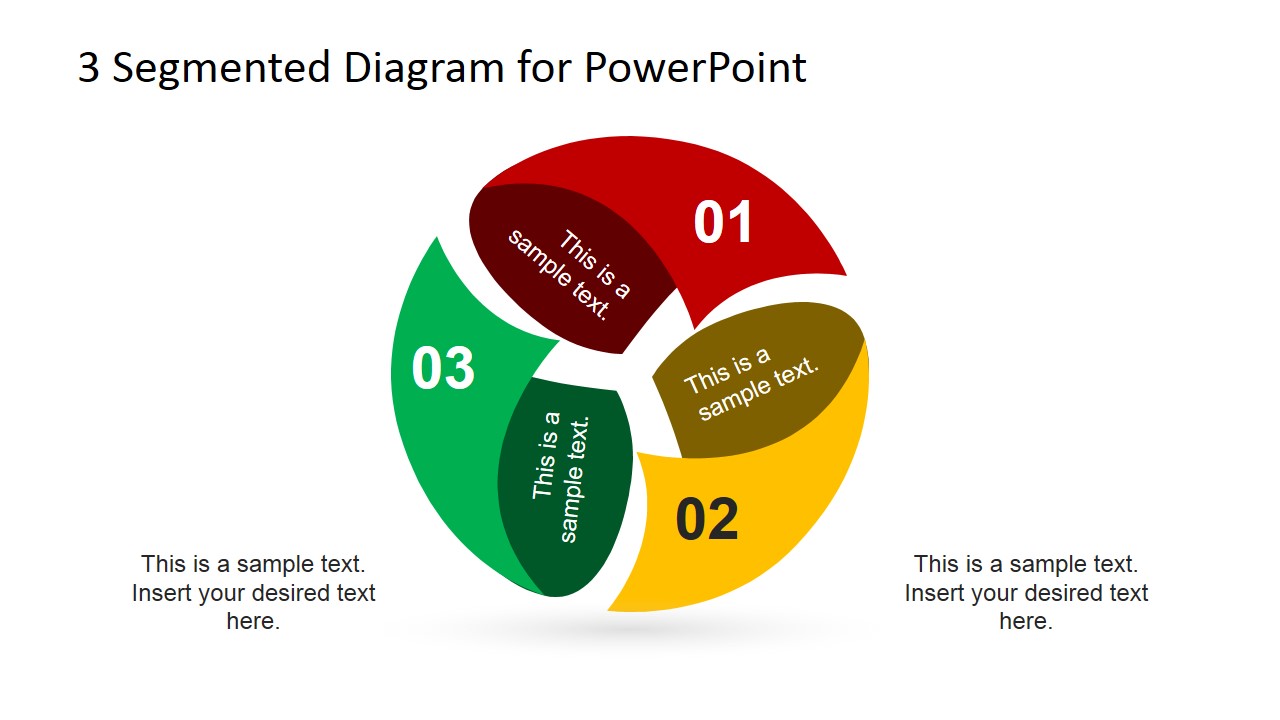
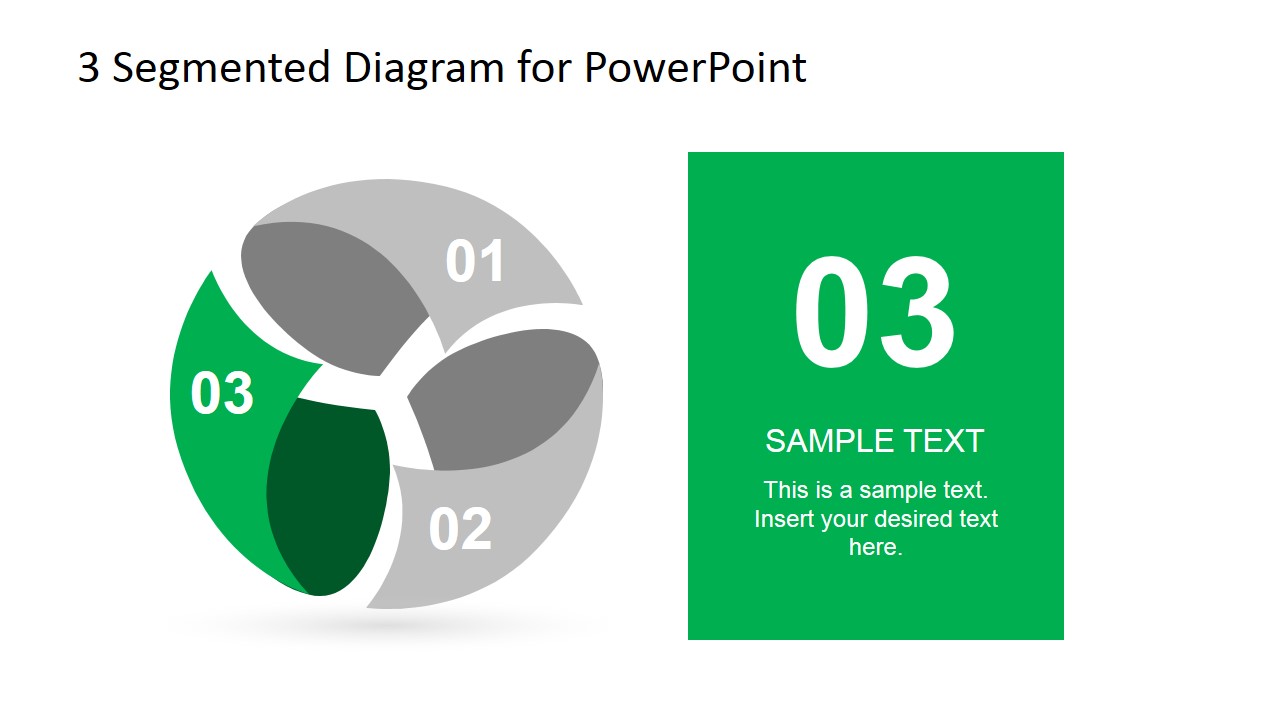
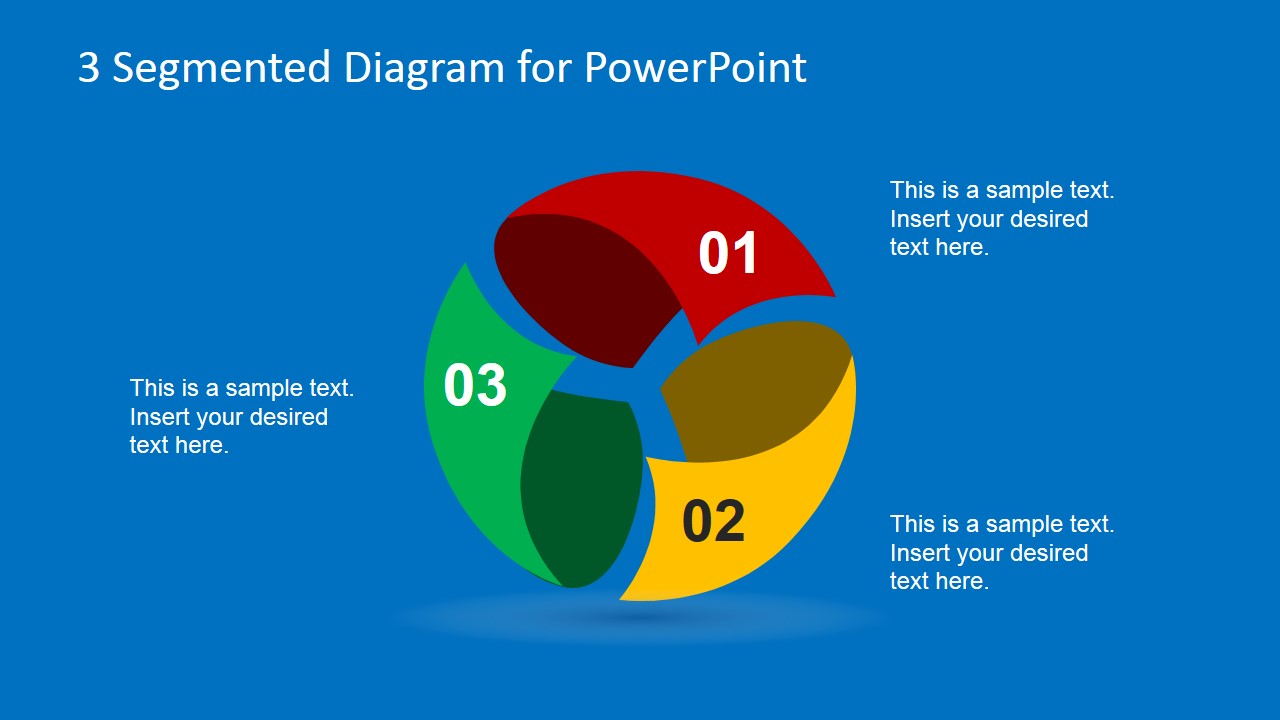
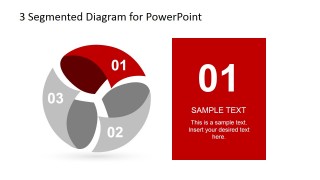
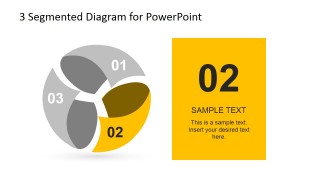
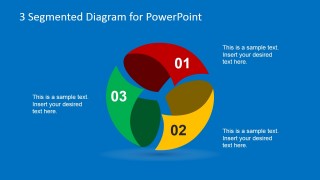
The PowerPoint template has 7 slides. The first one goes with a sphere in the middle and is surrounded by segments. This can symbolize the Earth and the Water Cycle that takes place in it. The user can present the names of the phases of water cycle in the second slide. The next slides can be used to detail each phase. The graphics avoid the presenter to crowd the report with text. This allows the audience to imagine the cycle thoroughly. Lastly, the last slide allows a recap which is the most important part. This outlines the whole presentation. It is highlighted by a blue background. However, all colors can be personalized according to the user’s need.
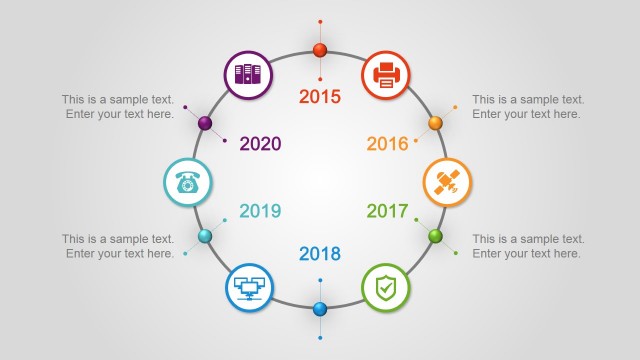
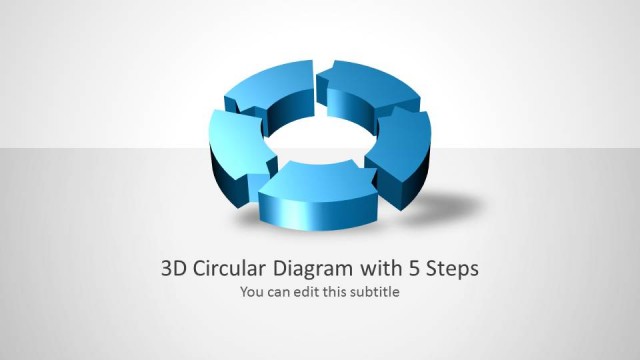
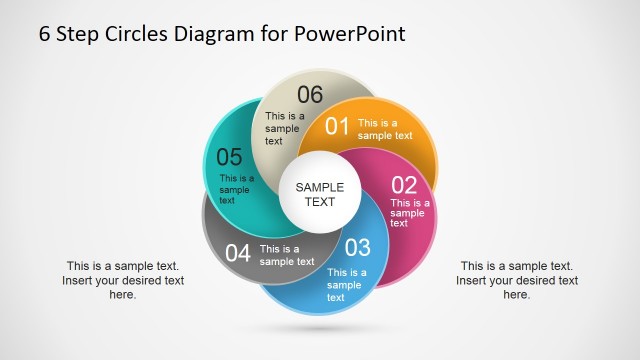
Be creative and impress your audience through the 3 Step Spherical Segmented Diagram for PowerPoint. Market your ideas in a professional manner. Circular diagrams can also be downloaded from the SlideModel gallery.
What’s inside this template
Example presentation scenarios
- A trainer can explain a three-phase workflow by opening with the full spherical cycle diagram and then using the step-focus panels to teach each phase in sequence.
- A consultant can present a client process model by using the exploded segment diagram to show that each phase is distinct but still part of one system.
- An educator can explain a natural cycle, such as evaporation, condensation, and precipitation, with the numbered circular segments and editable callout text.
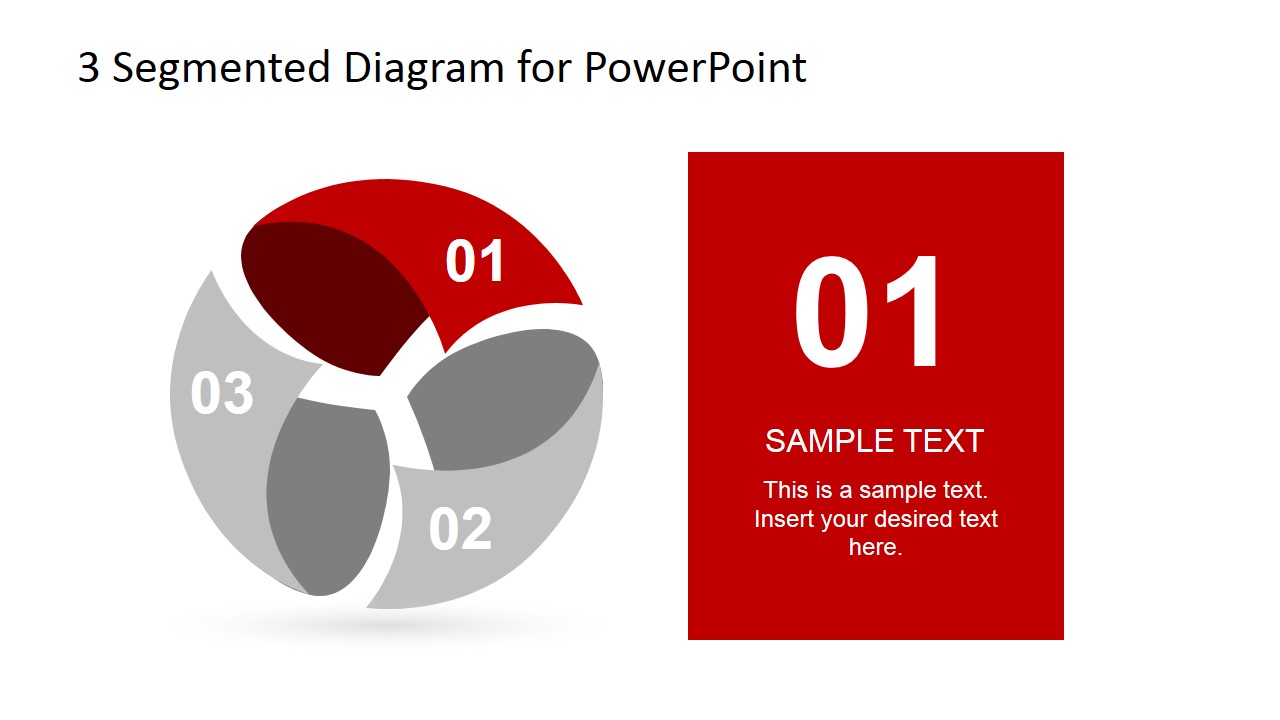
- An operations lead can summarize process dependencies in a team meeting by using the gray inactive segments and colored focus panel to isolate the current step under discussion.
Features
- 100% editable presentation template
- Compatible with Microsoft PowerPoint and Google Slides
- 16:9 aspect ratio slides
- Scalable vector shapes, icons and illustrations
- AI-Ready for Microsoft Copilot and Claude
- Instant access and download
Frequently asked questions
Q: How should the presenter communicate a three-step cycle with this template?
A: Start with the full spherical cycle to establish that all three parts belong to one connected system. Then move to the step-focus layouts, where the active segment is colored and the others are gray. Keep each step label short, and use the right-side panel for the key action, dependency, or outcome.
Q: What type of presentation message fits this diagram best?
A: This template works best when the presenter needs to explain three repeatable phases that are equally important, such as a service cycle, feedback loop, learning model, or environmental process. It is a good fit for trainers, educators, consultants, and operations teams who need a visual model rather than a data-heavy report.
Q: Why use a spherical segmented diagram instead of a flat list?
A: The sphere creates a cycle metaphor, which helps the audience see continuity and interdependence. A flat list can imply that the steps simply end after item three, while the circular form suggests return, repetition, and balance. The step-focus panels add control by isolating one phase without losing the system context.


3 Step Spherical Segmented Diagram for PowerPoint
6-slide presentation template with 3-step spherical cycle diagrams and step-focus process panels
3 Step Spherical Segmented Diagram for PowerPoint is a 6-slide 16:9 diagram template for explaining a three-part cycle or process. Visible layouts include a spherical segmented cycle, an exploded segment diagram, three step-focus panels, and a blue recap slide. It suits trainers, analysts, and business presenters using Microsoft PowerPoint or Google Slides.
- Category
- Diagrams
- Rating


 Loading...
- Aspect ratio
- 16:9
- Item ID
- 6717-01
- Colors
 Microsoft PowerPoint
  Microsoft Copilot
  Claude for PowerPoint
 Other formats supported
Subscribe today and get immediate
access to download our PowerPoint templates.