Slide 4 of 8 from Segmented 3D Sphere Diagrams for PowerPoint
1197-01-segmented-sphere-4
Layered Hemisphere Diagram for Presentations
- Diagram
- Layered Stack
- Concept Explanation Slide
- 16:9
- 100% Editable
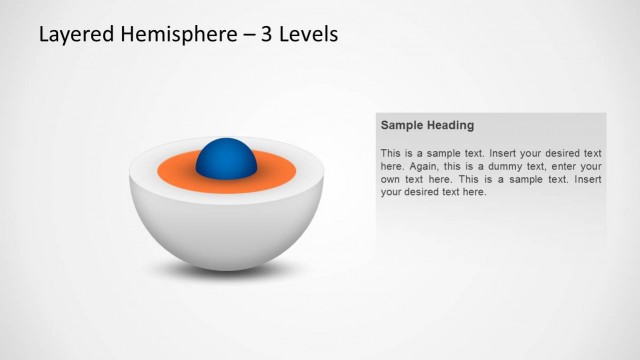
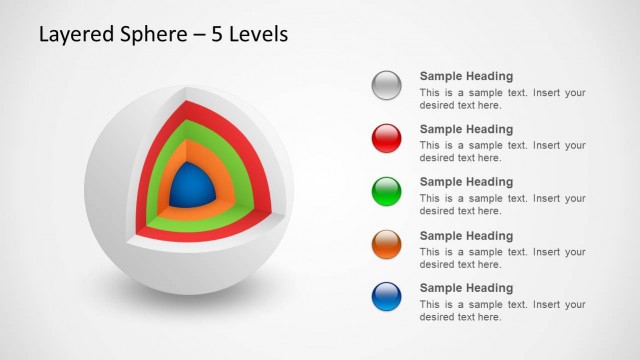
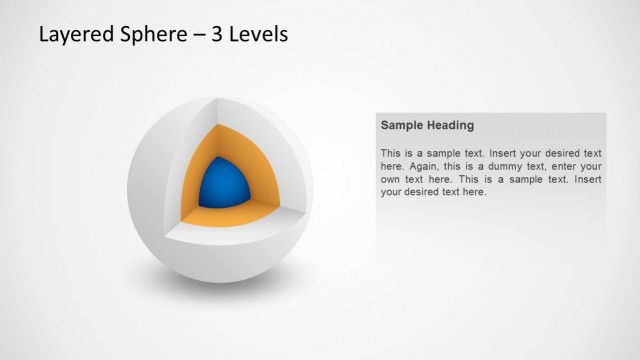
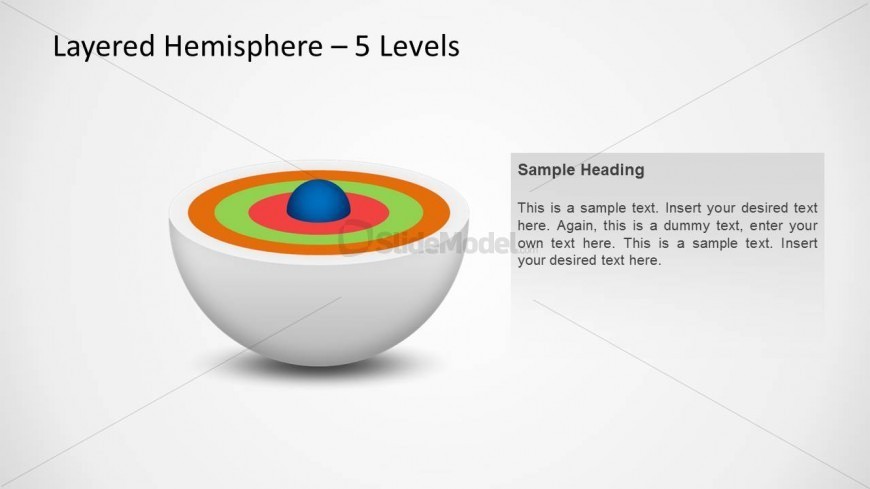
The Layered Hemisphere - 5 Levels slide from the Segmented 3D Sphere Diagrams for PowerPoint template offers a clear visual tool for illustrating multi-layered concepts in business presentations. This slide layout uses editable shapes and vector icons to depict complex structures across five distinct layers, making it suitable for corporate presentations and training sessions that require detailed conceptual explanations within a slide deck.
What’s on This Slide
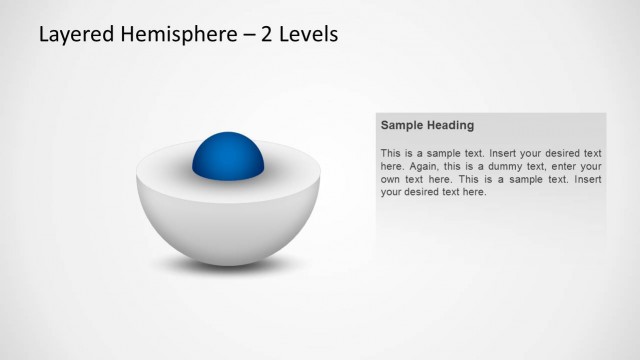
The slide features a layered hemisphere diagram with five distinct colored layers. The central sphere is blue, surrounded by concentric rings in orange, green, and red. The diagram is positioned centrally, occupying most of the slide space. To the right, there is a text box with a sample heading and placeholder text, aligned vertically. The background is light, enhancing the visibility of the diagram. The overall composition is balanced, with the diagram and text box clearly separated, creating a structured visual hierarchy.
How to Use It
This layout serves as a visual representation of layered concepts, ideal for explaining multi-level processes or structures. It fits well in a presentation sequence after an introductory slide, providing clarity on complex topics. Suitable scenarios include business strategy discussions, training sessions, or technical presentations where layered information needs to be conveyed effectively. The diagram can be customized to represent various themes or topics relevant to the audience.
Text Placeholders & Capacity
Keep your copy within these limits so it fits without resizing. Text slots can accommodate concise information, roughly 5-7 words each.
| Placeholder | Count | Max characters (approx.) |
|---|---|---|
| Slide title | 1 | 30 |
| Item body | 5 | 50 |
| Callout | 1 | 150 |
Slide Keywords
Download unlimited PowerPoint templates, charts and graphics for your presentations with our annual plan.
DOWNLOADReturn to Segmented 3D Sphere Diagrams for PowerPoint.