3D Graphics for PowerPoint
A slide built entirely from flat shapes and stock photography can look identical to a hundred other decks in the same industry, and sometimes a presentation needs a visual with depth that stands apart. A 3D graphics PowerPoint template adds that dimension directly, with rendered shapes, icons, and illustrations that read as more polished than flat clip art. Our 3D graphics templates are built for designers and marketers who want a slide to carry visual weight without hiring outside design help.
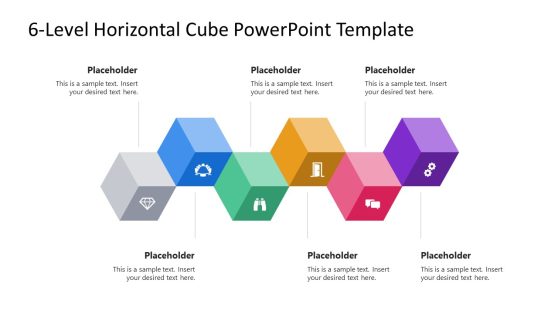
6-Level Horizontal Cube Infographic PowerPoint Template

Graphic Design Proposal PowerPoint Template

Digital Designer PowerPoint Template
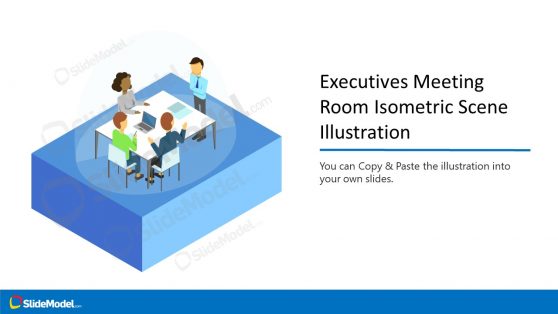
Executives Meeting Room Isometric Scene Illustration
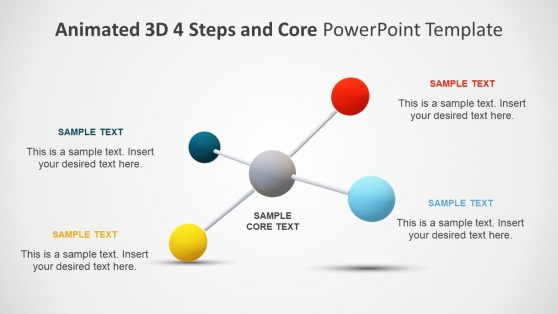
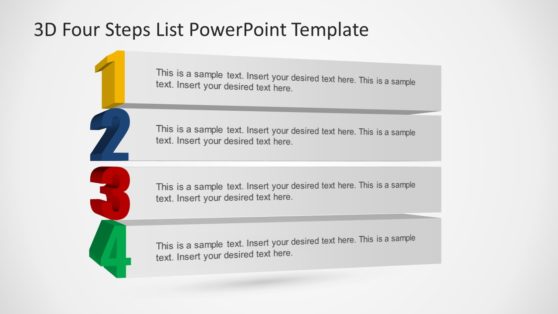
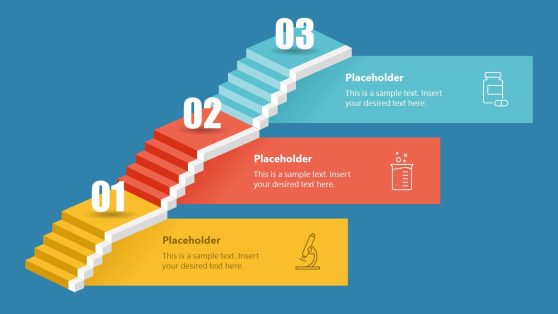
3D Four Steps List PowerPoint Template
Why Designers and Marketers Choose 3D Graphics
A flat icon communicates information, but a 3D graphic communicates production value; in a pitch deck or product launch presentation, that difference in perceived polish matters. 3D graphics templates give presenters access to that visual quality without commissioning custom renders for a single slide, and the shapes stay editable so colors and lighting can be adjusted to match a brand palette. This is particularly useful when a company is introducing a physical product and wants the slide itself to feel dimensional rather than schematic. Designers already using techniques like a long shadow effect on flat icons can use 3D graphics templates as a faster route to the same depth without manually building the shadow on every element.
What’s Inside a 3D Graphics PowerPoint Template
A 3D graphics PPT template is a slide set built around rendered shapes, icons, and illustrations with visible depth rather than flat, single-plane artwork. The set usually breaks down into:
- 3D geometric shape sets for abstract backgrounds and dividers
- Rendered icon collections with shadow and lighting built in
- 3D chart and data visualization elements
- Product mockup shapes for launch and marketing slides
Where and How 3D Graphics Templates Get Used
Marketing teams use the rendered icon sets on landing-page-style pitch slides to match the product’s visual quality, while product designers use the mockup shapes to preview a physical item before manufacturing samples exist. Agencies pitching creative concepts to clients rely on 3D graphics to differentiate their deck from a competitor’s flatter design, and presentation designers use the geometric shape sets purely as background texture on section dividers. Teams that also rely on icon sets for simpler slides mix in 3D elements selectively, reserving the dimensional graphics for the moments in a deck that need extra visual weight, and every shape stays editable once opened in Google Slides.
What is a policy presentation template?
It’s a slide deck built to present a company policy’s scope, requirements, and consequences in a structured format, used for onboarding and compliance training rather than a full written document review.
How do I create a policy PowerPoint template?
Start with a layout that already structures the scope and requirements sections, then add your organization’s specific policy language and adjust the consequences section to match your enforcement process.
Where can I find a free policy presentation template?
Our library includes free and premium policy layouts, covering scope, requirements, consequences, and sign-off sections for onboarding and compliance training.
Should a policy slide deck replace the written policy document?
No. The presentation supports training and communication, while the written document remains the official reference record that employees sign off on and that HR retains for compliance purposes.
Can the requirement slides show different rules for different employee categories, like full-time versus contractor?
Yes, separate requirement columns or sections can be added per category, since policy requirements often do vary by employment type.
Do the consequence slides distinguish between first-offense and repeated non-compliance?
Yes, a tiered consequence structure can be shown, escalating from a first-offense response to more serious consequences for repeated violations.
Can the acknowledgment slide be adapted to track sign-off status for a whole team, not just an individual?
Yes, a roster-style table can replace the single signature line, tracking acknowledgment status across a full team or department.