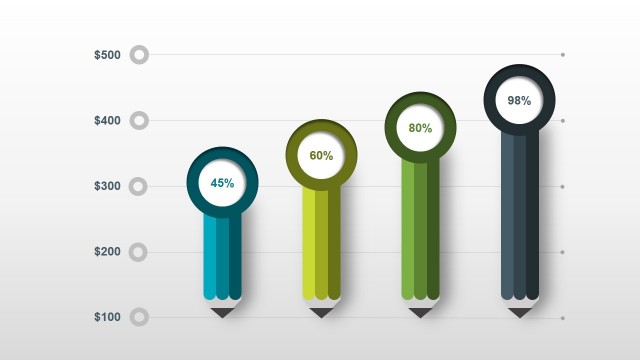
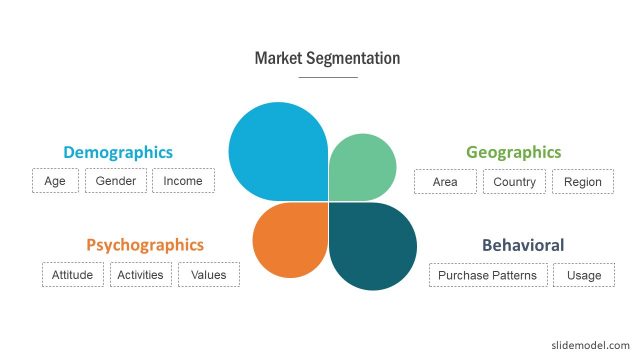
Market Share Diagrams for PowerPoint is a presentation template containing a set of useful slide designs for presentations where you need to present market share data to an audience. You can use the market share PowerPoint template to display market share information to a group of investors or preparing marketing PowerPoint presentations using Microsoft PowerPoint.
Market share is the percentage of a market accounted for by a specific entity. The percentage is measured either in units or revenue and usually the dollar market share is more useful than the unit market share, accordingly to expert surveys.
In business, increasing the market share is one of the most important objectives for any top manager and it is often used as a measure of business performance.
What’s inside this template
Example presentation scenarios
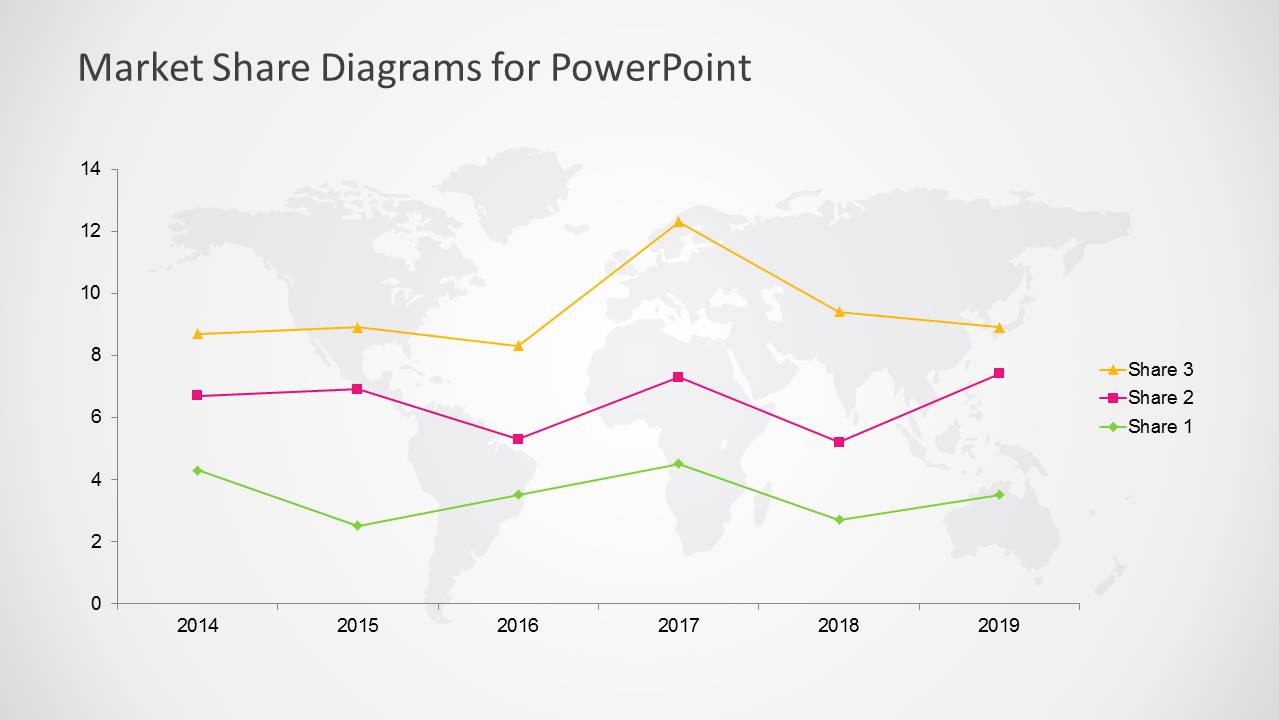
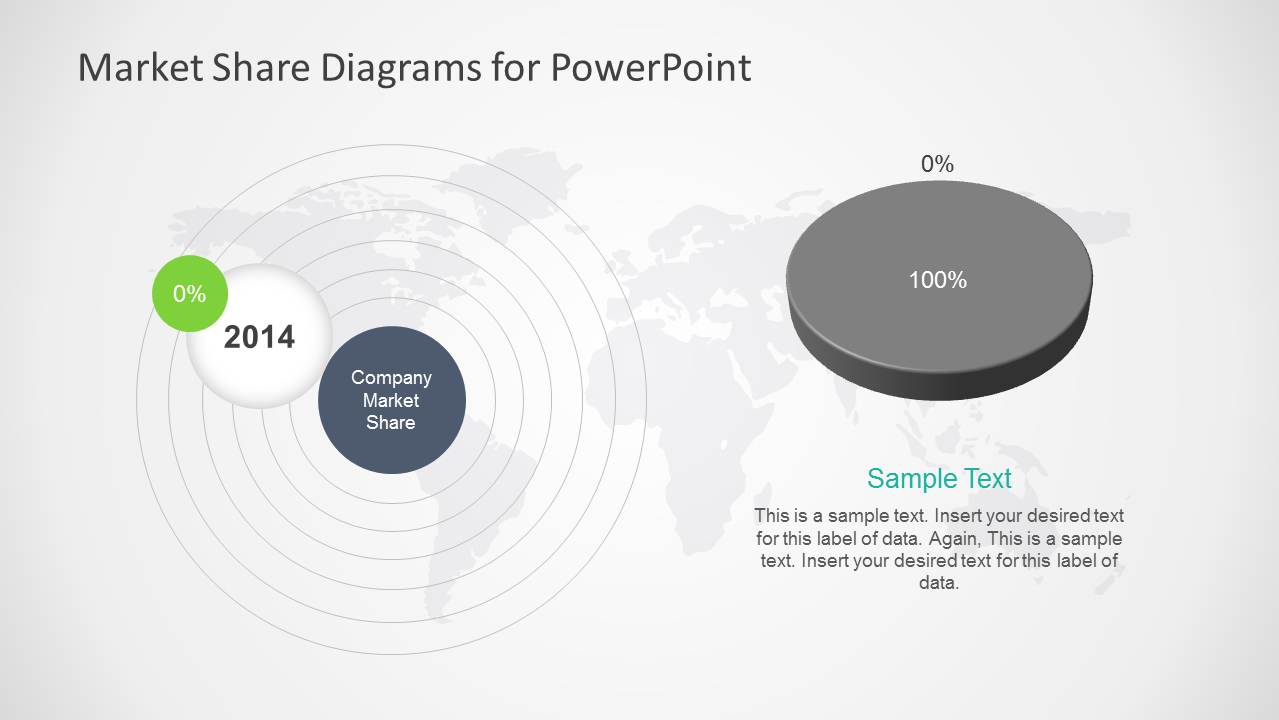
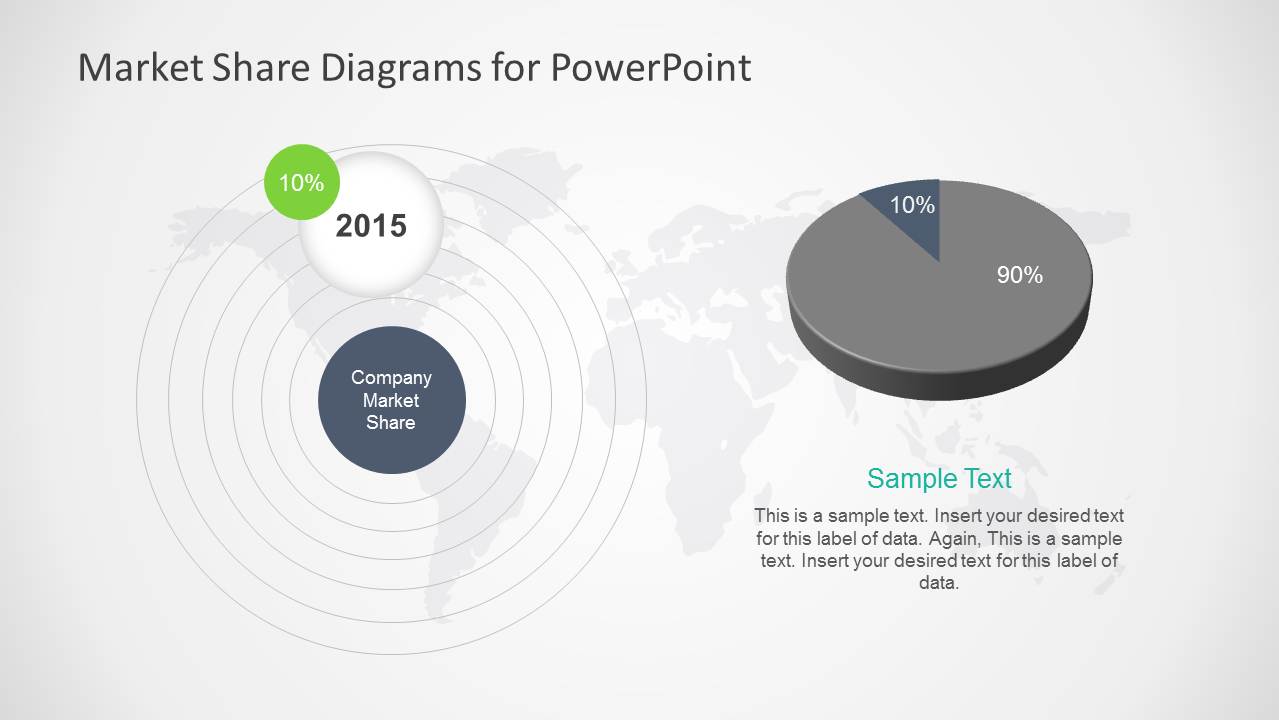
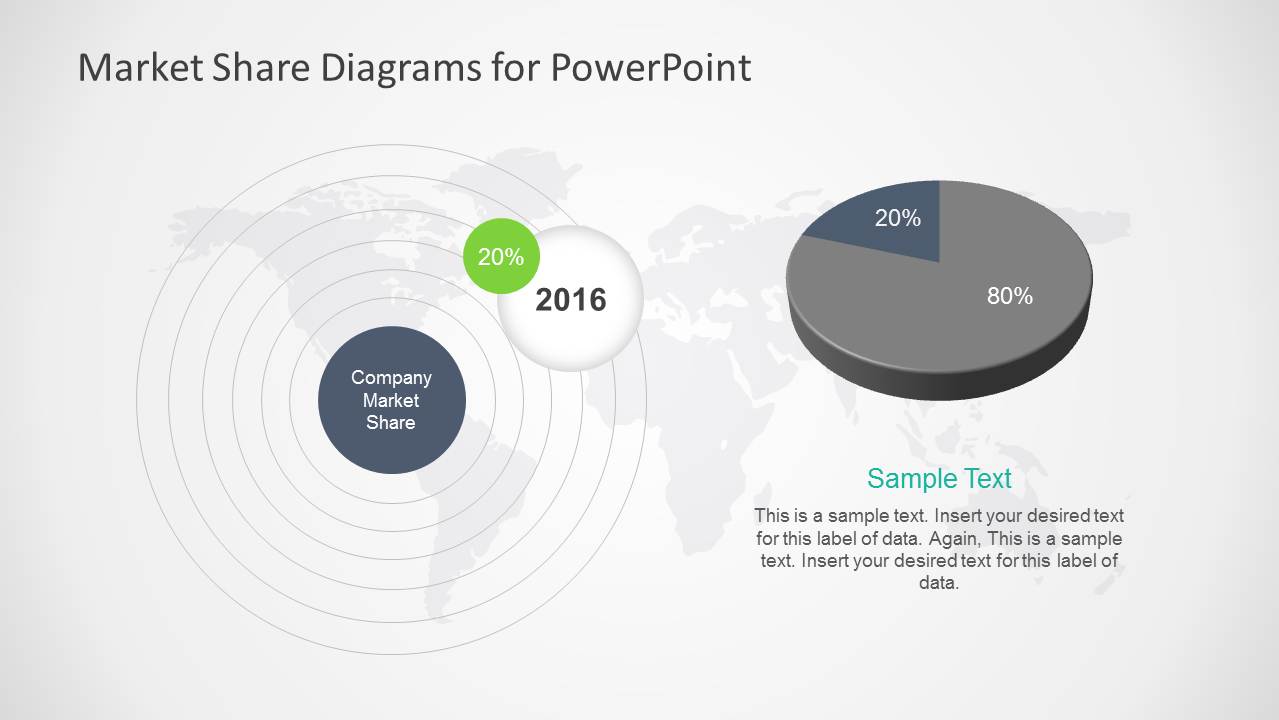
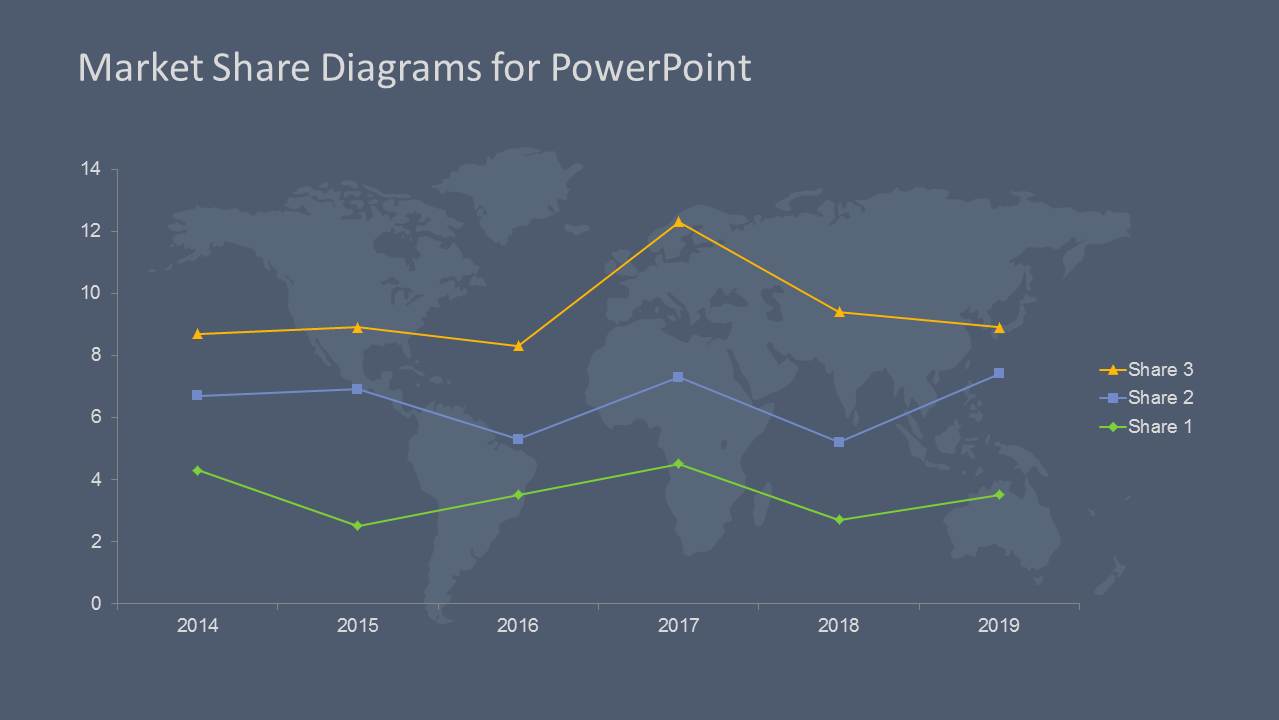
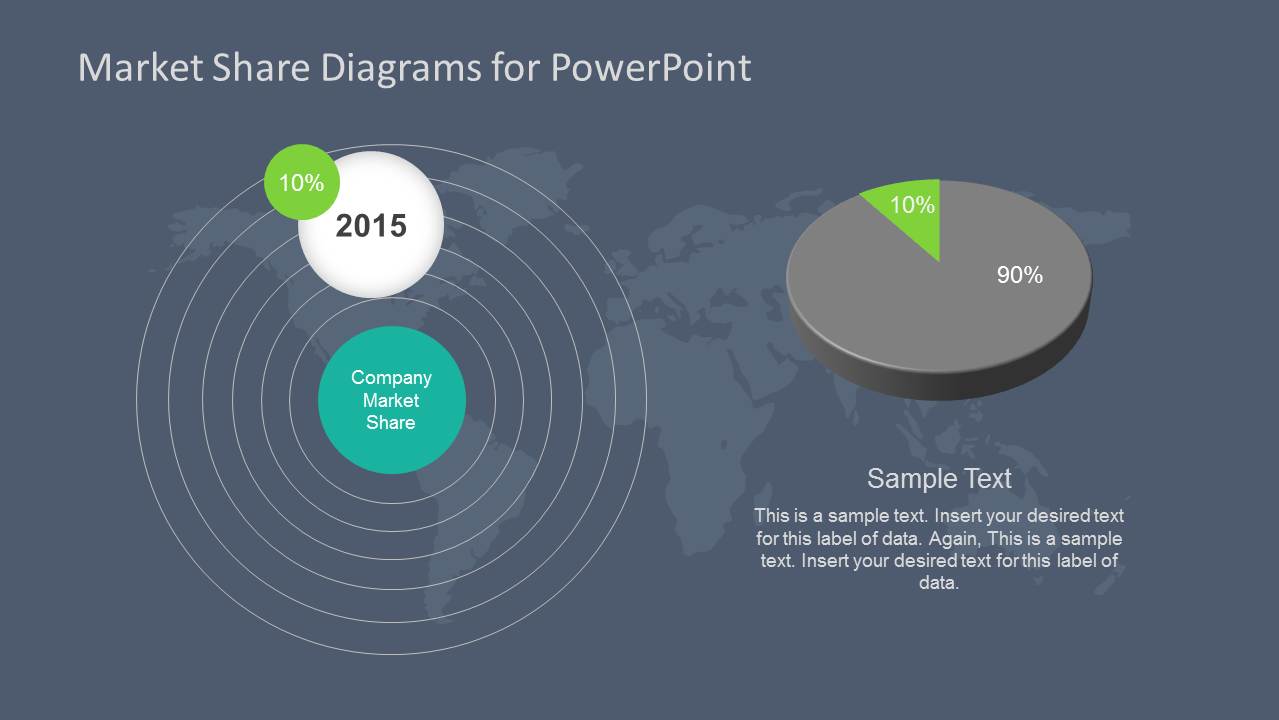
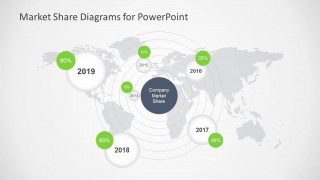
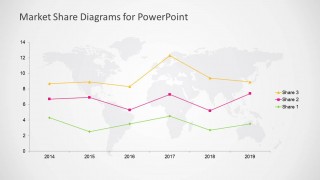
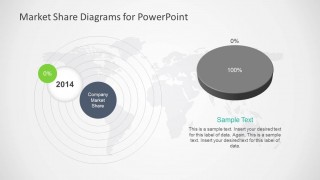
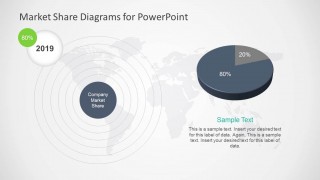
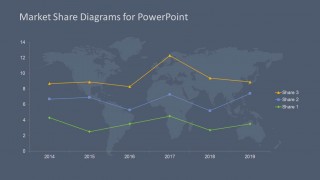
- A marketing director can present annual market share movement to executives using the 2014 to 2019 line chart and the year-by-year pie chart slides.
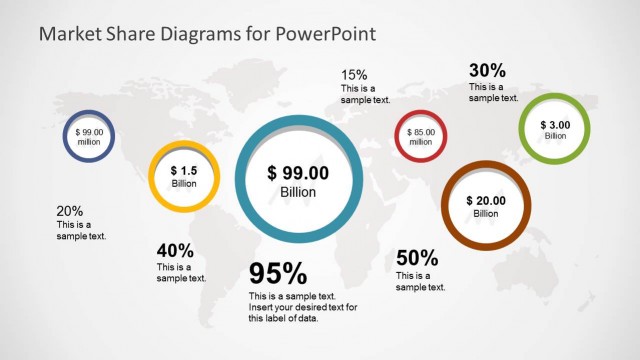
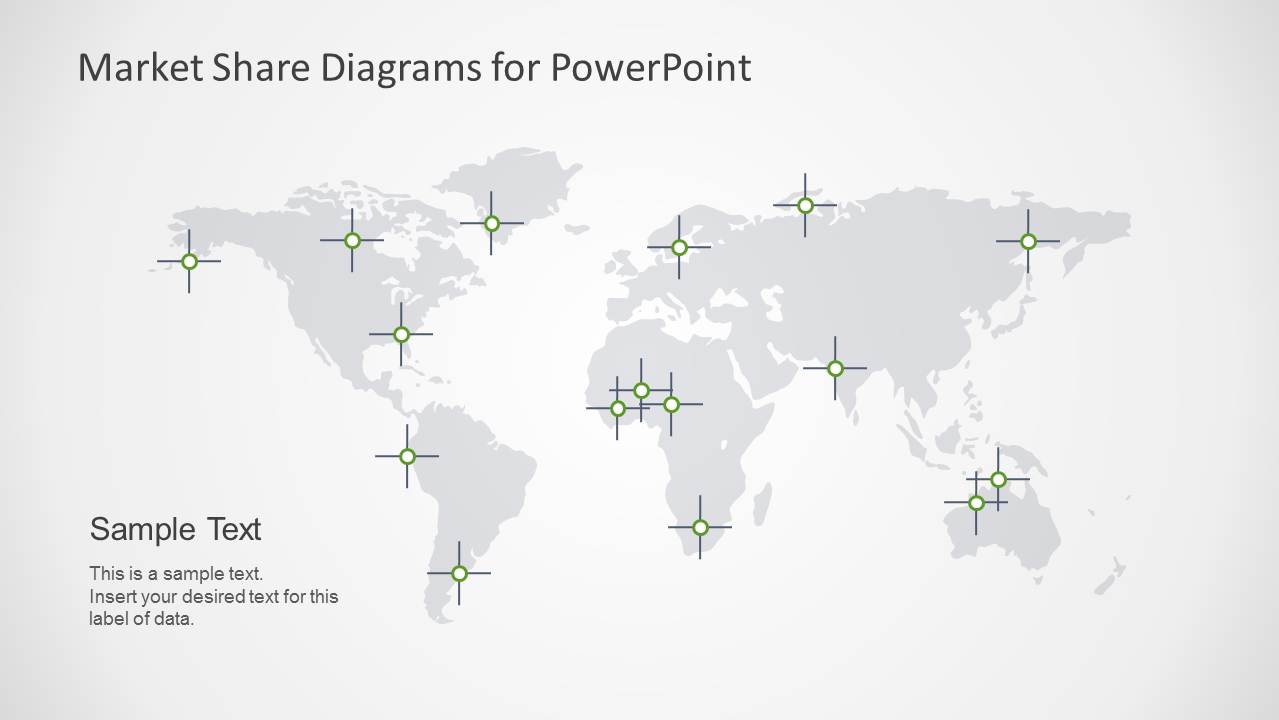
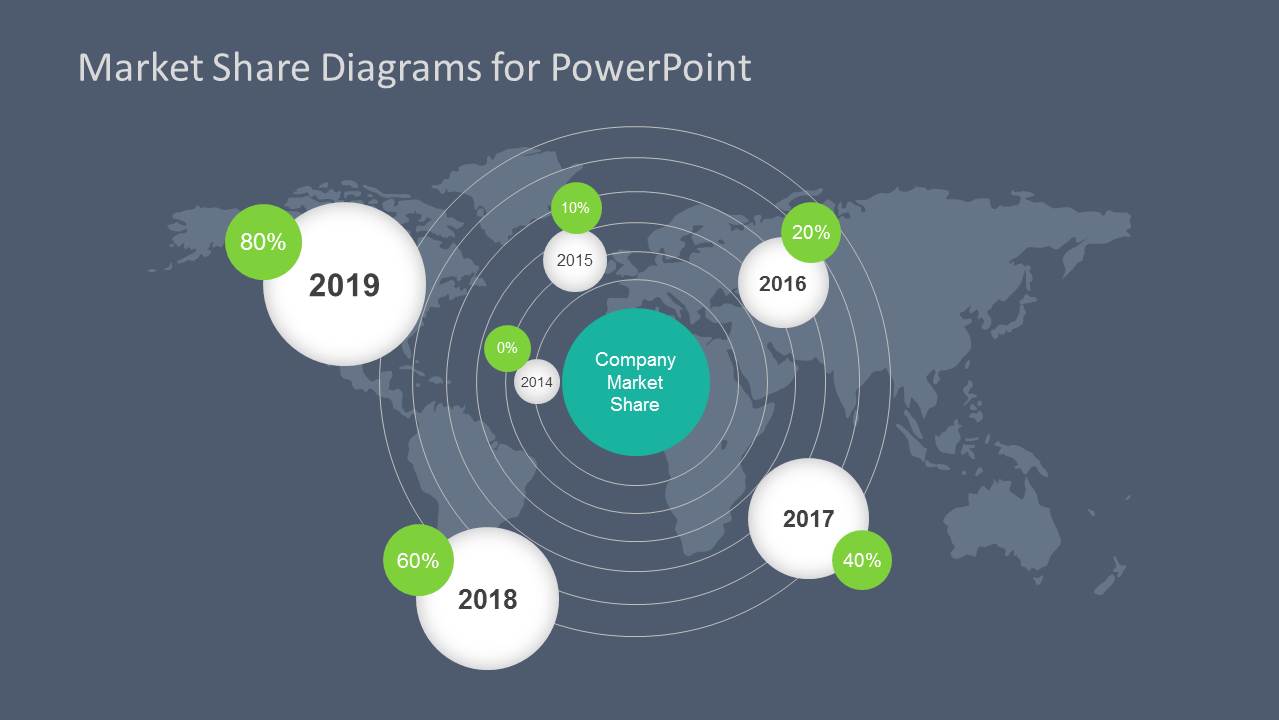
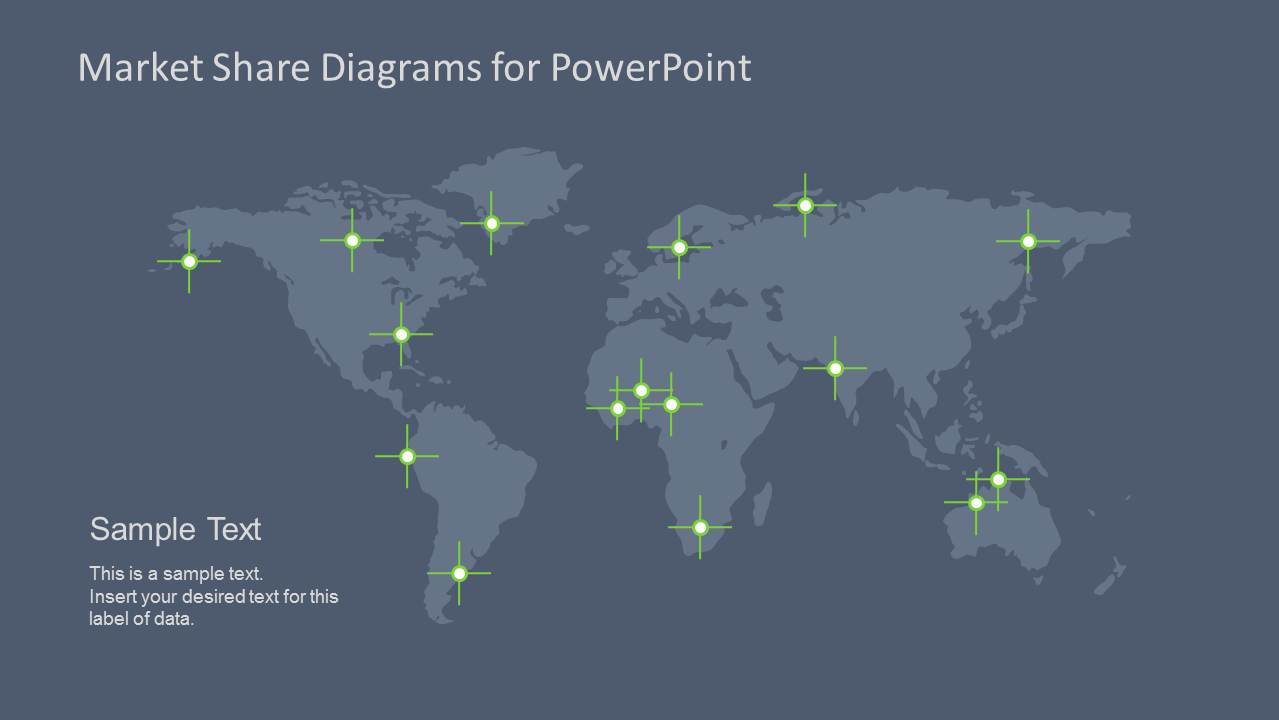
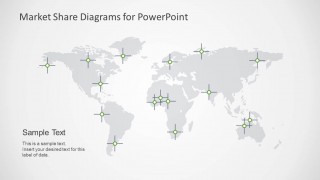
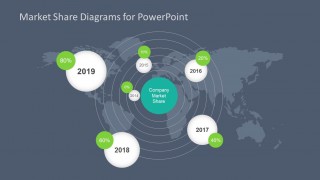
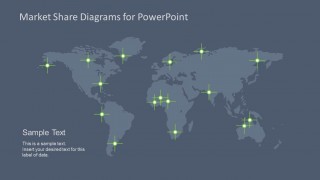
- A business analyst can summarize regional presence for an investor meeting with the world map location pin layout and percentage bubbles.
- A telecom strategy team can show network or market coverage across countries using the world map markers and dark theme map slide.
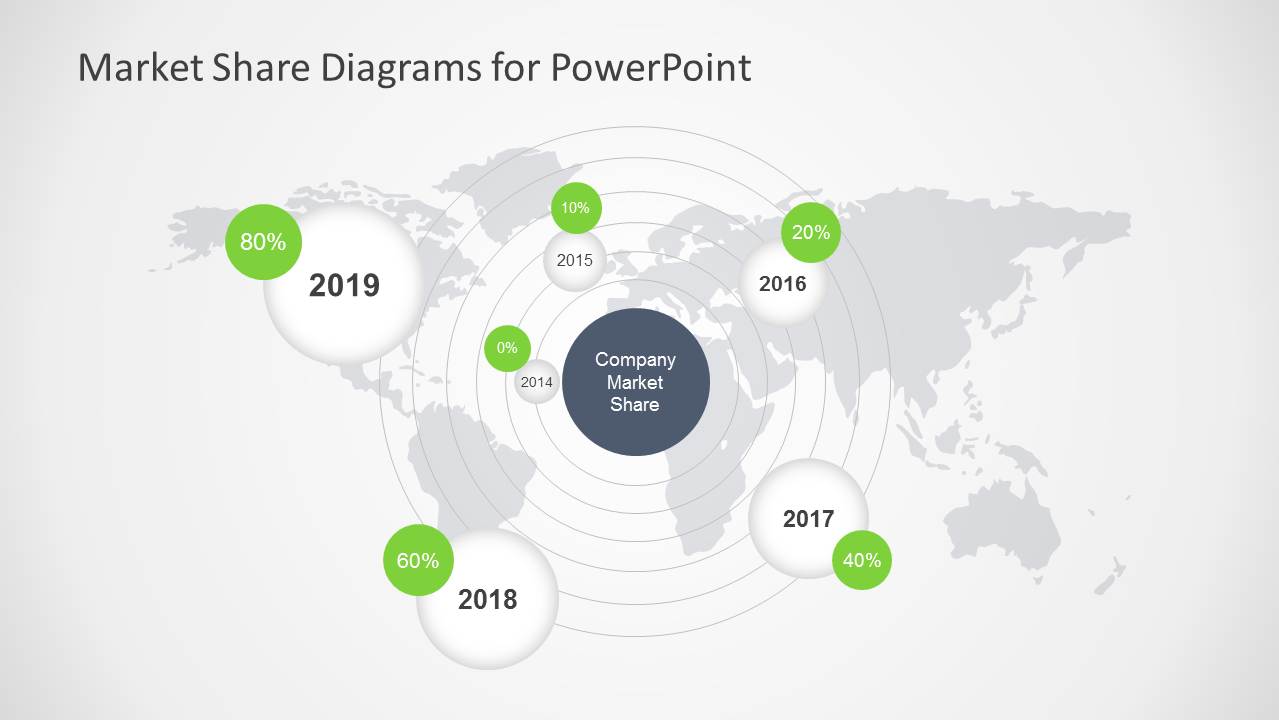
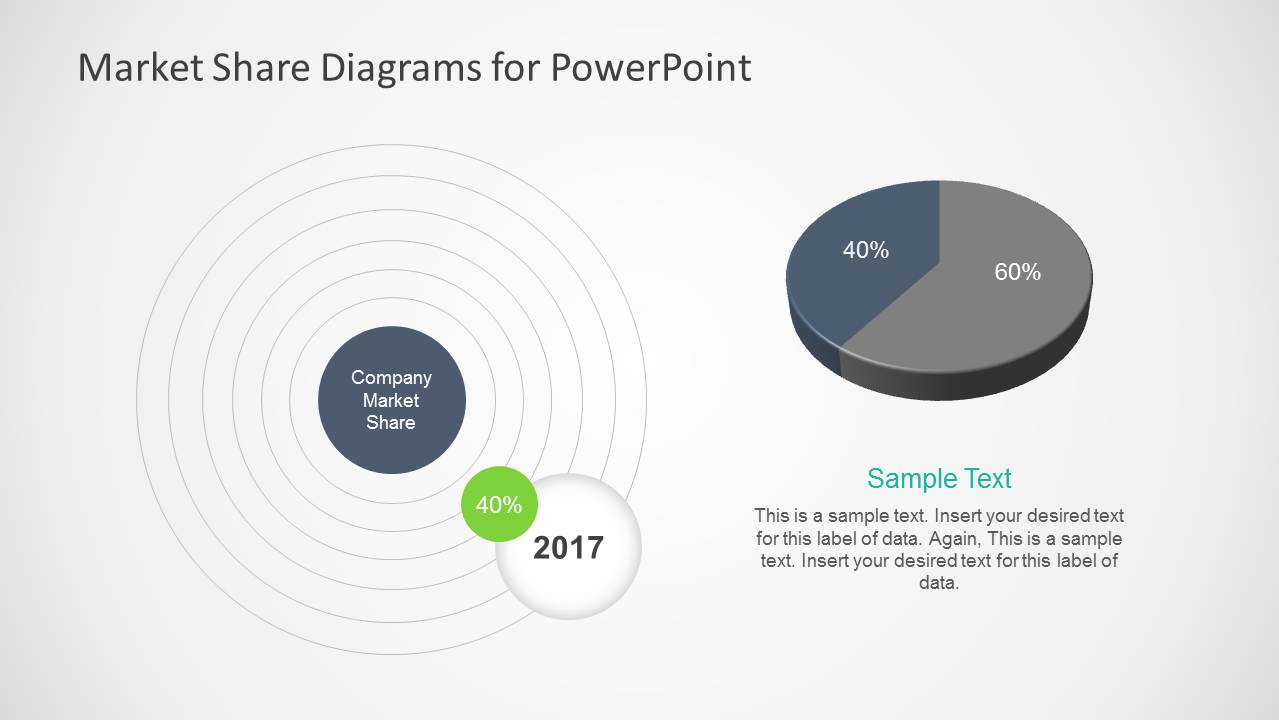
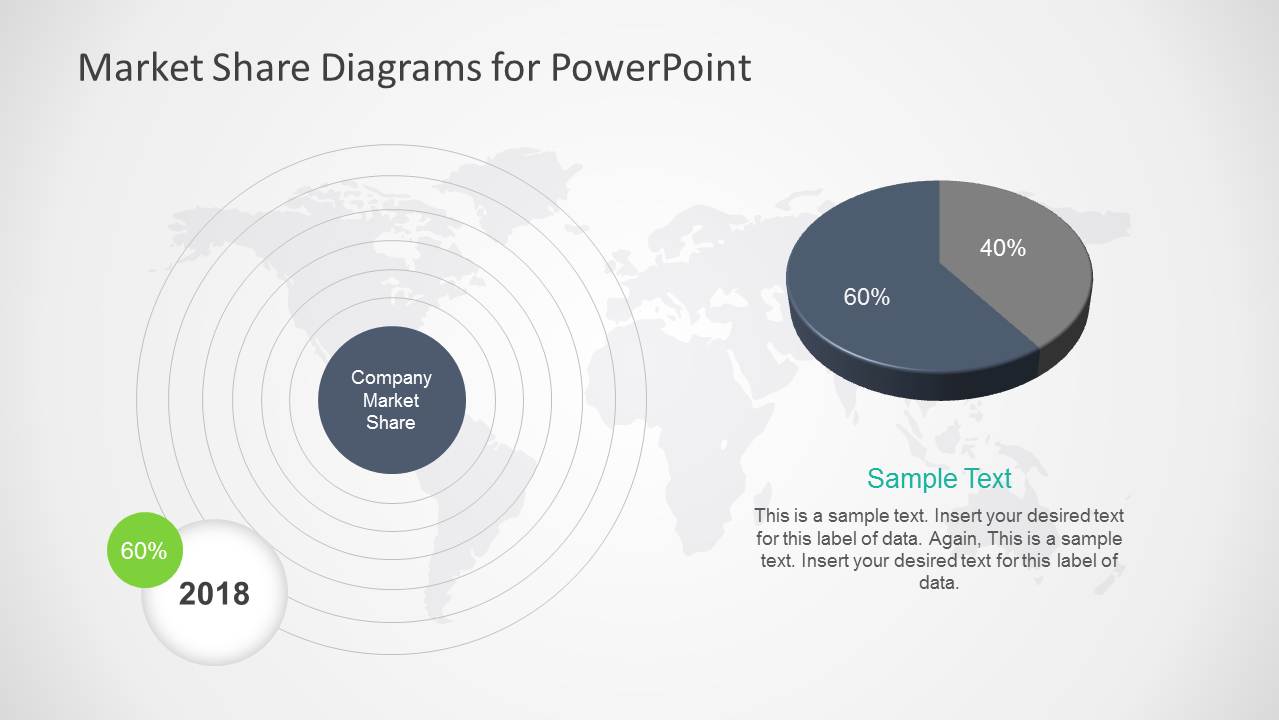
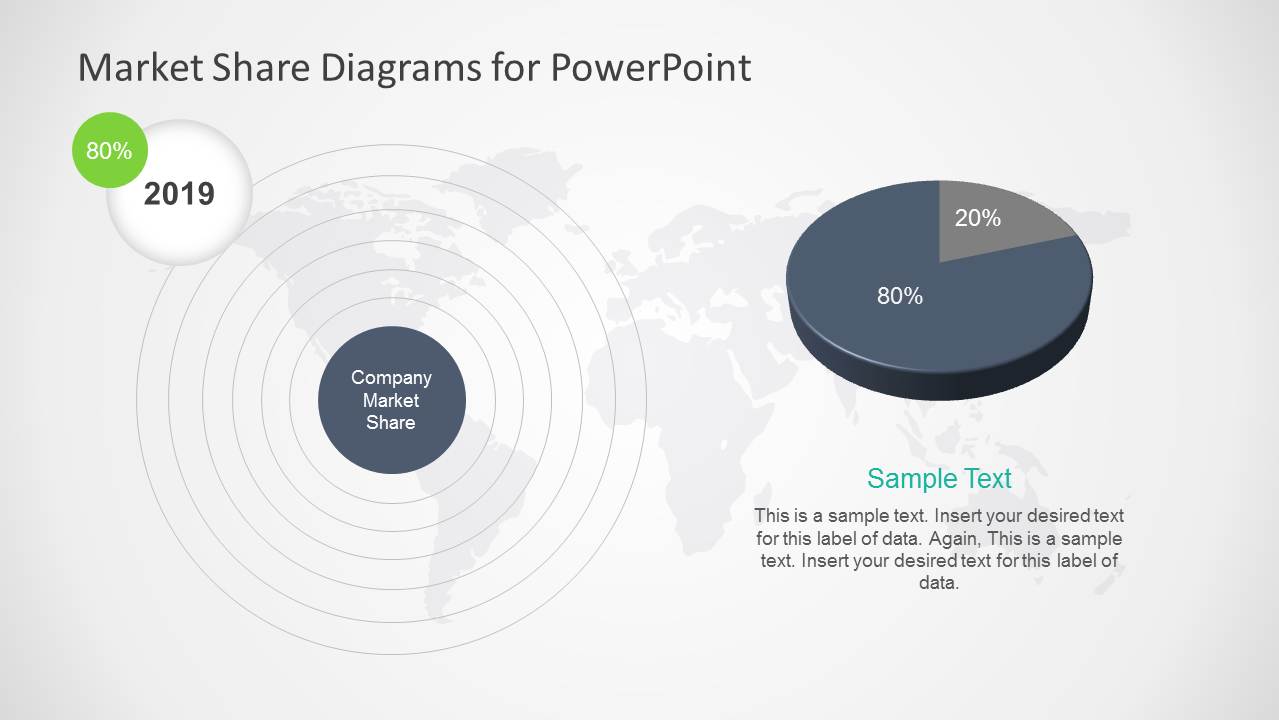
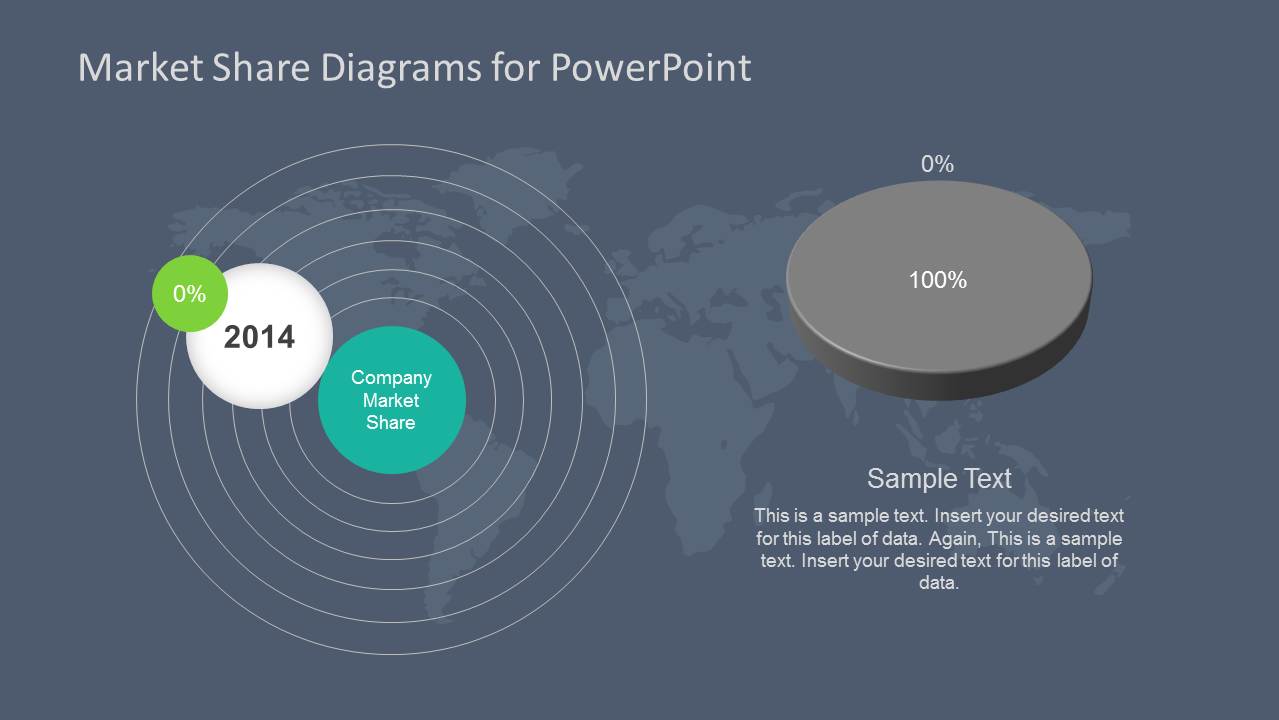
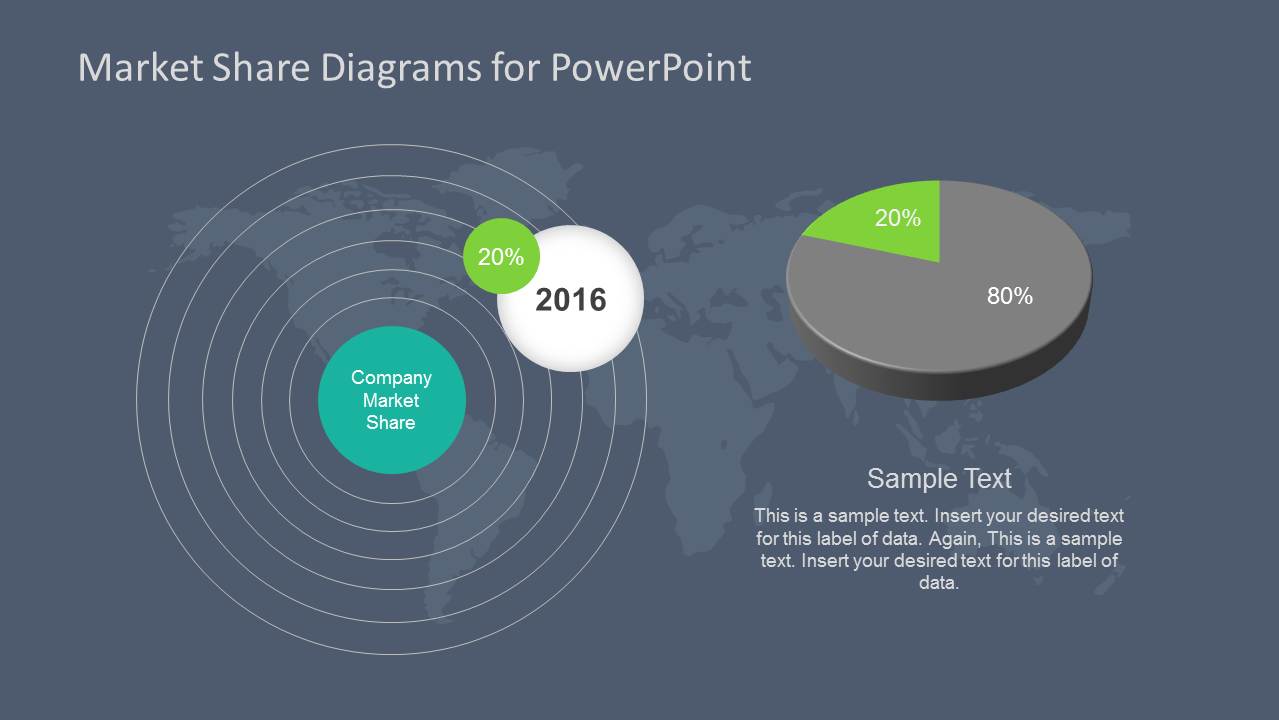
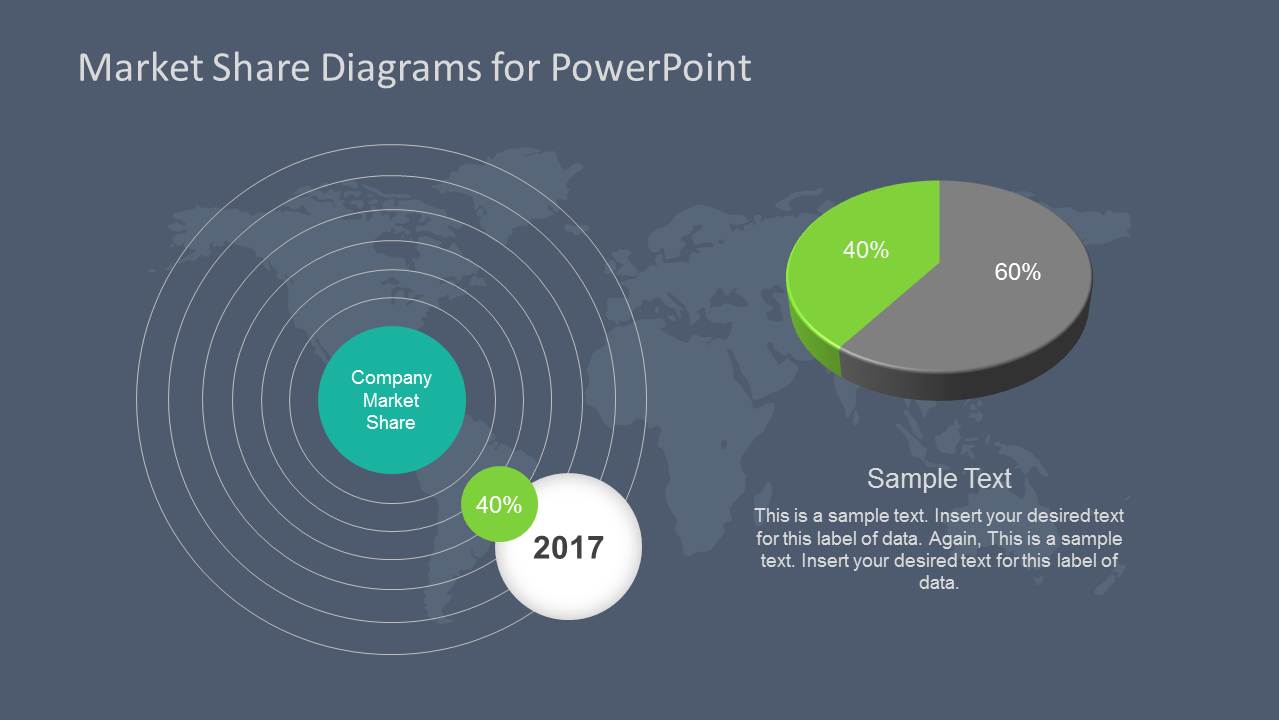
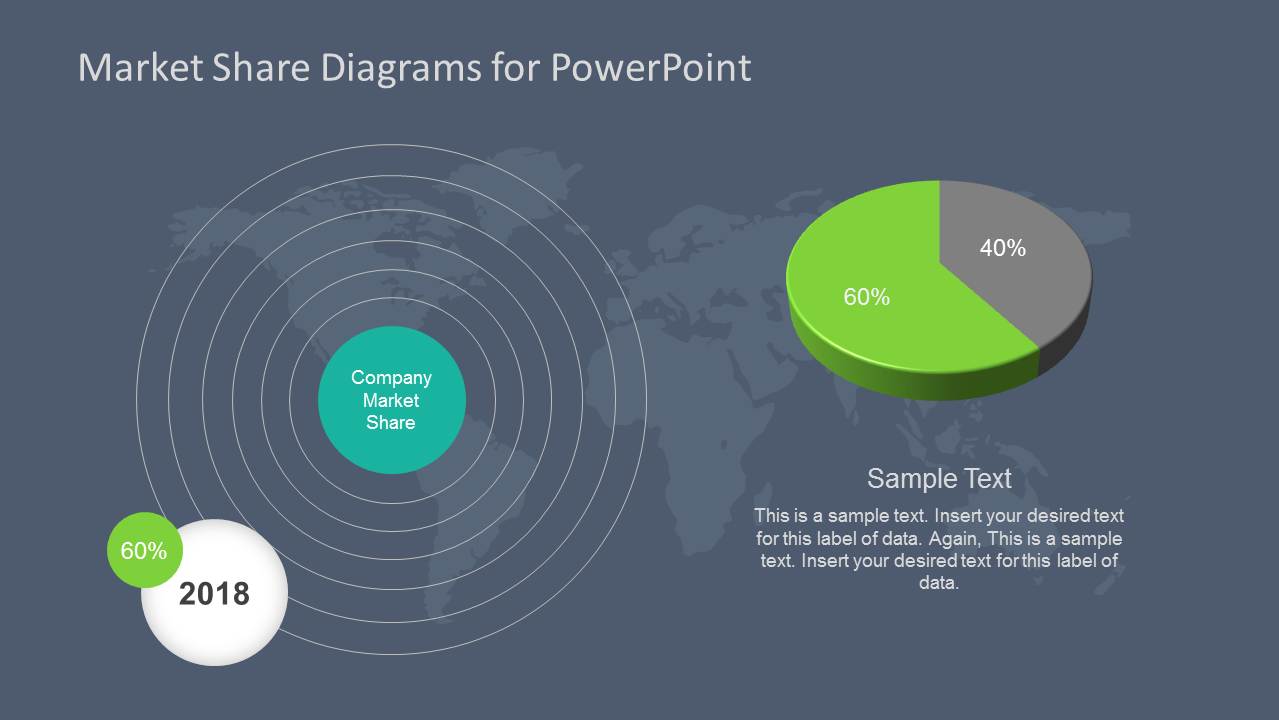
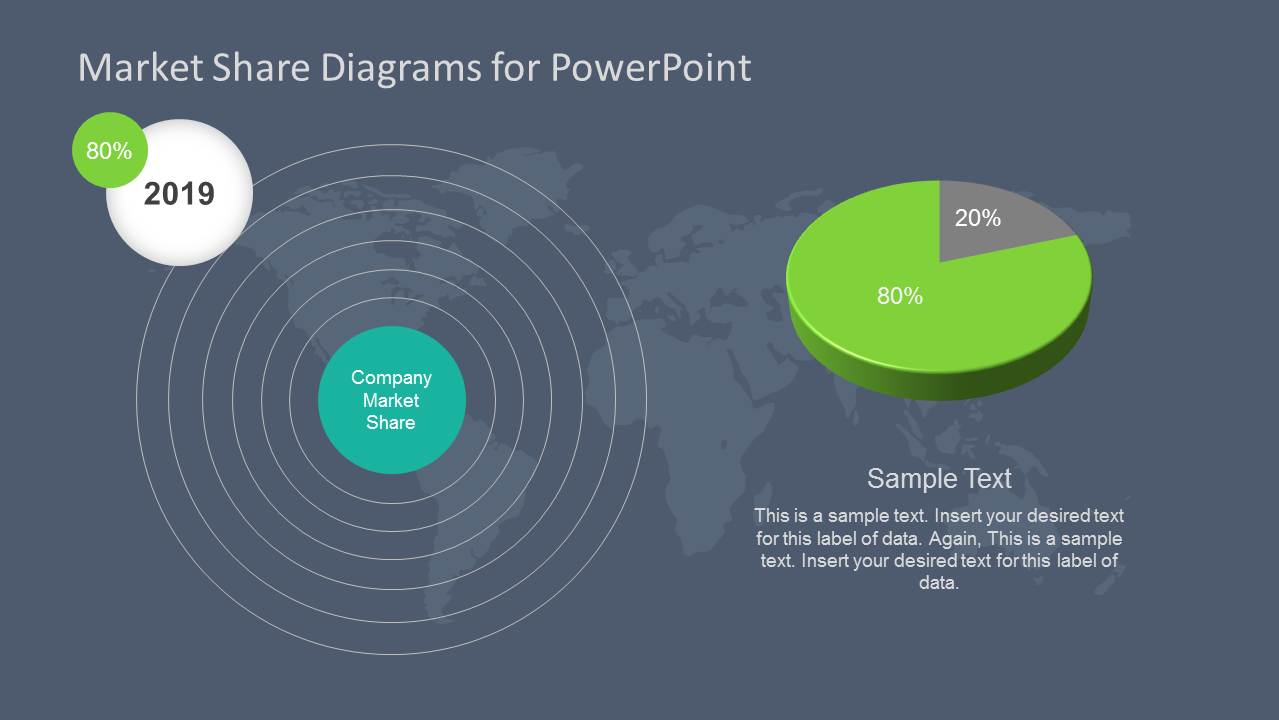
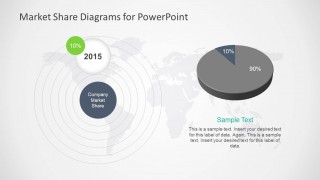
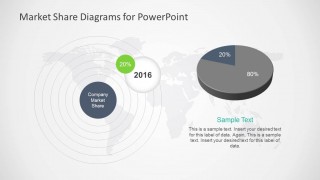
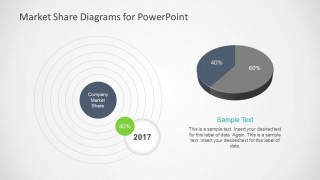
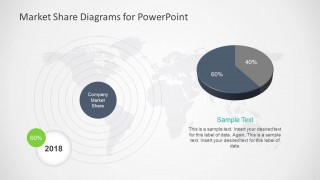
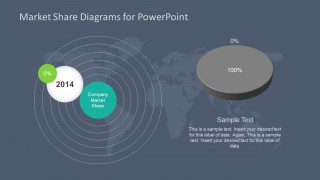
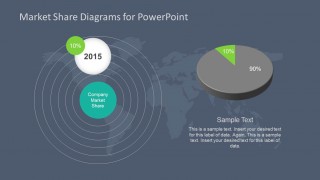
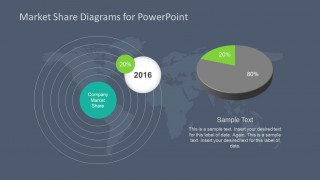
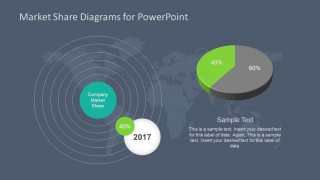
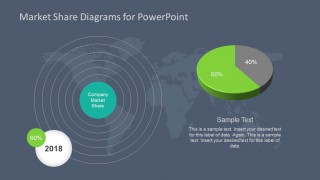
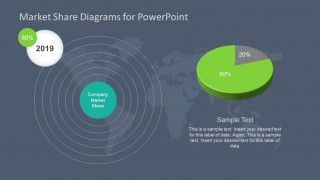
- A sales leader can compare account growth across years by adapting the radar-ring market share slides with share percentages and short explanatory text.
Features
- 100% editable presentation template
- Compatible with Microsoft PowerPoint and Google Slides
- 16:9 aspect ratio slides
- Scalable vector shapes, icons and illustrations
- AI-Ready for Microsoft Copilot and Claude
- Instant access and download
Frequently asked questions
Q: How should a presenter explain market share growth with this template?
A: Start with the world map overview to orient the audience to the markets being discussed. Then use the line chart to show trend direction across years before moving into the single-year radar-ring and pie chart slides. This order separates context, movement, and explanation, so each percentage has a clear business meaning.
Q: Who is this template best suited for?
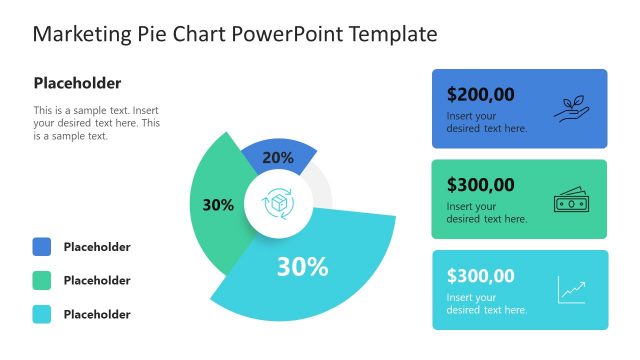
A: It fits marketing, strategy, investor relations, and telecom presenters who need to connect market share to geography and time. The map marker slides support regional footprint discussions, while the year-by-year pie chart slides work well for explaining how a company gained or lost share in a specific period.
Q: Why does the design combine world maps, target rings, and pie charts?
A: The world maps signal geographic scope, the target rings place the company at the center of the market, and the pie charts make share proportions easy to compare. Together, these metaphors help the audience see market presence, competitive position, and percentage change without reading a dense table.
Market Share Diagrams for PowerPoint
18-slide presentation template with market share diagrams, world maps, pie charts, and trend lines
Market Share Diagrams for PowerPoint is an 18-slide diagram template for presenting competitive share and market presence. It includes world map market bubbles, location pin maps, line chart trends, radar-ring diagrams, and 3D pie chart layouts for business, marketing, and telecom presentations in Microsoft PowerPoint and Google Slides. Chart data can be edited as an Excel spreadsheet in PowerPoint.
- Category
- Diagrams
- Rating

 Loading...
- Aspect ratio
- 16:9
- Item ID
- 6168-01
- Colors
 Microsoft PowerPoint
  Microsoft Copilot
  Claude for PowerPoint
 Other formats supported
Subscribe today and get immediate
access to download our PowerPoint templates.