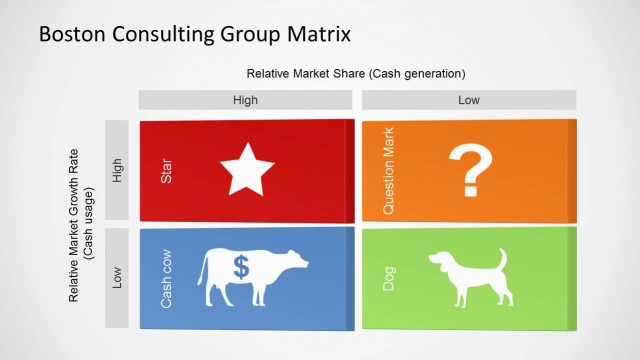
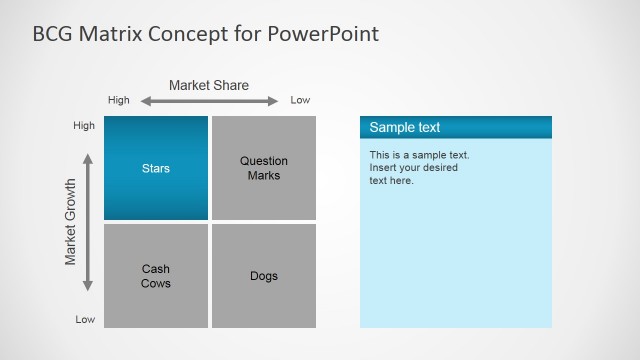
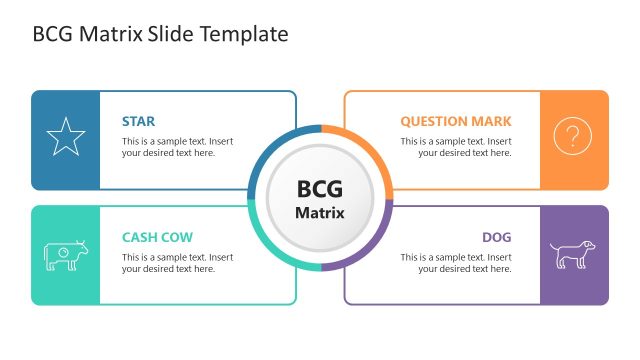
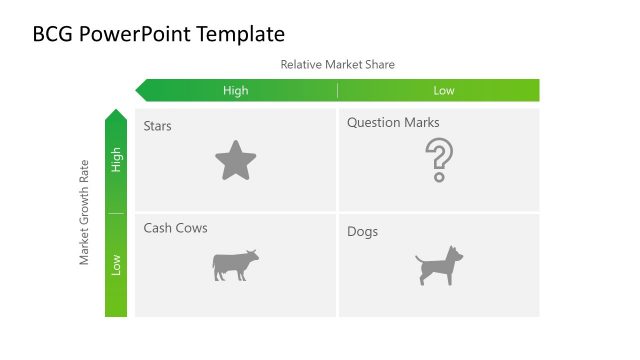
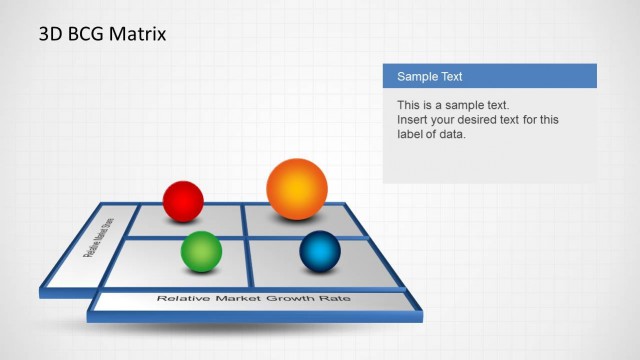
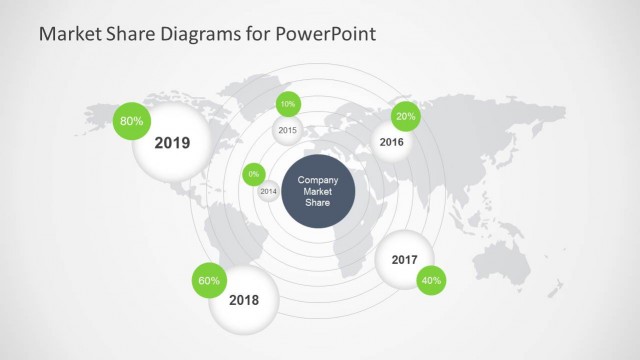
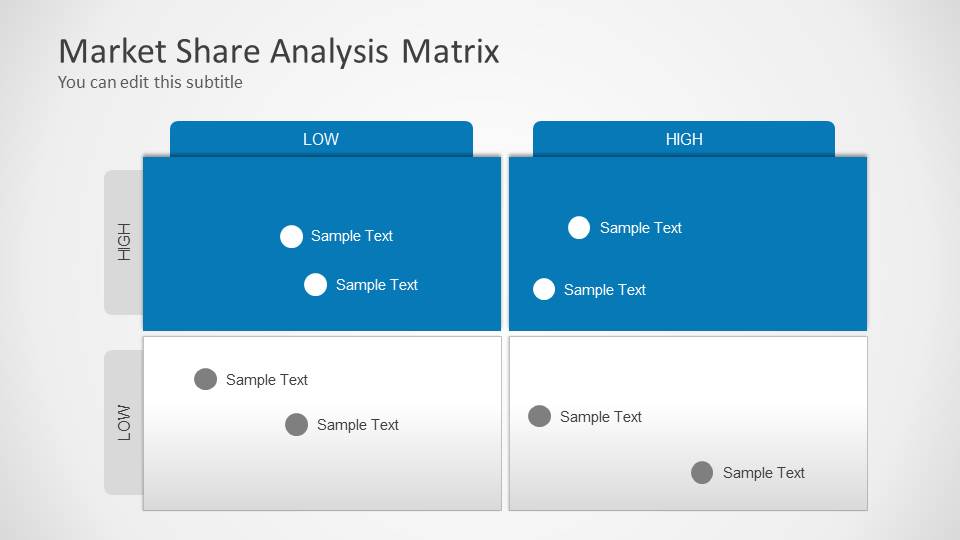
Market Share Analysis Matrix for PowerPoint. This market share analysis template for PowerPoint contains useful slide designs for market research or analysis using the Boston Consulting Group approach.
This market share slide template is suited for business professionals and consultants, who want to use the renowned Boston Consulting Group (BCG) matrix methodology to visually represent market share data effectively.
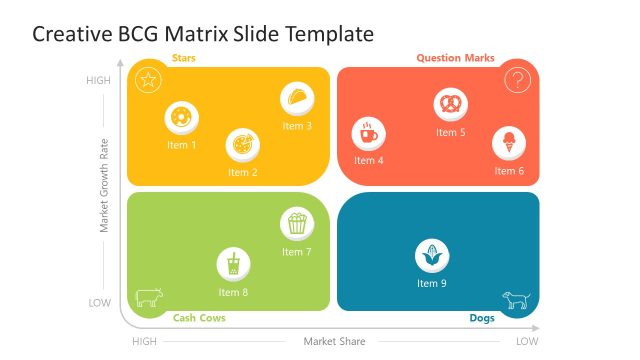
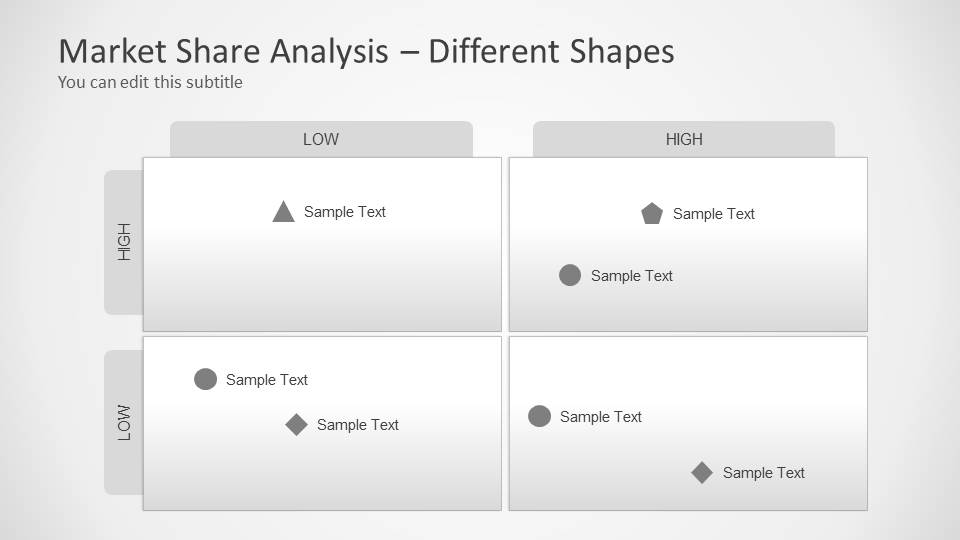
The Market Share template for PowerPoint & Google Slides features a variety of customizable slides, allowing you to adapt the BCG matrix to your specific needs. The matrix design includes editable circles and text boxes that can be easily repositioned to reflect your market share analysis accurately. The market share PPT slides come with multiple layout options, offering different background colors and styles to suit your presentation’s aesthetic.
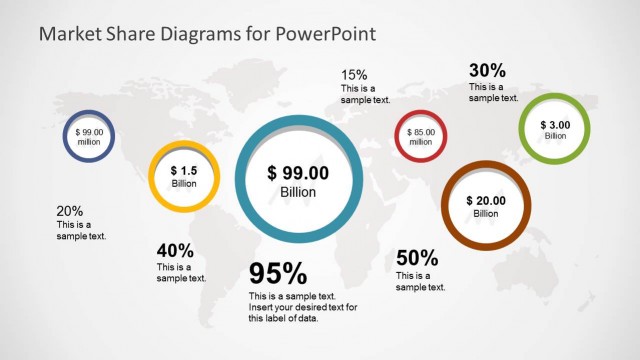
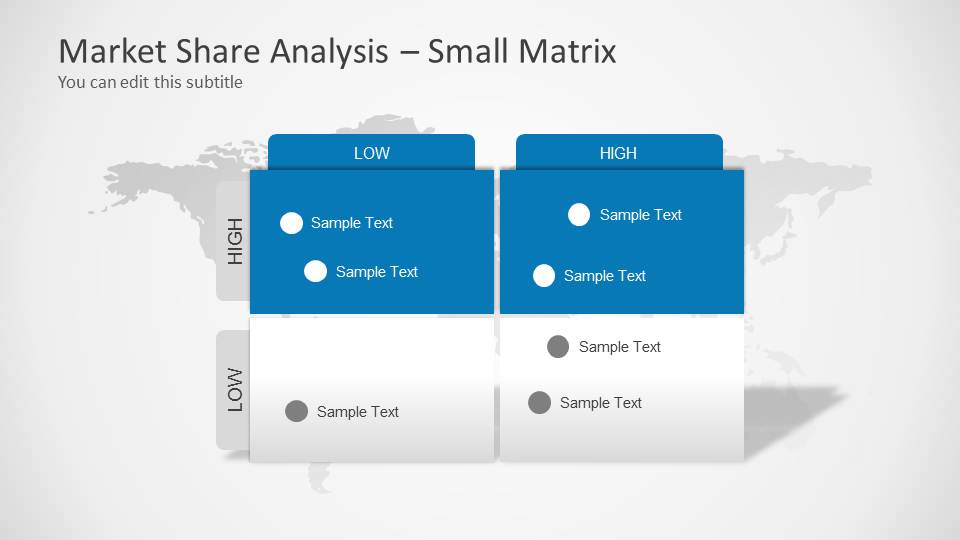
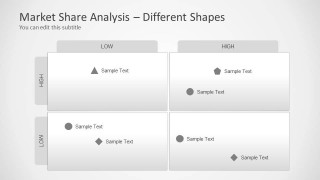
The matrix used to represent the BCG matrix includes small circles with text boxes that you can locate in any desired position. There are several table designs with different backgrounds.
Ideal for illustrating strategic business decisions, portfolio analysis, or market positioning, this template simplifies complex data into clear, impactful visuals, helping you communicate your insights with precision. Alternatively, you can download other market share templates for PowerPoint or slide decks for business presentations.
What’s inside this template
Example presentation scenarios
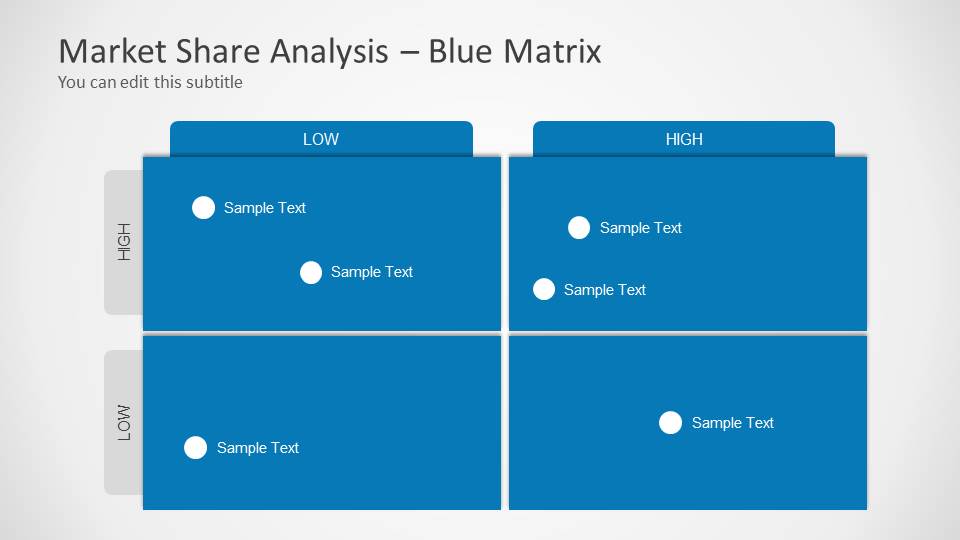
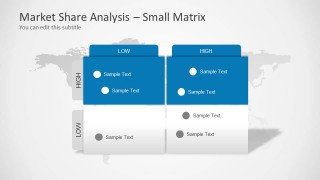
- A management consultant can use the blue matrix layout to explain where client products sit across low and high growth and market share during a strategy review.
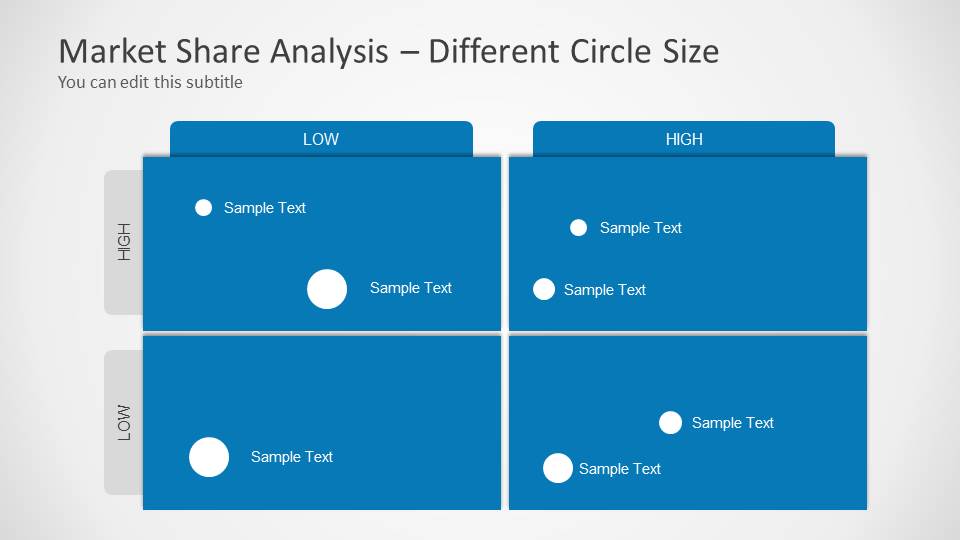
- A product manager can use the different circle size matrix to show which offerings carry more weight while discussing investment priorities with executives.
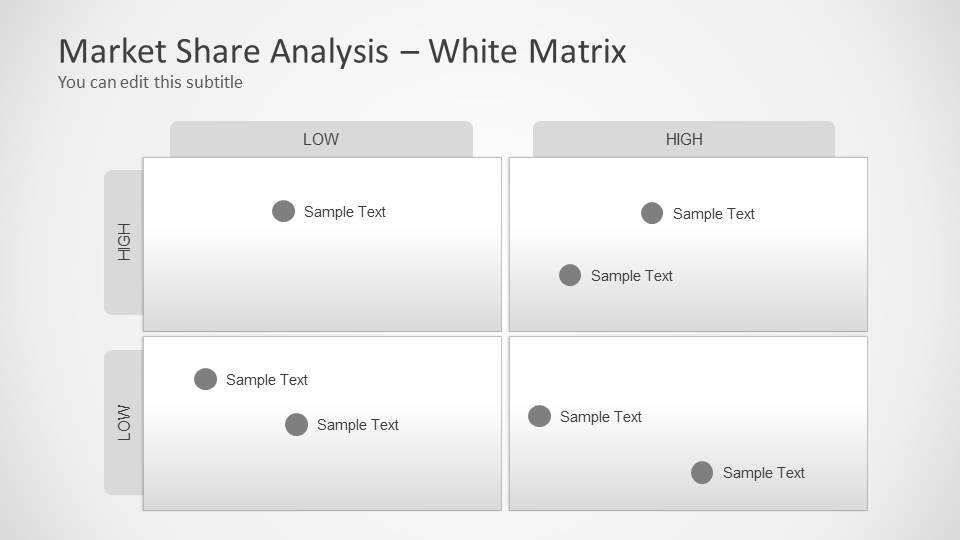
- A marketing analyst can use the white matrix layout to compare competitors and support a market research summary with clear quadrant placement.
- A regional strategy team can use the small matrix with world map background to frame portfolio positioning across global markets.
Features
- 100% editable presentation template
- Compatible with Microsoft PowerPoint and Google Slides
- 16:9 aspect ratio slides
- Scalable vector shapes, icons and illustrations
- AI-Ready for Microsoft Copilot and Claude
- Instant access and download
Frequently asked questions
Q: How should a presenter explain the matrix without overwhelming the audience?
A: Start by defining the two axes in plain language, then walk the audience through one quadrant at a time. Use the marker labels for products or competitors and keep the discussion focused on what each position implies. The different circle size slide works best when relative importance matters, while the white matrix is better for a cleaner executive explanation.
Q: Who is this template best suited for in a business presentation?
A: This template fits consultants, strategy teams, product managers, and marketing analysts who need to compare a portfolio or market landscape in a concise visual format. It is most useful when the decision depends on relative positioning, such as which products to invest in, monitor, reposition, or exit.
Q: Why use a BCG-style matrix instead of a table of market share data?
A: A matrix turns a list of market positions into a spatial comparison, so patterns become easier to discuss. The quadrant structure supports strategic interpretation, while circles and shape markers help separate categories or priorities. This visual metaphor is especially useful when the presenter wants the audience to compare direction and position rather than read rows of numbers.


Market Share Analysis Matrix for PowerPoint
6-slide presentation template with BCG market share matrix layouts for portfolio and market analysis
Market Share Analysis Matrix for PowerPoint is a 6-slide BCG matrix template for portfolio and market positioning analysis. It includes white and blue matrix layouts, variable circle size markers, different marker shapes, and a small matrix over a world map. It is designed for consultants, strategists, and business analysts using PowerPoint or Google Slides.
- Category
- Text & Tables
- Rating


 Loading...
- Aspect ratio
- 16:9
- Item ID
- 8062
- Colors
 Microsoft PowerPoint
  Microsoft Copilot
  Claude for PowerPoint
 Other formats supported
Subscribe today and get immediate
access to download our PowerPoint templates.