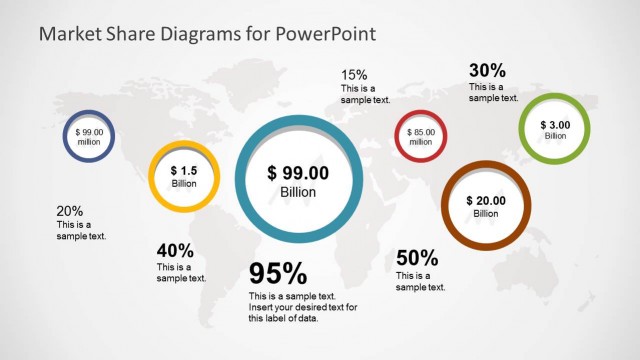
The user can create artistic charts and diagrams using the exclusive Market Research PowerPoint Template. Produce top-quality slides applicable to any business situation. The charts and graphs may include all types of information, from household data to corporate statistics.
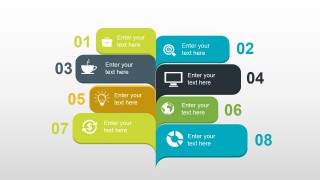
The PowerPoint template is ideal for use in market research presentations. The graphic can represent different key performance indicators. This is useful in board meetings to show market growth over time. The data found in the slides may be used by management to compose an 8-step plan for success. The presenter may download other successful PowerPoint templates from the Gallery to complement the presentation. An example is the Business Review PowerPoint Template.
A blue-green color theme is used in the Office template, and is 100% editable. This lends the presentation an effective visual aesthetic to appeal to the audience. The color combination also gives the slides a clean, professional look and feel.
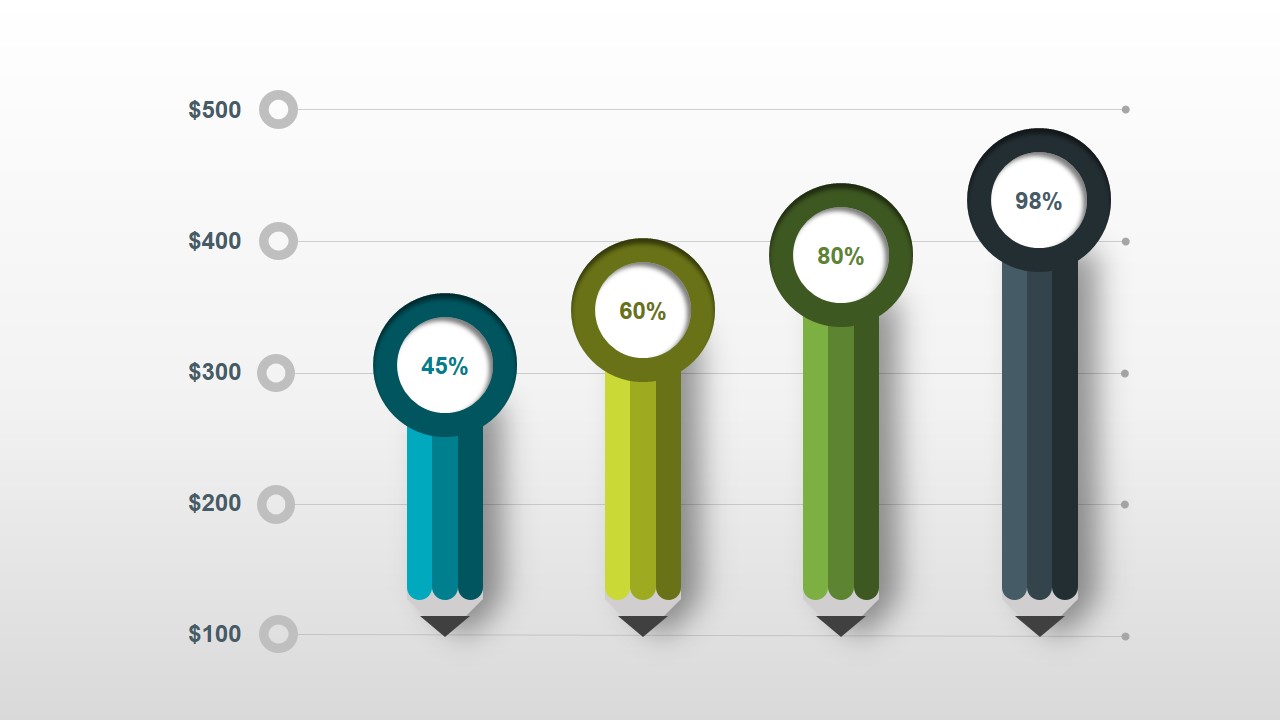
The first of the PowerPoint slides contains a creative bar chart. The conventional rectangular bars have been replaced by pencil Shapes of different colors. The pencils have circular points which contain percentages. The slide may be used to feature a marketing plan forecast over a period.
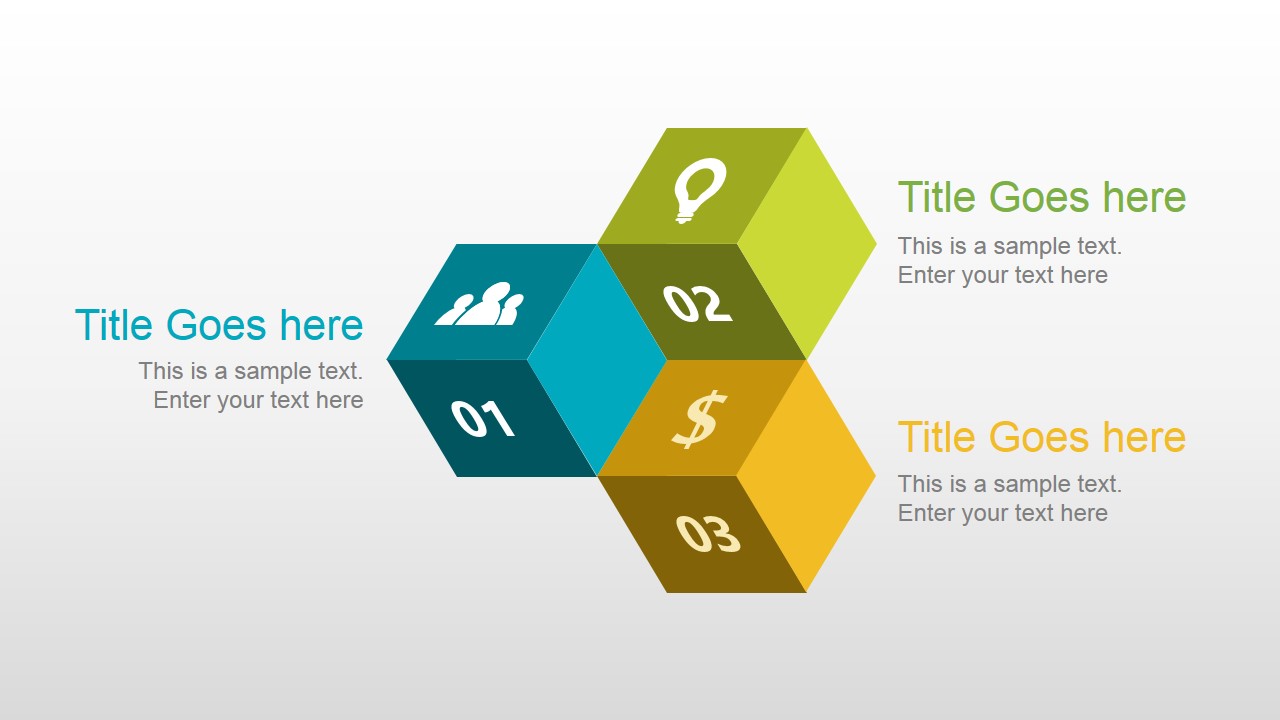
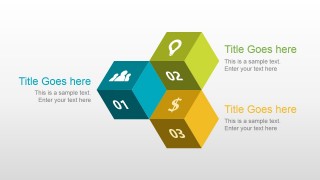
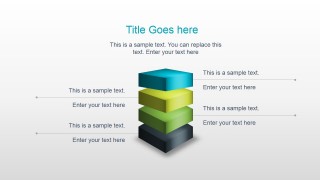
Also included in the template are three connected cubes. These cubes contain numbered labels and icons. They may be used to represent three main segments in a marketing presentation. The user may place additional data in the text placeholders around the cube diagram.
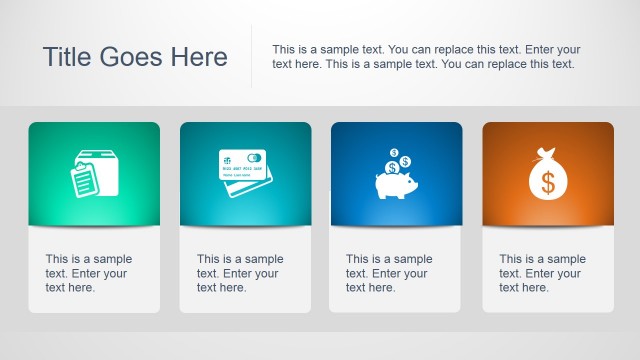
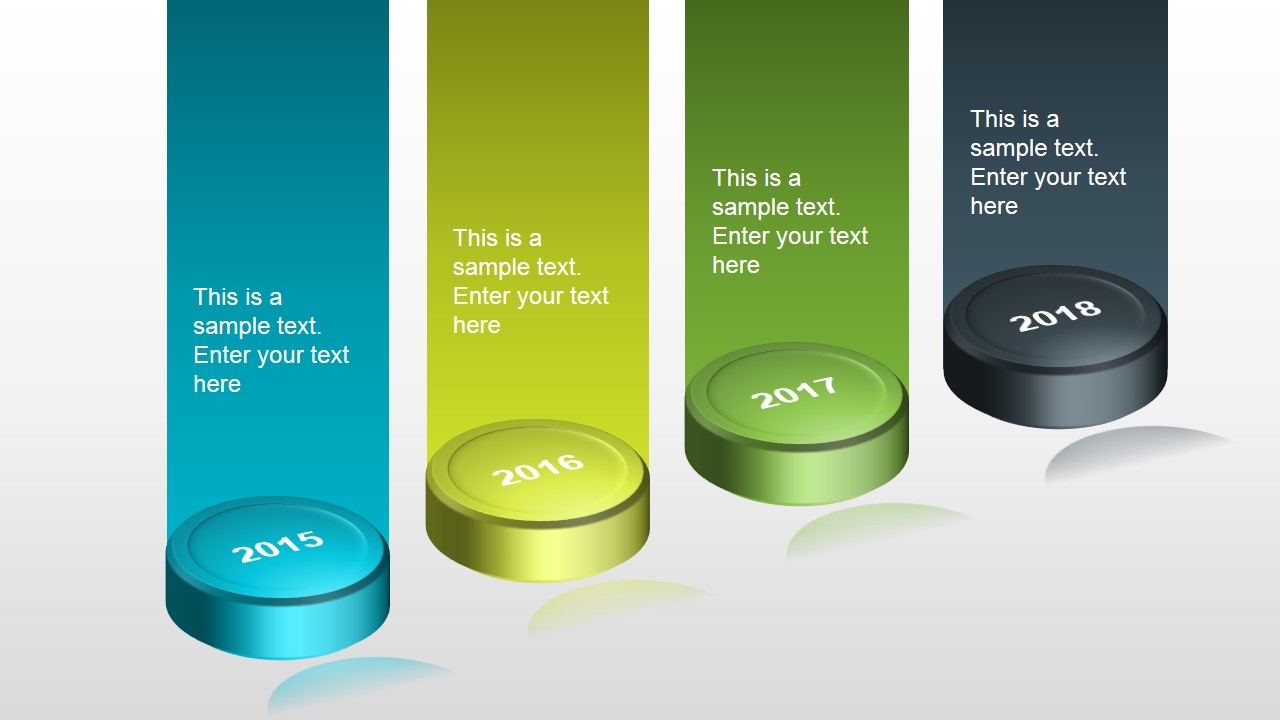
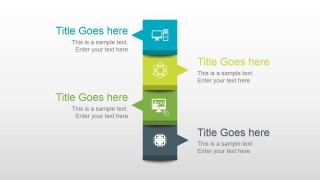
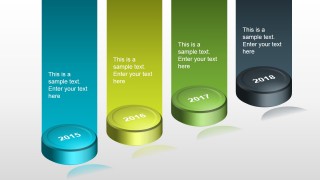
A slide containing four callout boxes is also included in the template. It may be used to show product differentiation characteristics. The callouts include white minimalist logos so that can be easily identified. A fourth slide contains a creative alternative to the traditional timeline. It features four cylinders with years as labels. The 3D PowerPoint shapes are arranged in a diagonal to give the illusion of distance.
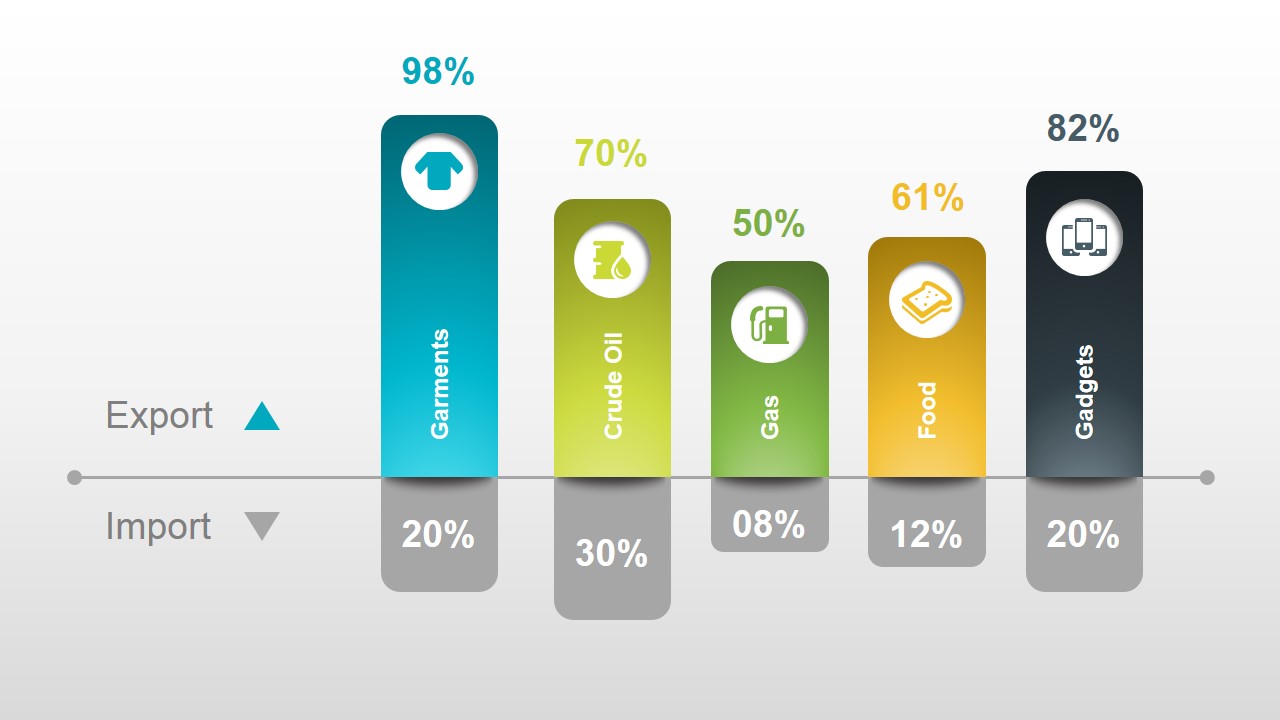
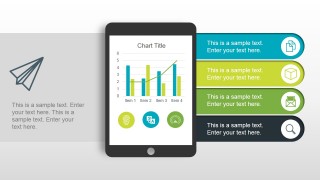
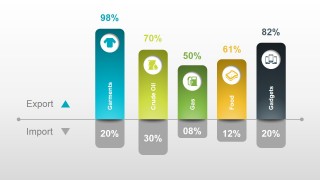
The PowerPoint template also has a marketing dashboard slide. This features an overview of data for KPI’s balance of trade. The main feature of the slide is a PowerPoint Shape of a tablet. This is accompanied by four banners where data and icons are found. The user may use another of the PowerPoint slides to compare imports vs exports. This may be done with the use of a colorful bar chart presentation. The remaining slides may be utilized for final evaluation.
The PowerPoint template is most suitable for presenting key performance indicators. This allows corporate management to make more well-informed decisions. The user may edit any of the PowerPoint objects to fit his requirements.
What’s inside this template
Example presentation scenarios
- A market analyst can present forecast values and percentage change to an executive team using the pencil bar chart and tablet KPI dashboard.
- A trade or operations manager can compare product categories for import and export performance using the labeled comparison bar chart.
- A marketing manager can explain product differentiation or customer segments with the connected cube diagram and stacked callout ribbon.
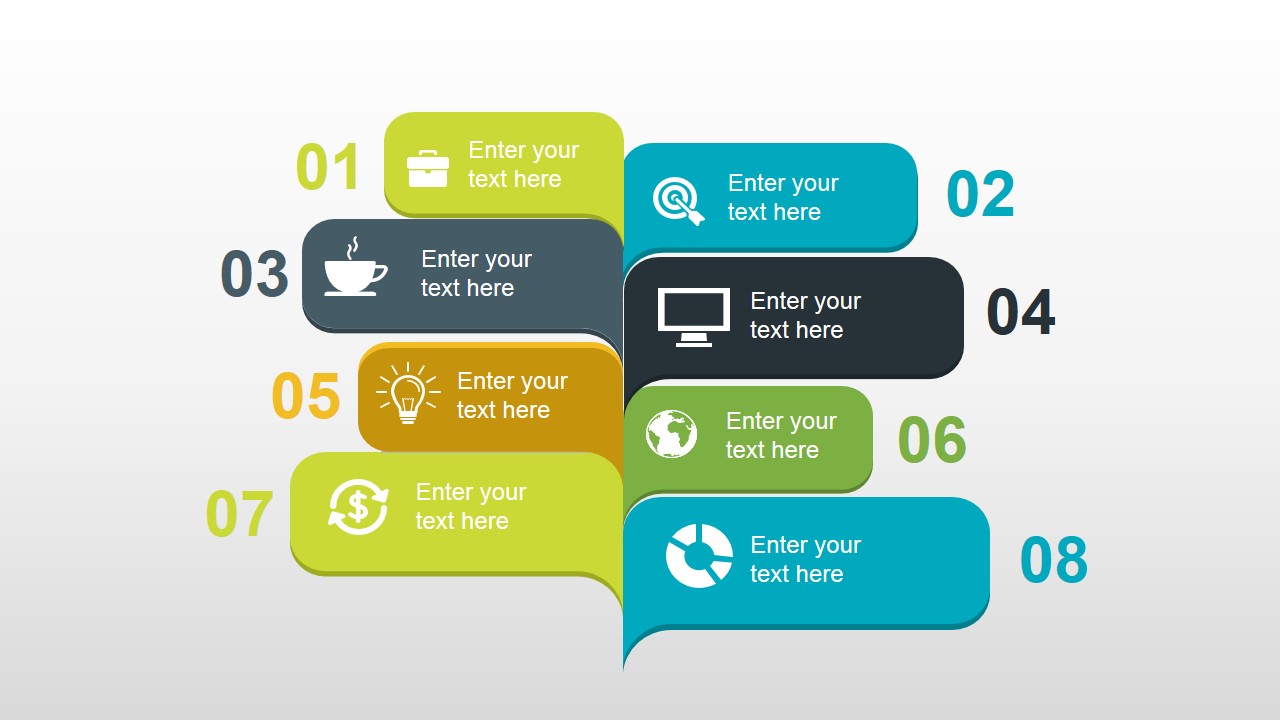
- A consultant can organize a market entry plan for a client using the cylinder timeline and the eight-step process layout.
Features
- 100% editable presentation template
- Compatible with Microsoft PowerPoint and Google Slides
- 16:9 aspect ratio slides
- Scalable vector shapes, icons and illustrations
- AI-Ready for Microsoft Copilot and Claude
- Instant access and download
Frequently asked questions
Q: How should a presenter structure market research findings with this template?
A: Start with the pencil bar chart to establish the main market signal, then move to the cube or callout slides to explain segments and drivers. Use the timeline for context, the tablet dashboard for KPIs, and the import-export chart for comparison. End with the eight-step process to convert findings into decisions.
Q: Who is this template best suited for in a business setting?
A: This template fits analysts, marketing managers, and consultants who need to summarize research findings without building a full text report. It is strongest when the message includes a few market metrics, category comparisons, segment explanations, and action steps for an executive or client audience.
Q: Why do the pencil, cube, tablet, and cylinder visuals help the message?
A: The visuals create quick metaphors for common research tasks: pencils suggest measured analysis, cubes suggest structured segments, the tablet suggests a dashboard view, and cylinders suggest milestones over time. These metaphors help the audience identify the purpose of each slide before reading detailed labels.



Exclusive Market Research PowerPoint Template
8-slide presentation template for market research charts, KPI dashboards, and import-export comparisons
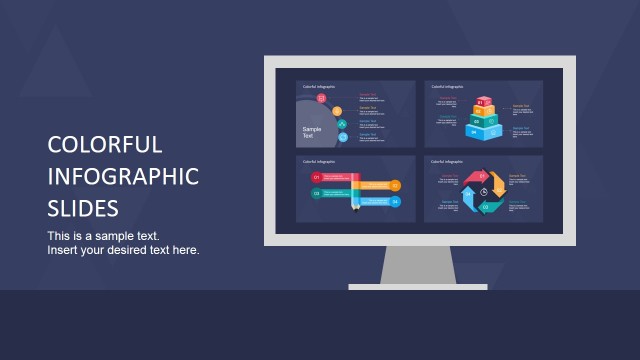
This 8-slide market research presentation template combines editable chart and diagram layouts for business analysis. Visible slides include pencil bar charts, connected cube segments, a cylinder year timeline, a tablet KPI dashboard, import-export comparison bars, and an 8-step process. It is designed for analysts, managers, and consultants using PowerPoint or Google Slides.
- Category
- Template Backgrounds
- Rating


 Loading...
- Aspect ratio
- 16:9, 4:3
- Item ID
- 4104-01
- Colors
 Microsoft PowerPoint
  Microsoft Copilot
  Claude for PowerPoint
 Other formats supported
Subscribe today and get immediate
access to download our PowerPoint templates.