In today’s fast-paced digital age, information reigns supreme. Customers flock to the retailers and businesses which have proven themselves capable of best managing their digital information. In this world a good, easily navigable website can mean the difference between profitable sales growth and a failing business.
Nowadays the balance of power falls largely into the hands of the consumer. They have the advantage of sifting through the various calls to action that greet them on the numerous ecommerce stores. Fundamentally speaking, a good ecommerce website (i.e. one that translates visitors into buyers) is designed from the very beginning to include: professional, high quality photography; clean, uncomplicated navigation; a logical visual hierarchy; appropriate text to image ratios. As you’ll know from your experience elsewhere in business, it’s all about the working out the right proportion of ingredients and testing the mix as you go.
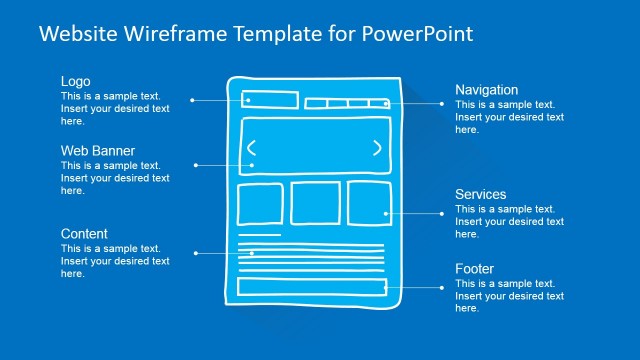
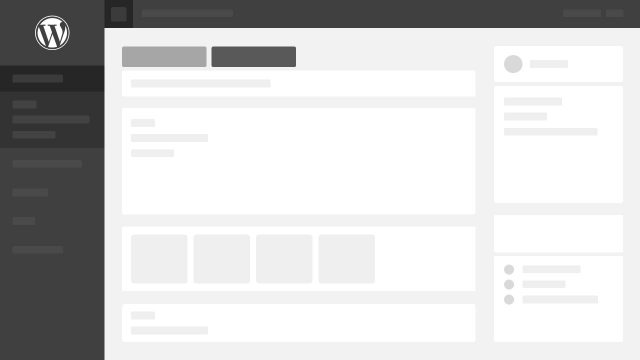
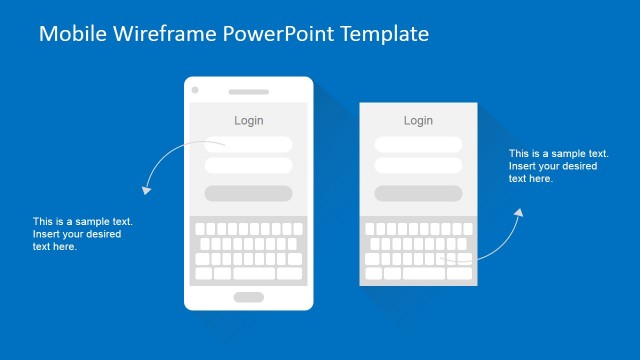
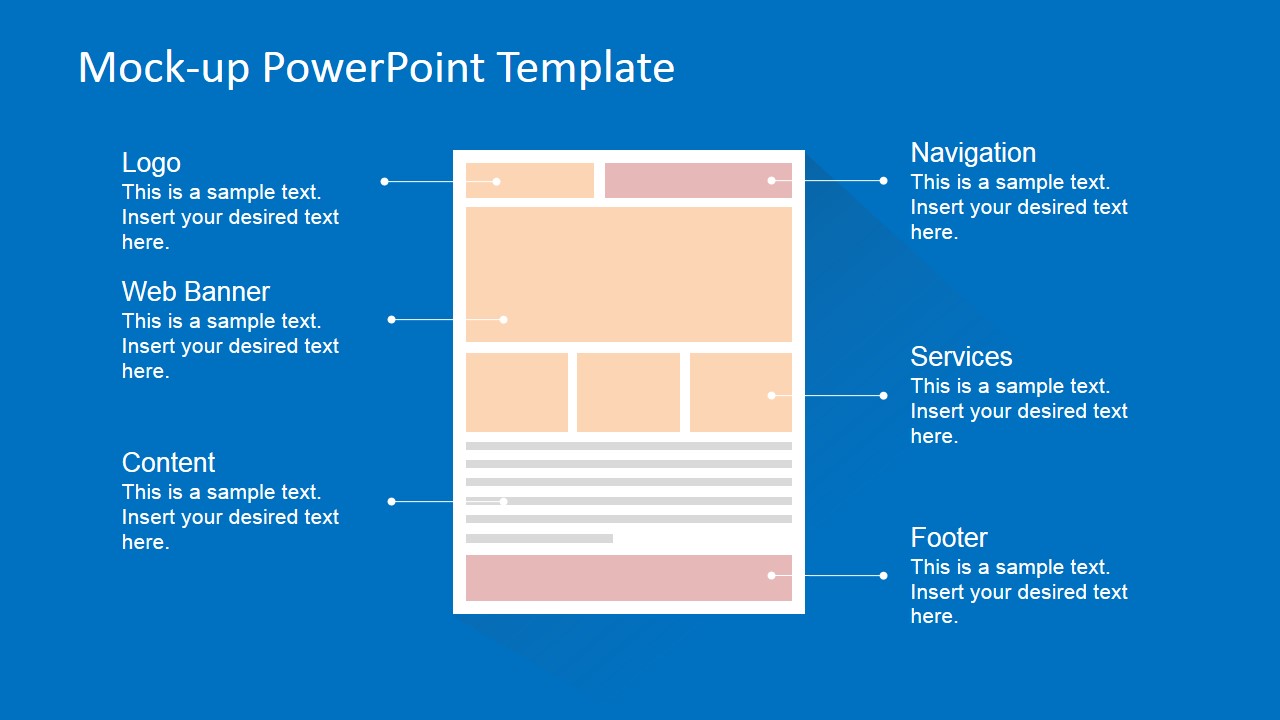
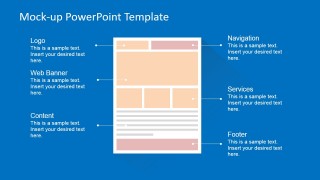
The Flat Website Mockup Toolkit for PowerPoint is a professionally designed model created to assist software developers in creating quality mock-ups of websites and applications quickly and easily in PowerPoint. This sort of blueprint (also referred to as a wireframe) is a widely regarded to be a powerful tool for creative communication between engineering and design teams and the governing bodies of their clients. They provide software designers with a highly articulate method of representation and description with which to relay ideas relating to the proposed layout and display and the functionality of each element within them.
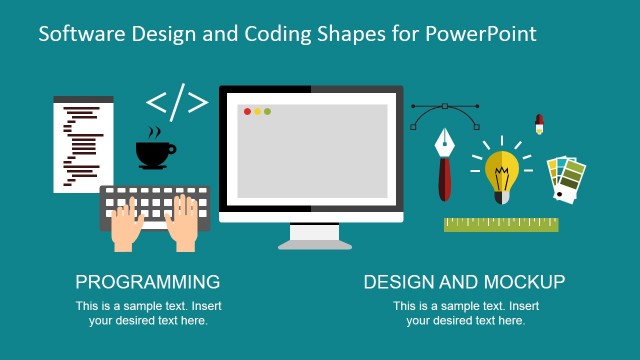
The Flat Website Mock-up Toolkit for PowerPoint has been created using fully editable and customisable high quality clip art icons and vector graphics that allow full customization without losing visual quality. All aspects of this template, including size and color, can be amended as necessary.
Easy to use (drag and drop), easy to share (any PowerPoint file format) and easy to collaborate with (Microsoft online PowerPoint to collaboratively edit together) makes this template extremely useful for Software Developers, Business Analysts, Product Managers and Product Designers.
Engage your audience and evolve your application mockups with our professional Flat Website Mockup Toolkit for PowerPoint.
What’s inside this template
Example presentation scenarios
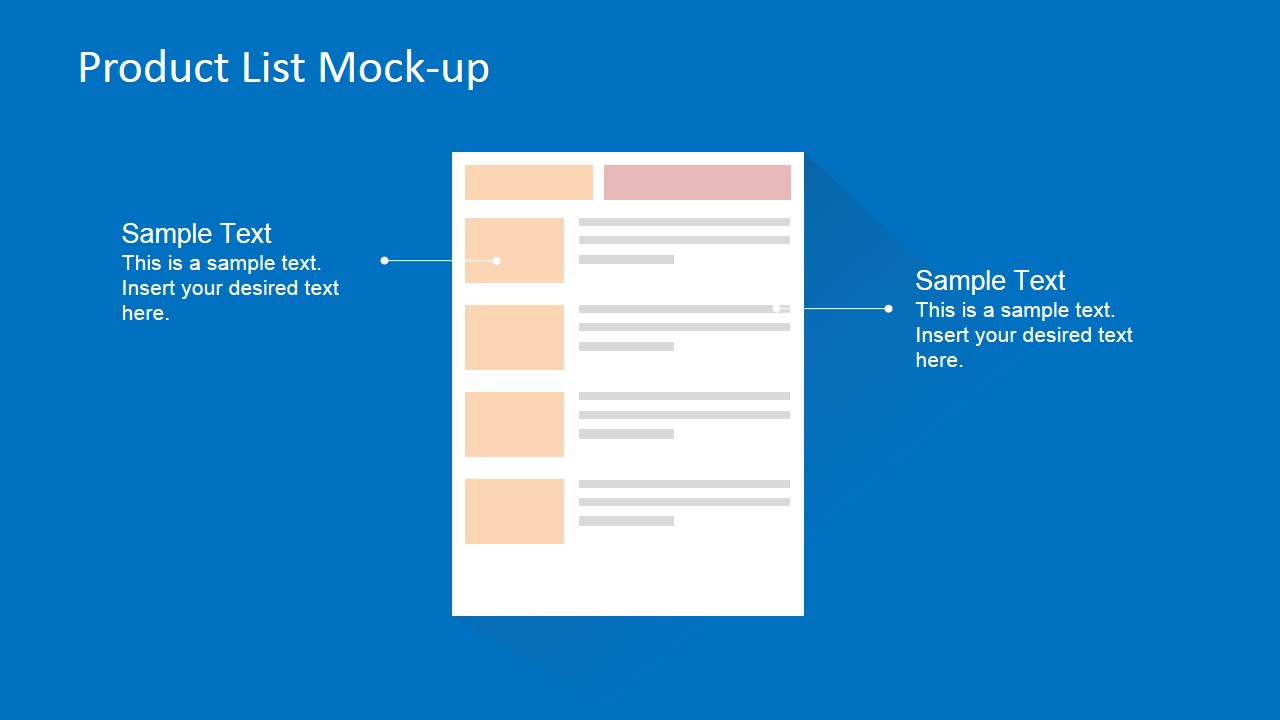
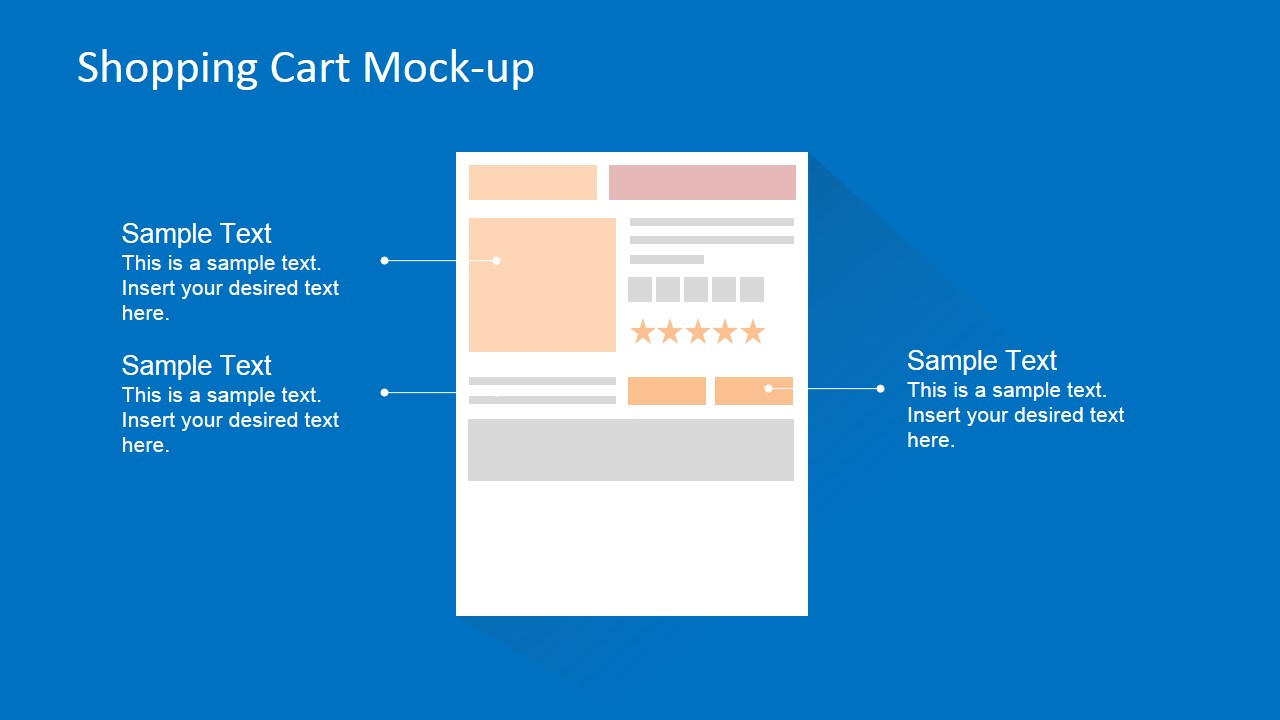
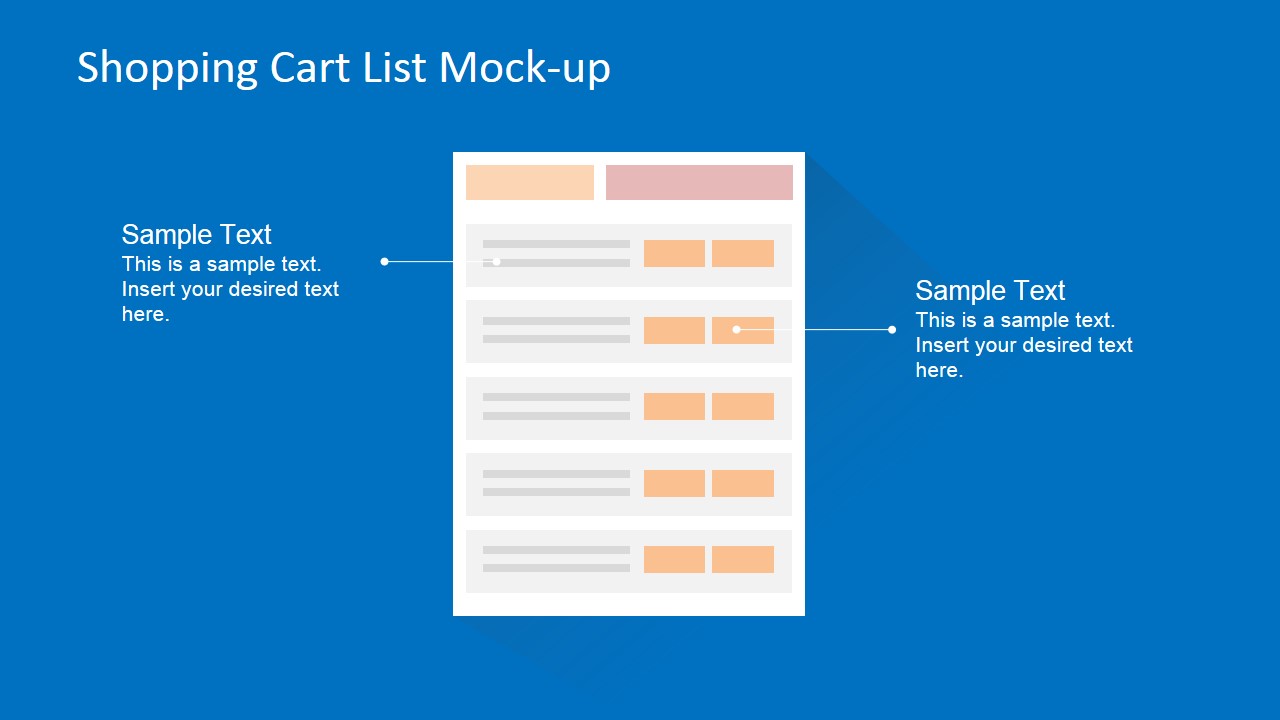
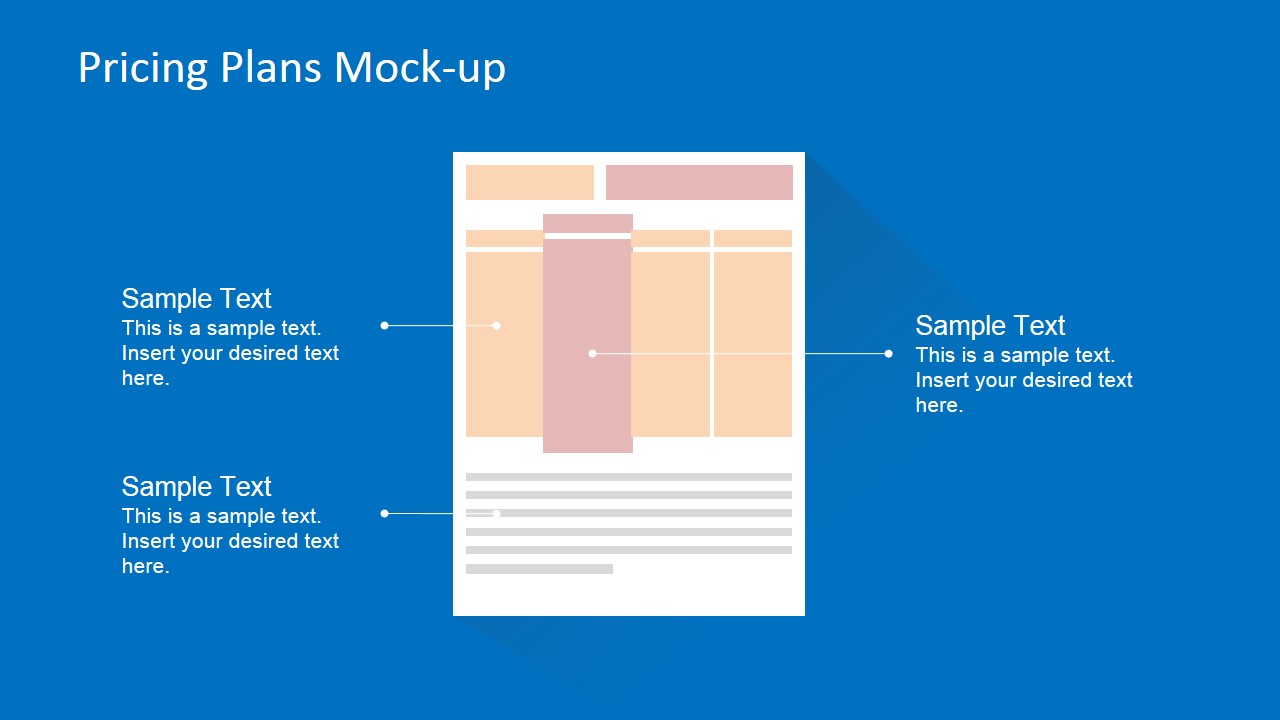
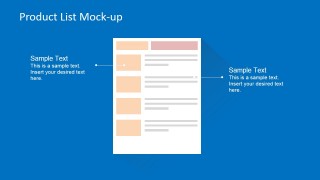
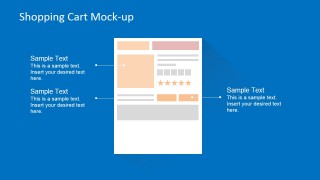
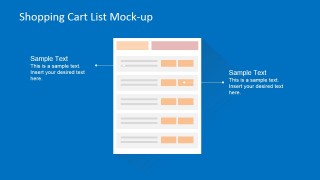
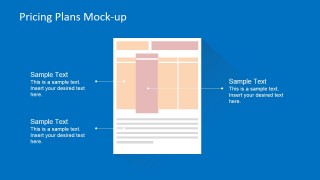
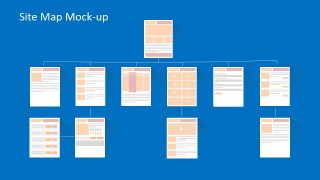
- A product manager can present an ecommerce concept to stakeholders by walking through the product list, shopping cart, pricing plan, and site map slides to show how buyers move through the experience.
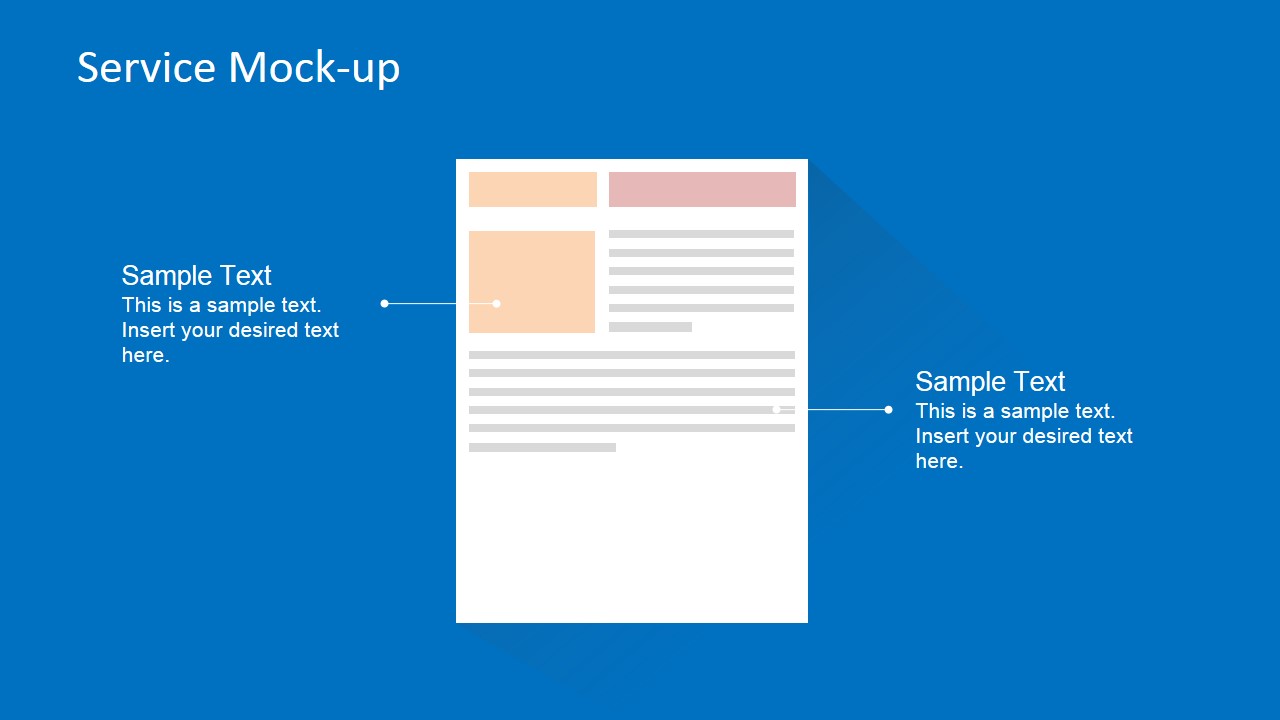
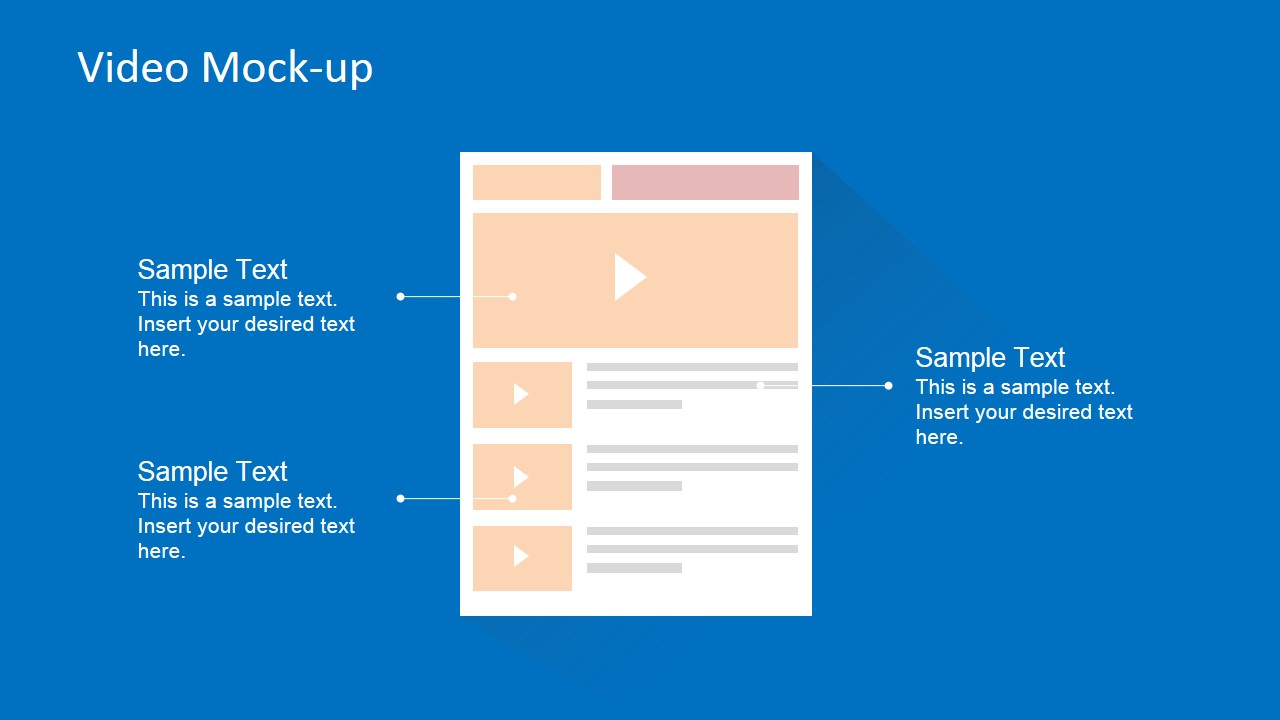
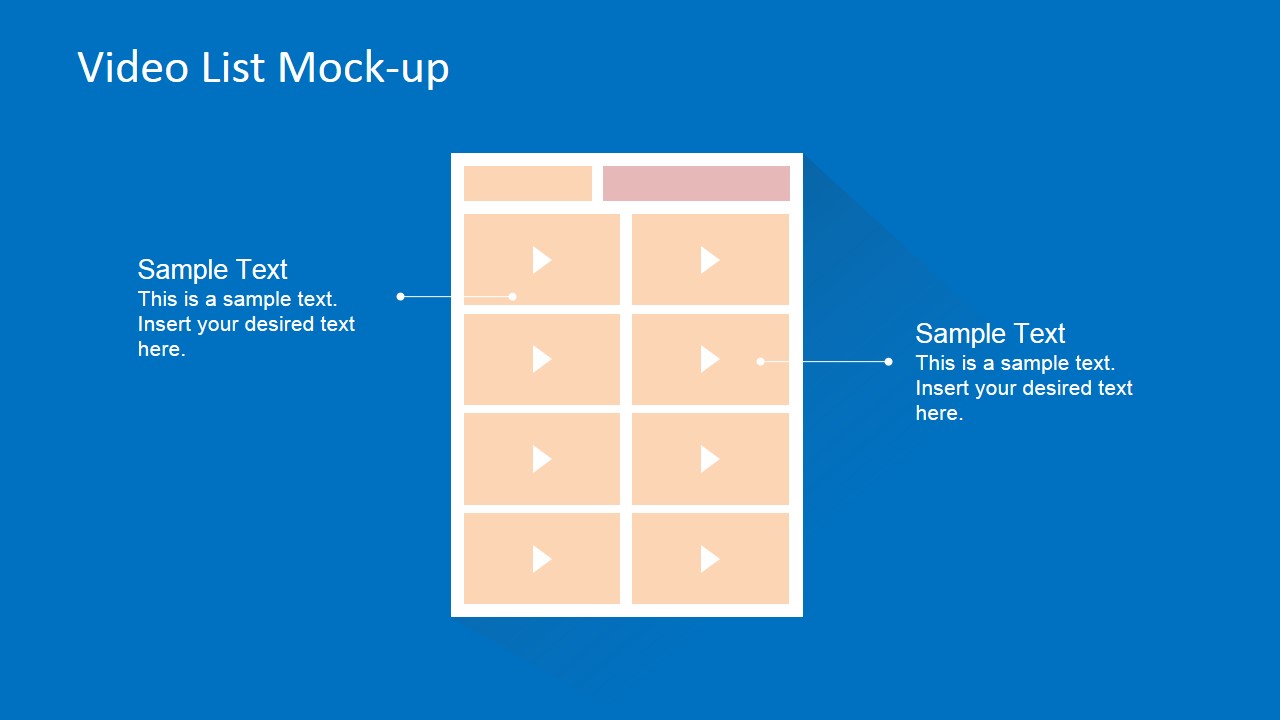
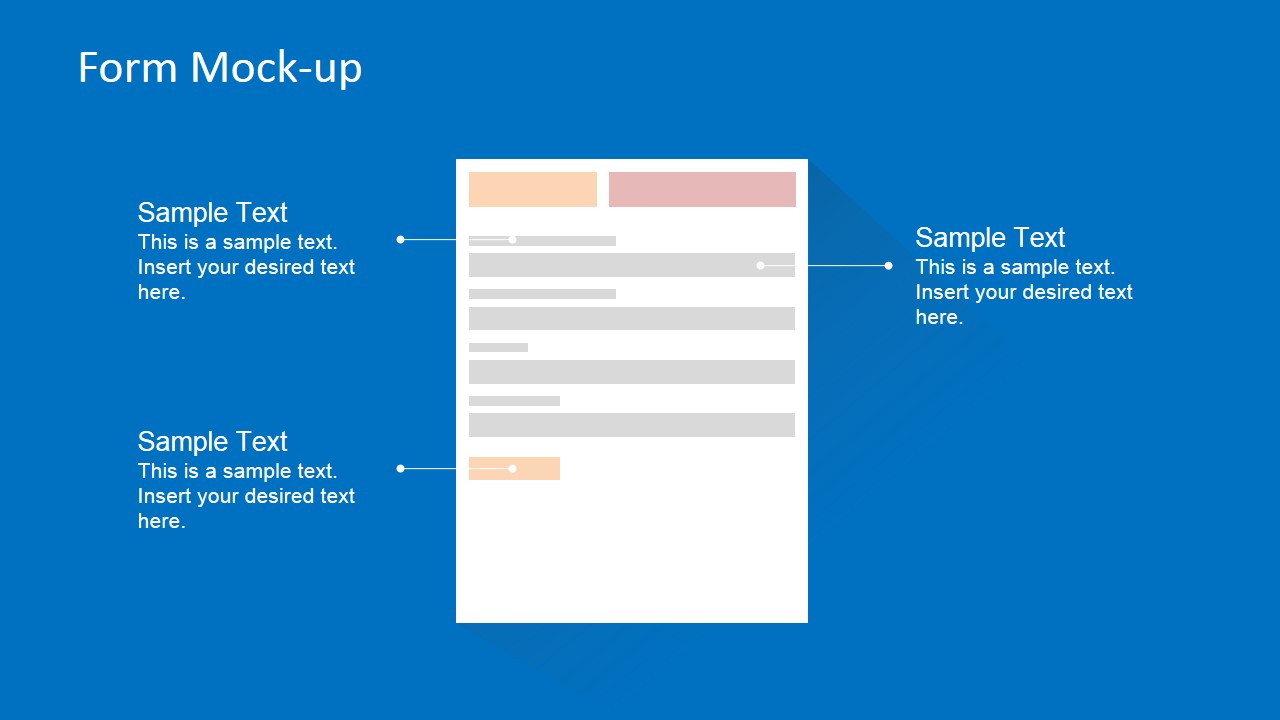
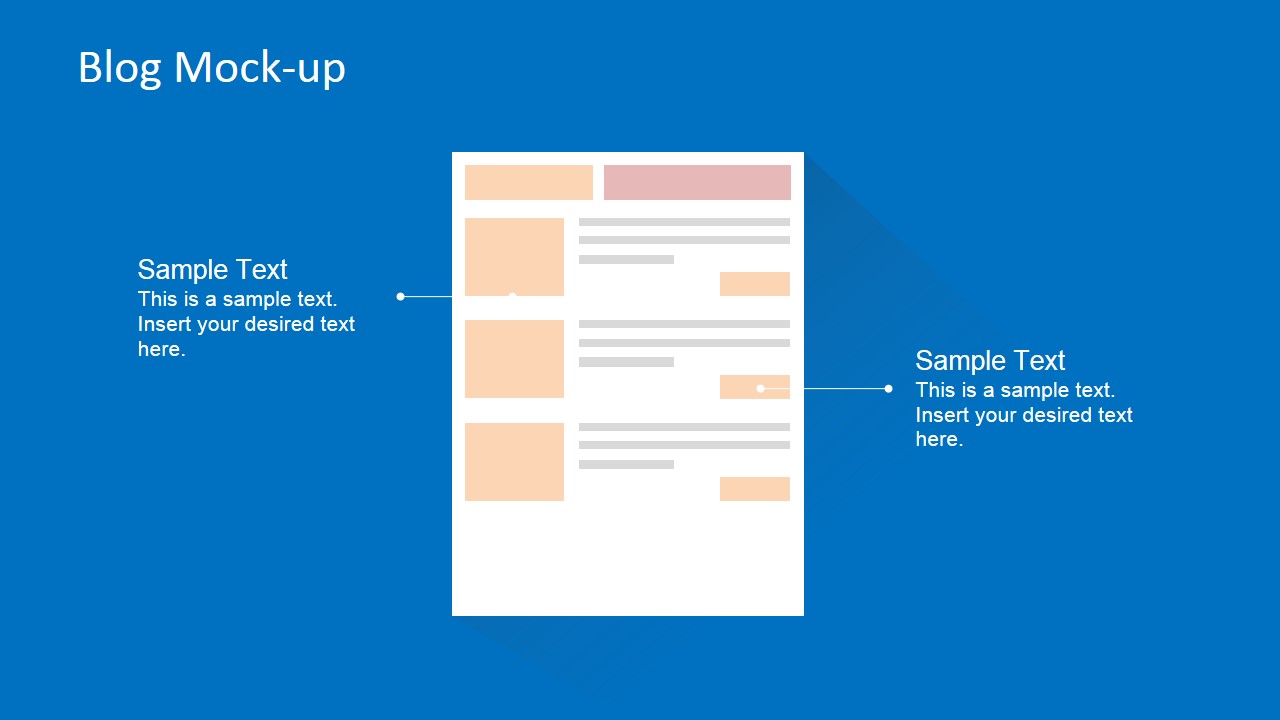
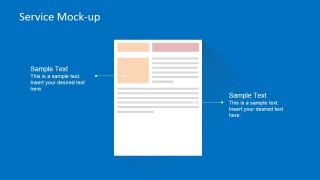
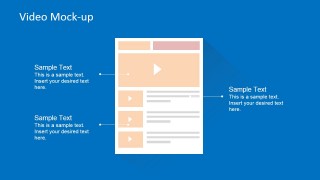
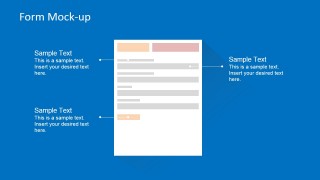
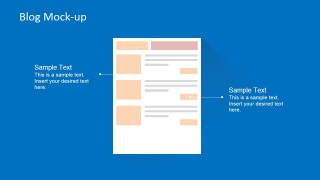
- A UX designer can brief developers on page structure by using the service, form, video, and blog mockups to mark content zones, navigation behavior, and interaction requirements.
- A business analyst can capture client requirements in a discovery meeting by annotating the central website mockups with callouts for content, services, forms, and footer information.
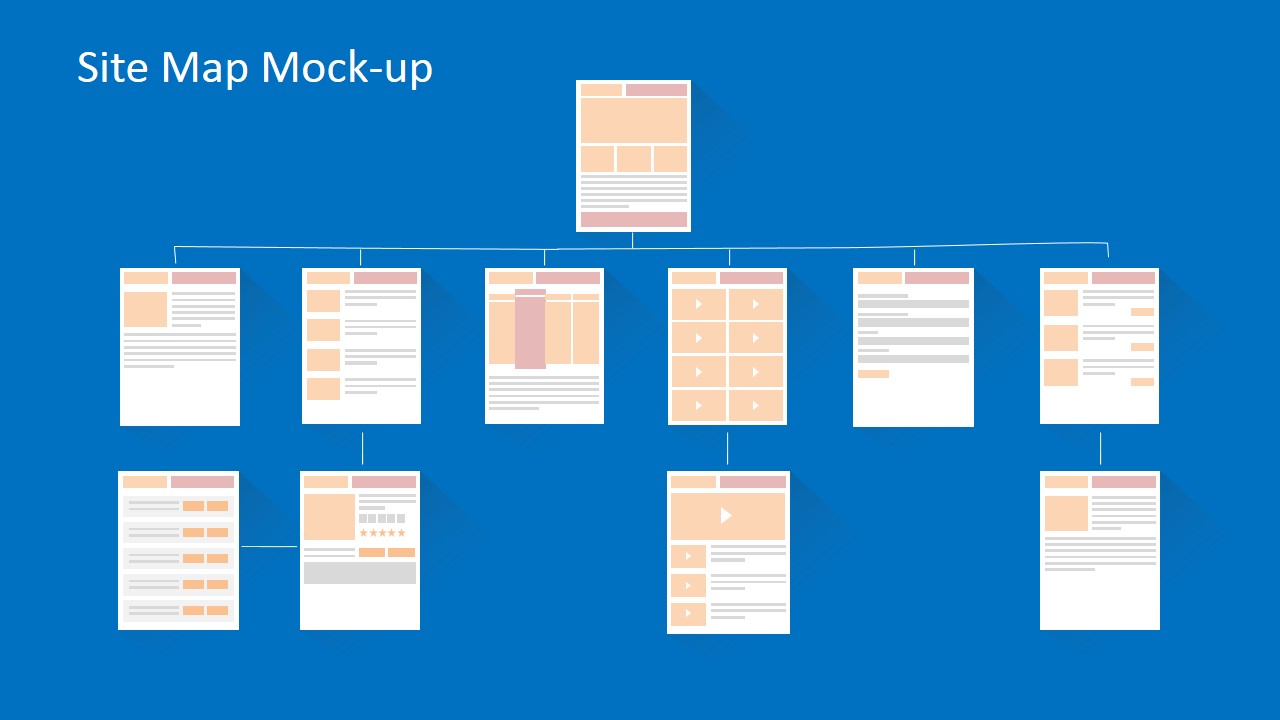
- A startup founder can explain a proposed web product to advisors or investors by showing the page mockups first, then using the site map slide to summarize navigation and scope.
Features
- 100% editable presentation template
- Compatible with Microsoft PowerPoint and Google Slides
- 16:9 aspect ratio slides
- Scalable vector shapes, icons and illustrations
- AI-Ready for Microsoft Copilot and Claude
- Instant access and download
Frequently asked questions
Q: How should a presenter use these mockups to keep a website design review focused?
A: Start with the overview or service mockup to define the main page zones, then move to the ecommerce or form layouts that carry the key user actions. Use the callout text to capture decisions, risks, or questions. End with the site map so the audience can connect individual page choices to the full navigation structure.
Q: Who is this template best suited for during a digital product project?
A: This template fits product managers, UX designers, business analysts, and software leads who need to explain page architecture before investing in high-fidelity design. It works well in discovery, client briefings, sprint planning, and prototype reviews where the goal is to agree on layout, content priority, and user flow.
Q: Why does the toolkit use flat wireframe pages with surrounding callouts?
A: The flat page mockups reduce visual noise, so reviewers discuss structure instead of colors, imagery, or final styling. The surrounding callouts act like design-review notes, pointing directly to navigation, content blocks, forms, pricing columns, or video areas. The site map then turns those page-level decisions into a navigation model.
Flat Website Mockup Toolkit for PowerPoint
11-slide presentation template for website wireframes, ecommerce mockups, UI navigation, and site maps
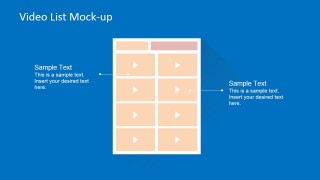
The Flat Website Mockup Toolkit for PowerPoint is an 11-slide website and app wireframe toolkit for Microsoft PowerPoint and Google Slides. It includes annotated service, product list, shopping cart, pricing plan, video, form, blog, and site map mockups for product managers, UX designers, analysts, and software teams.
- Category
- Models
- Rating


 Loading...
- Aspect ratio
- 16:9, 4:3
- Item ID
- 6578-02
- Colors
 Microsoft PowerPoint
  Microsoft Copilot
  Claude for PowerPoint
 Other formats supported
Subscribe today and get immediate
access to download our PowerPoint templates.