Produce an interactive and modern PowerPoint presentation with the Web Design Concept PowerPoint Slide. Using its chic minimalist presentation design, be able to present your ideas and innovations with a modern flair.
The Internet, as the fastest growing mode of communication in the world, expands almost exponentially every day, generating thousands upon thousands of websites viewed, streamed, and skimmed by the second, This PowerPoint template may be used to capture the Internet’s purpose of communicating ideas, by relating proposed business plans hinging on technology and technological advancements, making use of the popular image of websites as one of the principal components of the presentation design.
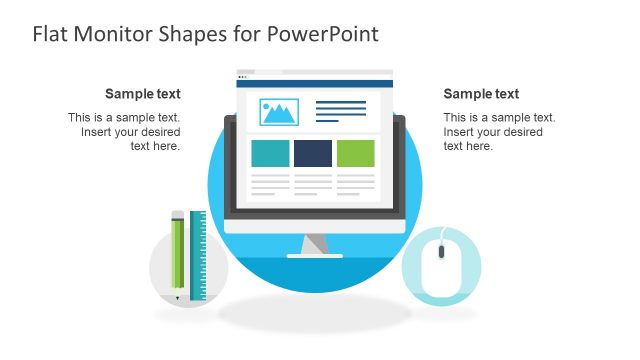
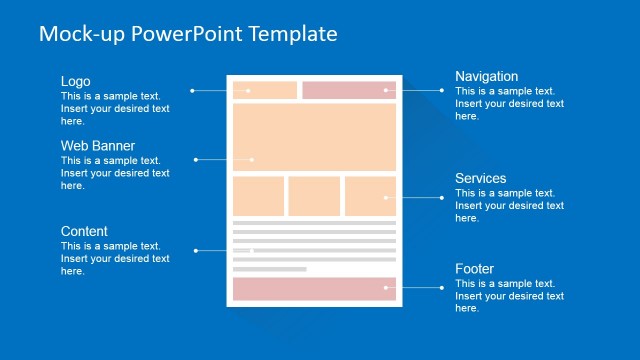
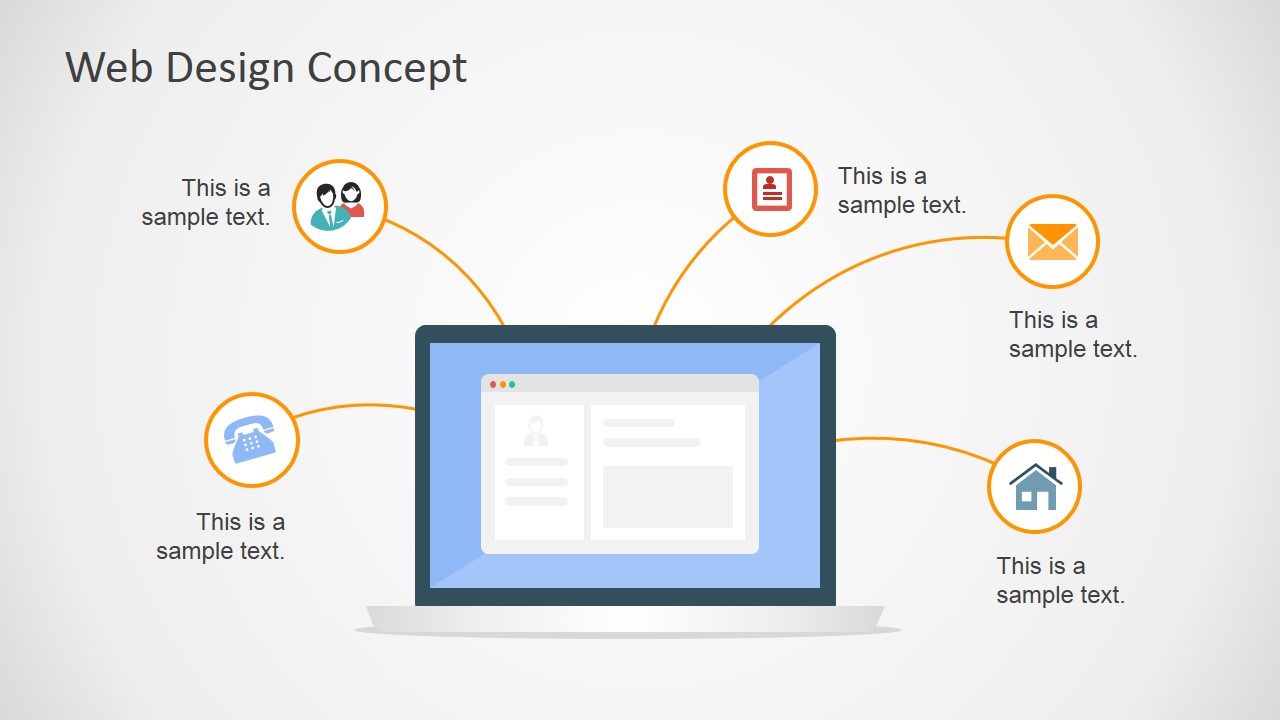
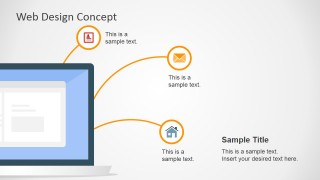
Using a flat design, the PowerPoint slides display a typical web layout as the main feature, with lines extending from it to minimalist PowerPoint clipart which may be use to highlight key elements of communication processes. These PowerPoint icons include that of a person, a telephone, a letter, an envelope, and a house.
The presentation template may be used to elaborate on concept discussions, utilizing the existing icons to illustrate various communication alternatives. The presenter may choose to feature the web design as a representation of online transactions and communications which have become more convenient alternatives to conventional communication methods such as personal meetings, phone calls, or letters.
Another use for the PowerPoint template is to highlight important components of a web design which ensure the business organization of heavy web traffic to benefit its marketing and advertising objectives.
The Web Design Concept PowerPoint Slide is most ideal for presenting ideas and concepts which are connected to online networking and web developments. However, the presenter may also edit the PowerPoint slides so that they can become even more aligned to the presenter’s own needs and preferences.
The presenter may also download other Internet-themed PowerPoint templates, such as the Flat SEO PowerPoint Template.
What’s inside this template
Example presentation scenarios
- A UX designer can use the laptop hub-and-spoke diagram to introduce a website concept and connect each communication icon to a specific user need or interface function.
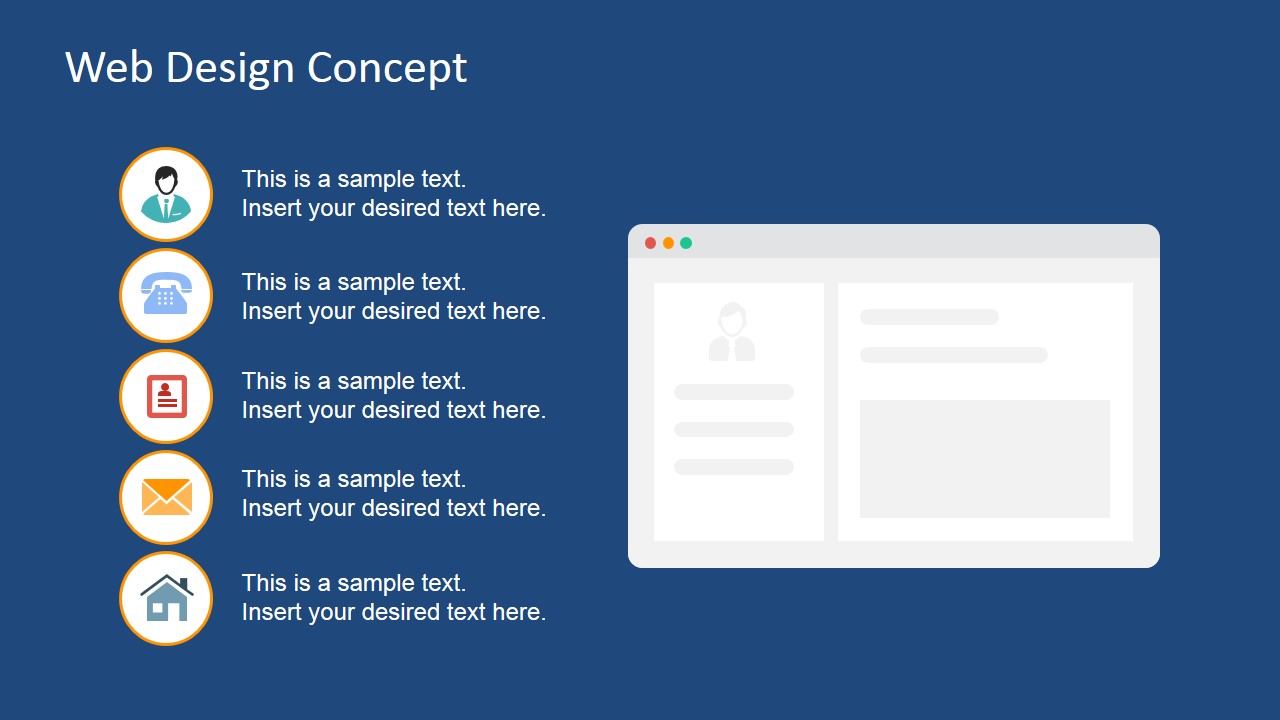
- A digital marketing manager can use the dark blue icon list and web page mockup to explain online touchpoints such as email, phone, home page access, and account interaction.
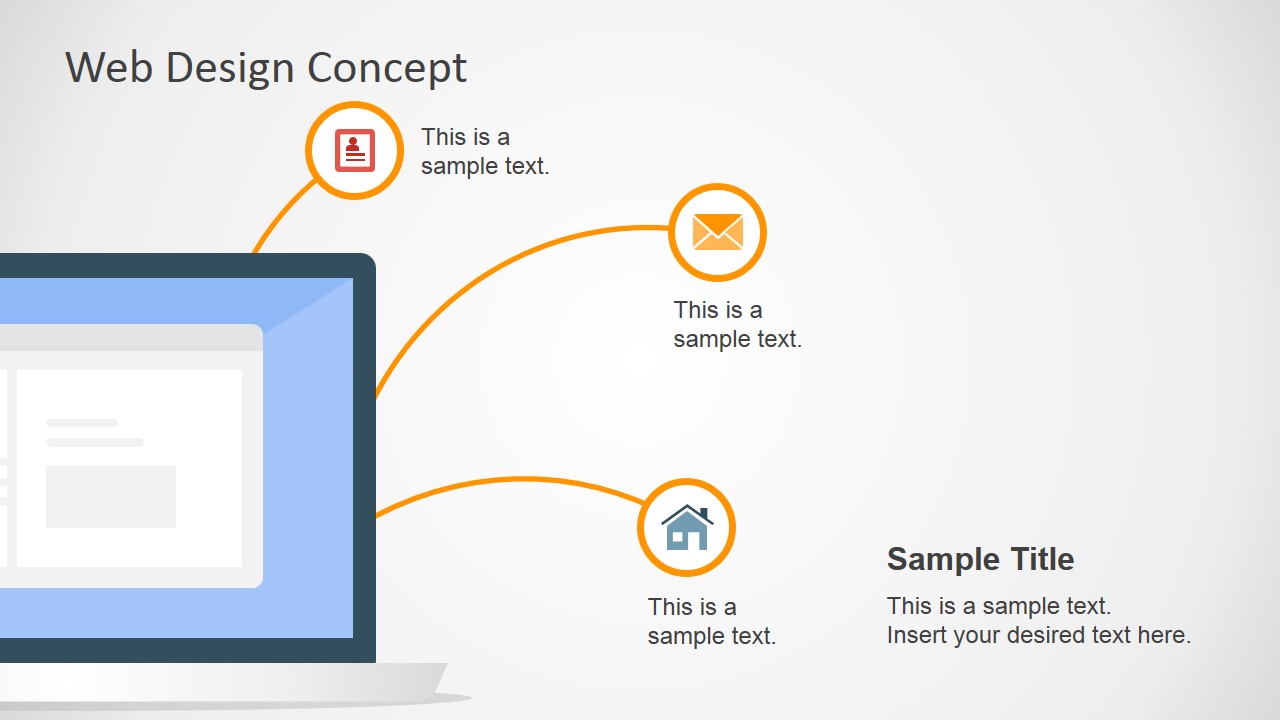
- A product owner can use the cropped monitor callout slide to brief stakeholders on key website features while keeping the interface mockup visible as the main reference point.
- A technology consultant can use the central screen diagram to show how a proposed web portal connects customers, messages, documents, and service channels.
Features
- 100% editable presentation template
- Compatible with Microsoft PowerPoint and Google Slides
- 16:9 aspect ratio slides
- Scalable vector shapes, icons and illustrations
- AI-Ready for Microsoft Copilot and Claude
- Instant access and download
Frequently asked questions
Q: How should a presenter structure the message with only three web concept slides?
A: Start with the central laptop hub-and-spoke slide to define the overall web concept and its communication channels. Use the cropped monitor slide to explain the most important features or benefits in more detail. Close with the dark icon-list slide when the audience needs a clean summary of touchpoints beside a web page mockup.
Q: Who is this template best suited for in a business presentation?
A: This template fits presenters who need to explain a web idea before detailed production begins. UX designers, product managers, agencies, and digital marketing teams can use the screen mockups and communication icons to align stakeholders on purpose, channels, and user interactions without showing dense wireframes or technical documentation.
Q: Why does the screen-and-icon metaphor help explain digital communication?
A: The screen acts as the center of the digital experience, while the surrounding icons represent actions or channels connected to it. This makes an abstract web concept easier to follow because the audience can see the relationship between the interface and the communication methods, instead of reading a list of disconnected points.

Web Design Concept PowerPoint Slide
3-slide presentation template for web design concepts, UI mockups, and communication icons
This 3-slide web design concept presentation template provides flat screen mockup layouts for explaining online communication ideas. It includes a laptop hub-and-spoke diagram, a cropped monitor callout slide, and a dark background list with web page mockup for product, UX, marketing, or technology presentations in Microsoft PowerPoint and Google Slides.
- Category
- Shapes
- Rating

 Loading...
- Aspect ratio
- 16:9
- Item ID
- 6947-01
- Colors
 Microsoft PowerPoint
  Microsoft Copilot
  Claude for PowerPoint
 Other formats supported
Subscribe today and get immediate
access to download our PowerPoint templates.