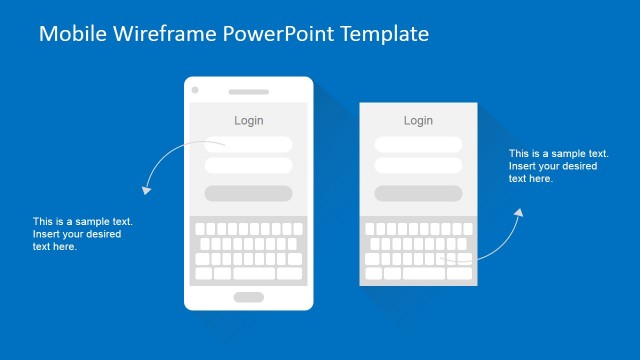
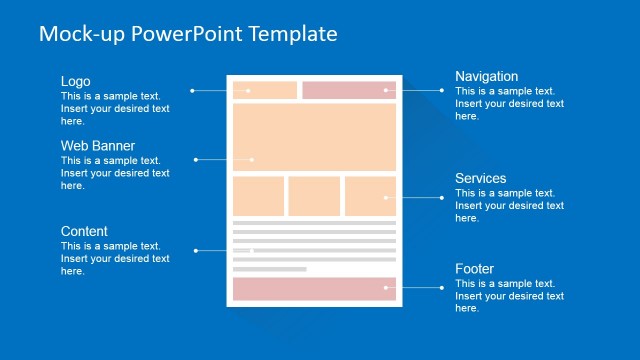
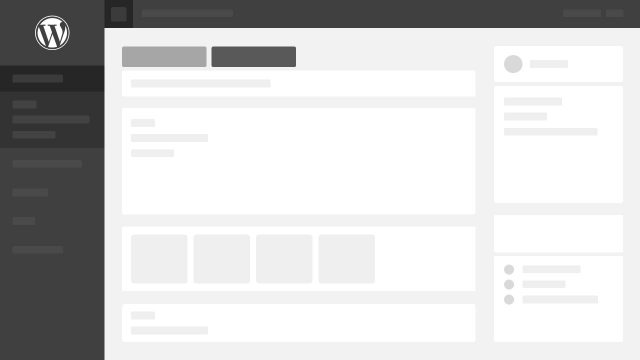
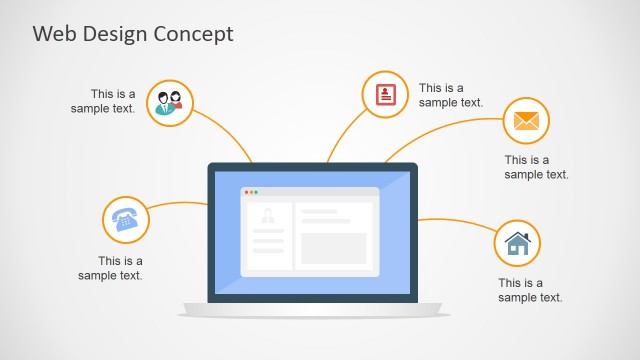
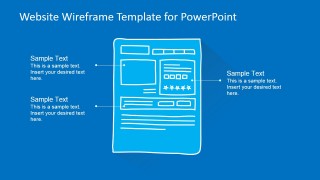
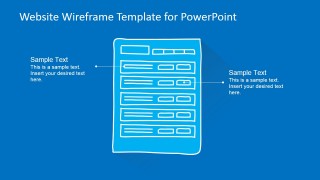
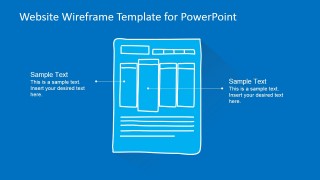
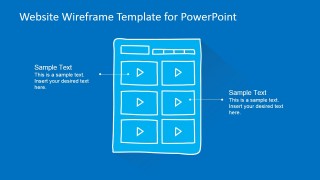
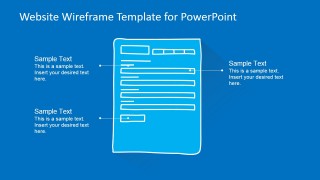
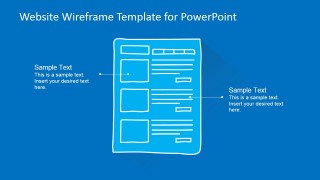
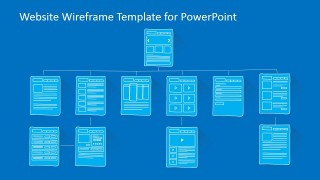
Website Wireframe Template for PowerPoint is a professional PowerPoint Template that contains several Website Wireframes shapes, created with hand written style, for mocking up website screens and presenting website functionalities. Website Wireframes are also known as Mockups, website schematics or just website blueprints. They are a powerful visual tool to represent the structure of a web page and its components. The wireframes contain a set of widgets that represent the internal elements of the website. This elements, are displayed in the wireframe in order to visualize the layout of the website and its structural behavior. It also contains the navigational elements of the web page, that provide usability across the website.
Wireframes are extensively used under Software Product Management, Website Design and Web Software Development projects. Wireframes are a powerful communication tools between the functional stakeholders and the engineering and designs teams. They provide high expressiveness to transmit the required layout and display and the functionality of each element within them.
Our Website Wireframe Template for PowerPoint is created with hand written PowerPoint Shapes. Each shape , the windows, the components and the elements, are created as PowerPoint objects, allowing the user to fully customize their properties as color, shape and effects. The presentation provides common website wireframe scenarios and layouts that will help the user to mock up any kind of website. It also provides portrait and landscape versions of screen, not only to wireframe tablet or mobile, but also modern wide screens.
What’s inside this template
Example presentation scenarios
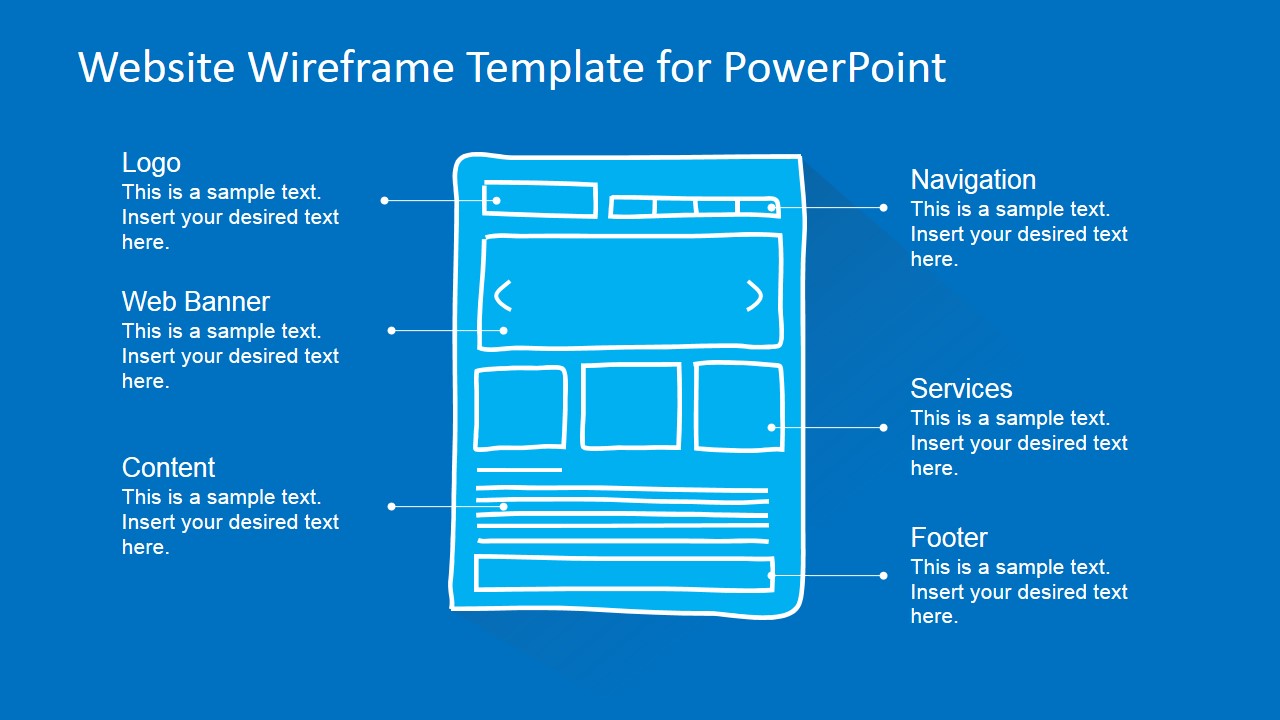
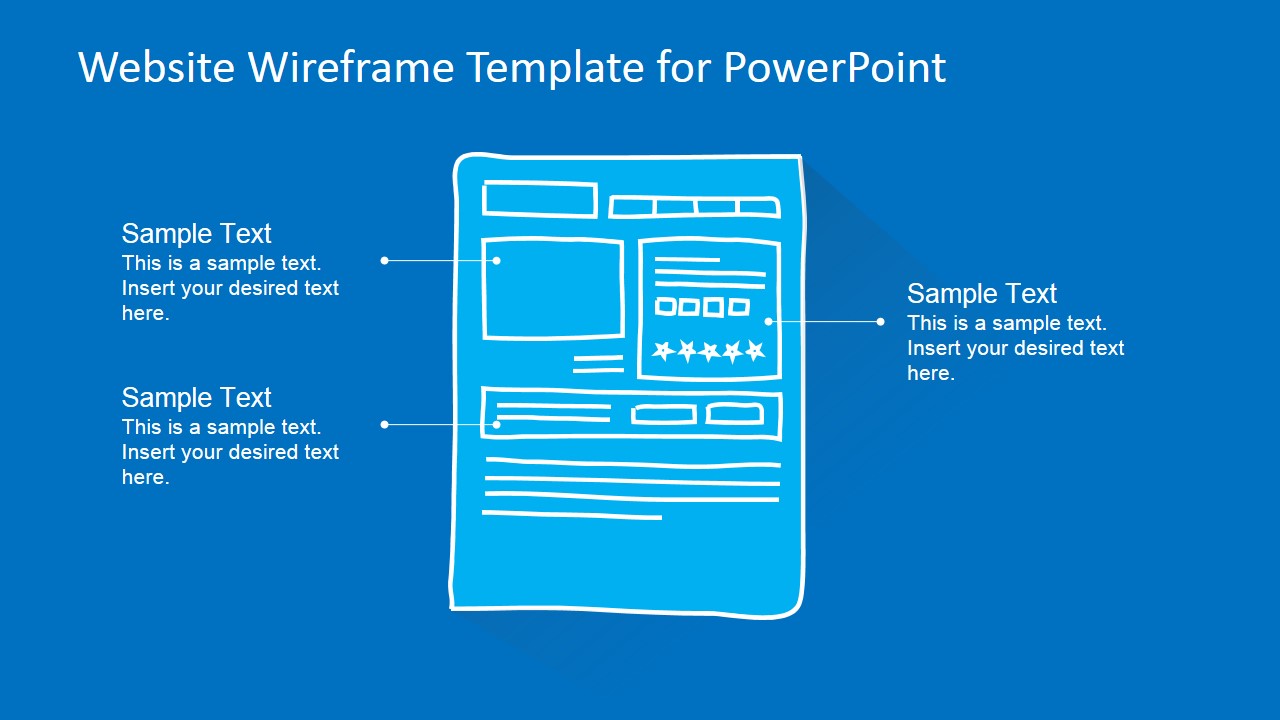
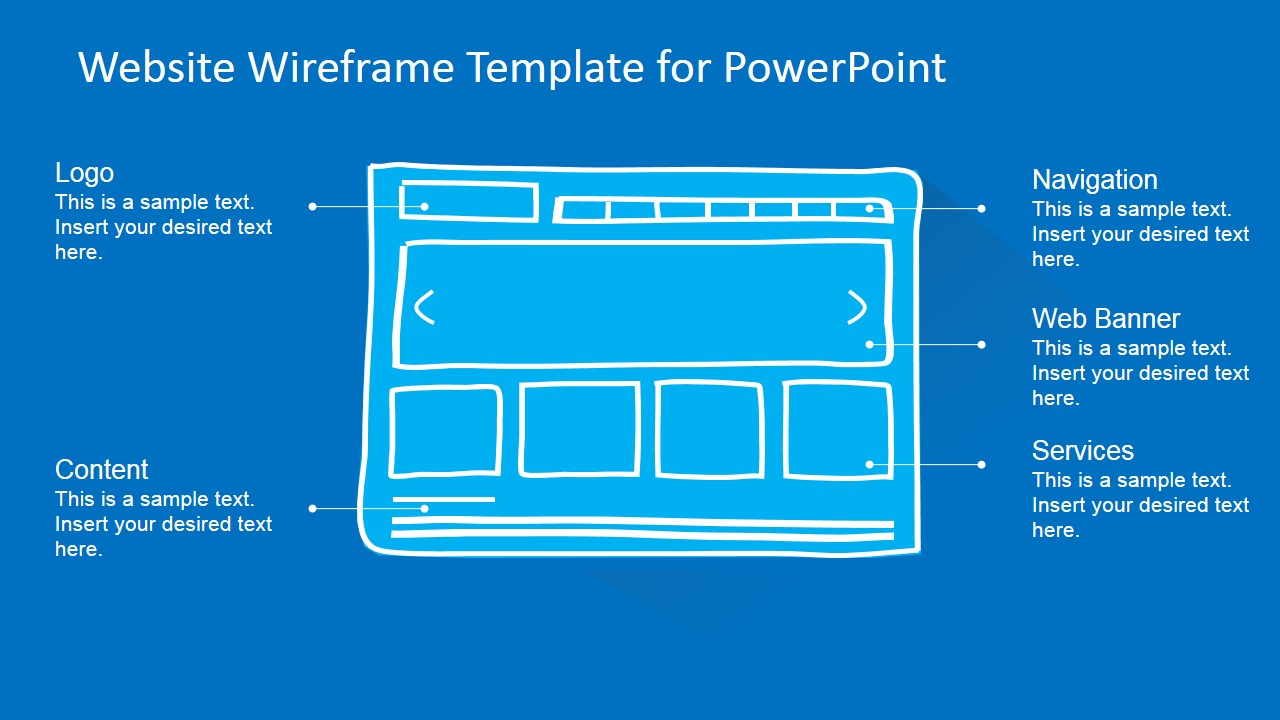
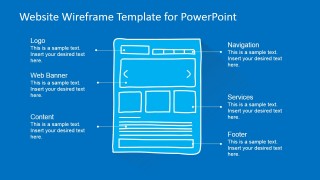
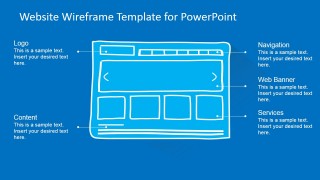
- A product manager can use the homepage wireframe and labeled callouts to align stakeholders on navigation, banner placement, content areas, and service sections before writing final requirements.
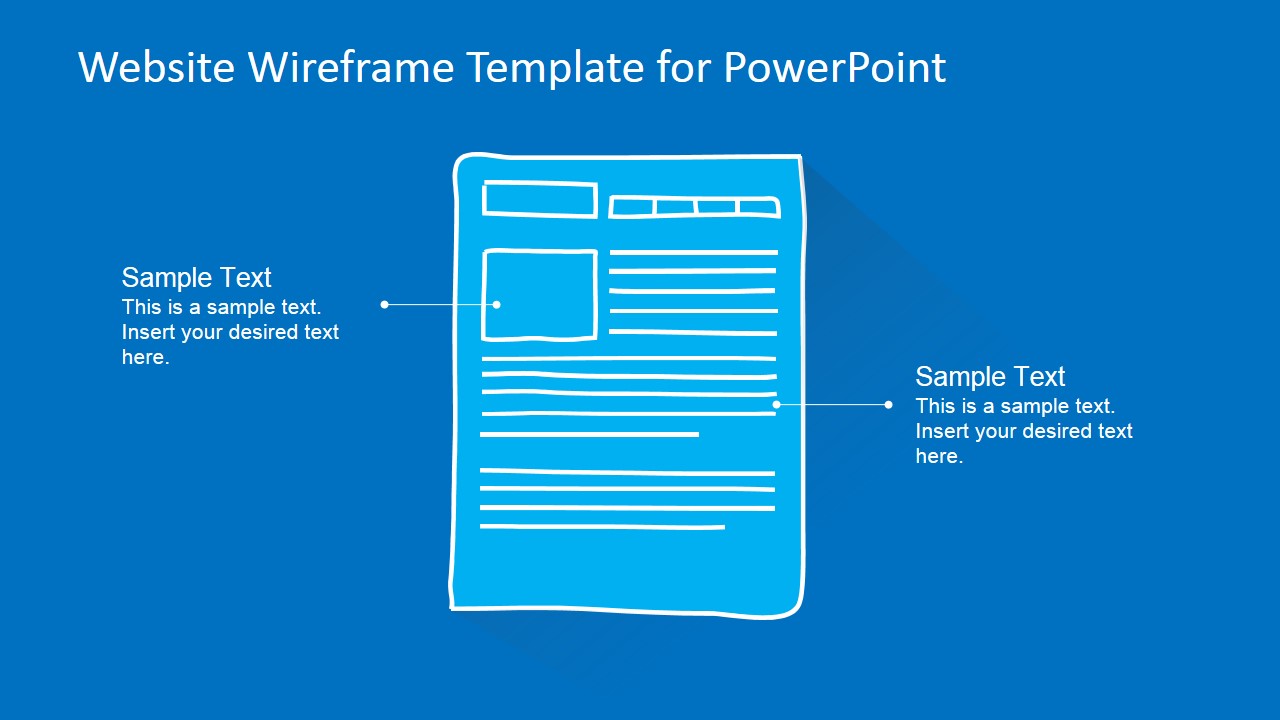
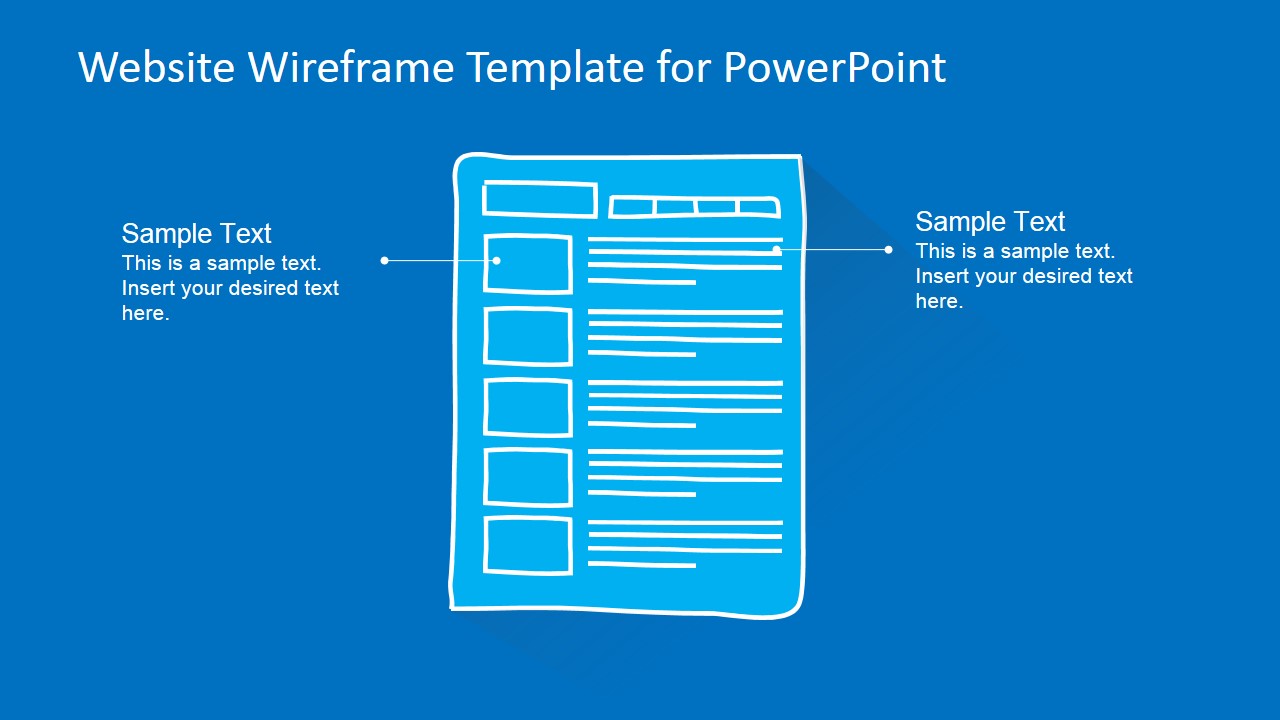
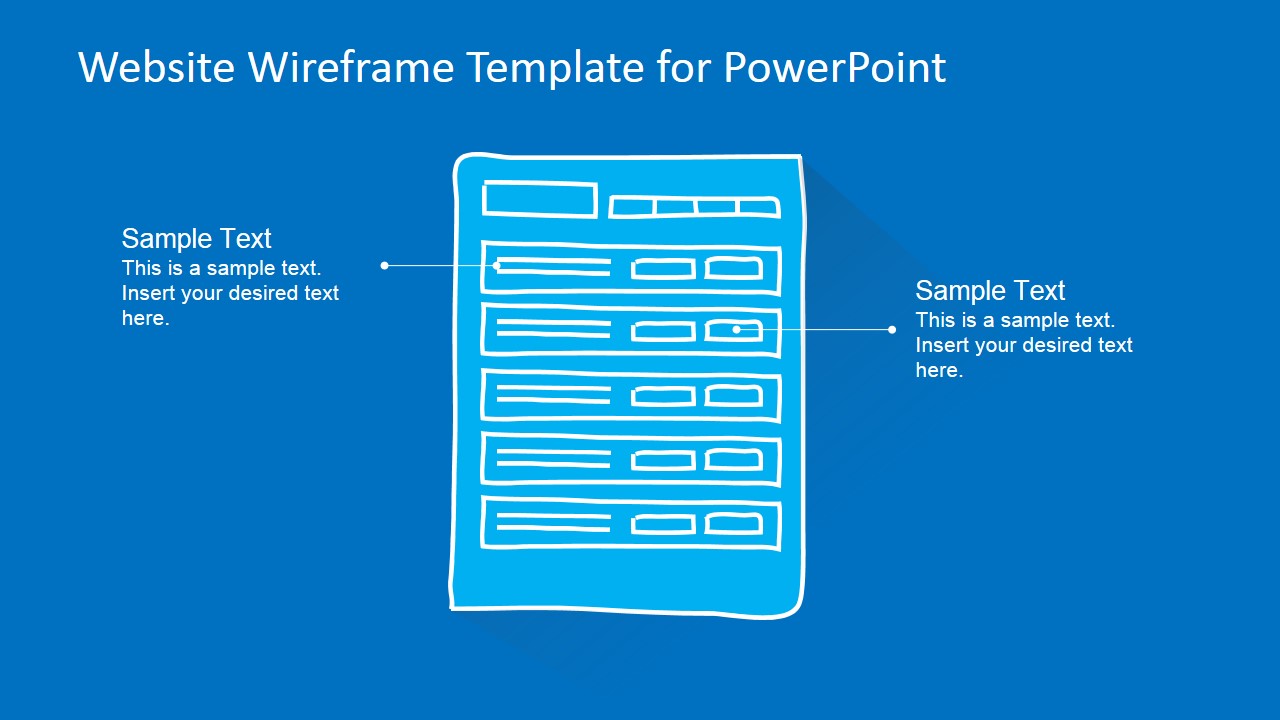
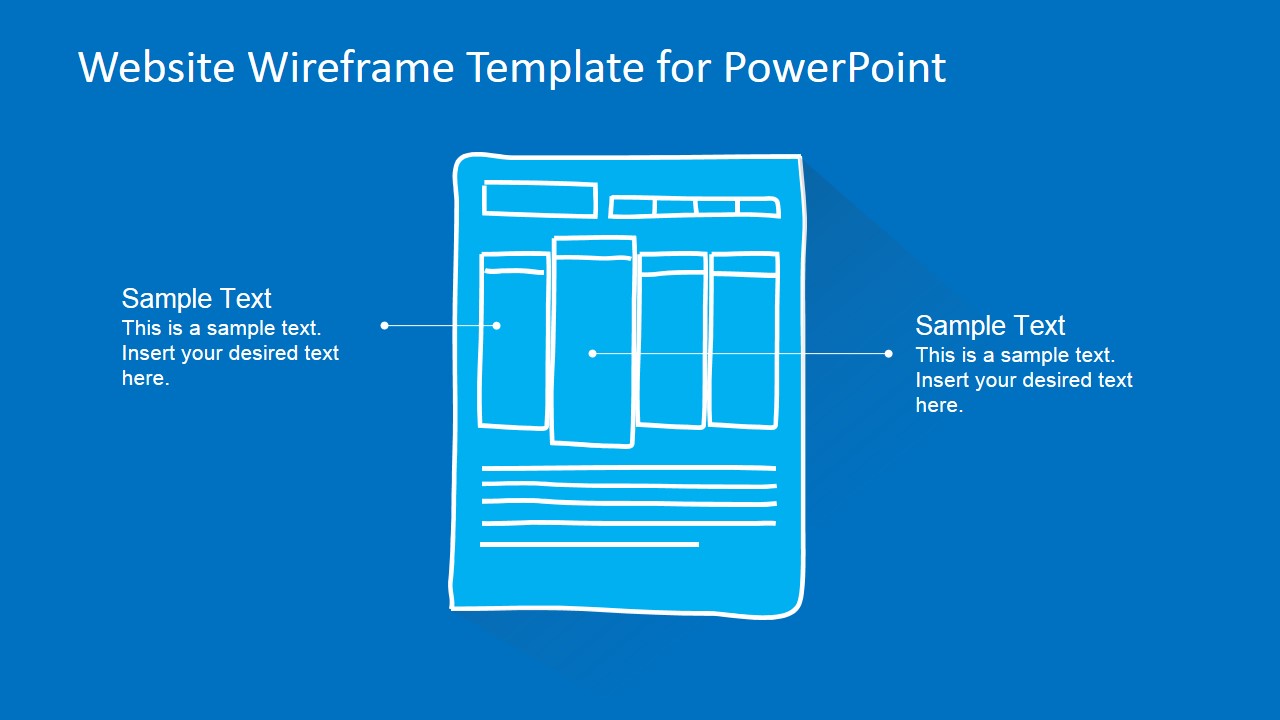
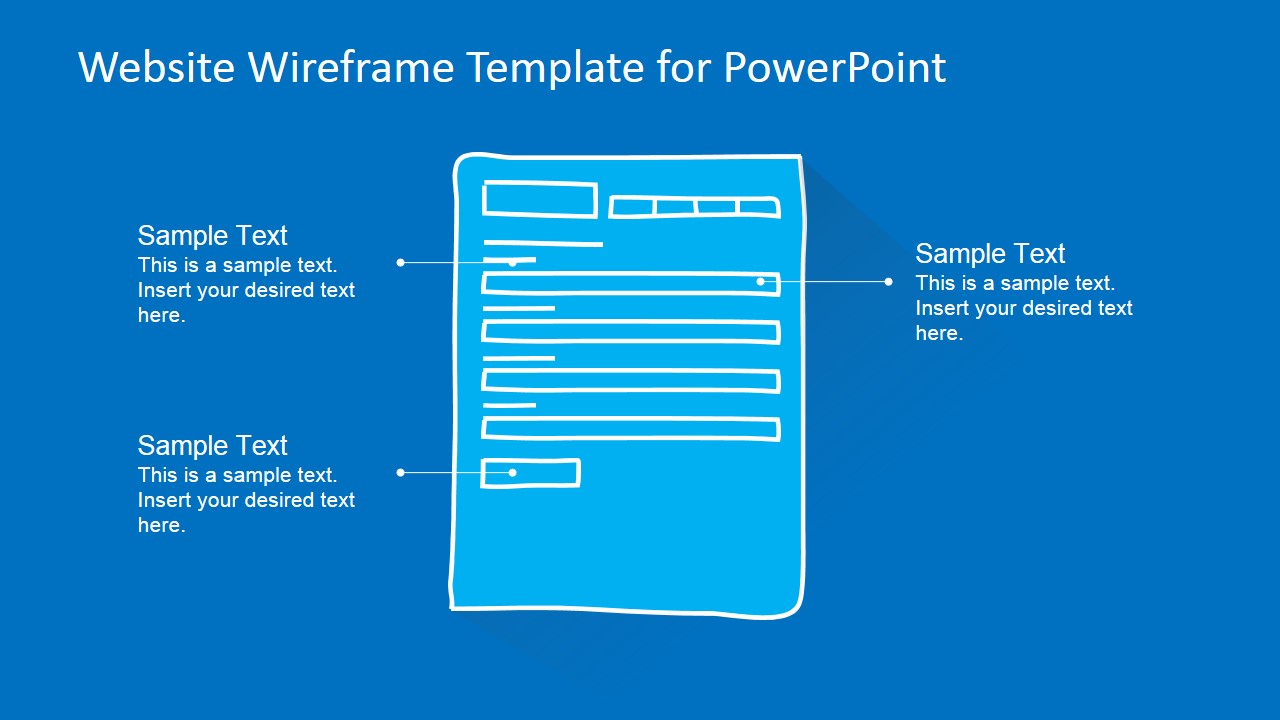
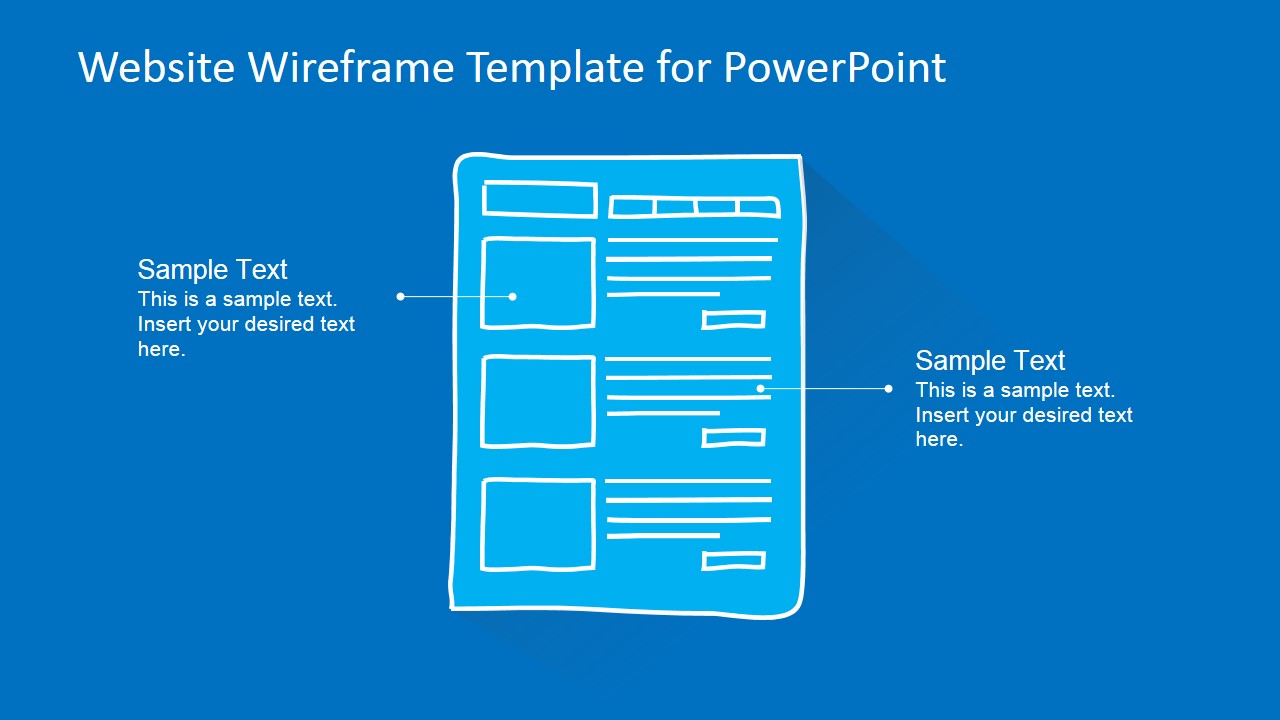
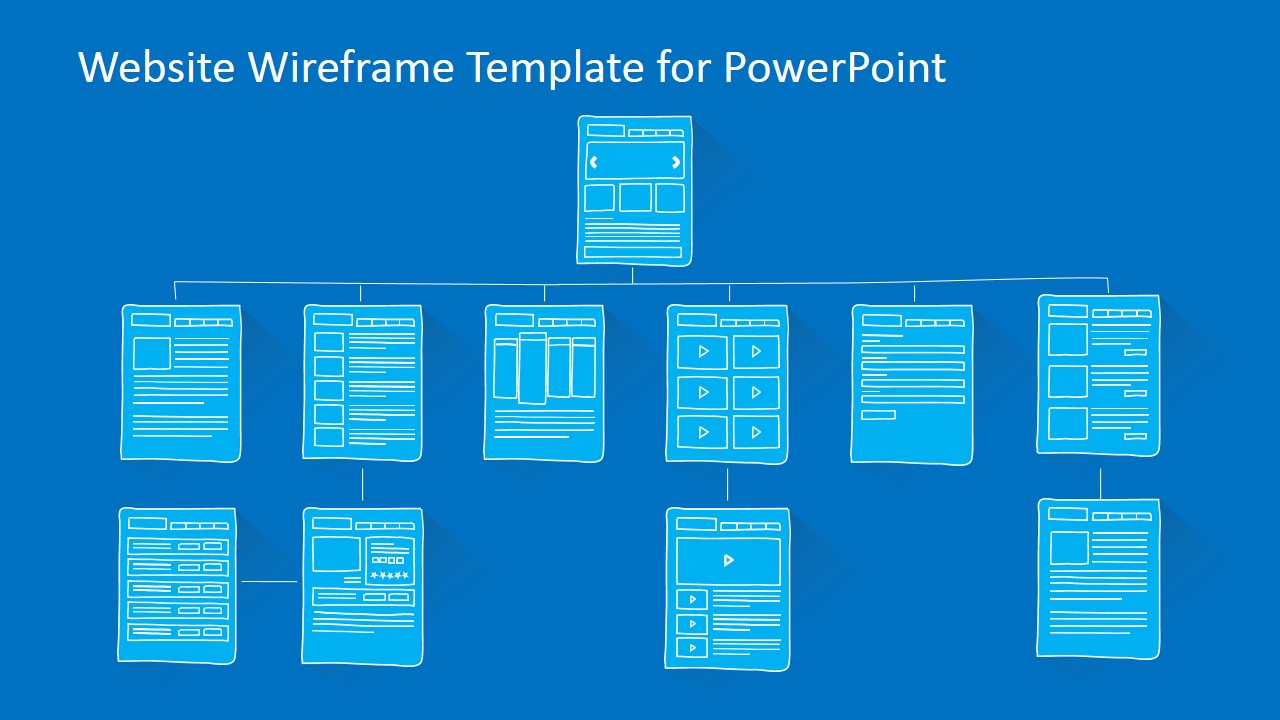
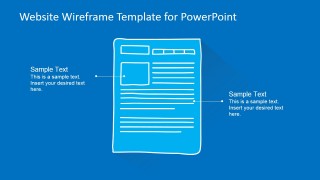
- A UX designer can present the article page, listing page, and form page layouts to compare content hierarchy and gather feedback on user flow during a website redesign workshop.
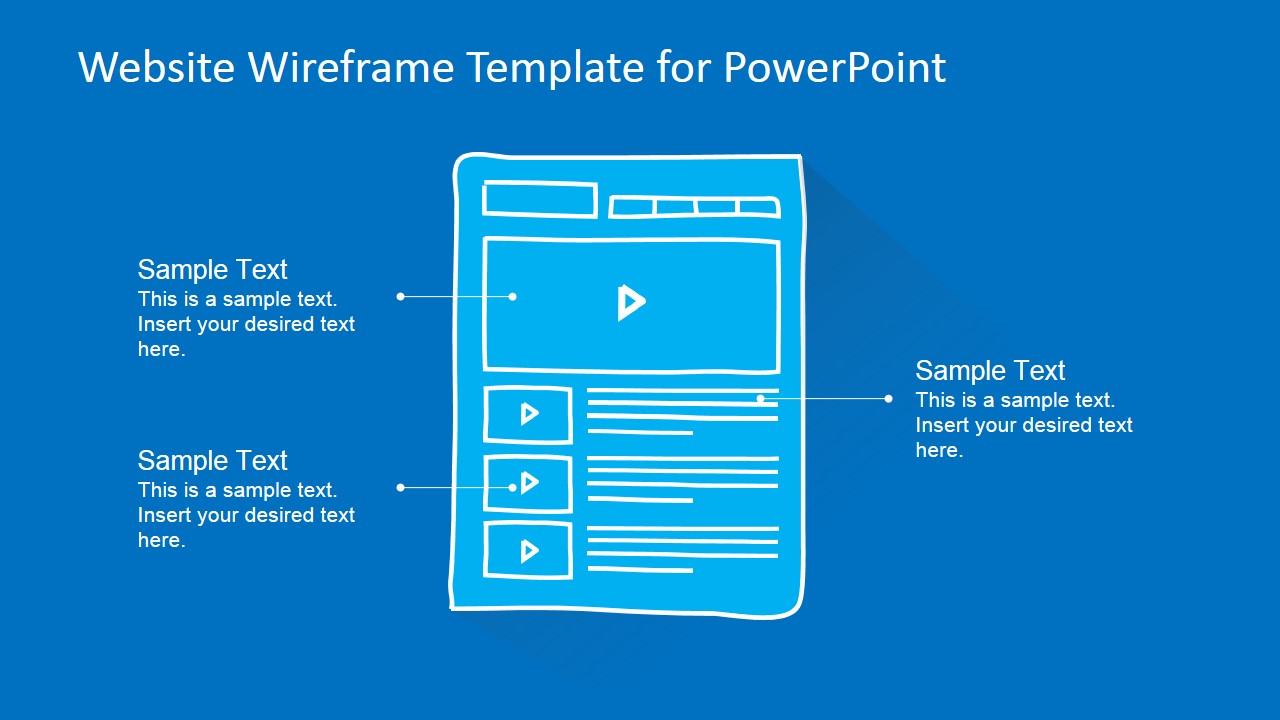
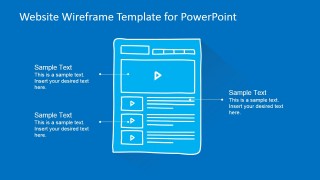
- A business analyst can use the product review page and video article wireframe to document functional expectations for media areas, ratings, buttons, and supporting copy.
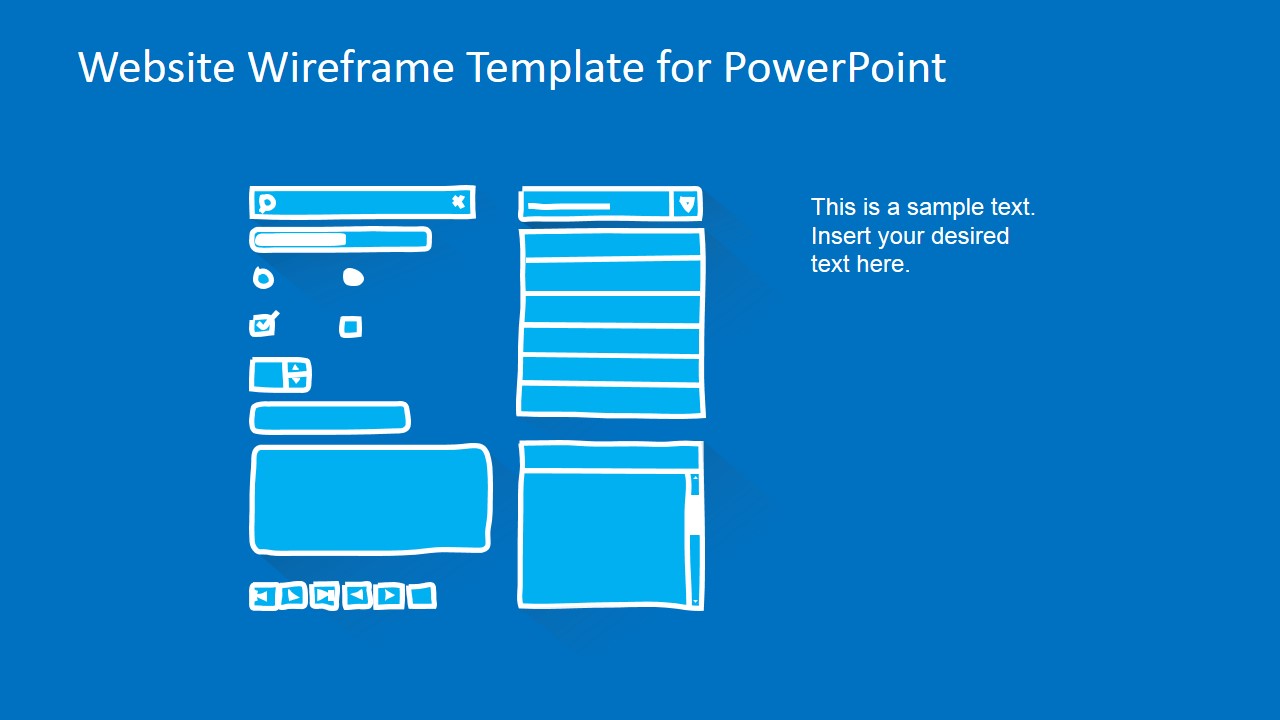
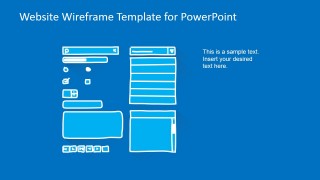
- A development lead can use the UI component library slide to clarify interface elements such as form fields, icons, menus, buttons, and scrollable panels before sprint planning.
Features
- 100% editable presentation template
- Compatible with Microsoft PowerPoint and Google Slides
- 16:9 aspect ratio slides
- Scalable vector shapes, icons and illustrations
- AI-Ready for Microsoft Copilot and Claude
- Instant access and download
Frequently asked questions
Q: How should a presenter explain a website concept with this wireframe template?
A: Start with the labeled homepage to name the major page regions: logo, navigation, banner, content, services, and footer. Then move to the page type that matches the decision at hand, such as a list page, product review page, or video gallery. Keep the discussion focused on structure and behavior, not final visual styling.
Q: Who is this template best suited for during a web project?
A: It is best for product managers, UX designers, business analysts, and development leads who need a shared visual reference for early website planning. The sketch-style pages make it easier to discuss requirements, content priority, and interface expectations before teams invest time in polished design files.
Q: Why does the hand drawn wireframe style help communication?
A: The sketch metaphor signals that the screens are still open for discussion, which lowers resistance to change. White line drawings on a blue background keep attention on page blocks, navigation, forms, media areas, and callouts. That visual hierarchy supports functional review without making the audience judge final branding too early.

Website Wireframe Template for PowerPoint
13-slide website wireframe presentation template with mockup screens and UI component layouts
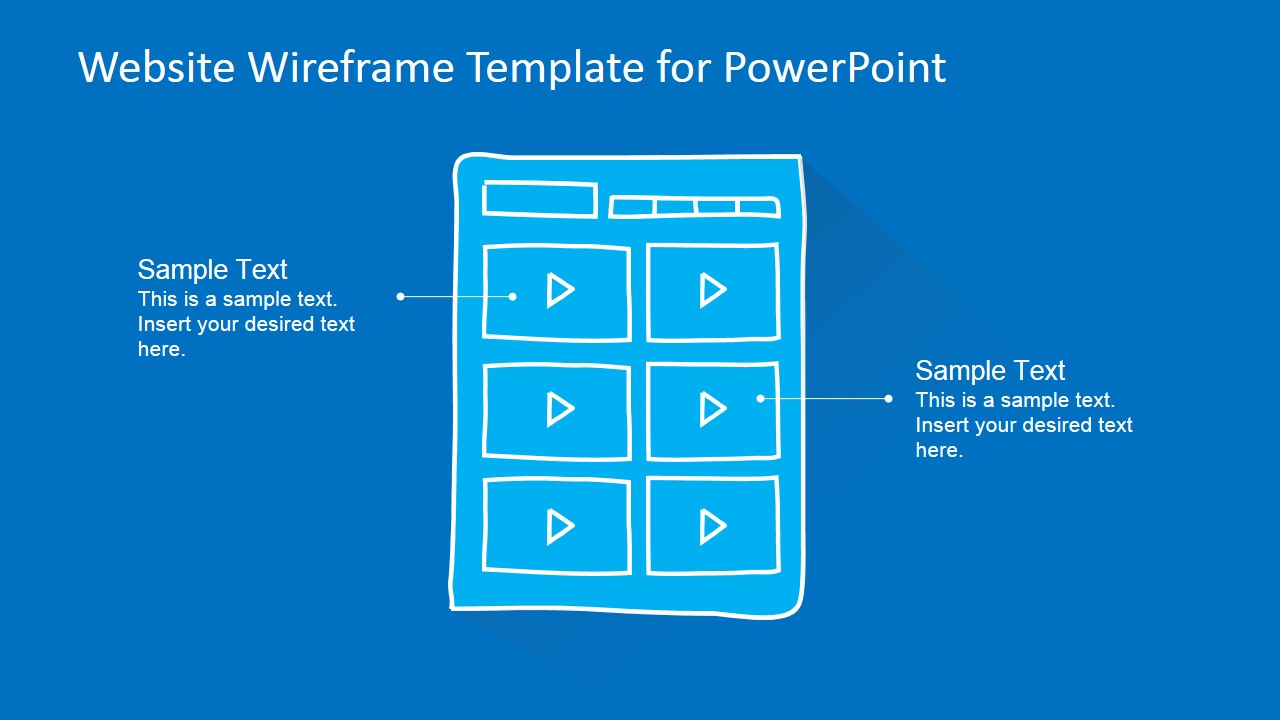
Website Wireframe Template for PowerPoint is a 13-slide presentation template for sketch-style website mockups. It includes homepage, article page, list page, media gallery, form page, product review, landscape web page, and UI component library layouts. Product managers, designers, and developers can present editable wireframes in Microsoft PowerPoint and Google Slides.
- Category
- Models
- Rating


 Loading...
- Aspect ratio
- 16:9, 4:3
- Item ID
- 6578-01
- Colors
 Microsoft PowerPoint
  Microsoft Copilot
  Claude for PowerPoint
 Other formats supported
Subscribe today and get immediate
access to download our PowerPoint templates.