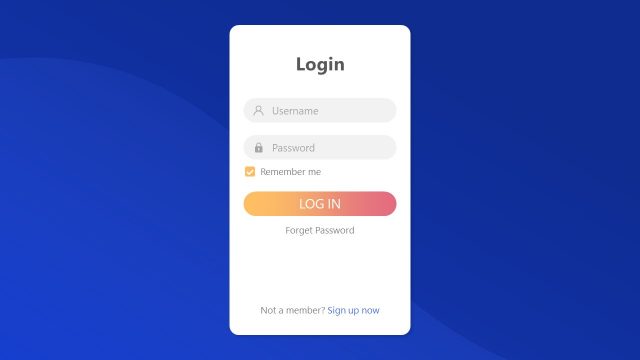
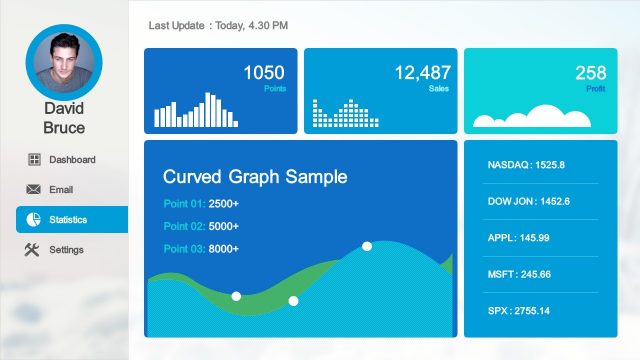
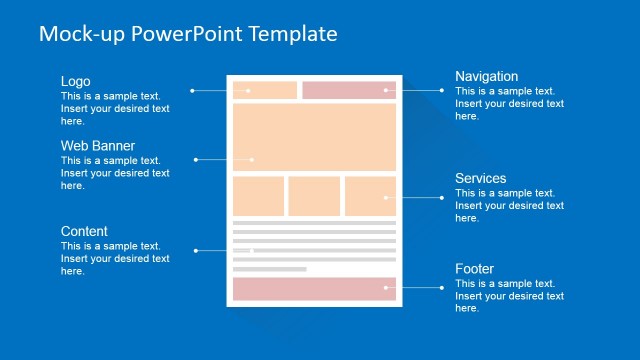
The User Login Mockup PowerPoint Template presents a login page prototype. This single-slide template is a visual representation of modern responsive websites and app designs. The PowerPoint template of user login mockup will help you to create multiple design options. For example, presenting different color options by changing PowerPoint backgrounds.
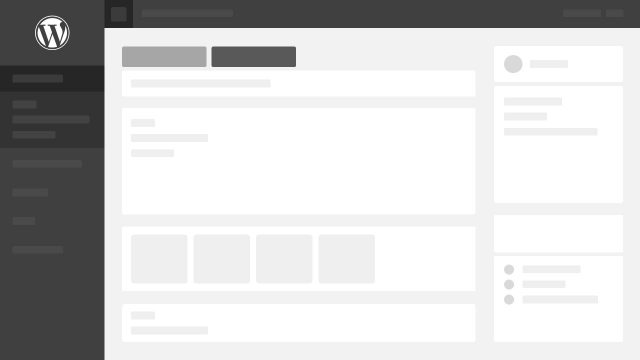
The User Login Mockup PowerPoint Template contains a widescreen login page with user icon. There are two action segments i.e. Log In and Forget Password. This is a user interface (UI) layout for authorized users i.e. registered subscribers, customers, or administrative access. SlideModel catalog includes more mockup templates for Login and WordPress layouts. These layouts are creative editable designs to gather feedback of target audience.
This slide is suitable for website or application design process that will assist with product demo presentations. The gradient background of login page shows two shades. Users can alter these colors from design menu bar by clicking format background. Similarly, apply patterns, solid fill, or background images. It will help visualize user’s interaction with login page mockups. In this way, viewers can text out and give feedback on design of UI elements. Moreover, editable components will allow presenter to create mockups for both desktop screens and smartphones.
What’s inside this template
Example presentation scenarios
- A UX designer can use the login card layout to collect stakeholder feedback on field labels, button prominence, and the placement of the Forget Password link.
- A product manager can use the authentication screen mockup to introduce a demo flow before showing how registered users access a web or mobile product.
- A startup founder can present the gradient login screen during an investor or client walkthrough to show the intended first user interaction with the product.
- A web design team can compare brand color options by adapting the background, button, and avatar areas before finalizing a website login page direction.
Features
- 100% editable presentation template
- Compatible with Microsoft PowerPoint and Google Slides
- 16:9 aspect ratio slides
- Scalable vector shapes, icons and illustrations
- AI-Ready for Microsoft Copilot and Claude
- Instant access and download
Frequently asked questions
Q: How should a presenter explain this login mockup effectively?
A: Start with the user goal: signing in quickly and confidently. Point first to the avatar and User Login heading, then move down through the username field, password field, Log In button, and Forget Password link. This top-to-bottom walkthrough keeps the discussion focused on user behavior, error prevention, and the primary action.
Q: Who is this template best suited for?
A: This template works best for UX designers, product managers, and web teams who need a quick visual reference for an authentication screen. It is most useful in concept reviews, product demos, and stakeholder discussions where the team must judge whether the login experience feels clear, branded, and easy to understand.
Q: Why does the centered card design help communicate the UI concept?
A: The centered white card separates the functional login elements from the warm gradient background, making the hierarchy easy to read. The avatar works as a user identity cue, while the large Log In button signals the primary action. This composition mirrors common authentication patterns, so audiences can evaluate the design without learning a new interface model.


User Login Mockup PowerPoint Template
1-slide presentation template for UI login mockups, authentication screens, and website UX reviews
The User Login Mockup PowerPoint Template is a 1-slide UI presentation template for showing an authentication screen concept. It includes a gradient background, circular user avatar, centered login card, username and password fields, Log In button, and Forget Password link for website, app, and UX review presentations in PowerPoint and Google Slides.
- Category
- Template Backgrounds
- Rating

 Loading...
- Aspect ratio
- 16:9
- Item ID
- 20568-01
 Microsoft PowerPoint
 Microsoft Copilot
 Claude for PowerPoint
Other formats supported
Subscribe today and get immediate
access to download our PowerPoint templates.