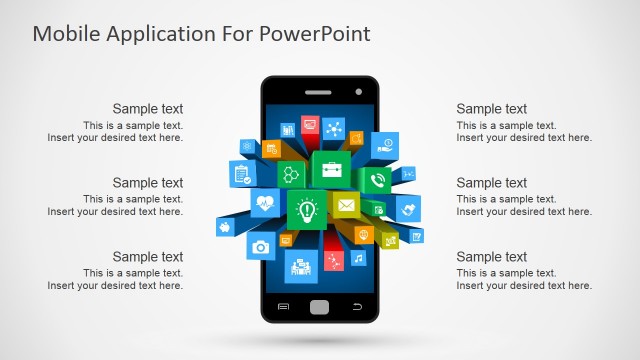
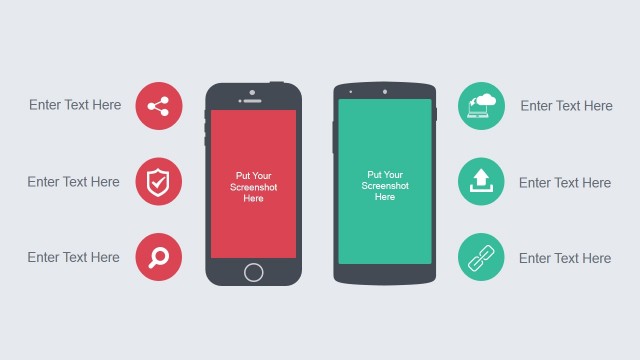
Smartphone PowerPoint Template is a professional presentation featuring a Smartphone PowerPoint shape across different application demos. Ideal for showcasing new Mobile Applications, showing Apps navigation, or high level features, the user can edit the smartphone screen, buttons, and case. Impressive modern flat design with the objective to allow product managers or apps designers to mock-up mobile applications look & feel with professional graphics. Create presentations for discussion or brainstorming groups that will evaluate your native or hybrid app. Give the audience the sensation of your apps without the need of a working prototype.
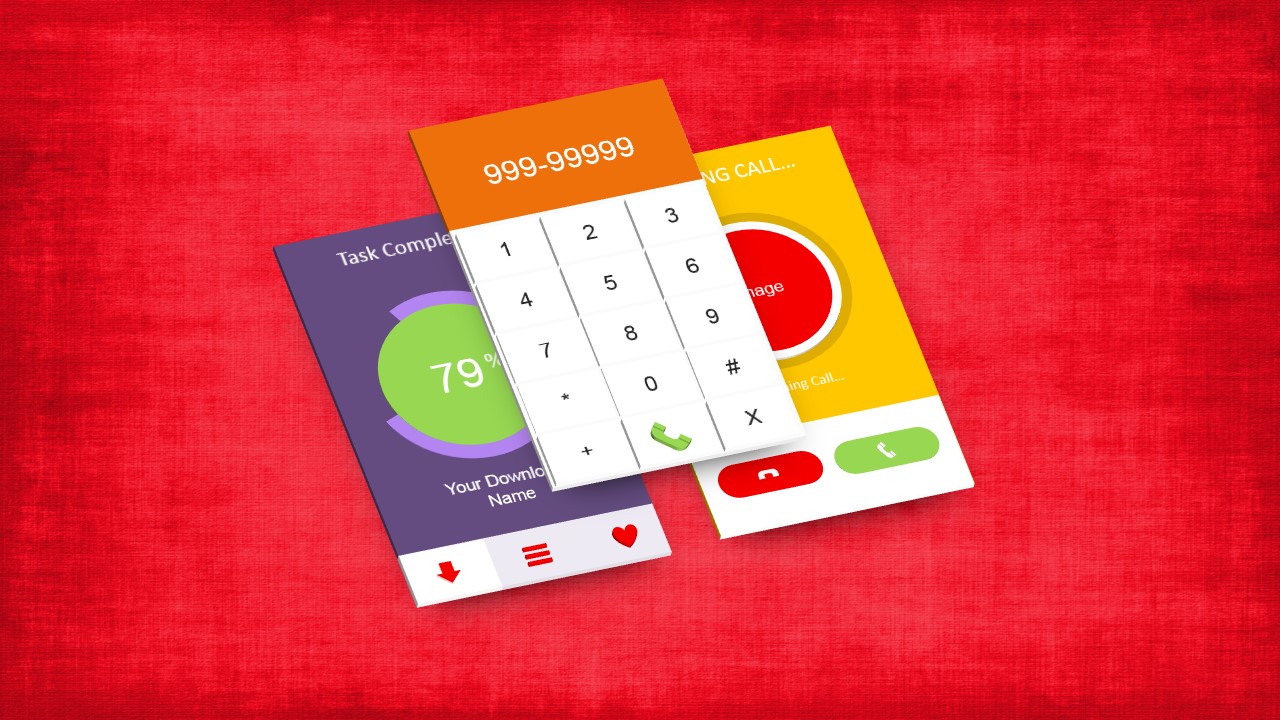
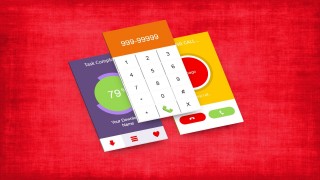
Every object is created as a PowerPoint shape, allowing the user to edit 100% of the properties (size, colors, effects,etc.). The presentation provides not only front perspective of the smartphone, but also a 3D side by side apps effect.
From Venture Capital (VC) presentations, to software design and functional analysis meetings, the Smartphone PowerPoint Template will help you create an engaging message supported with quality graphics that will appeal your audience.
What’s inside this template
Example presentation scenarios
- A product manager can use the portrait smartphone mockups to explain a proposed mobile app flow during a stakeholder concept review.
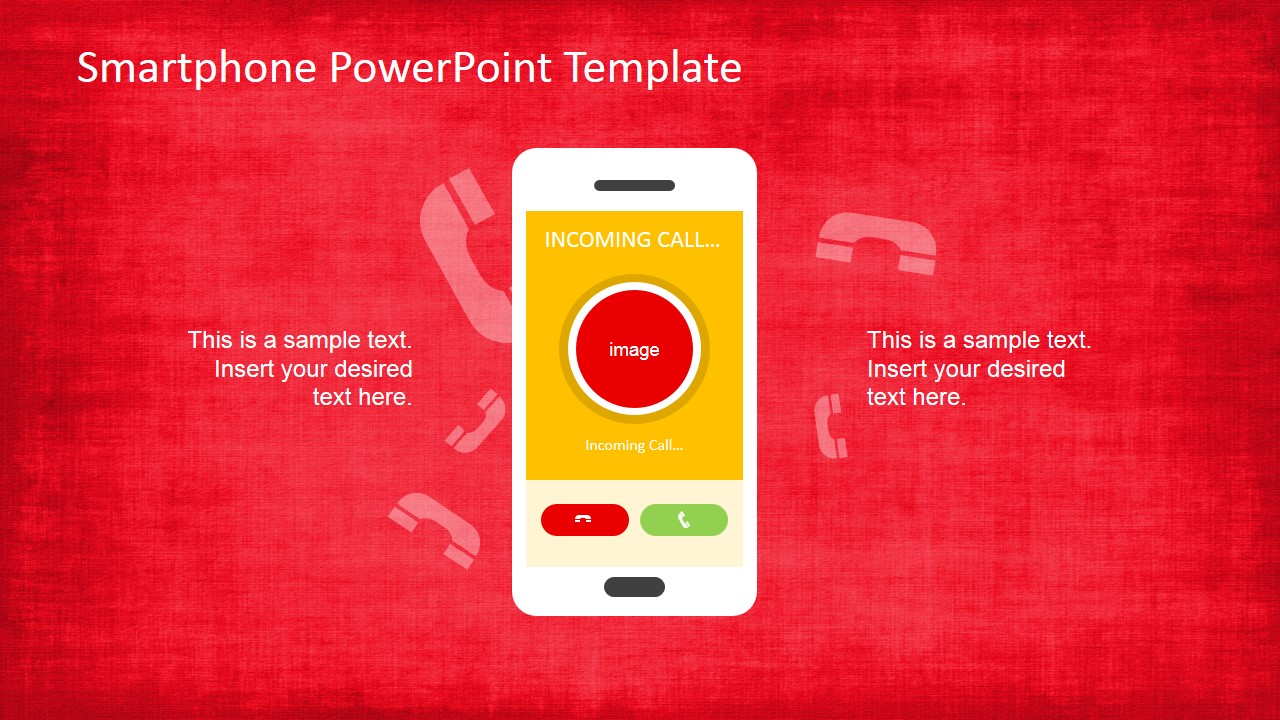
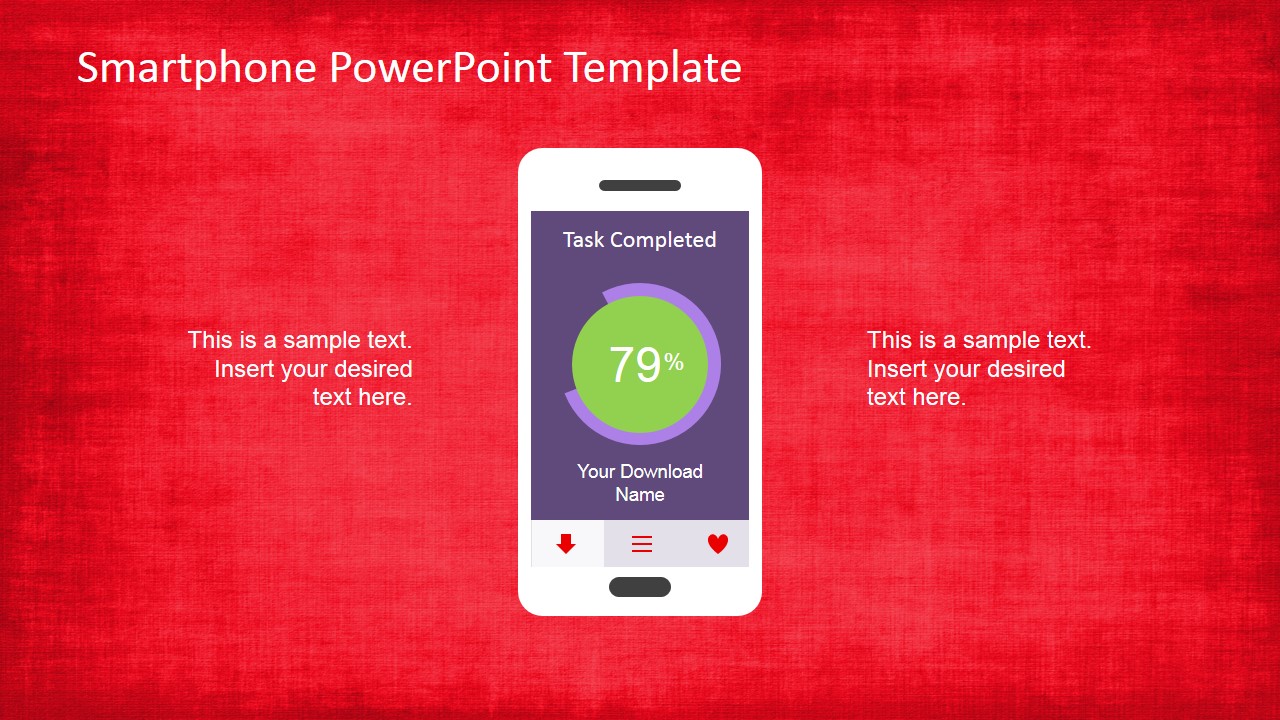
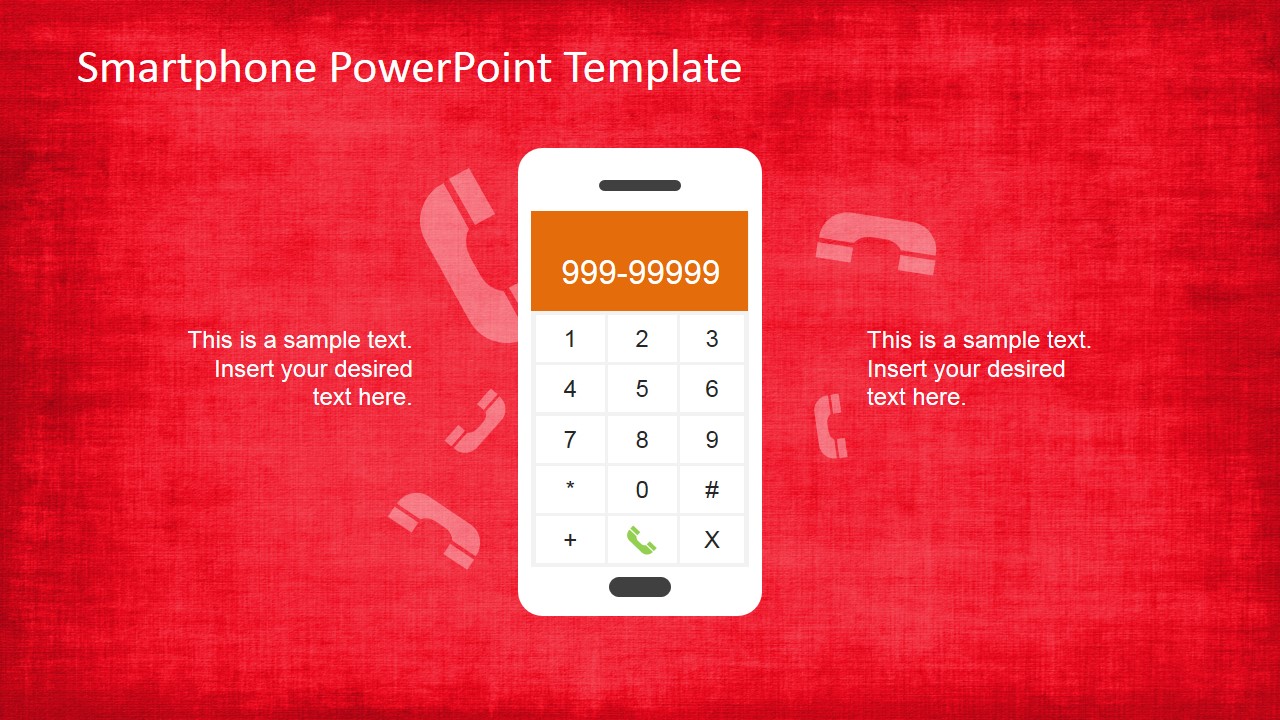
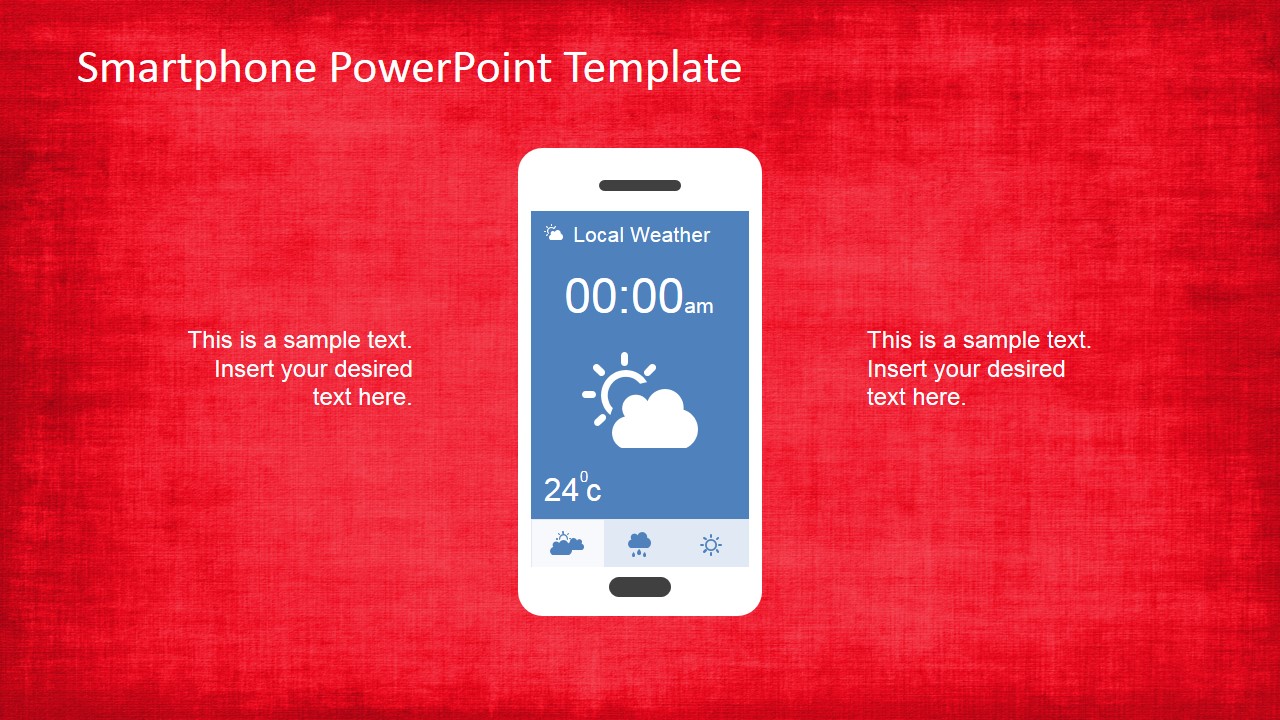
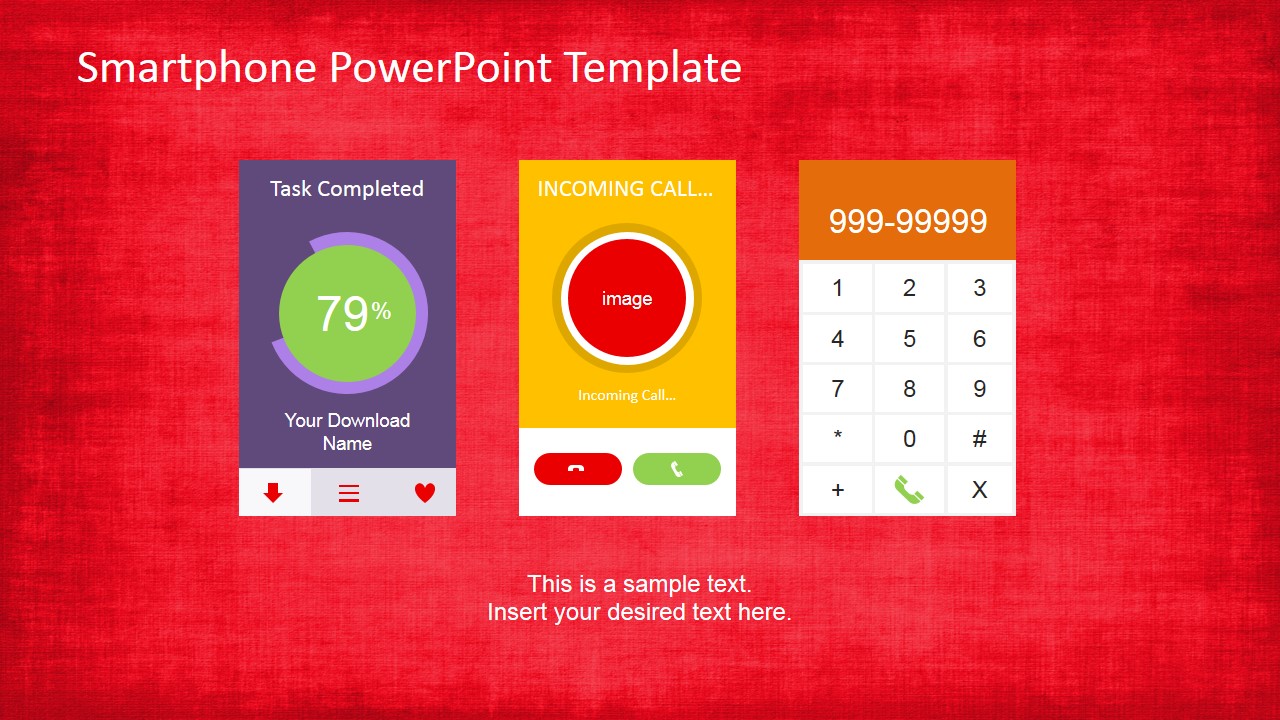
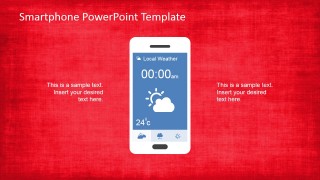
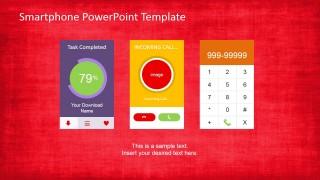
- A UX designer can use the dialer, weather, and task completion screens to discuss interface behavior with developers before building a prototype.
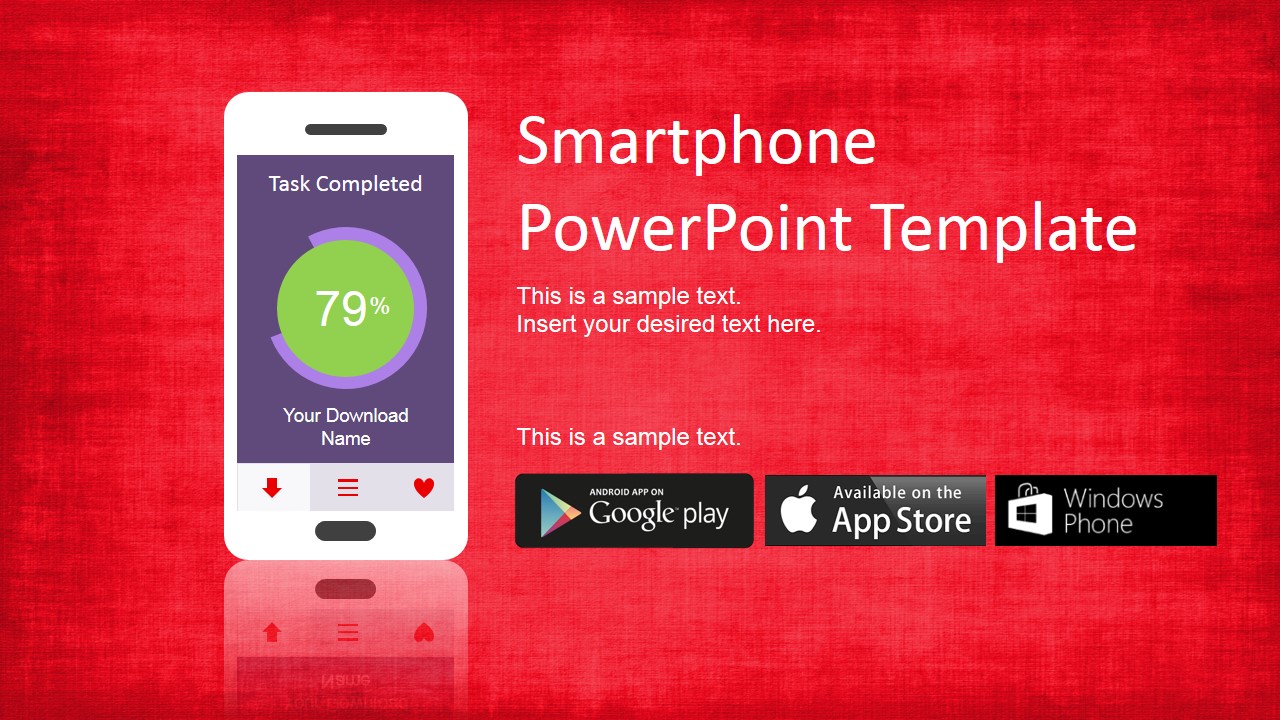
- A startup founder can use the cover slide and three-screen comparison to show investors how the app may appear in common user interactions.
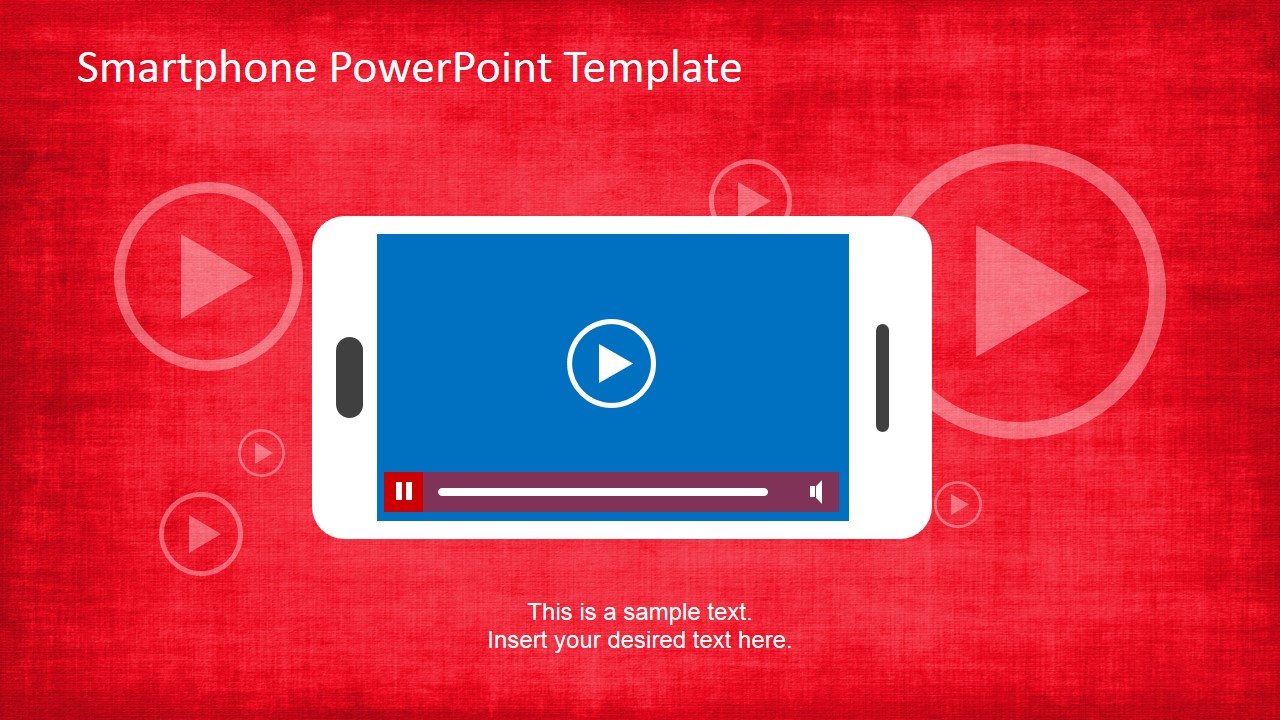
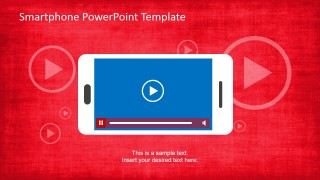
- A marketing presenter can use the landscape video player mockup to introduce an app promo video, walkthrough, or media feature within a product launch deck.
Features
- 100% editable presentation template
- Compatible with Microsoft PowerPoint and Google Slides
- 16:9 aspect ratio slides
- Scalable vector shapes, icons and illustrations
- AI-Ready for Microsoft Copilot and Claude
- Instant access and download
Frequently asked questions
Q: How should a presenter communicate an app concept effectively with these smartphone mockups?
A: Start with the cover slide to frame the app idea, then move through one screen at a time so the audience sees a clear user moment: completion, call, dialer, weather, or video playback. Keep surrounding text short. Let the phone screen carry the evidence, and use the side text only for context, benefit, or next step.
Q: Who should choose this template instead of a standard product presentation?
A: This template fits presenters who need the audience to picture a mobile experience, not just read feature lists. Product managers, UX designers, founders, and app marketers can use the phone frames to make abstract requirements feel tangible during prototype reviews, investor conversations, app launch planning, or early design workshops.
Q: Why does the smartphone metaphor improve the message?
A: The device frame gives the audience an immediate mental model for where the content will live. The portrait screens focus attention on app interactions, while the layered 3D cards and landscape video player show alternate viewing contexts. This reduces explanation time because viewers evaluate the concept in a familiar mobile environment.
Smartphone PowerPoint Template
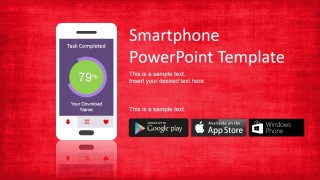
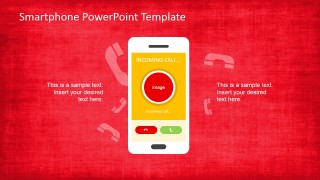
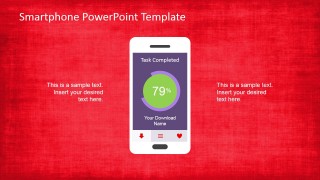
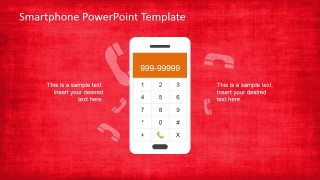
8-slide presentation template for smartphone mockups, app screens, and mobile demo showcases
The Smartphone PowerPoint Template is an 8-slide mobile app mockup deck for Microsoft PowerPoint and Google Slides. It includes smartphone screen showcases, incoming call and dialer mockups, a three-screen app comparison, layered 3D screen cards, and a landscape video player layout for product managers, UX designers, and startup presenters.
- Category
- Shapes
- Rating


 Loading...
- Aspect ratio
- 16:9, 4:3
- Item ID
- 6560-01
- Colors
 Microsoft PowerPoint
  Microsoft Copilot
  Claude for PowerPoint
 Other formats supported
Subscribe today and get immediate
access to download our PowerPoint templates.