Mobile Wireframe PowerPoint Template is a professional presentation that provides several 100% editable Mobile Wireframes and all the required components to allow a user to create their own Mobile application User Interface mockup and navigation flows. Ideal for Functional Analysts, Business Analysts, Product Managers, or Software Developers working with User Interfaces of Mobile devices, this PowerPoint Template is a powerful tool for interacting with Mobile product development stakeholders in the early stages and designing the Mobile application through an iterative approach.
Wireframing is a traditional practice in software development. It provides validation of user interface interactions, usability, and functionality validation in the early stages of the application development process. It is simple to communicate to nontechnical audiences, quick to create, and very powerful to validate hypotheses among a heterogeneous range of users.
Agile Methodologies have been embracing early prototyping through the use of mockups and wireframes, delivering usable pieces of software continuously. The wireframing activities allow front-end developers to create usable pieces of software with the basic components in the early stages and allow the developers to focus on the business rules, validations, and navigation flow rather than the look and feel.
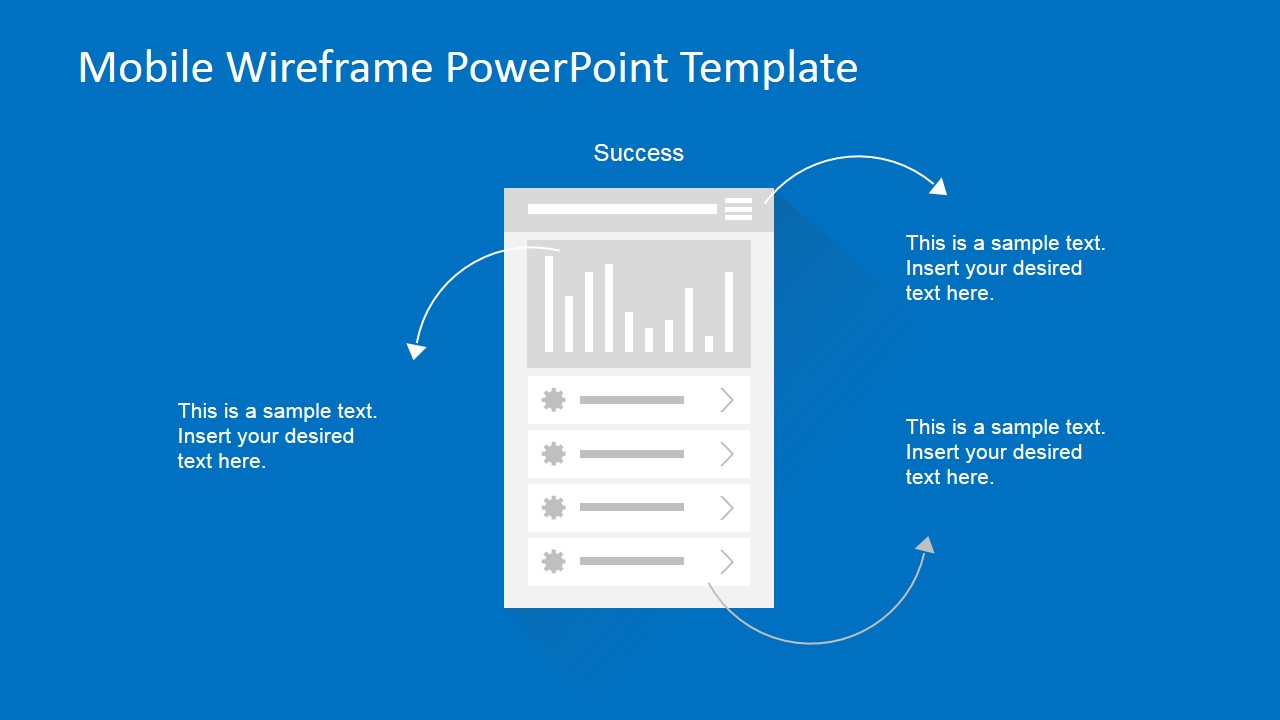
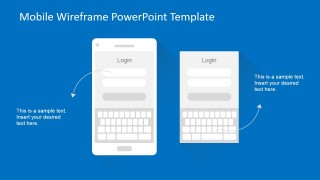
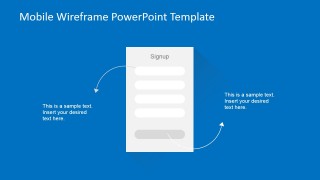
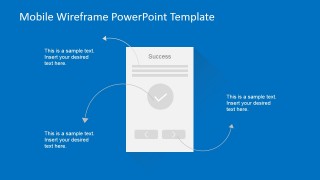
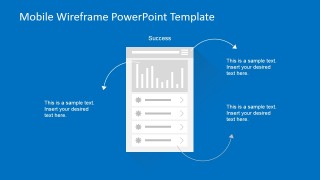
The Mobile Wireframes PowerPoint Template provides the most common mobile app use cases, ranging from a simple login to the most complex wireframes as data and charts.
Mobile Wireframe PowerPoint Template also comes in an animated version, in order to help the user to provide an animated application flow. Create amazing mobile app wireframes and mockups with this amazing flexible presentation.
Alternatively, you can download other 100% editable slide decks and mockup templates for presentations in PowerPoint & Google Slides, from SlideModel.
What’s inside this template
Example presentation scenarios
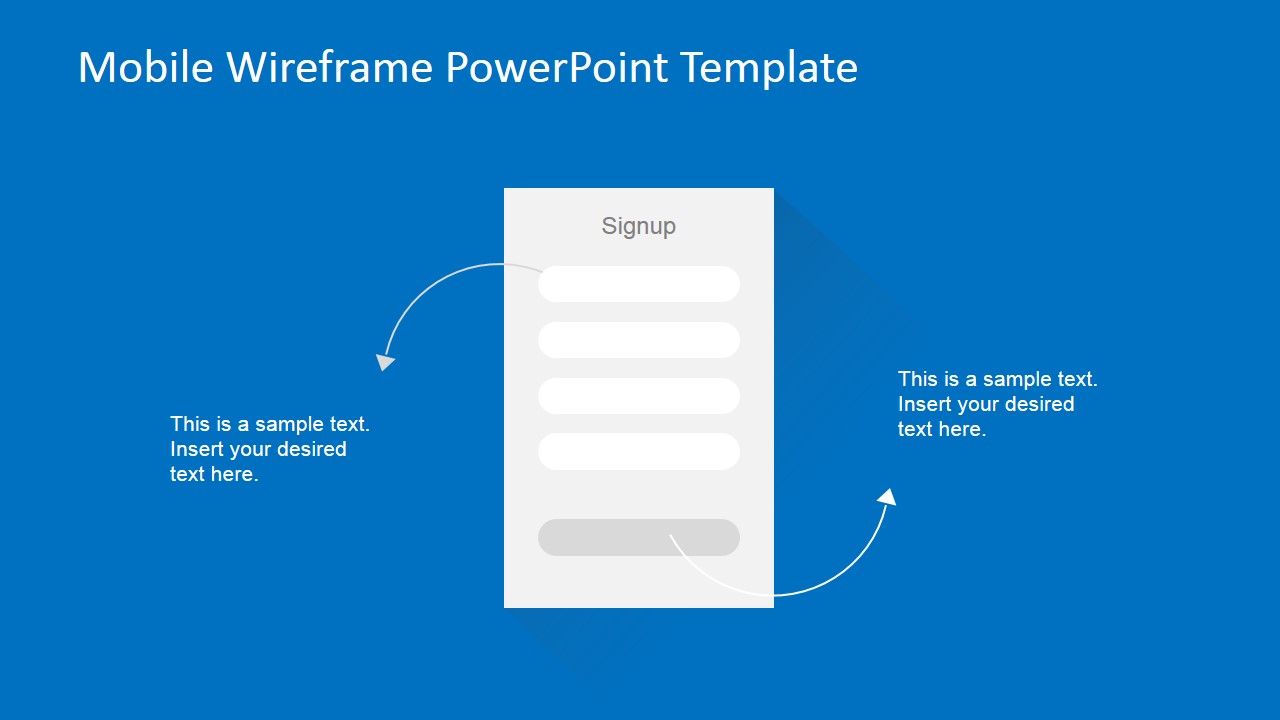
- A product manager can present the login screen and signup form to align stakeholders on account creation steps before sprint planning begins.
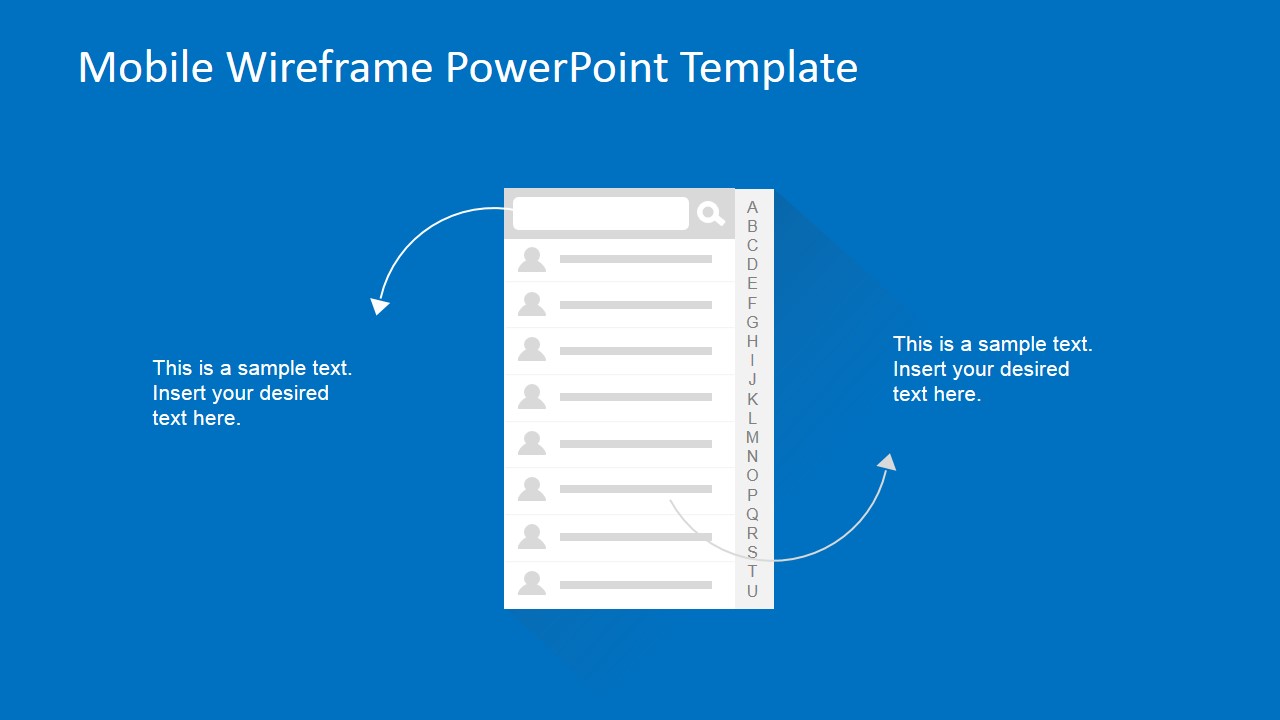
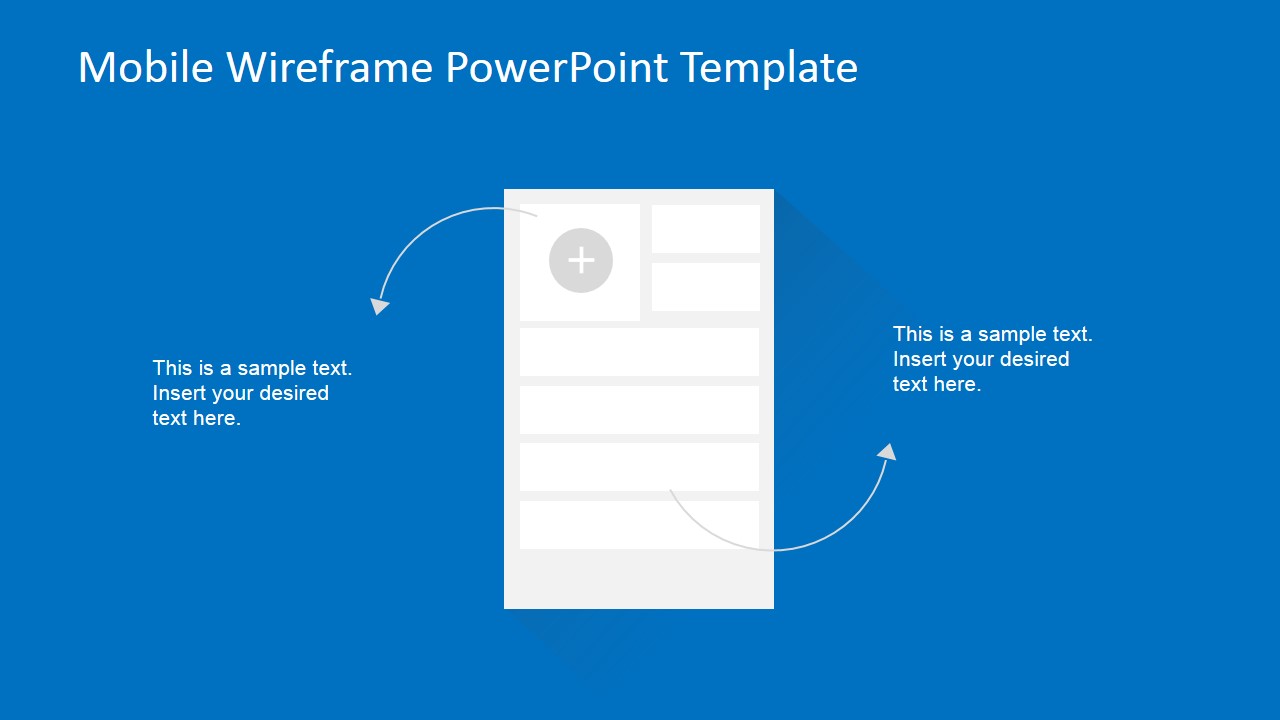
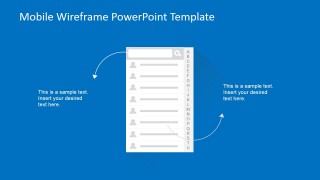
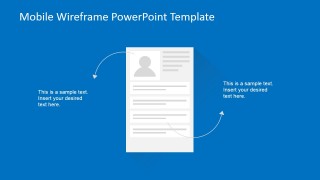
- A business analyst can use the contact list and profile page wireframes to validate user requirements with nontechnical decision makers.
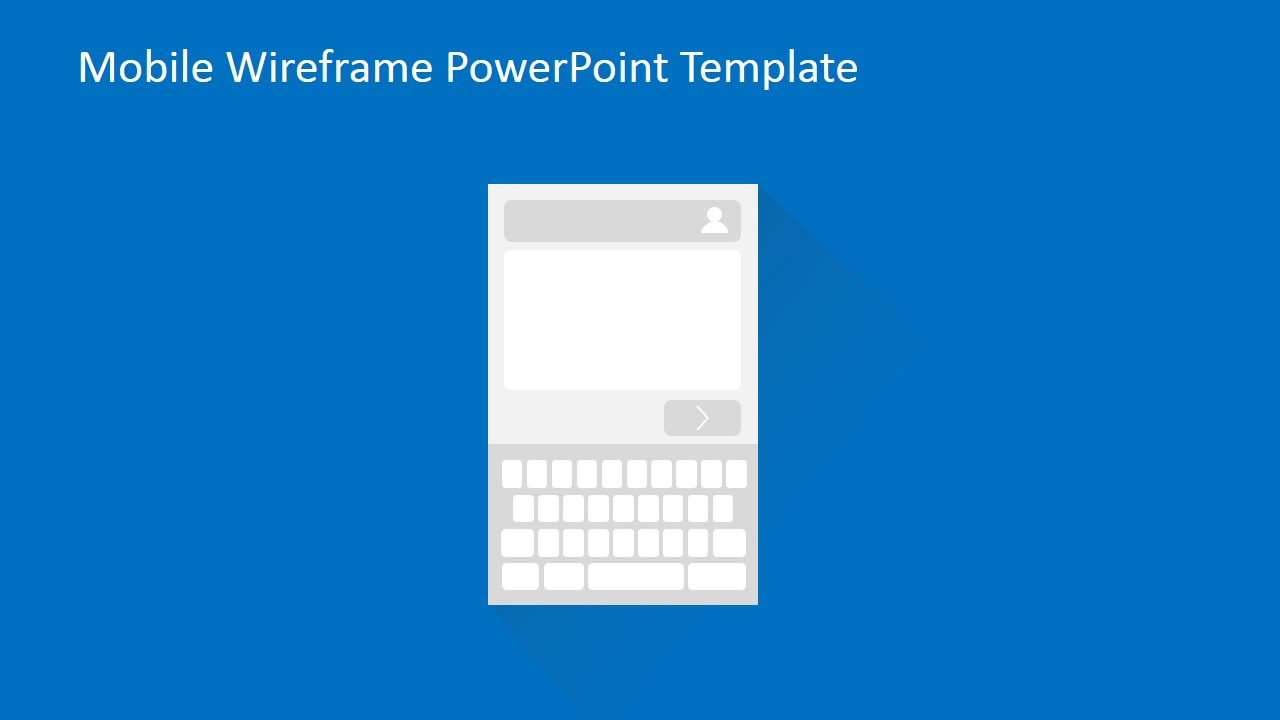
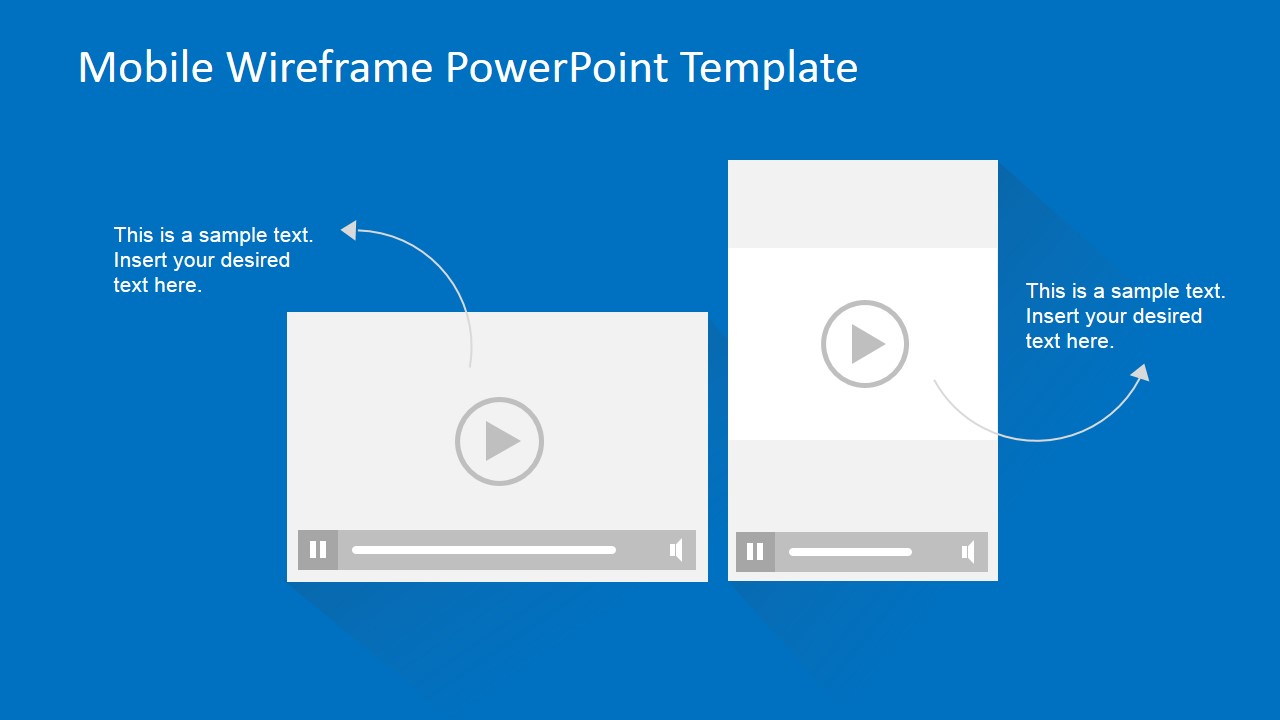
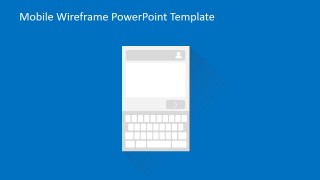
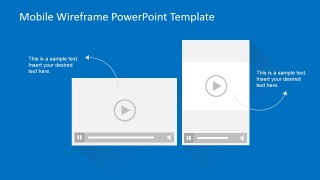
- A UX designer can walk developers through the message input and video player screens to clarify interaction behavior before high-fidelity design.
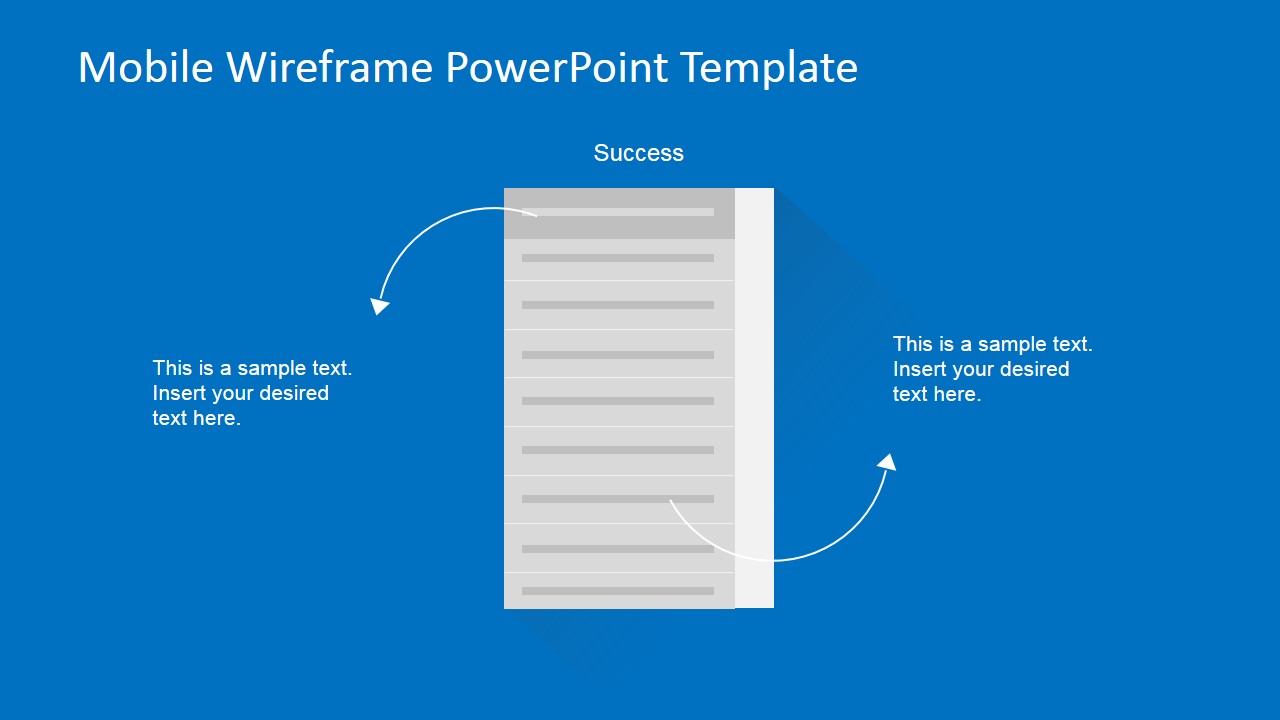
- A software development lead can use the dashboard and long content screen mockups to explain data display assumptions during an agile review.
Features
- 100% editable presentation template
- Compatible with Microsoft PowerPoint and Google Slides
- 16:9 aspect ratio slides
- Scalable vector shapes, icons and illustrations
- Ready with Animations & Transitions in PowerPoint
- AI-Ready for Microsoft Copilot and Claude
- Instant access and download
Frequently asked questions
Q: How should a presenter guide stakeholders through these mobile wireframes?
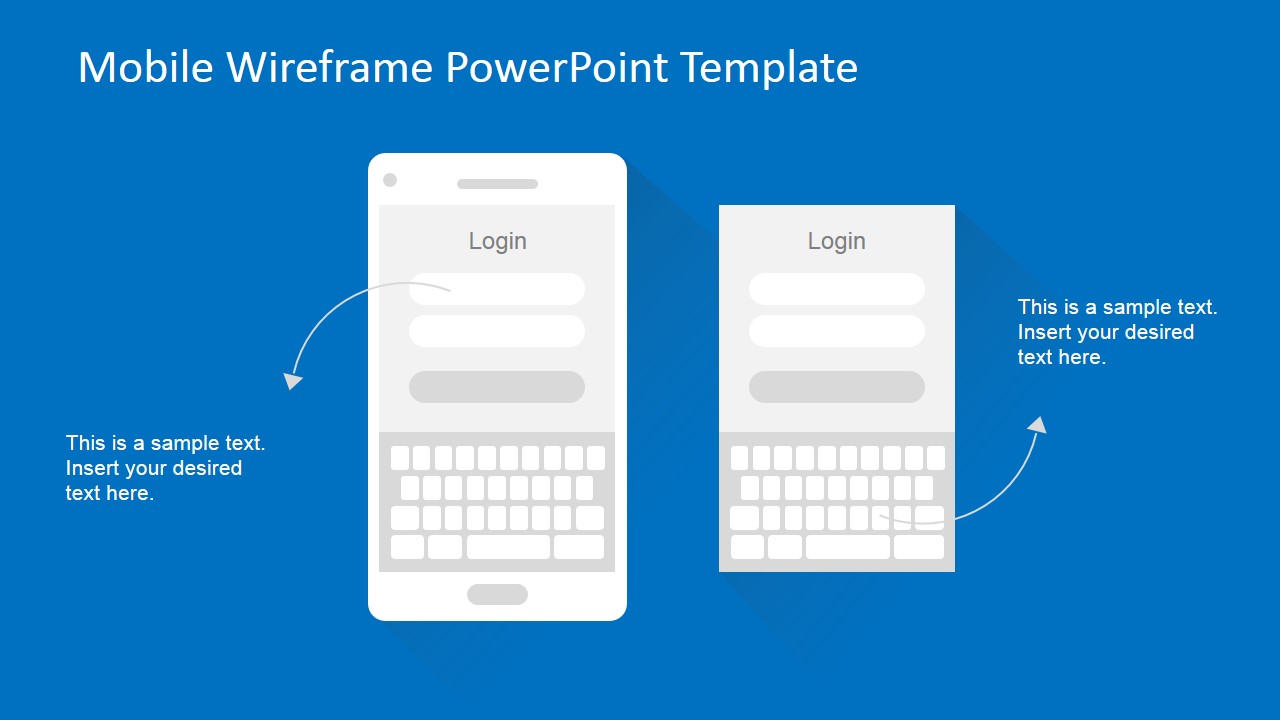
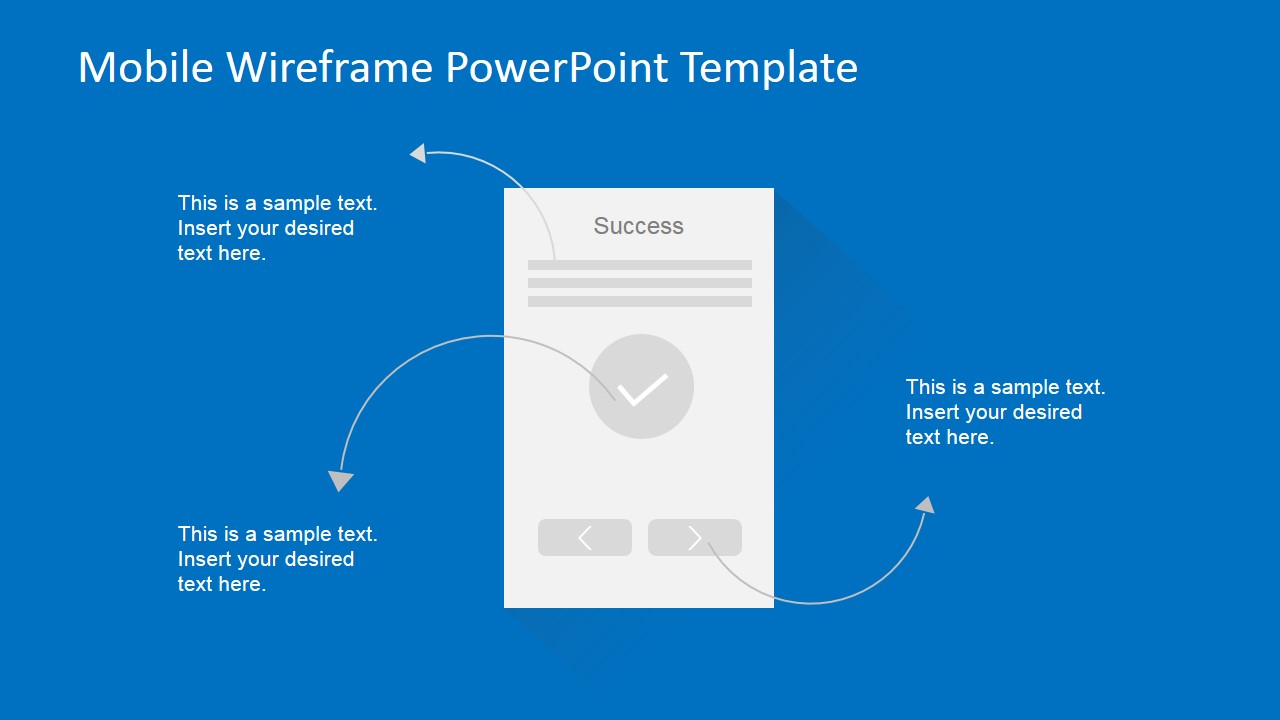
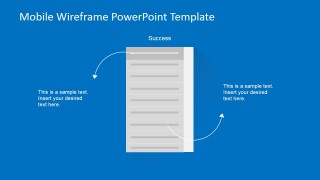
A: Start with the user task, then show the matching screen and explain the interaction using the curved callout arrows. For example, describe the login screen as the entry point, the signup screen as an alternative path, and the success screen as confirmation. Keep discussion focused on behavior, required fields, and navigation decisions rather than final visual design.
Q: Who gets the most value from this template in a product process?
A: This template fits teams that need to agree on app structure before design or development work becomes costly. Product managers, analysts, UX designers, and development leads can use the login, contact list, profile, and message screens to gather feedback from business stakeholders, clients, or internal users during early requirements validation.
Q: Why do the grayscale phone screens and blue background work well for wireframe discussions?
A: The grayscale interface blocks keep attention on hierarchy, screen zones, and user actions instead of brand styling. The blue slide background separates the wireframe from annotation text, while curved arrows act as a navigation metaphor. This makes it easier for mixed technical and business audiences to discuss flow and intent.


Mobile Wireframe PowerPoint Template
12-slide mobile wireframe presentation template for app UI mockups, login flows, and navigation screens
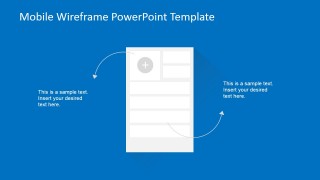
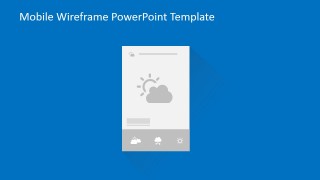
Mobile Wireframe PowerPoint Template is a 12-slide presentation template for planning mobile app interfaces in Microsoft PowerPoint and Google Slides. It includes editable phone wireframes for login, signup, success confirmation, dashboard, contact list, profile page, message input, weather screen, and video player flows for product managers, analysts, and developers.
- Category
- Models
- Rating


 Loading...
- Aspect ratio
- 16:9, 4:3
- Item ID
- 6578-03
- Colors
 Microsoft PowerPoint
  Microsoft Copilot
  Claude for PowerPoint
 Other formats supported
Subscribe today and get immediate
access to download our PowerPoint templates.