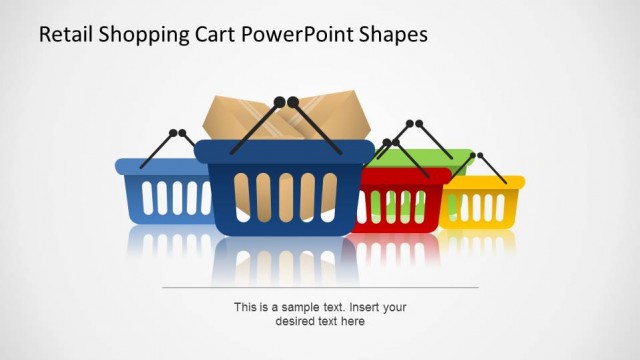
Create a colorful PowerPoint presentation for the retail industry and its customers using the Flat Shopping PowerPoint Icons. The Office template can be used to demonstrate consumer buying behaviors in relation to direct marketing and corresponding promotional banners, as well as presenting the newest fads and trends which have gained traction in the consumer community or its specific focus group.
Liven up your PowerPoint presentation with the neat, yet visually-appealing icons, and ensure that your report starts strong, ends strong, and impacts the target audience with its brief, clear, and easily understandable presentation design.
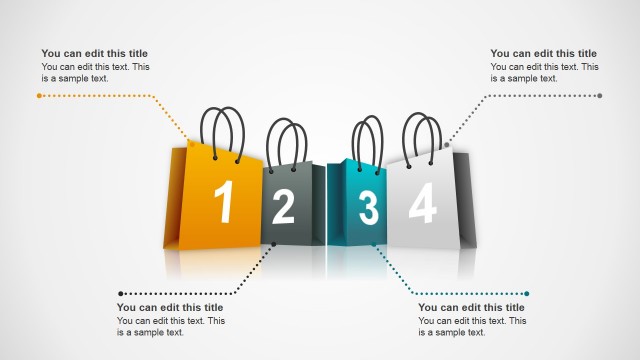
Located in the PowerPoint slides are title slides and content slides. The latter of which may be converted into minimalist infographics for marketing efforts using the shopping clipart. Also include in the PowerPoint template is a slide design which features the massive consumer mentality that has always plagued our human nature.
Use the shopping icons, and market icons, to provide PowerPoint presentations focusing on proper angles and steps to illustrate the consumer buying behaviors which must be taken into account in order to raise sales merely by assuring them of the product’s quality.
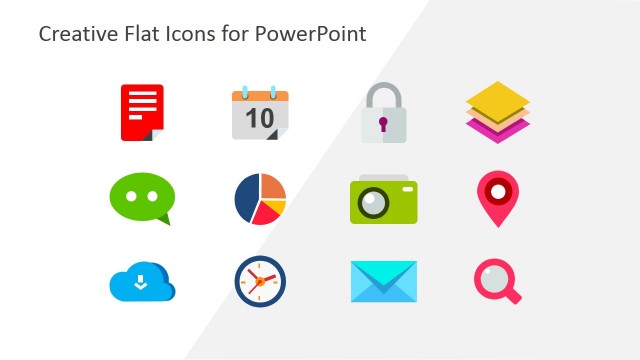
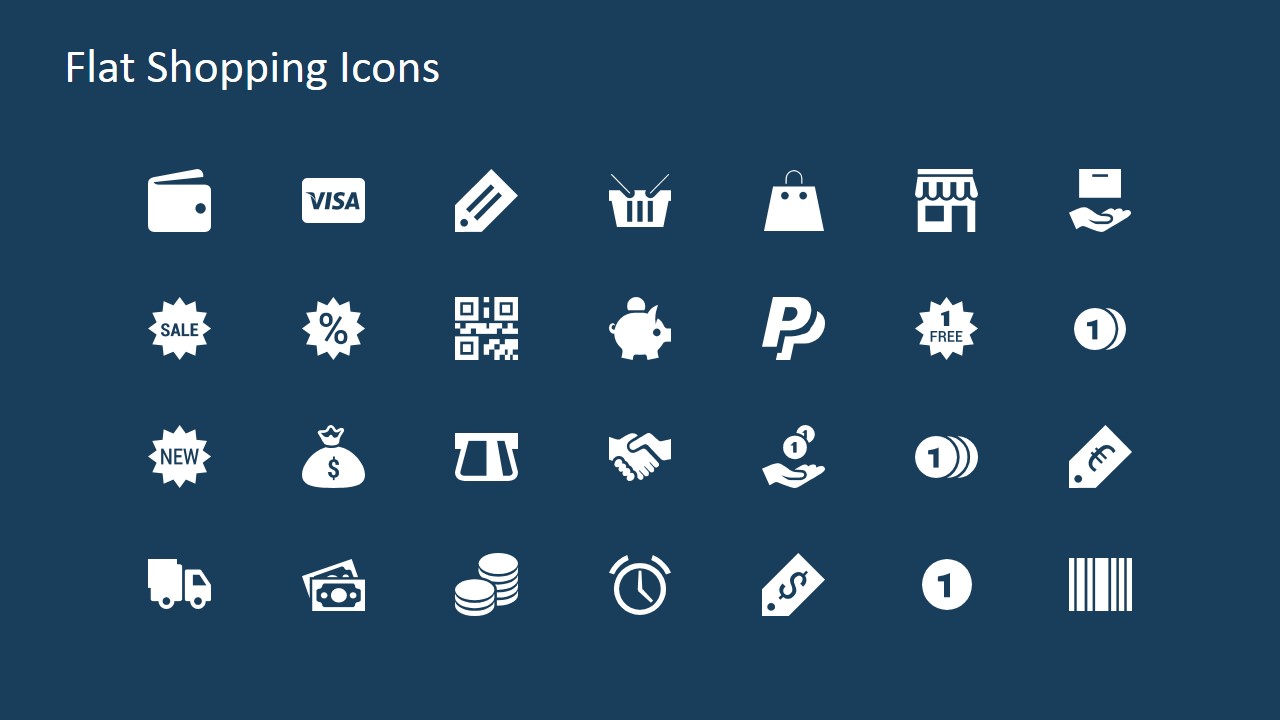
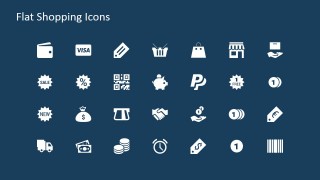
The flat shopping PowerPoint icons can also be found on a single slide in the PowerPoint presentation as sources and reference to the various types of visual aids and optical supports that are specifically designed to serve as markers and reminders of the content of the presentation design, and as visual cues for the presenter to showcase the relevant data and statistics wisely and properly.
Ideal for evaluations of consumer buying behavior, the Flat Shopping PowerPoint Icons may be used in a variety of business presentations due to the flexibility of the program itself. The presenter needs only to modify the slides to fit the focus market, and be guaranteed of an interactive, visually-appealing PowerPoint presentation that will ensure that the presentation content is reliable and clearly demonstrated.
The presenter may also consider download other PowerPoint presentations featuring consumer buying behavior and shopping, such as the Flat Remarketing PowerPoint Template.
What’s inside this template
Example presentation scenarios
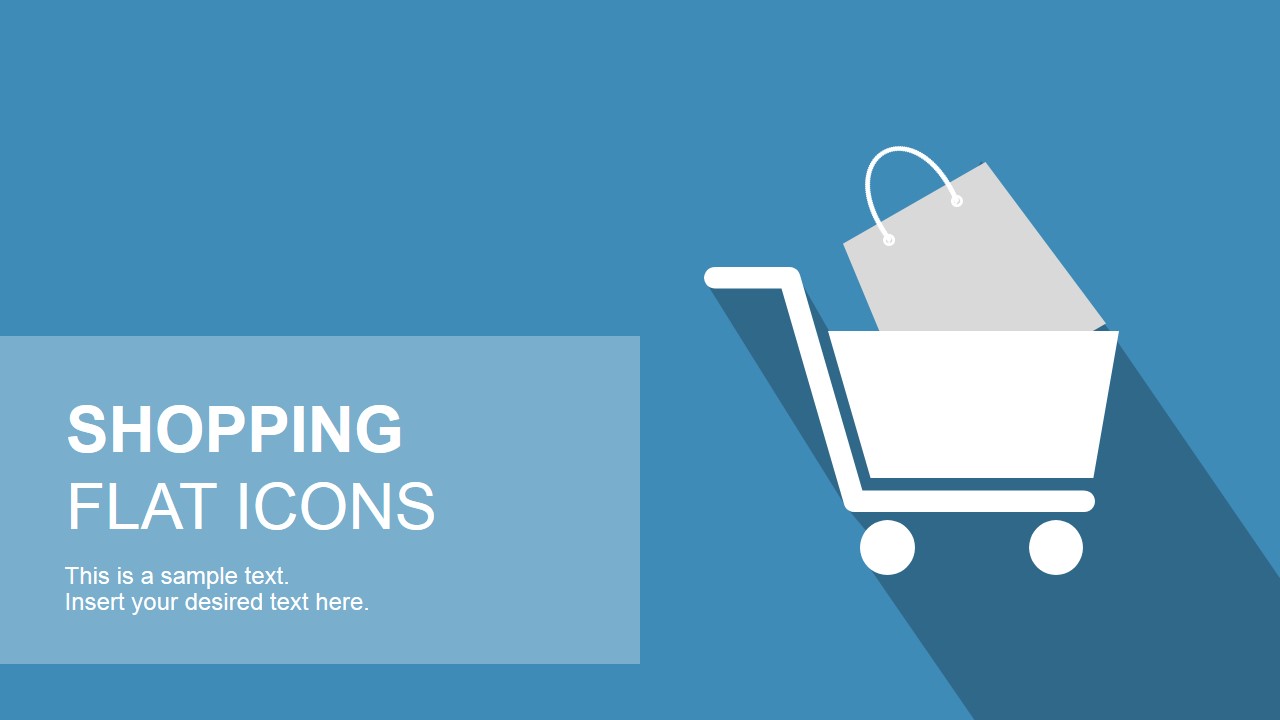
- A retail marketing manager can use the shopping cart cover and promotion icons to introduce a seasonal sales campaign and make the theme immediately clear.
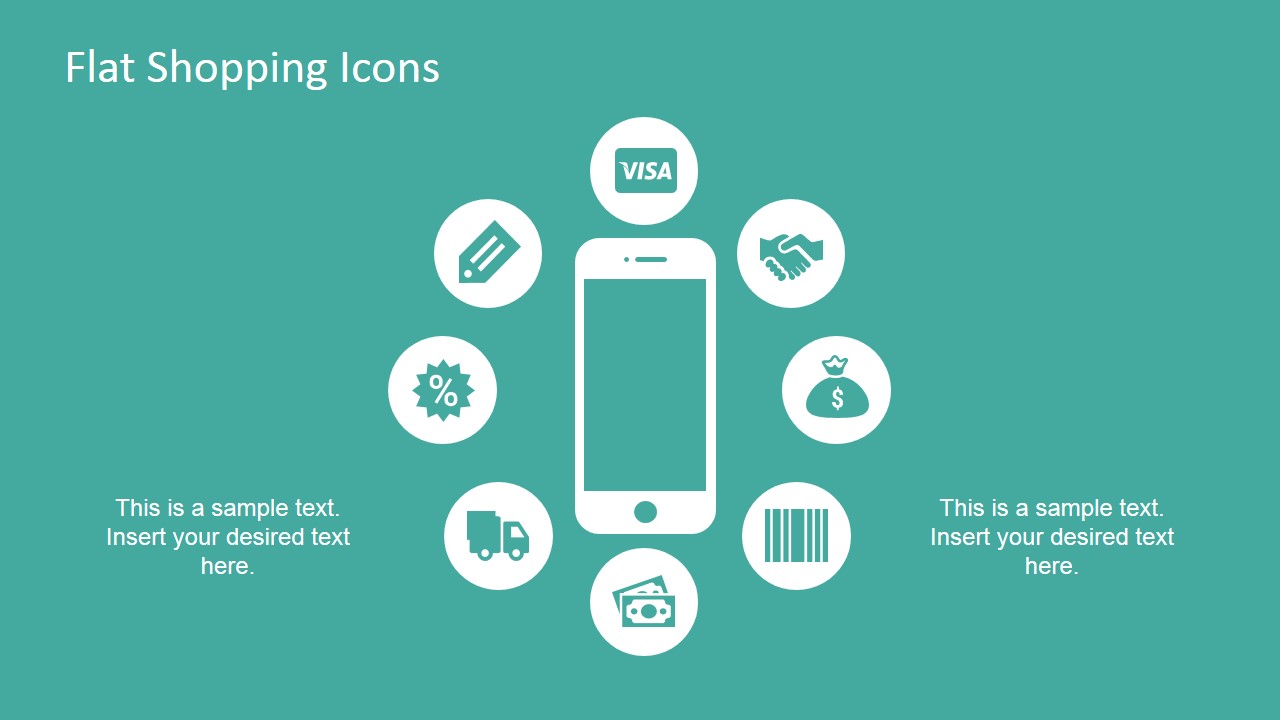
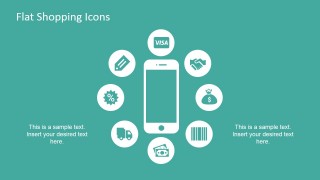
- An e-commerce analyst can use the mobile commerce hub to explain checkout, payment, shipping, and discount touchpoints in a customer journey discussion.
- A sales leader can use the icon library grid to build a short internal update about offers, coupons, store channels, and payment options.
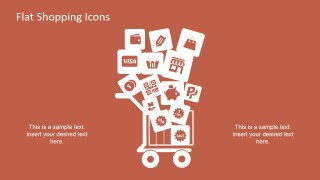
- A consultant can use the shopping cart icon cluster to support a client workshop on consumer behavior, purchase triggers, and promotional messaging.
Features
- 100% editable presentation template
- Compatible with Microsoft PowerPoint and Google Slides
- 16:9 aspect ratio slides
- Scalable vector shapes, icons and illustrations
- AI-Ready for Microsoft Copilot and Claude
- Instant access and download
Frequently asked questions
Q: How should a presenter use these shopping icons without making the slide feel crowded?
A: Start with one primary metaphor per slide, such as the shopping cart or the mobile phone, then use only the icons that support that message. Place explanatory text in the existing side blocks and avoid labeling every symbol. This keeps the audience focused on the buying behavior, promotion, or checkout concept being explained.
Q: Who is this template best suited for in a business presentation?
A: This template fits marketers, retail teams, e-commerce analysts, and sales presenters who need visual shorthand for shopping, payments, coupons, shipping, and storefront activity. It works best when the goal is to explain concepts quickly, introduce a retail topic, or support a campaign discussion rather than present dense numerical analysis.
Q: Why do the flat shopping metaphors help communicate retail and e-commerce ideas?
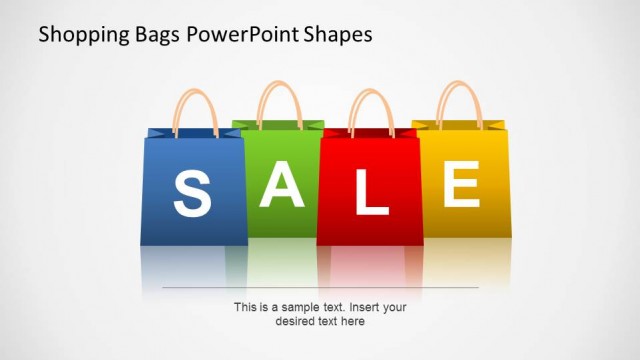
A: The cart, phone, sale badges, money bag, barcode, and payment symbols are familiar retail cues, so the audience can decode the message quickly. The flat style keeps the icons consistent, while the large central metaphors on slides 1 to 3 create a clear visual anchor before the presenter adds detail.

Flat Shopping PowerPoint Icons
4-slide shopping icons presentation template for e-commerce, sales promotions, and retail marketing visuals
Flat Shopping PowerPoint Icons is a 4-slide, 16:9 presentation template for retail and e-commerce visuals. It includes a shopping cart title cover, a mobile commerce icon hub, a shopping cart icon cluster, and an icon library grid. It is built for marketers, sales teams, and retail presenters using Microsoft PowerPoint or Google Slides.
- Category
- Shapes
- Rating


 Loading...
- Aspect ratio
- 16:9
- Item ID
- 6886-04
- Colors
 Microsoft PowerPoint
  Microsoft Copilot
  Claude for PowerPoint
 Other formats supported
Subscribe today and get immediate
access to download our PowerPoint templates.