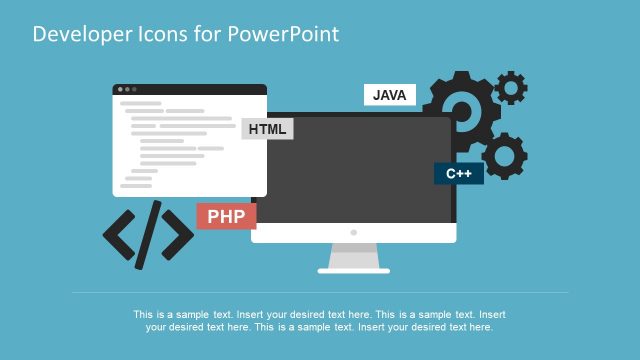
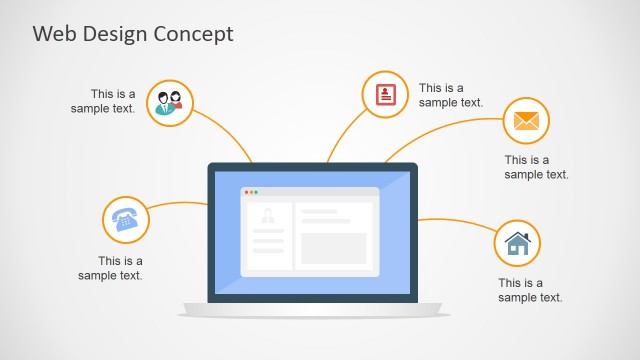
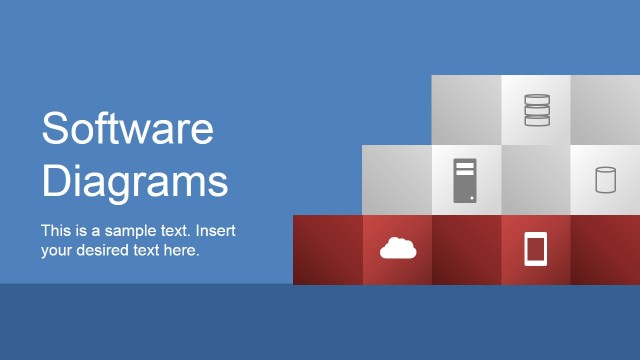
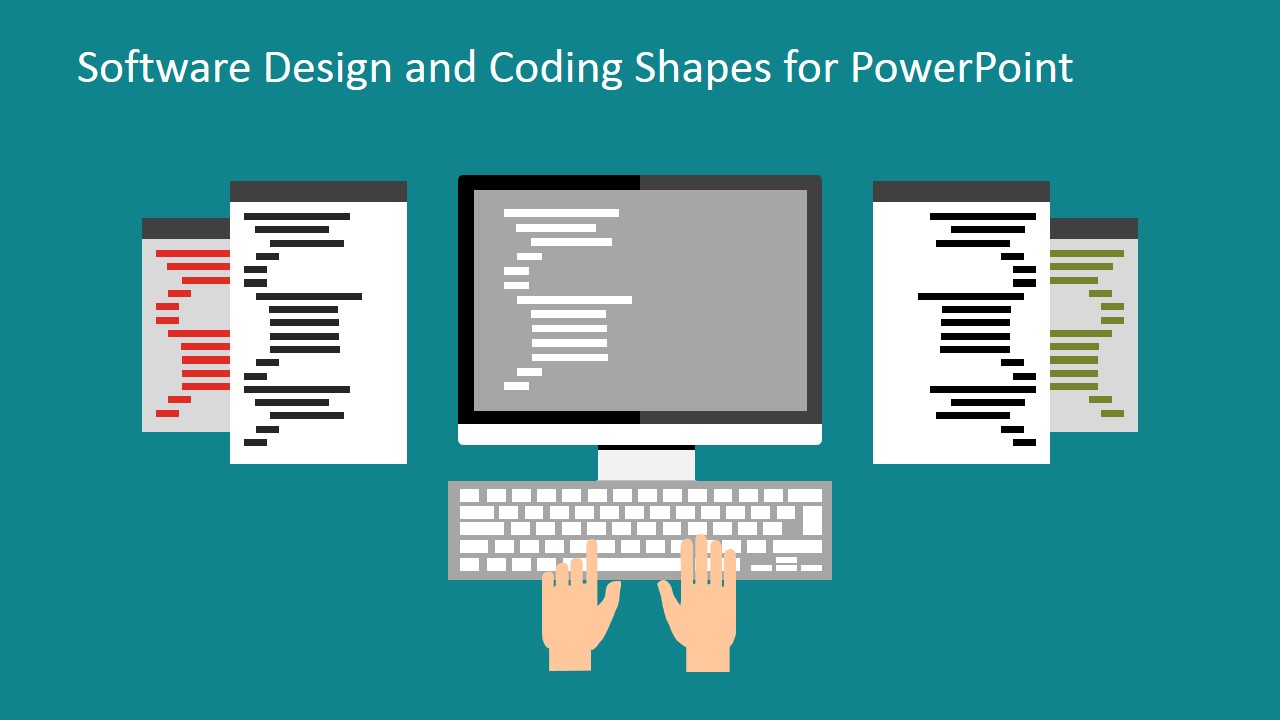
The Software Design and Coding Shapes for PowerPoint template has been designed for software programming related projects. The PowerPoint template comes with a variety of shapes. It has a modern flat materialistic design. PowerPoint shapes and PowerPoint icons are used in this template. These shapes and icons give the freedom to the users to decorate their project in their own unique way. The users can present their ideas in a creative and attractive manner by using this theme.
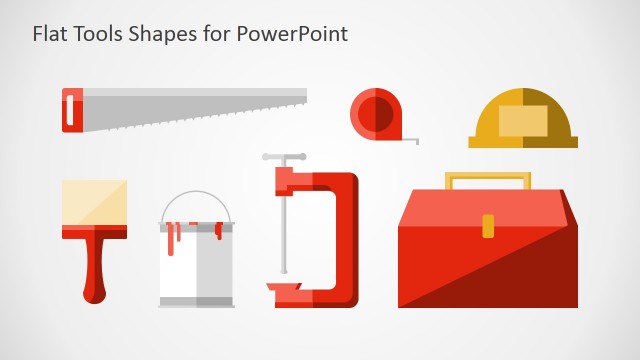
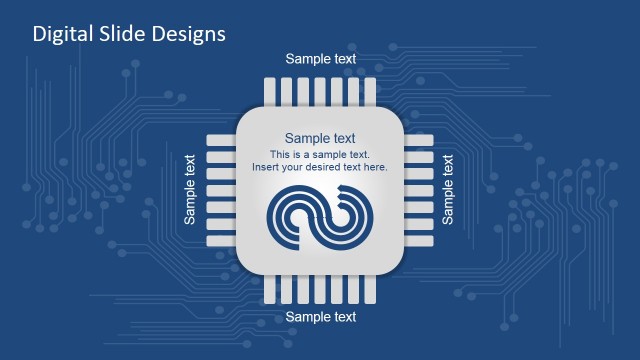
The theme can be used for all categories of programming related projects. A variety of programmers like web developers, server developers, web designers and many more will find it easy to present their ideas using this template. The template is ideal for projects related to HTML5, CSS, PHP, javascript, bootstrap, angular.js, jQuery, Web UI and Web UX. The unique feature of the template is that it gives the users an opportunity to be creative within their presentations, mapping ideas to clipart metaphors. A lot of images and icons can be used to decorate the projects to be presented.
The template is completely editable. The users will find it very easy to adapt the template to their needs. They can customize the template for various requirements. The template helps the users create an eye catching presentation. The presentation is easy to follow due to its infographic nature. Weather you need to attract investors for your project or you need a top notch presentation for an office meeting, the Software Design and Coding Shapes template is an ideal way to present your ideas. The elegantly designed template will help the customers create a presentation that conveys their message clearly.
Create professional and modern presentations featuring Software Web Designs and Engineering with SlideModel’s Software Design and Coding Shapes for PowerPoint.
What’s inside this template
Example presentation scenarios
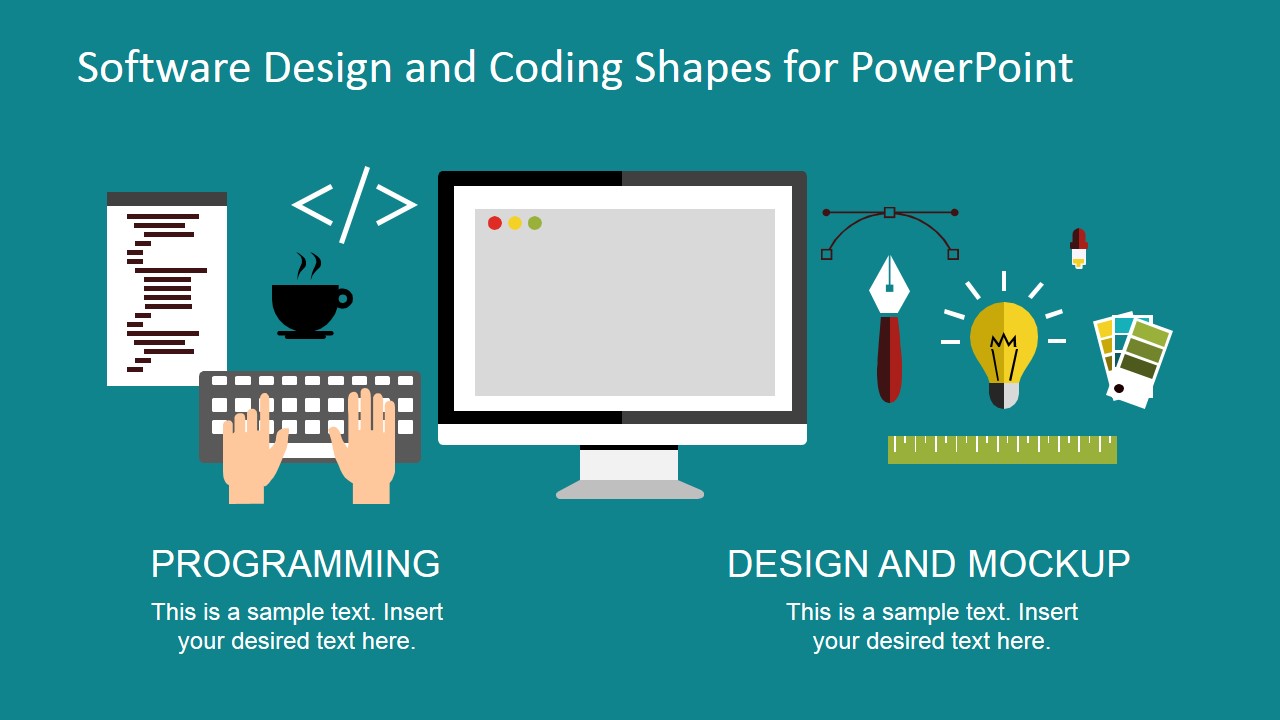
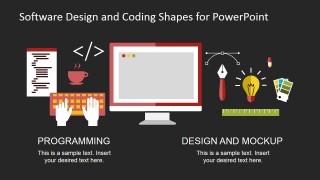
- A product manager can introduce a new web application concept by using the programming scene to show engineering work and the design mockup scene to separate UI design from development.
- A software consultant can explain service offerings to a client by pairing the two-topic layout with concise text for programming and design mockup responsibilities.
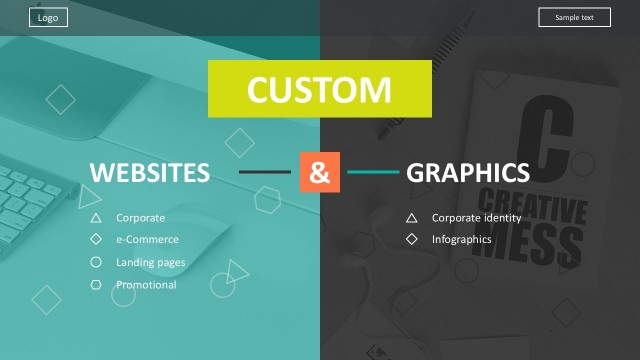
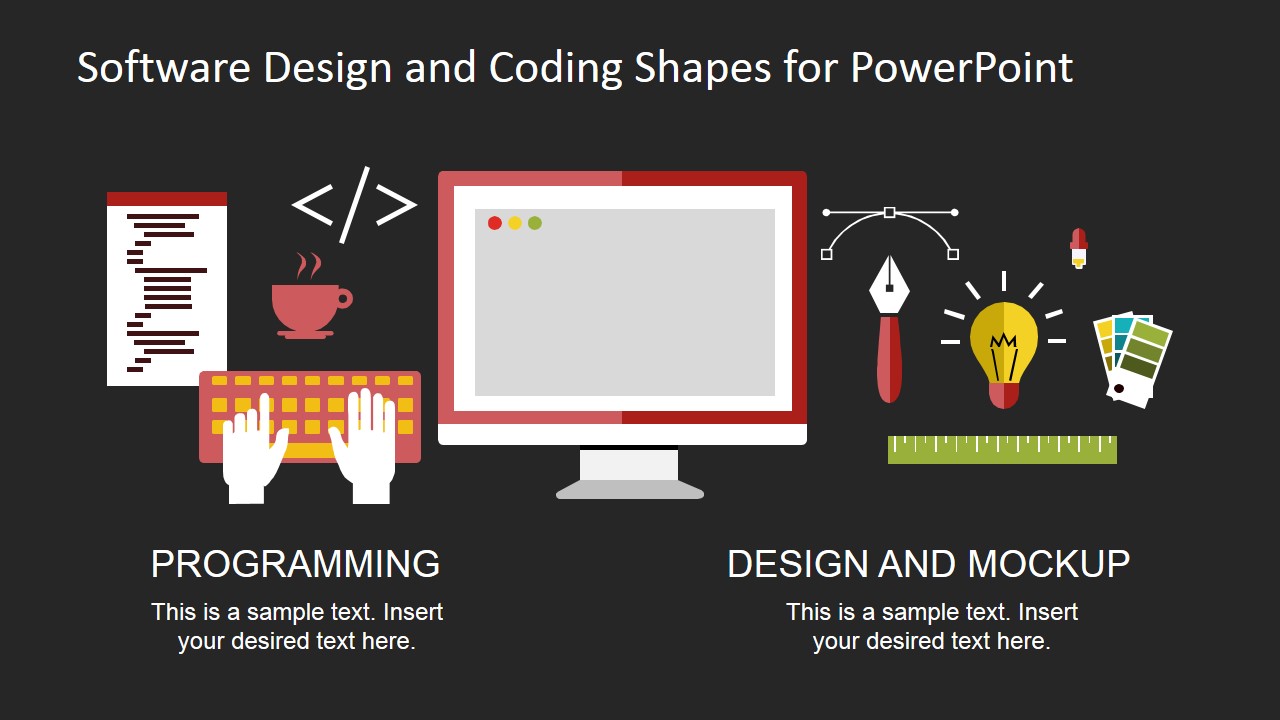
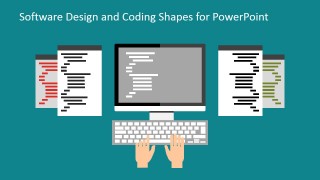
- A training instructor can start a coding workshop with the keyboard, code symbols, and code sheet layout to frame the learning topic before showing lesson content.
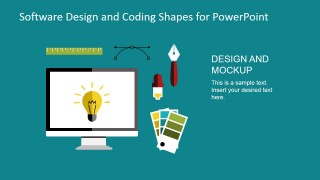
- A startup founder can support an investor or stakeholder update with the monitor, light bulb, and color swatch visuals to make product design and development progress easier to scan.
Features
- 100% editable presentation template
- Compatible with Microsoft PowerPoint and Google Slides
- 16:9 aspect ratio slides
- Scalable vector shapes, icons and illustrations
- AI-Ready for Microsoft Copilot and Claude
- Instant access and download
Frequently asked questions
Q: How should a presenter use these shapes without making the slide feel decorative?
A: Start with one message per slide and let the illustration act as a label for that idea. For example, use the keyboard and code sheet for engineering work, then use the monitor, light bulb, and color swatches for design thinking. Keep the editable text short so the icons clarify the point instead of competing with it.
Q: Who is this template best suited for in a software presentation?
A: This template fits presenters who need to explain software work to mixed audiences, such as developers speaking to stakeholders, designers presenting a mockup approach, or product managers framing a web project. The visuals translate technical activities into recognizable scenes, making them useful when the audience is not fully technical.
Q: Why do the programming and design metaphors work well together?
A: The template separates coding and design through two clear visual metaphors: hands on a keyboard for implementation and a monitor with creative tools for mockup work. That split helps the audience see software delivery as two connected disciplines. The recurring teal background and flat icon style keep both sides visually related.
Software Design and Coding Shapes for PowerPoint
6-slide presentation template with software coding clipart, design mockup shapes, and developer icons
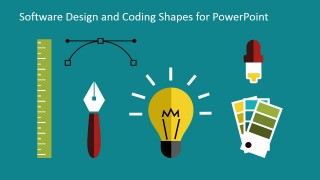
Software Design and Coding Shapes for PowerPoint is a 6-slide presentation template for developers, designers, and product teams explaining programming and web design concepts. It includes a programming scene, a design mockup scene, a standalone icon board, and light and dark title layouts. The slides use editable vector shapes for Microsoft PowerPoint and Google Slides.
- Category
- Shapes
- Rating


 Loading...
- Aspect ratio
- 16:9, 4:3
- Item ID
- 6769-01
- Colors
 Microsoft PowerPoint
  Microsoft Copilot
  Claude for PowerPoint
 Other formats supported
Subscribe today and get immediate
access to download our PowerPoint templates.