Boston Consulting Group Matrix Template for PowerPoint. Create Boston Matrix Diagrams and presentations with visually appealing layouts.
You can use this growth-share matrix template for preparing professional Boston Matrix Diagrams in PowerPoint with highly customizable slides that can be easily modified to match your needs. The Boston Consulting Group Matrix Template is part of a Portfolio Management framework that will help to analyze businesses’ growth-share. This template can be used in PowerPoint and Google Slides.
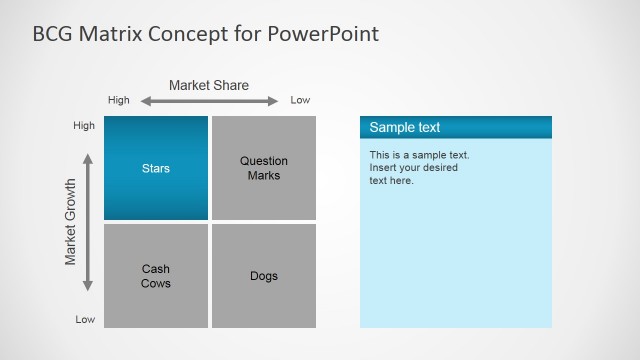
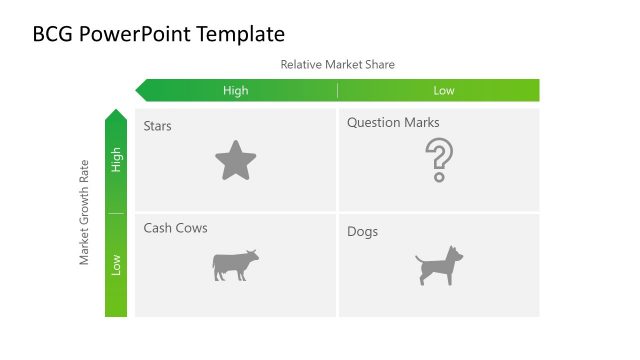
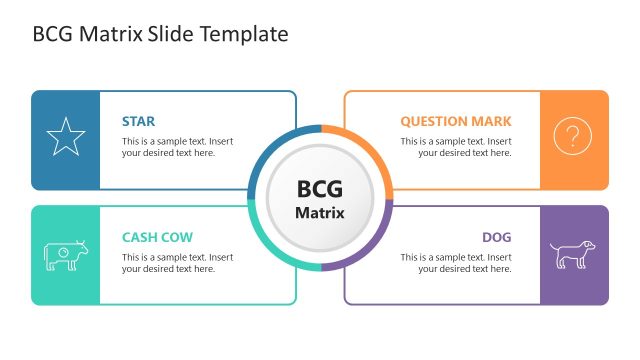
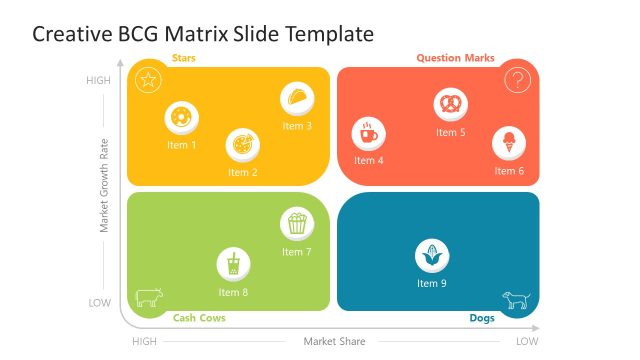
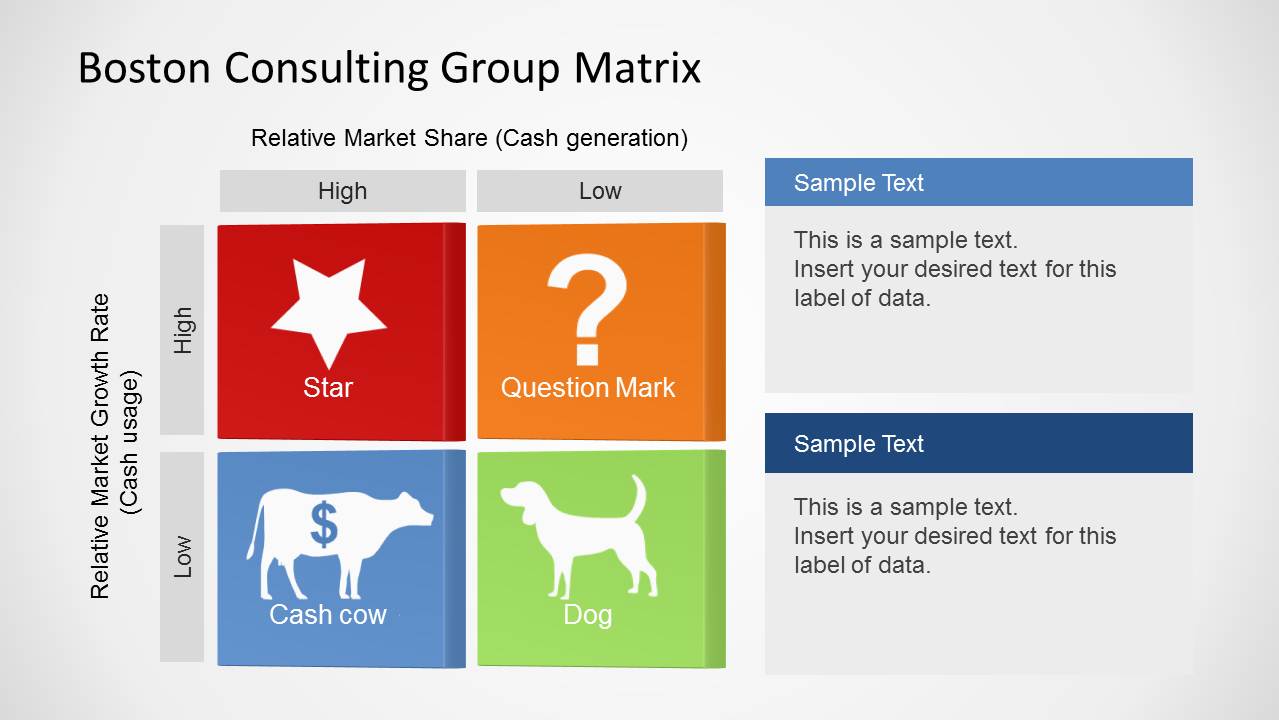
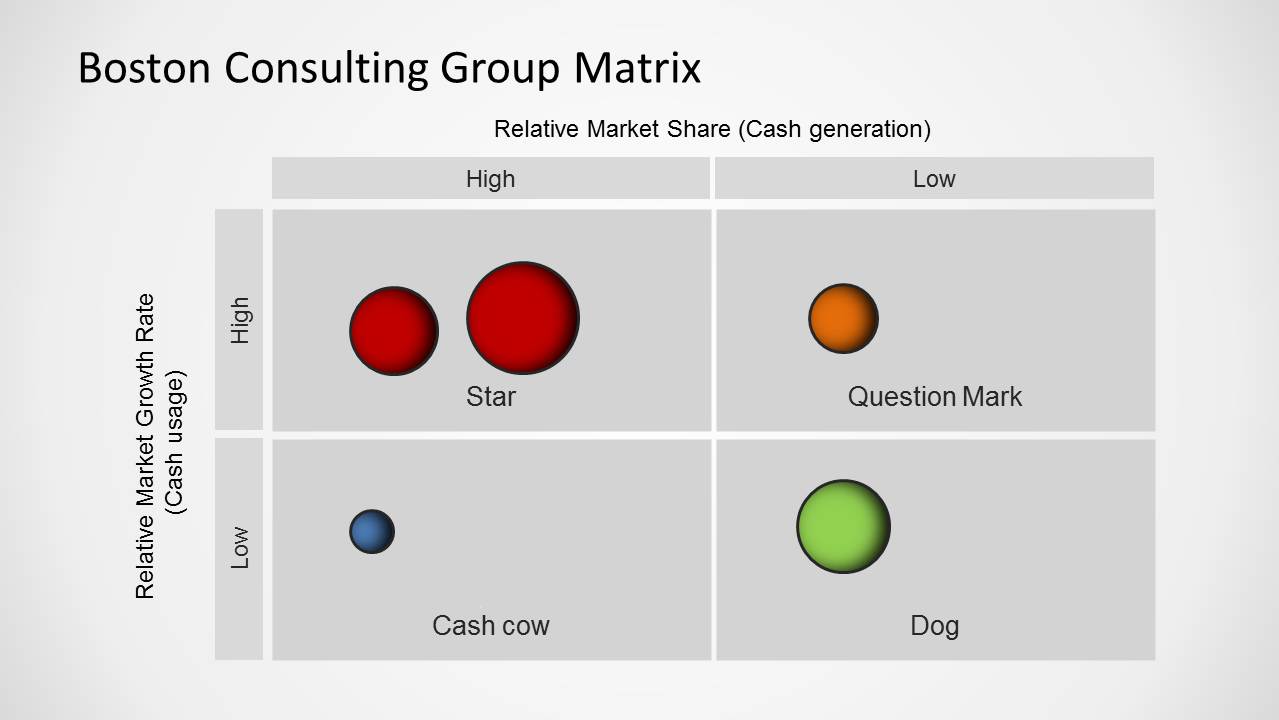
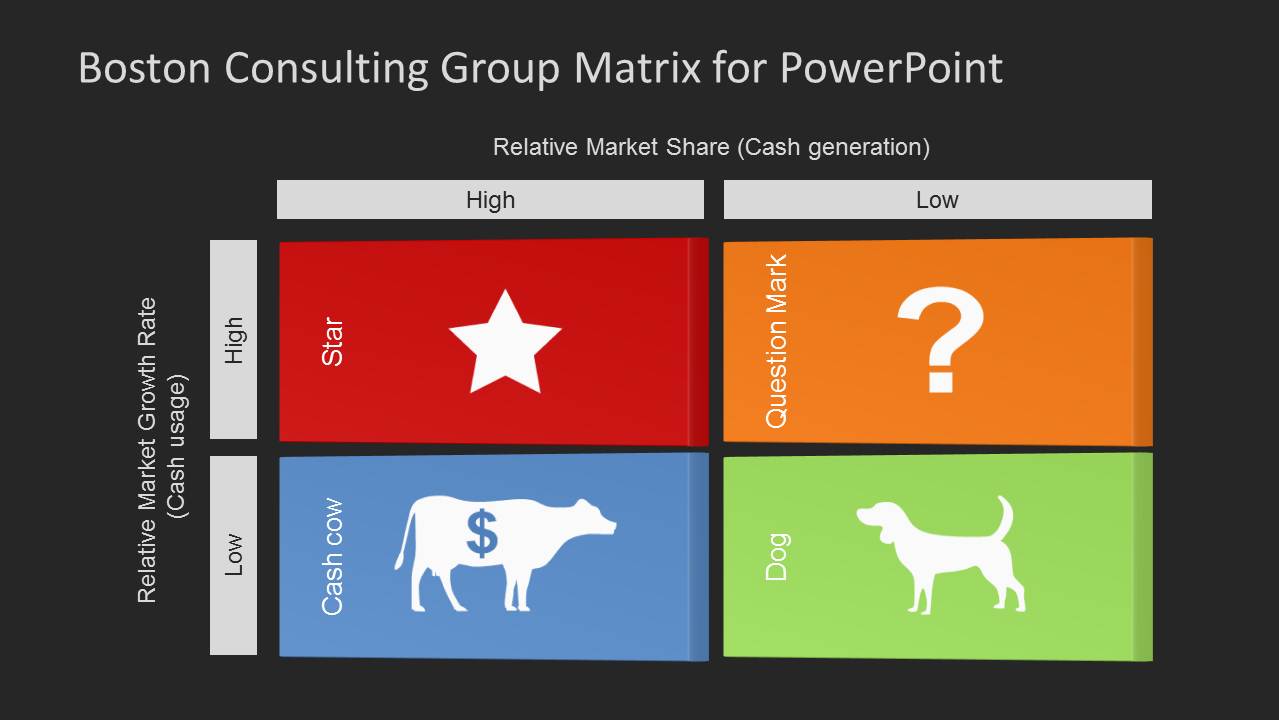
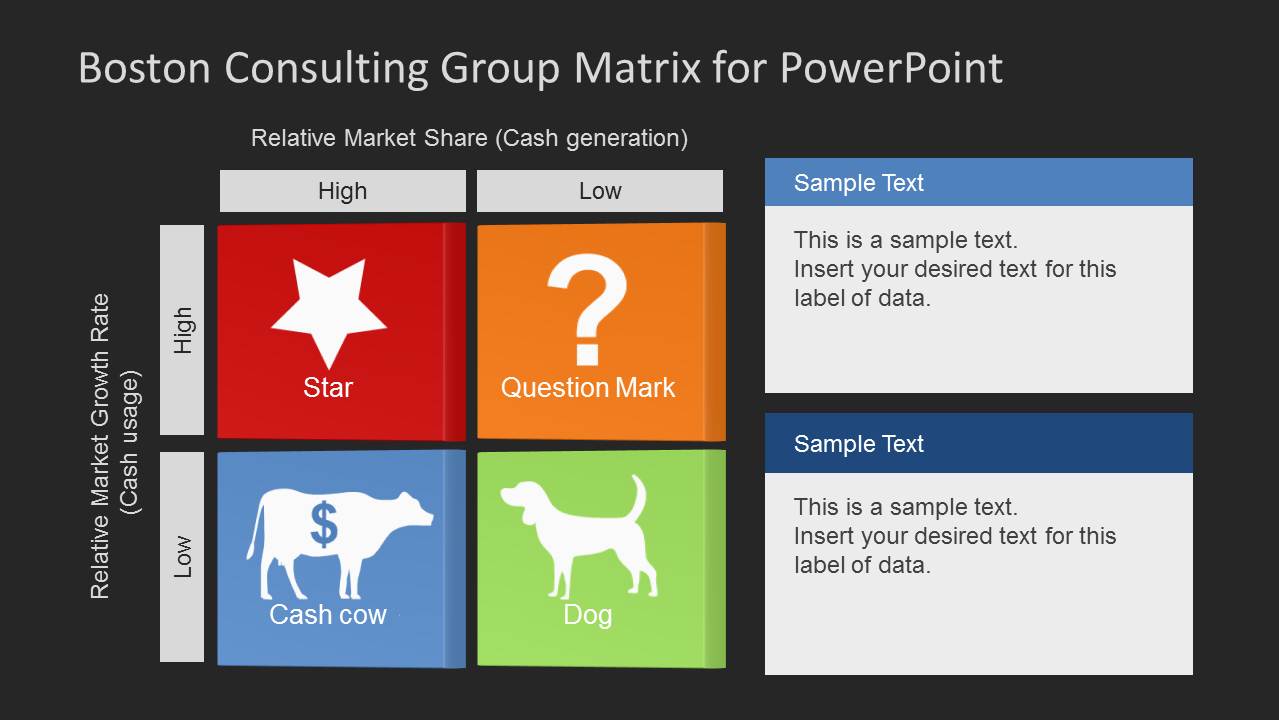
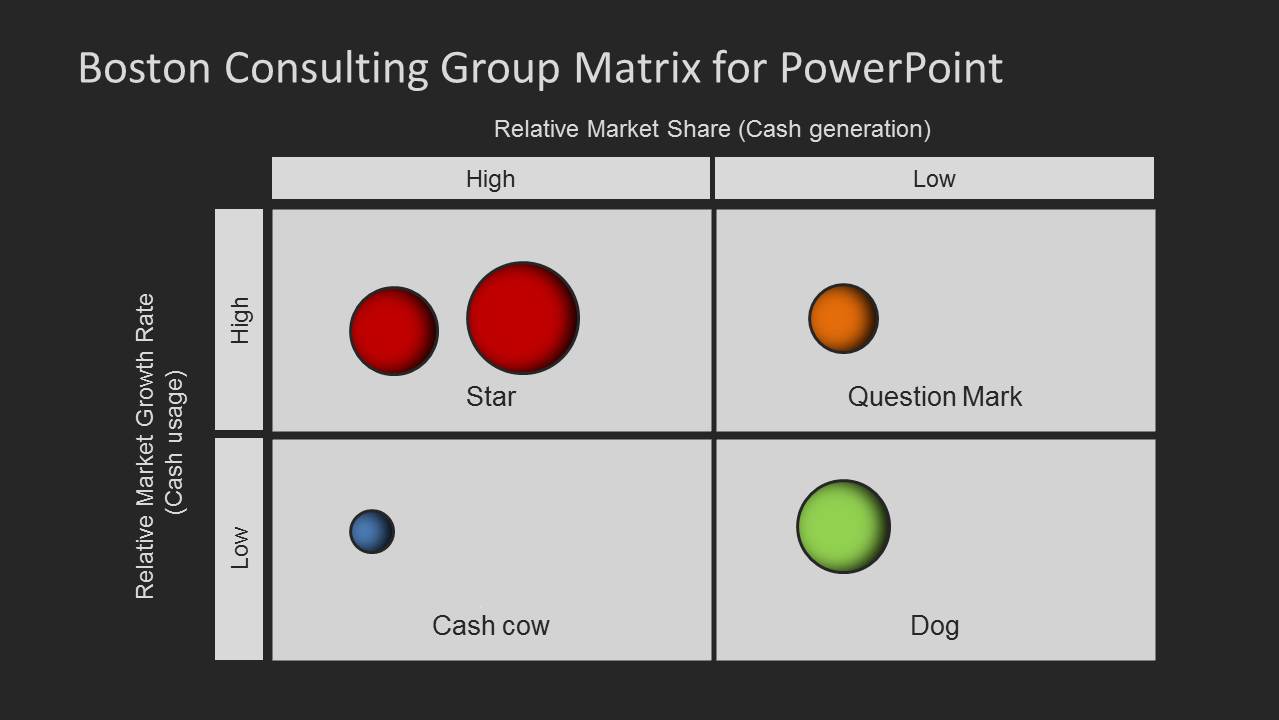
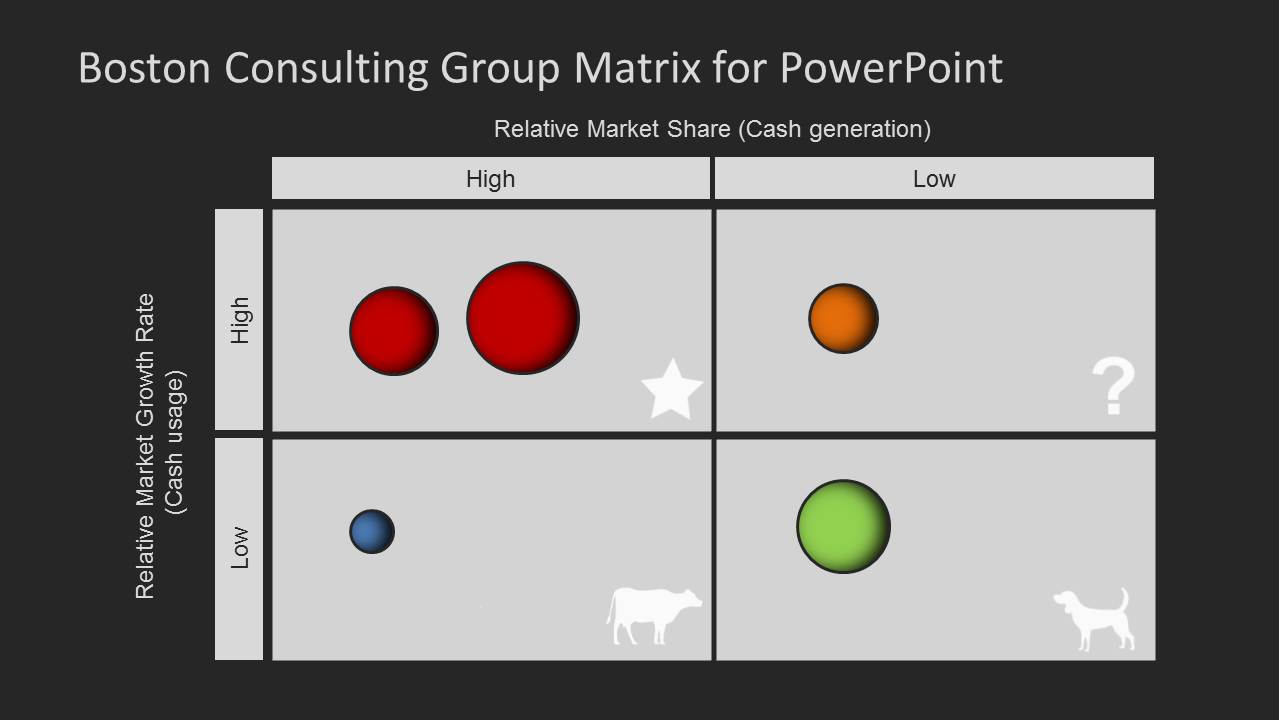
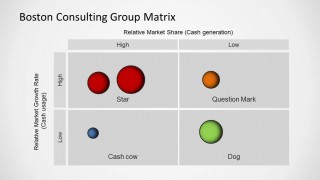
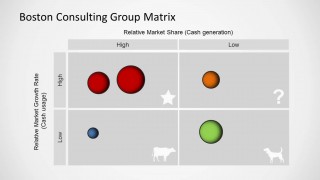
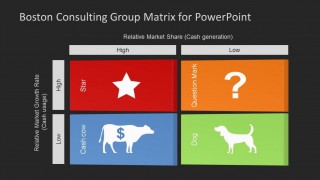
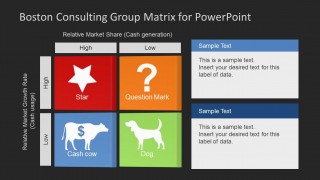
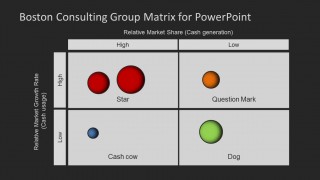
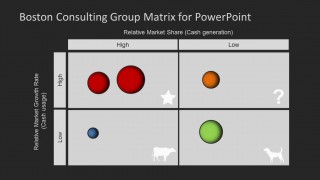
The slide layouts provide sample diagrams with Star, Dog, Cash Cow, and Question Marks sections. The BCG slides have ample space for adding relevant text and descriptions to explain your diagram and present critical information in a friendly, clean layout. Alternatively, you can download other BCG Matrix templates for PowerPoint & Google Slides presentations.
What’s inside this template
Example presentation scenarios
- A strategy consultant can use the four-quadrant BCG matrix to explain why each business unit belongs in Star, Question Mark, Cash Cow, or Dog during an executive portfolio review.
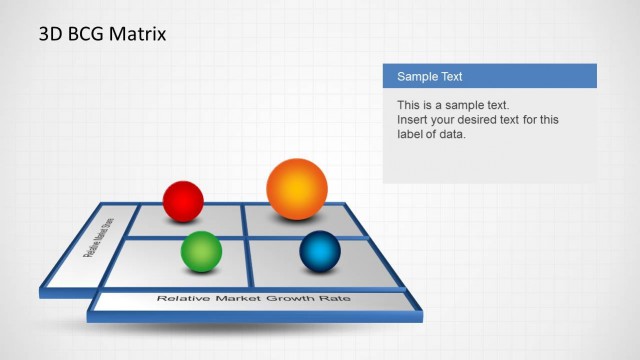
- A product manager can use the bubble marker matrix to compare product lines by relative market share and market growth before recommending investment, hold, or divest decisions.
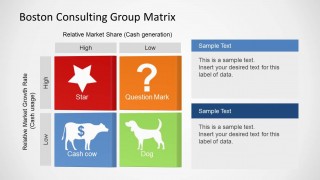
- A marketing leader can use the matrix with right-side text callouts to summarize category implications and present the next action for each segment.
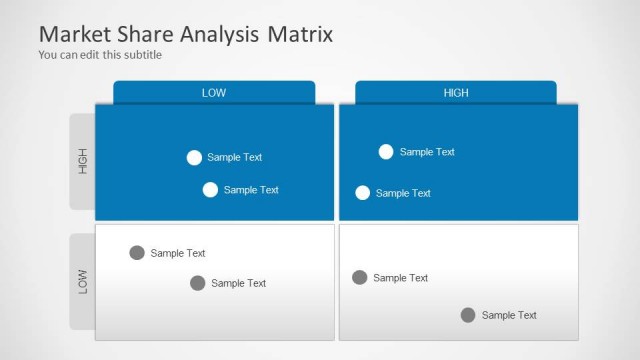
- A business analyst can use the light and dark matrix variants to prepare a workshop slide that anchors discussion around portfolio balance and resource allocation.
Features
- 100% editable presentation template
- Compatible with Microsoft PowerPoint and Google Slides
- 16:9 aspect ratio slides
- Scalable vector shapes, icons and illustrations
- AI-Ready for Microsoft Copilot and Claude
- Instant access and download
Frequently asked questions
Q: How should I explain a product portfolio with this BCG matrix template?
A: Start by defining the two axes: relative market share for cash generation and market growth rate for cash usage. Place each product or business unit in the correct quadrant, then use the Star, Question Mark, Cash Cow, and Dog labels to explain strategic meaning. Use the callout slides when the audience needs recommended actions beside the diagram.
Q: Who is this template best suited for in a business presentation?
A: This template fits strategy consultants, product managers, marketing leaders, and business analysts who need to classify a portfolio quickly. It is strongest when the goal is to support investment, growth, harvest, or divest discussions. The bubble marker layouts work well for comparing several offerings without turning the slide into a spreadsheet.
Q: Why use the Star, Question Mark, Cash Cow, and Dog visuals instead of a plain quadrant?
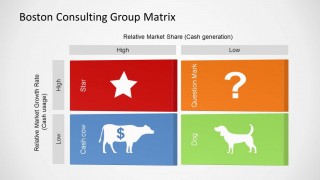
A: The icons turn the growth-share matrix into a recognizable visual metaphor. A star signals high growth and strong share, a question mark signals uncertainty, a cow suggests cash generation, and a dog suggests low strategic priority. These cues help audiences remember the classification while the high-low axes keep the logic visible.


Boston Consulting Group Matrix Template for PowerPoint
8-slide BCG matrix presentation template with growth-share quadrants and portfolio management diagrams
The Boston Consulting Group Matrix Template for PowerPoint is an 8-slide business presentation template for portfolio management analysis. It includes BCG growth-share matrix layouts, four-quadrant Star, Question Mark, Cash Cow, and Dog diagrams, bubble placement views, and text callout versions for Microsoft PowerPoint and Google Slides.
- Category
- Business PowerPoint Templates
- Rating


 Loading...
- Aspect ratio
- 16:9
- Item ID
- 6209-01
- Colors
 Microsoft PowerPoint
  Microsoft Copilot
  Claude for PowerPoint
 Other formats supported
Subscribe today and get immediate
access to download our PowerPoint templates.