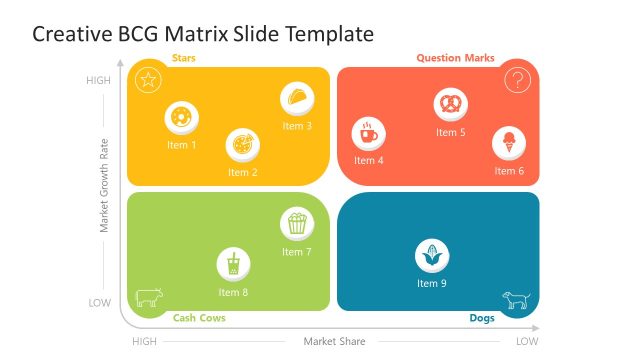
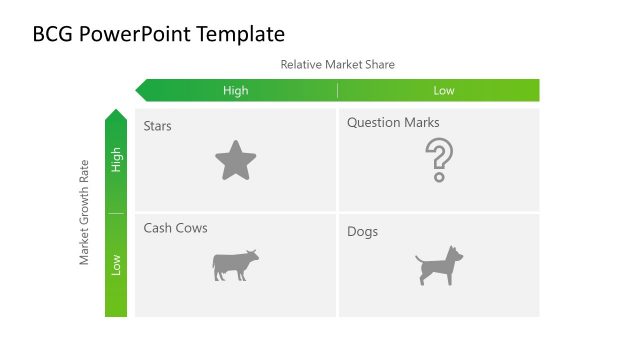
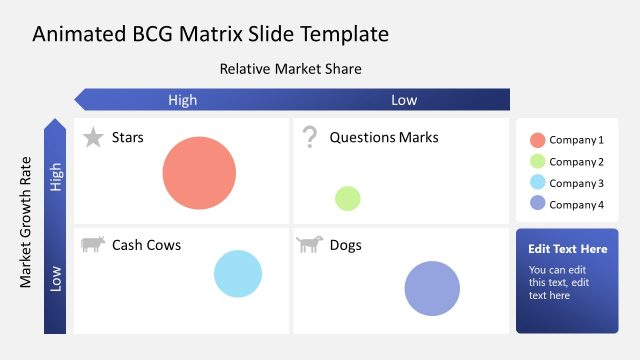
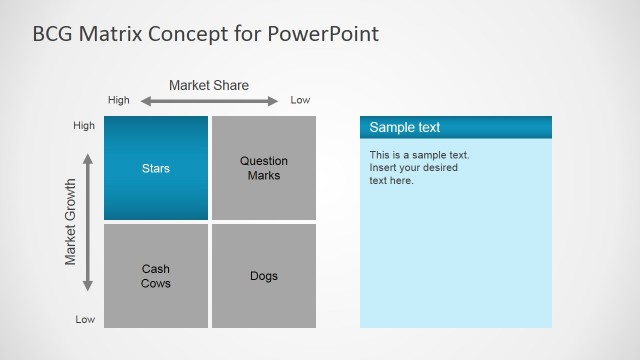
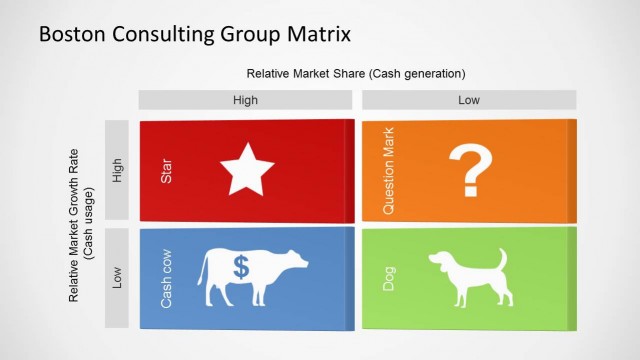
Create your business planning presentations using our BCG Matrix PowerPoint Template. BCG or Boston Consulting Group matrix is an efficient way of categorizing business products based on their importance for the company. The importance of the company can be evaluated in terms of market share and growth. Based on these two major parameters, there are four categories of the products or services that a company owns, i.e.,
- Stars: These products have the biggest market share and growth potential, so every company tries to retain them without changing.
- Cash-cows: Such products have low market share and growth potential, generally kept for the constant source of passive income.
- Question marks: The products that have a higher growth potential but have a low market share are usually under consideration for making more improvements and bringing them to the category of stars.
- Pets: Pets are the products on the verge of leaving because of their low market share and low growth.
Professionals can represent their products in these four categories for planning discussions with our engaging BCG Matrix PowerPoint Template. In this template, we created a minimal design matrix with a circular core element and four rectangular boxes on their equidistant sides. The four sides represent the categories of the BCG matrix, each having a distinct color outline and colored part. In the colored segment of each section, the relevant graphical symbol is added: a cow for a cash cow, a dog for pets, a star for the stars category, and a question mark for the question segment. Editable text boxes with colored headings are provided in these boxes. After the first slide, the color of the following slides highlights each segment by greying the others. Thus, presenters can discuss each part of their BCG matrix with this creative BCG presentation template. Download and try it now!
Alternatively, check our collection of business PowerPoint templates and BCG Matrix templates for PPT.
What’s inside this template
Example presentation scenarios
- A strategy consultant can use the overview matrix to explain where each client product sits by market share and growth before recommending investment priorities.
- A product manager can use the Star and Question Mark focus slides to discuss which offers deserve expansion funding and which require validation.
- A marketing leader can use the Cash Cow slide to show products that support revenue targets and connect them to budget decisions.
- An executive team can use the Dog focus slide to frame divestment, retirement, or turnaround conversations with a clear visual category.
Features
- 100% editable presentation template
- Compatible with Microsoft PowerPoint and Google Slides
- 16:9 aspect ratio slides
- Scalable vector shapes, icons and illustrations
- AI-Ready for Microsoft Copilot and Claude
- Instant access and download
Frequently asked questions
Q: How should a presenter structure a BCG matrix discussion with this deck?
A: Start with the full matrix slide to define the four categories and place the audience in the framework. Then move through the focus slides one category at a time, using the highlighted ring and muted quadrants to keep attention on the decision being discussed. Close each category with a clear action, such as invest, monitor, harvest, or exit.
Q: Who is this template best suited for?
A: This template fits consultants, product leaders, marketing teams, and executives who need a simple product portfolio conversation rather than a dense spreadsheet review. It is most useful when the goal is to classify products by market position and growth outlook, then guide decisions about resource allocation, promotion, improvement, or discontinuation.
Q: Why does the design use icons and a central ring instead of a plain four-box grid?
A: The star, question mark, cow, and dog icons make the BCG categories easy to recall during discussion. The central BCG ring visually ties the four outer cards into one framework, while the focus slides shift emphasis without changing the layout. This repetition helps the audience compare categories without relearning the slide structure.


BCG Matrix PowerPoint Template
5-slide BCG Matrix presentation template with quadrant cards and product portfolio focus slides.
The BCG Matrix PowerPoint Template is a 5-slide deck for product portfolio analysis using the Boston Consulting Group matrix. It includes an overview quadrant diagram, focus slides for Star, Question Mark, Dog, and Cash Cow categories, icon panels, and central BCG rings for business planning in Microsoft PowerPoint and Google Slides.
- Category
- Matrix Charts
- Rating

 Loading...
- Aspect ratio
- 16:9
- Item ID
- 22711-01
- Colors
 Microsoft PowerPoint
 Microsoft Copilot
 Claude for PowerPoint
Other formats supported
Subscribe today and get immediate
access to download our PowerPoint templates.