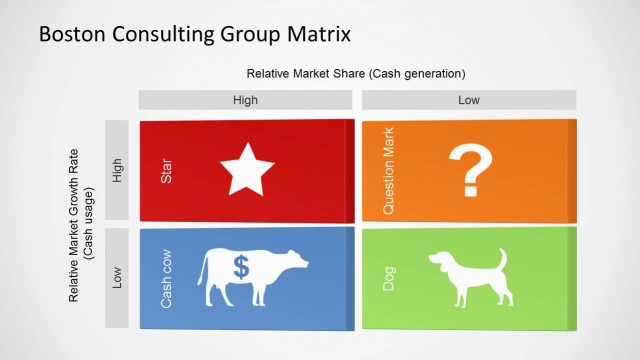
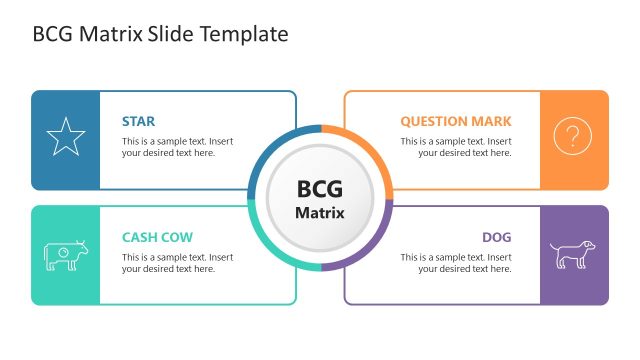
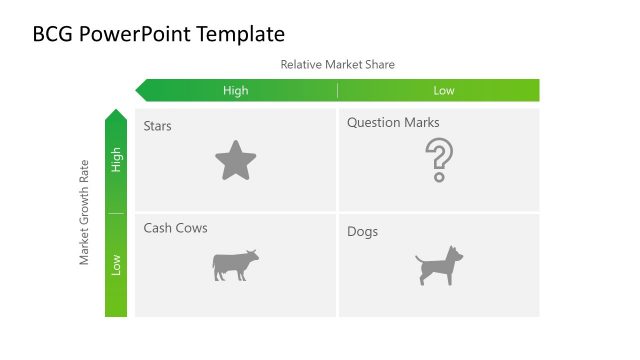
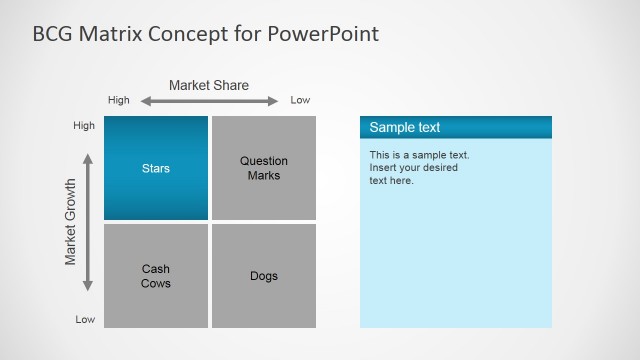
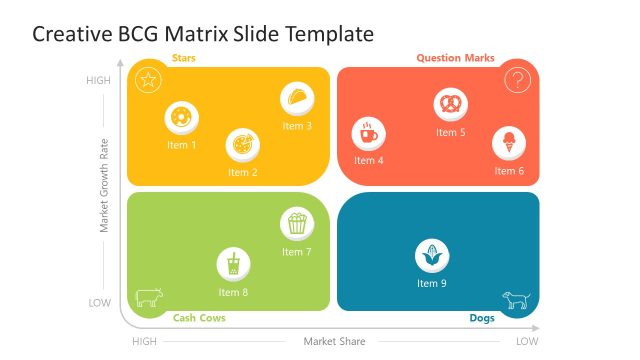
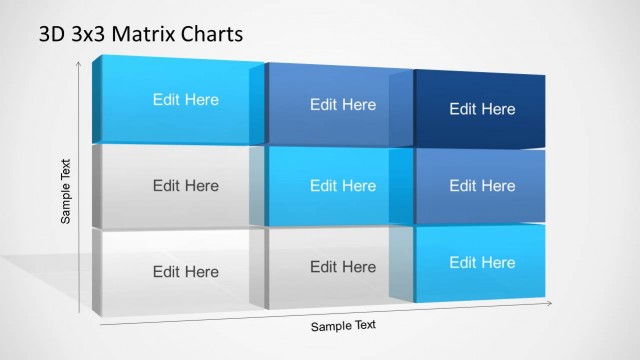
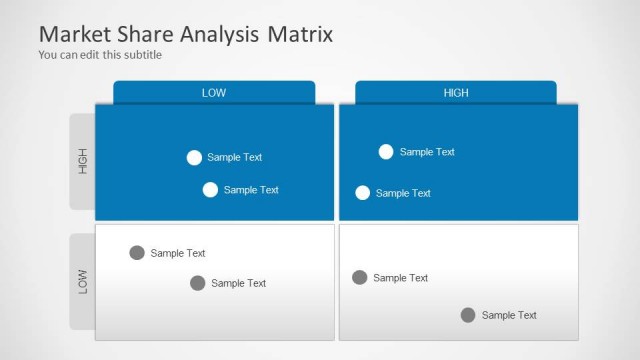
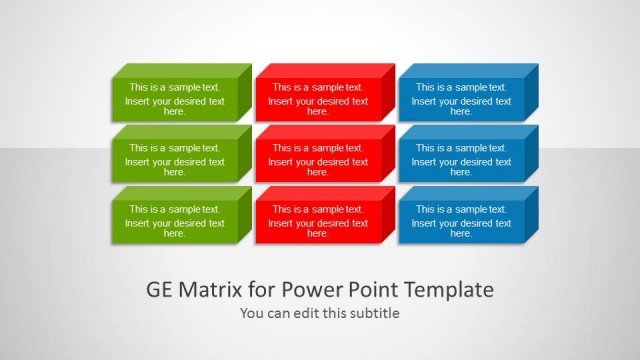
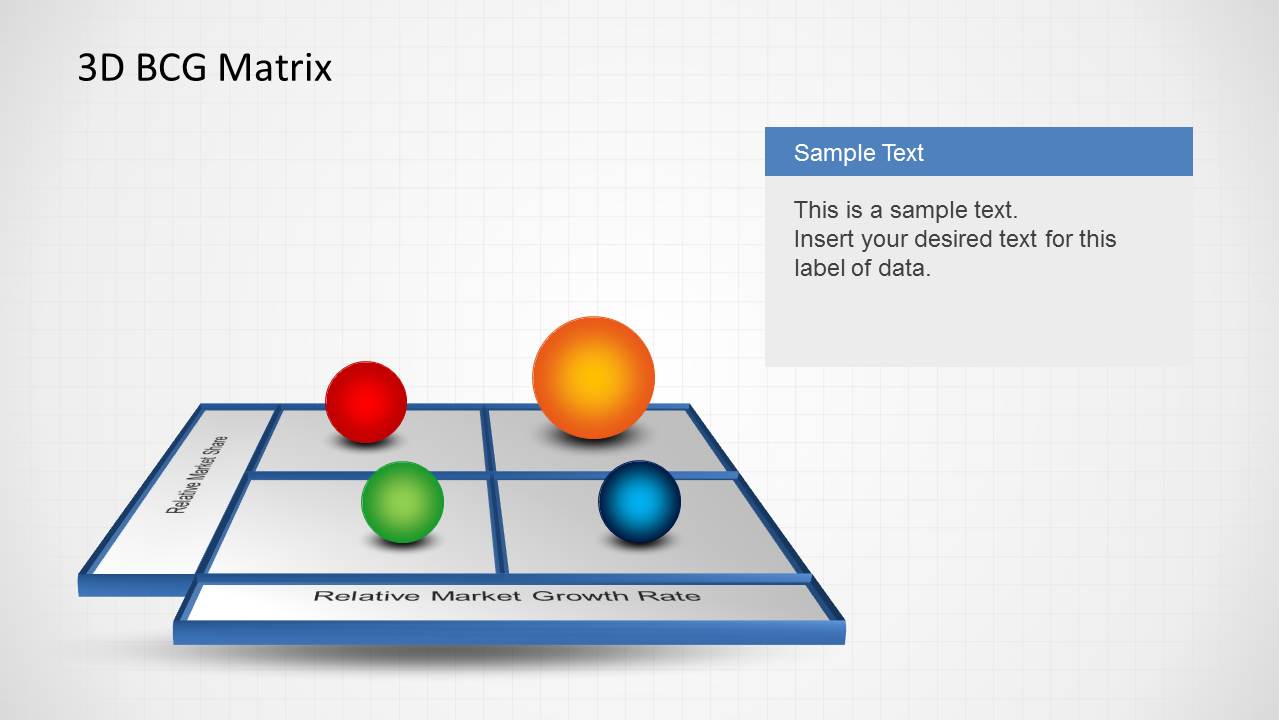
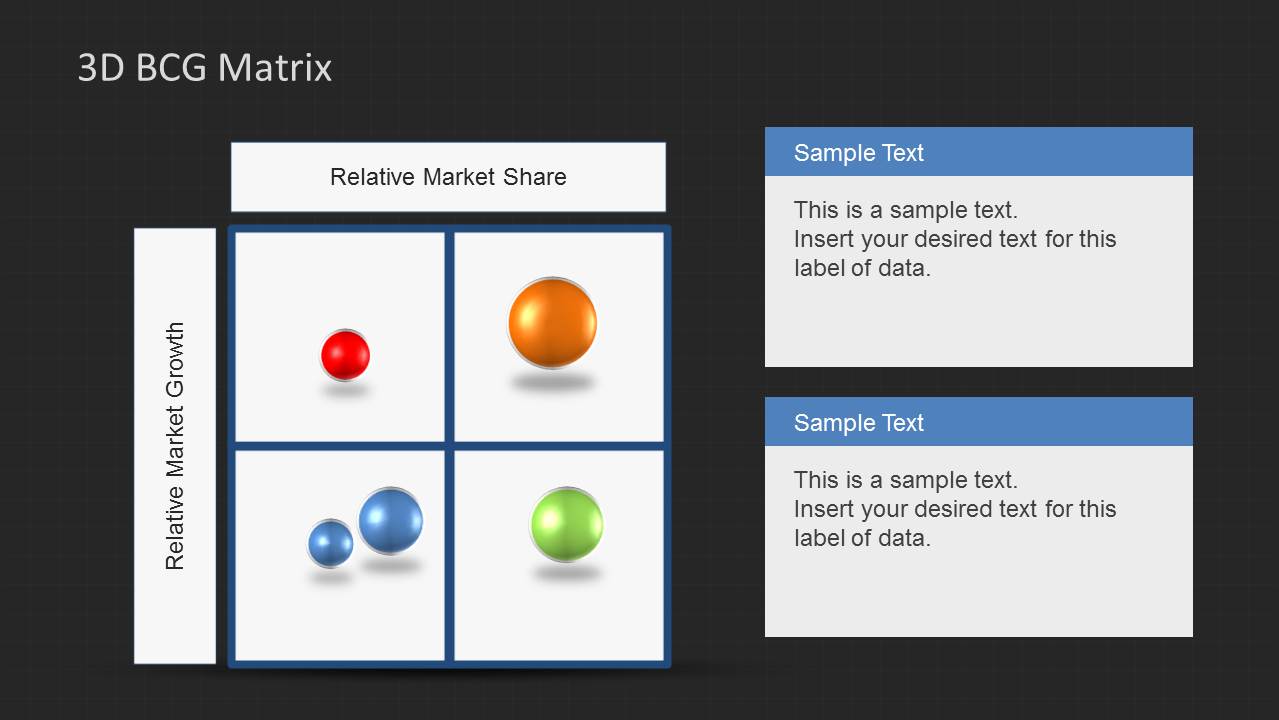
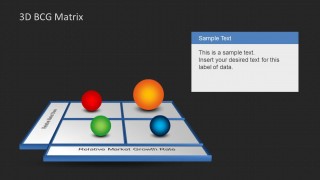
3D BCG Matrix for PowerPoint is a PowerPoint template for presentations requiring a Boston Consulting Group Matrix slide design. This creative BCG matrix was created using PowerPoint and 3D effects.
Create an effective, persuasive presentation with the 3D BCG Matrix for PowerPoint. Use this PowerPoint template to brighten up the conventional PowerPoint graphics and impress your target corporate audience with both accurate information and visually-appealing organization. These graphics are specifically intended to provide visual impact through clear, concise presentation.
The PowerPoint slides found in the Office template feature growth-share matrixes which are generally intended for corporations in order for them to analyze their product lines. The slide designs may be used to provide them with key information which decide whether these product lines are to be kept, sold, or disposed of, according to their relative value to the organization’s finances.
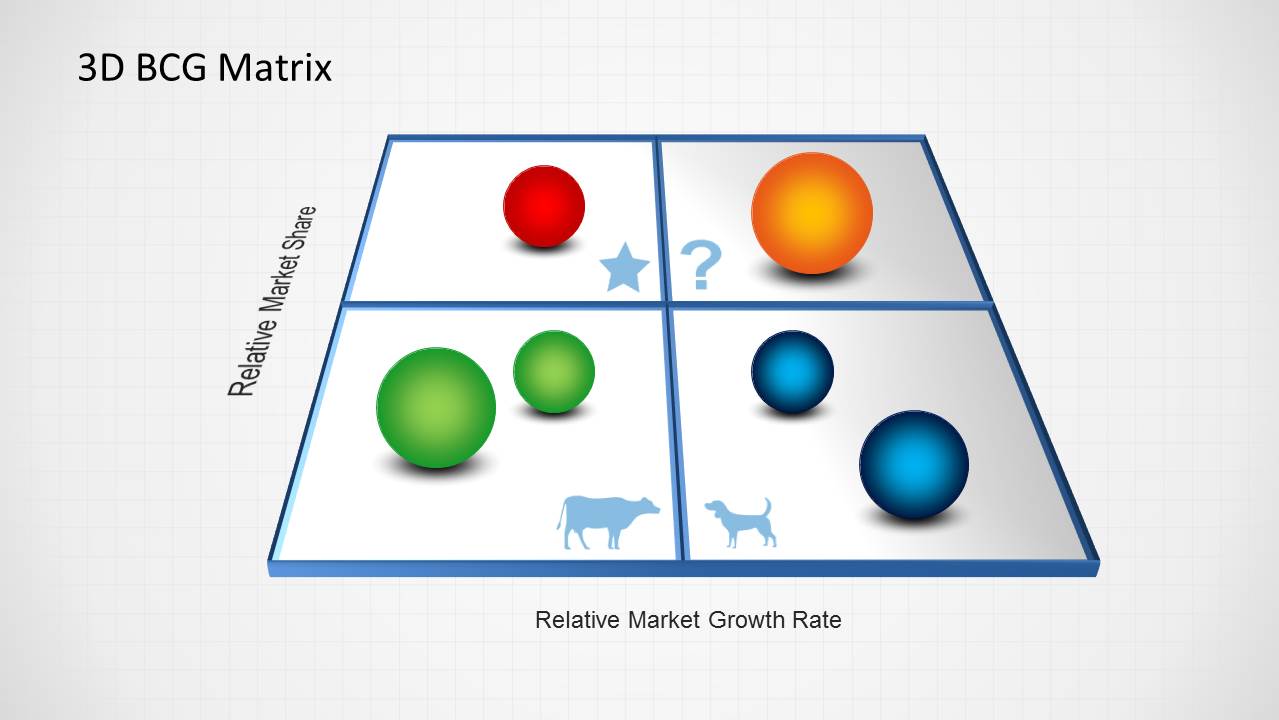
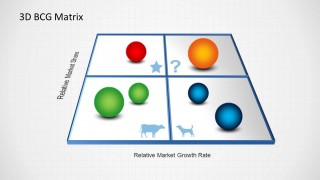
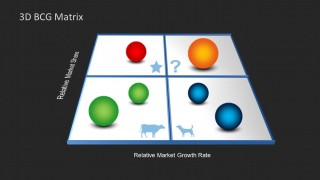
The template designs may also be used in meetings and deliberations which aim to identify which of the company’s products and holdings are cash cows, which generate excess amounts of cash in a slow industry; dogs, which are products that are beginning to lower market shares in a slow market; question marks, which show high growth but low market share; and stars, which have both high market shares and fast industries.
The business organization and its members may be able to use the information provided in this Office template to create a diversified company portfolio which reduces risk and increases productivity and income, so as to become truly successful in their respective fields.
Also contained in the PowerPoint template are 3D PowerPoint shapes which can be edited and modified to fit the objectives of the presenter and meet the goals that have been set by the business organization. The slides designs may be used to show these information in a manner intended by the presenter to have more visual aesthetic and highly-accurate data. As such, the 3D BCG Matrix for PowerPoint can provide an ideal exhibit space for ideas and facts in the business organization.
What’s inside this template
Example presentation scenarios
- A strategy consultant can use the perspective 3D BCG matrix to summarize how client product lines sit across growth and market share before discussing recommended actions.
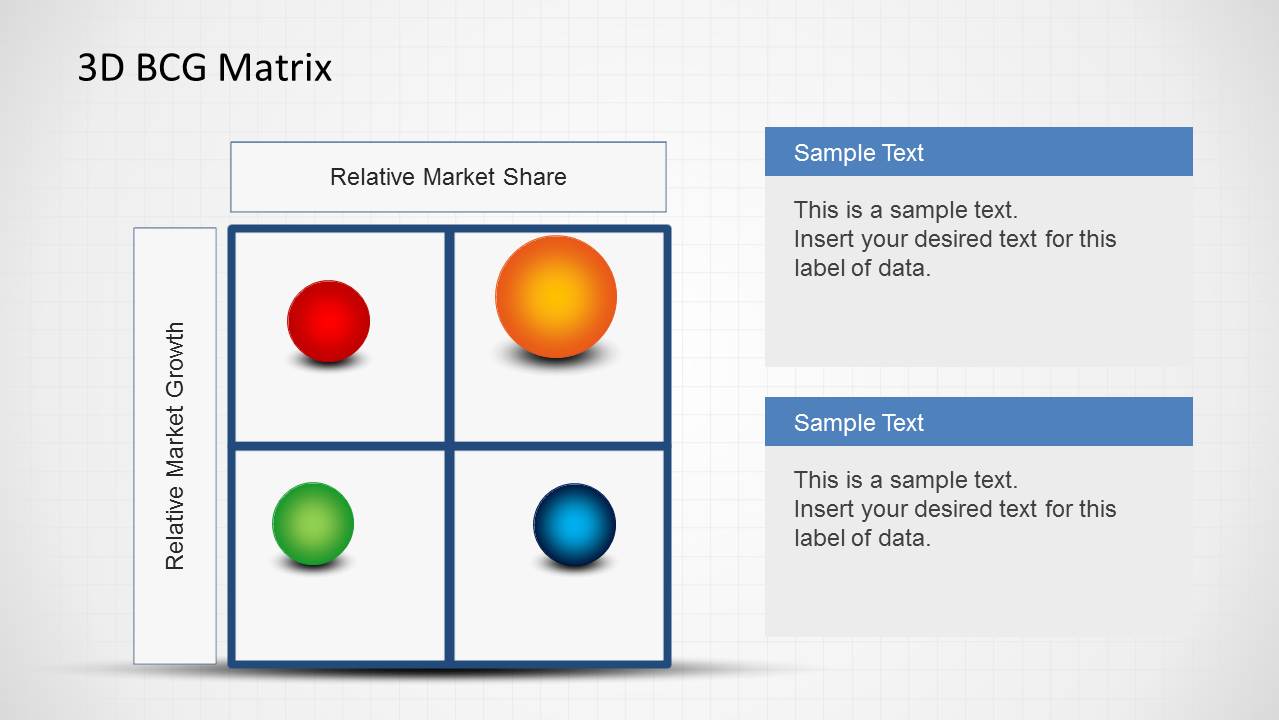
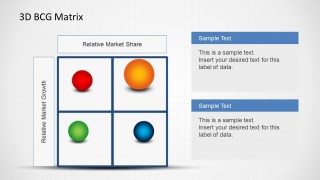
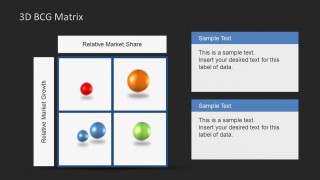
- A product manager can use the top-down quadrant slide with callout panels to explain which products need investment, monitoring, repositioning, or exit planning.
- A marketing leader can use the star, question mark, cow, and dog symbols to align a leadership team on budget priorities across a portfolio.
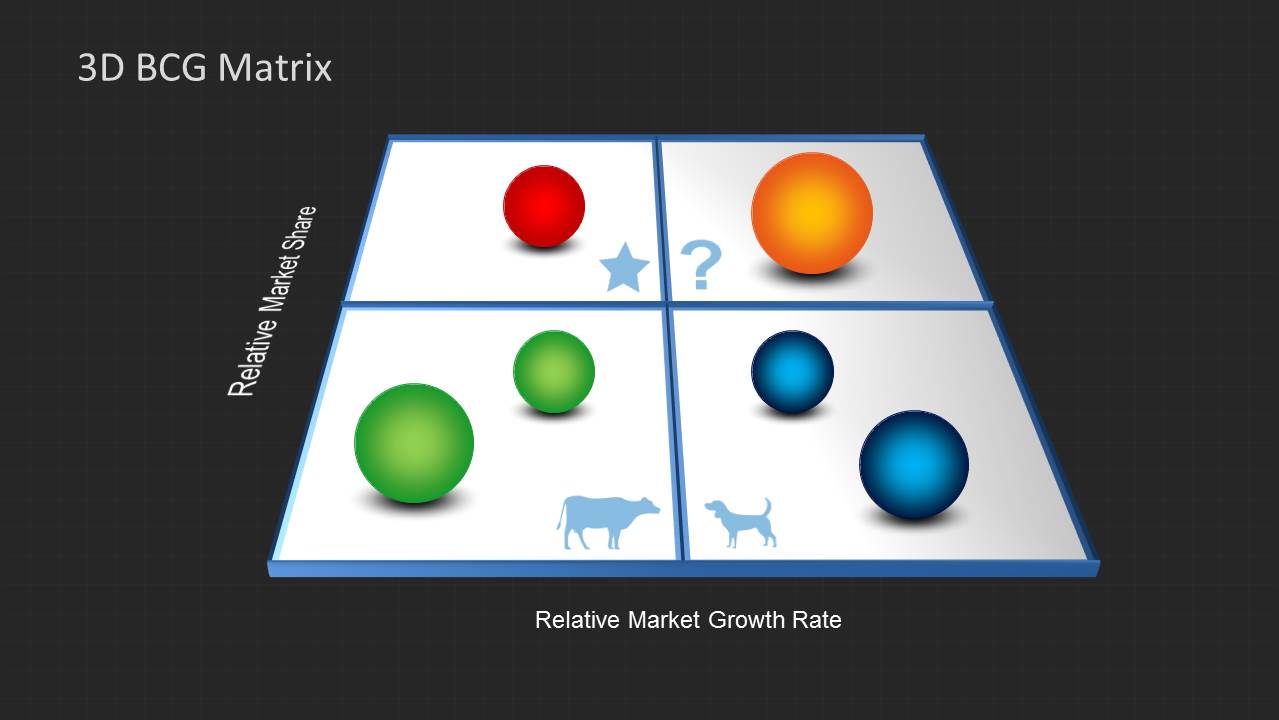
- A business analyst can use the light and dark background variants to fit an internal strategy report or an executive boardroom presentation style.
Features
- 100% editable presentation template
- Compatible with Microsoft PowerPoint and Google Slides
- 16:9 aspect ratio slides
- Scalable vector shapes, icons and illustrations
- AI-Ready for Microsoft Copilot and Claude
- Instant access and download
Frequently asked questions
Q: How should I present portfolio priorities with this BCG matrix?
A: Start by defining the axes so the audience understands the meaning of relative market share and relative market growth. Place each sphere consistently, then discuss one quadrant at a time. Use the text callout panels for the decision message, not long explanations, so the slide stays focused on strategic interpretation.
Q: Who is this template best suited for in a business presentation?
A: This template fits strategy consultants, product managers, marketing leaders, and executives who need to compare offerings across a portfolio. It is strongest when the goal is to classify products or business units into BCG positions and make a management discussion easier to follow during planning or review meetings.
Q: Why use 3D spheres and quadrant symbols instead of a flat table?
A: The 3D spheres act like movable portfolio pieces on a decision board, making relative position easy to scan. The star, question mark, cow, and dog symbols add a familiar BCG metaphor, helping the audience connect quadrant placement with the strategic meaning of each category.
You may also like:

3D BCG Matrix for PowerPoint
6-slide presentation template for 3D BCG matrix portfolio analysis and growth-share quadrants
The 3D BCG Matrix for PowerPoint is a 6-slide presentation template for portfolio analysis using growth-share quadrants. Visible layouts include perspective 3D BCG matrices, top-down BCG quadrant diagrams, sample text callouts, and light or dark background variants. It supports corporate strategy, product planning, and executive review in Microsoft PowerPoint and Google Slides.
- Category
- Business PowerPoint Templates
- Rating


 Loading...
- Aspect ratio
- 16:9, 4:3
- Item ID
- 6209-03
- Colors
 Microsoft PowerPoint
  Microsoft Copilot
  Claude for PowerPoint
 Other formats supported
Subscribe today and get immediate
access to download our PowerPoint templates.