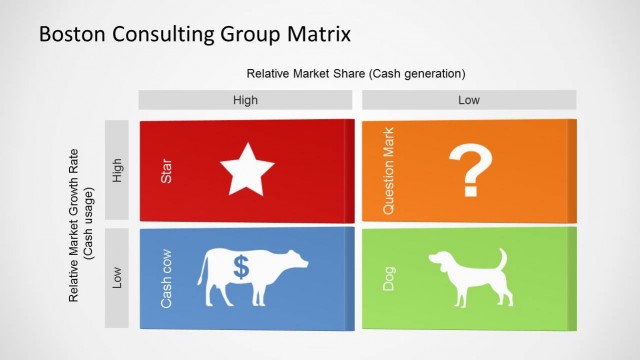
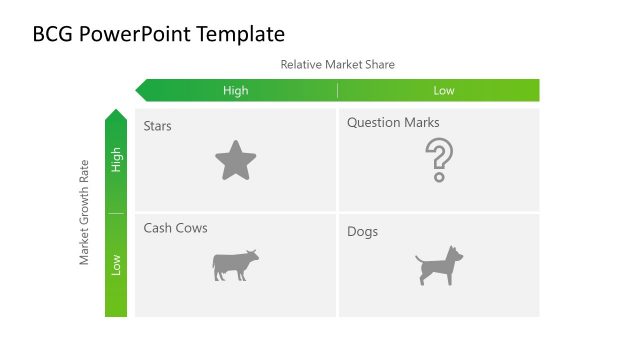
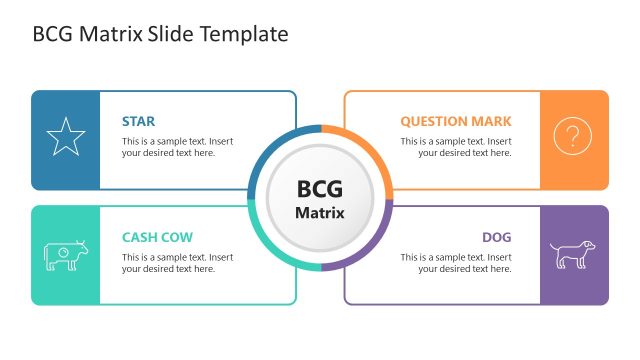
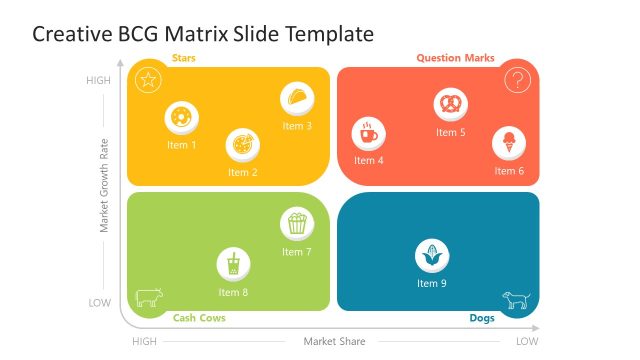
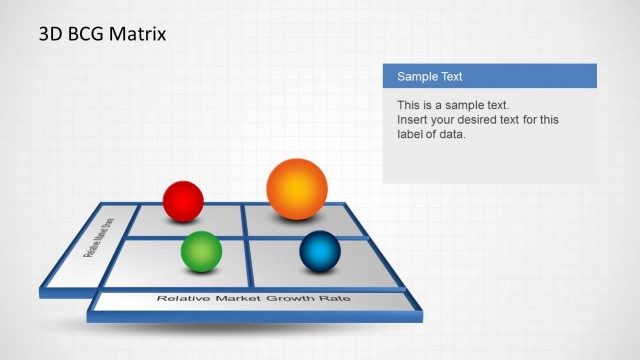
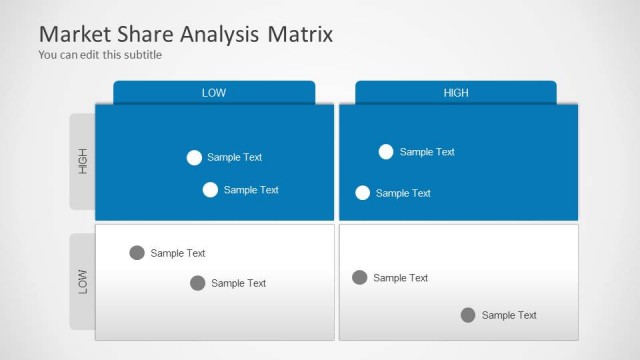
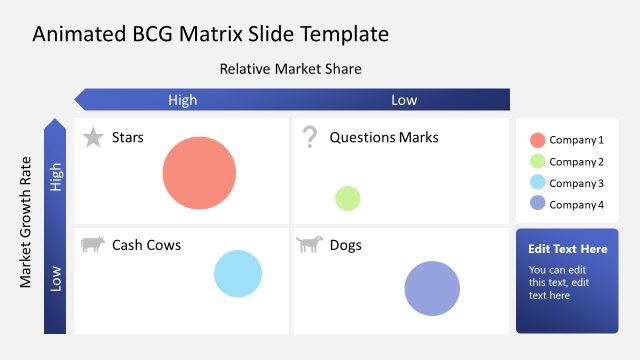
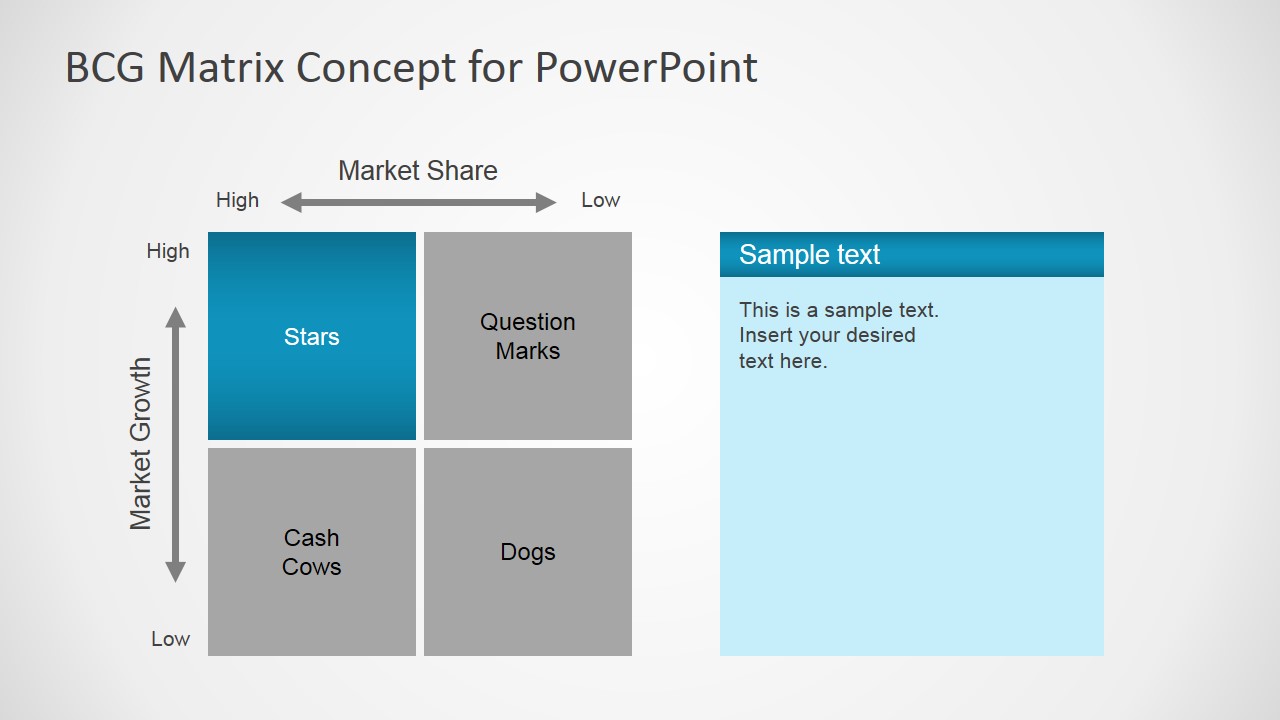
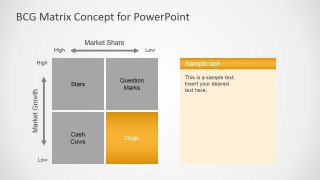
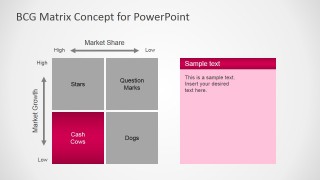
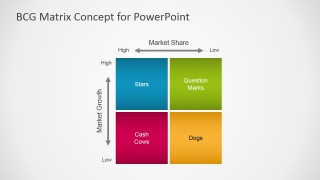
BCG Matrix Concept for PowerPoint is a presentation design containing the Growth-Market Share Boston Consulting Group matrix that you can use in a business or consulting PowerPoint presentations. This BCG matrix design was created with PowerPoint shapes so it can be easily edited and customized with your own content. The Growth-share matrix template is part of a portfolio management framework that can help businesses analyze their product lines.
What’s inside this template
Example presentation scenarios
- A management consultant can use the highlighted quadrant slides to explain why specific products sit in Stars, Question Marks, Cash Cows, or Dogs during a client strategy review.
- A product manager can use the full-color BCG matrix to compare product lines by market growth and market share before recommending investment priorities to executives.
- A business analyst can use the editable note panels beside the matrix to summarize assumptions, risks, and next steps for each portfolio category.
- An executive presenter can use the quadrant-by-quadrant sequence to keep a leadership discussion focused on one strategic category at a time.
Features
- 100% editable presentation template
- Compatible with Microsoft PowerPoint and Google Slides
- 16:9 aspect ratio slides
- Scalable vector shapes, icons and illustrations
- AI-Ready for Microsoft Copilot and Claude
- Instant access and download
Frequently asked questions
Q: How should a presenter explain a portfolio story with this BCG matrix template?
A: Start with the full portfolio logic: high versus low market share across the horizontal axis and high versus low market growth on the vertical axis. Then use the single-quadrant slides to discuss one strategic category at a time. Keep each note panel focused on implications, such as invest, monitor, harvest, or divest.
Q: Who is this template best suited for in a business presentation?
A: This template fits consultants, product managers, and strategy teams who need to make product portfolio choices clear for executives. It is best when the audience already understands the product set, but needs a structured view of which offerings deserve investment, protection, testing, or reduced attention.
Q: Why does the design highlight one quadrant per slide before showing the full matrix?
A: The quadrant-by-quadrant design reduces cognitive load. By isolating Stars, Question Marks, Dogs, or Cash Cows, the presenter can explain the meaning and action for each category before the audience compares all four positions. The final colored matrix then works as a synthesis slide.


BCG Matrix Concept for PowerPoint
5-slide BCG matrix presentation template for portfolio management and growth-share analysis
BCG Matrix Concept for PowerPoint is a 5-slide diagram template for product portfolio analysis. It includes a four-quadrant growth-share matrix, single-quadrant emphasis slides, annotated text panels, and a full-color portfolio summary. It is designed for consultants, strategists, and business teams using Microsoft PowerPoint or Google Slides.
- Category
- Diagrams
- Rating


 Loading...
- Aspect ratio
- 16:9
- Item ID
- 7018-01
- Colors
 Microsoft PowerPoint
  Microsoft Copilot
  Claude for PowerPoint
 Other formats supported
Subscribe today and get immediate
access to download our PowerPoint templates.