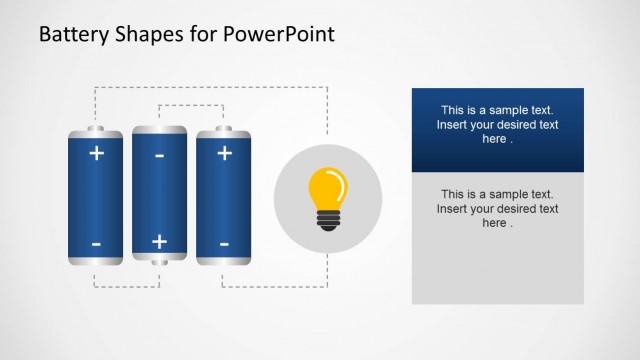
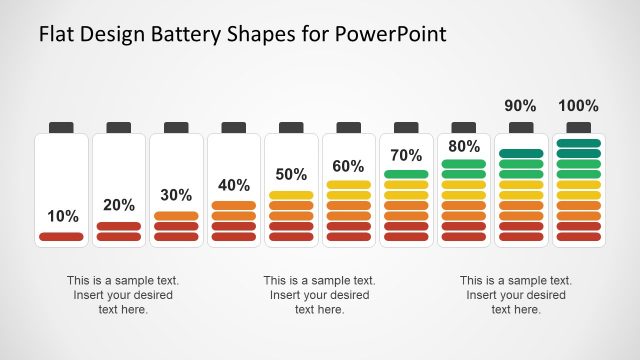
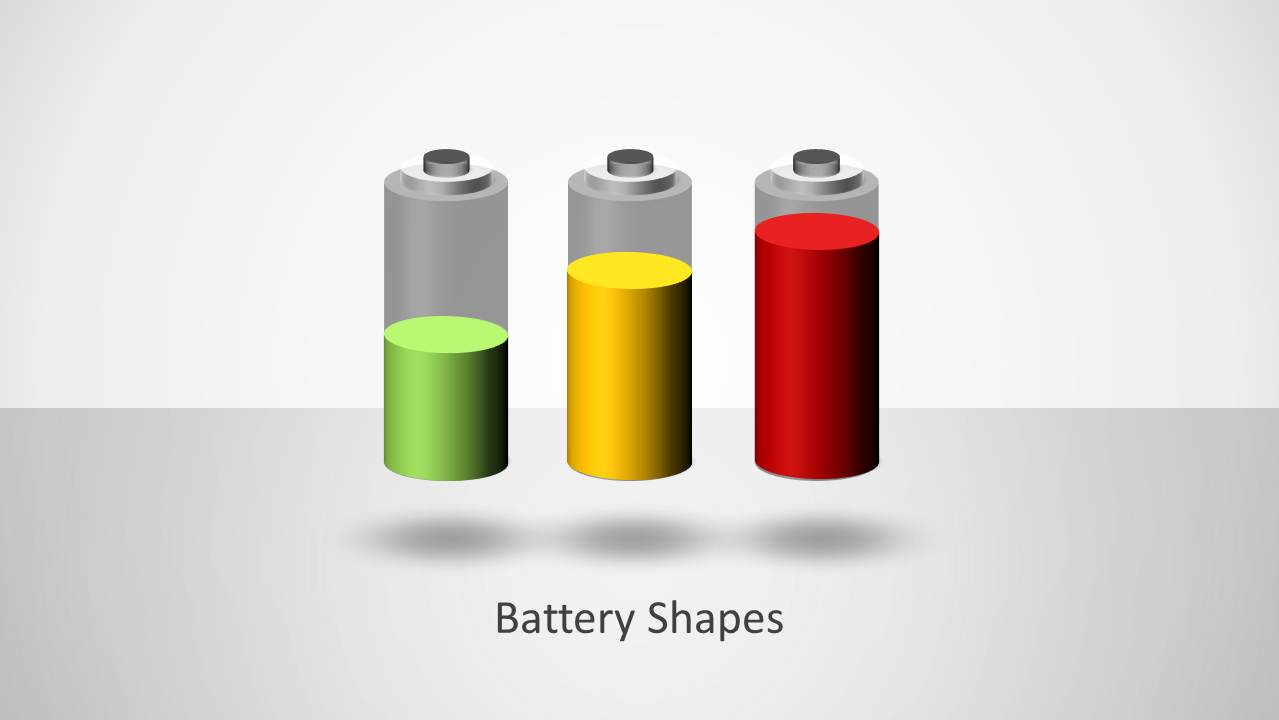
Battery Shapes for PowerPoint is a nice illustration of batteries created with PowerPoint shapes.
The battery themed slides are perfect for technology based topics related to mobile devices, energy conservation, tutorials about batteries and the like. Similarly, you can also use this template to create presentations on other topics such as green energy, business, finance, etc. This is because the sample slides are suitable for use in a symbolic manner to represent topics using images of full and drained batteries.
The sample slide layouts are highly customizable and you can freely use battery shapes across slides to create anything from basic slides to timelines, comparison slides, picture slides and more.
What’s inside this template
Example presentation scenarios
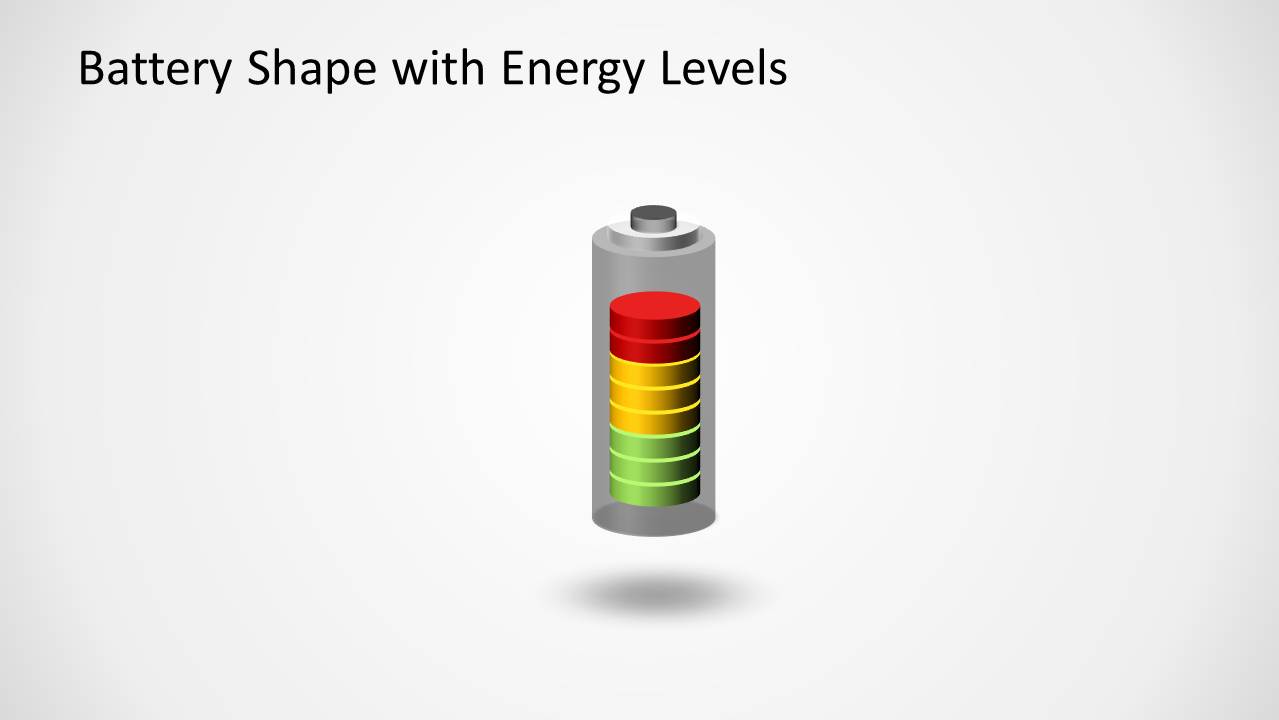
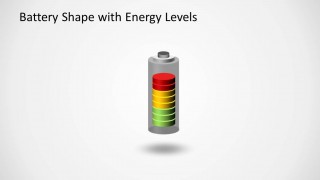
- A product manager can use the stacked battery gauge to explain remaining device capacity, charge levels, or feature readiness during a technology briefing.
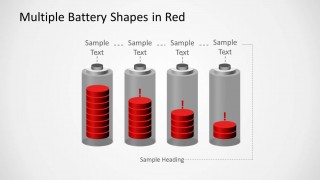
- An operations leader can use the four-battery red status sequence to show resource depletion, workload pressure, or risk escalation across departments.
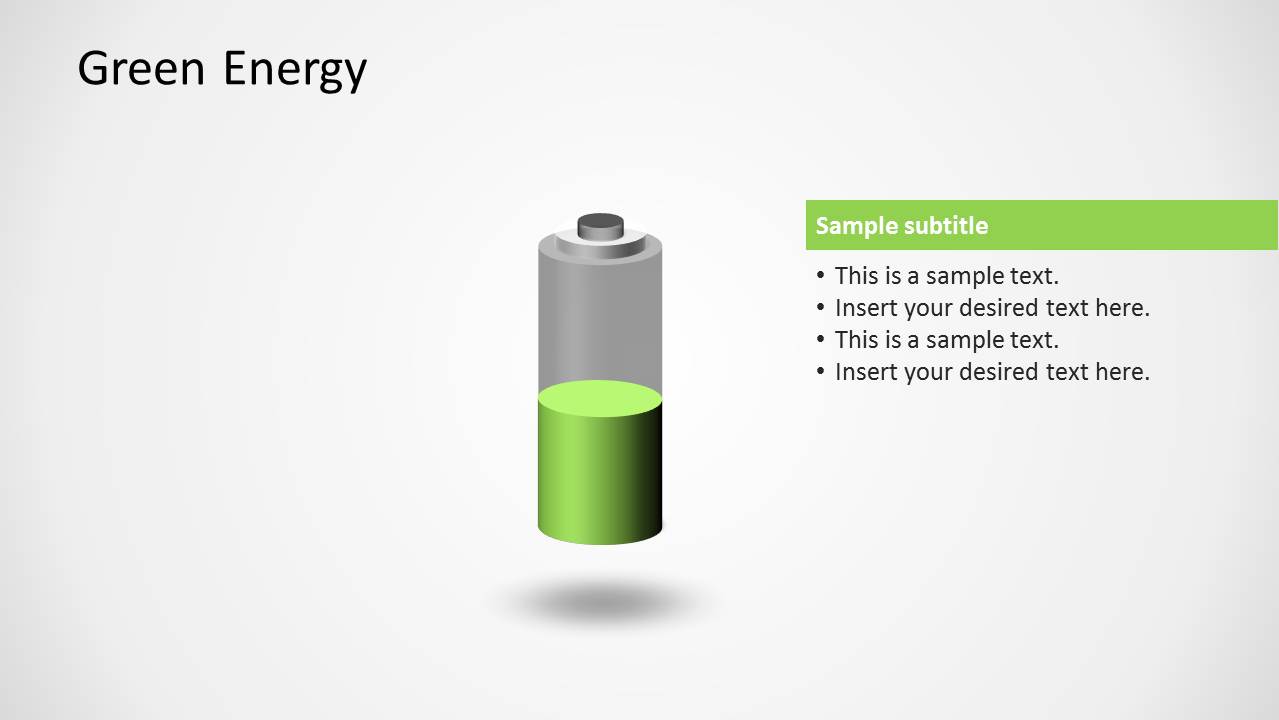
- A sustainability presenter can use the green energy slide to introduce energy savings, renewable power status, or conservation actions with a short bullet list.
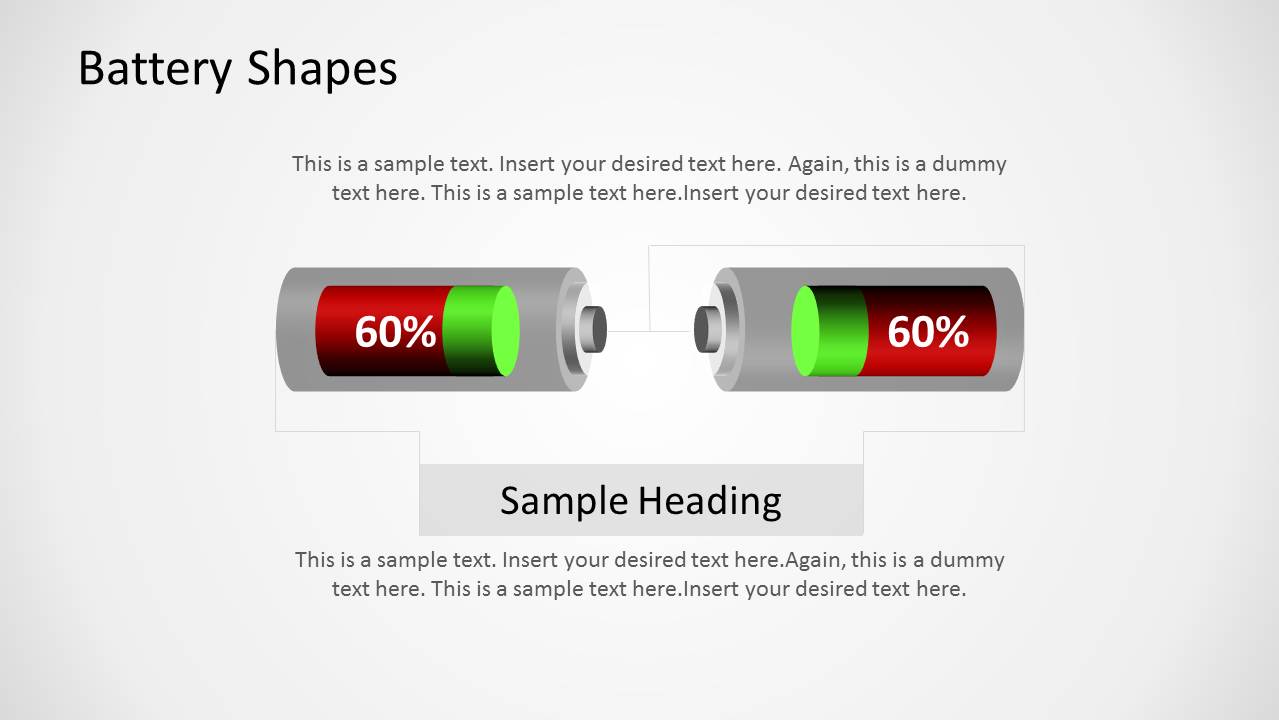
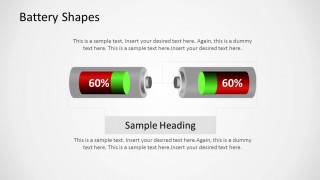
- A finance or business analyst can use the horizontal 60% battery diagram to communicate budget usage, pipeline progress, or target completion in a status report.
Features
- 100% editable presentation template
- Compatible with Microsoft PowerPoint and Google Slides
- Scalable vector shapes, icons and illustrations
- AI-Ready for Microsoft Copilot and Claude
- Instant access and download
Frequently asked questions
Q: How should a presenter use these battery visuals without oversimplifying the message?
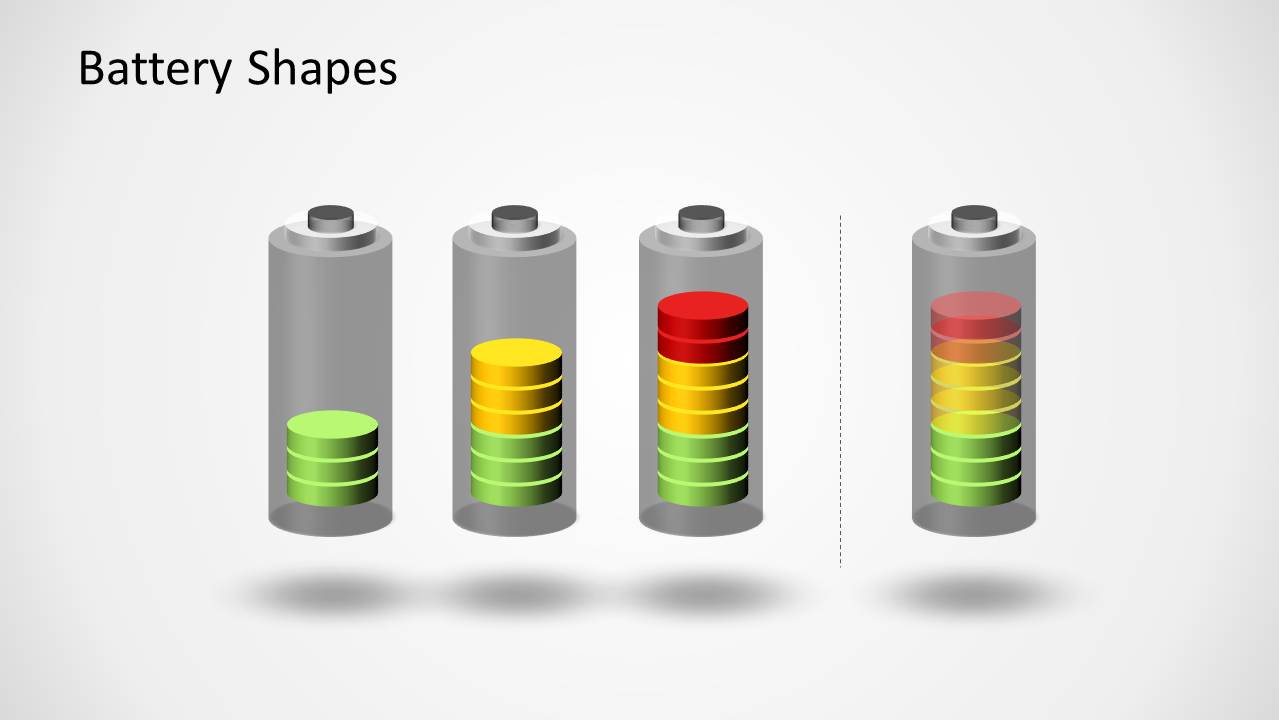
A: Use each battery as a level indicator and pair it with a short explanation of what the level means. For example, the stacked gauge can define status bands, while the 60% horizontal battery can headline one metric. Keep the text brief so the audience reads the fill level first, then the business meaning.
Q: What presentation situation is this template best suited for?
A: This template works best for status communication where progress, capacity, urgency, or depletion must be understood quickly. Technology teams can show device power or readiness, operations teams can explain resource pressure, and sustainability teams can frame energy conservation. The battery metaphor is strongest when the message is about a level moving from low to high.
Q: Why does the battery metaphor help communicate KPI or energy status?
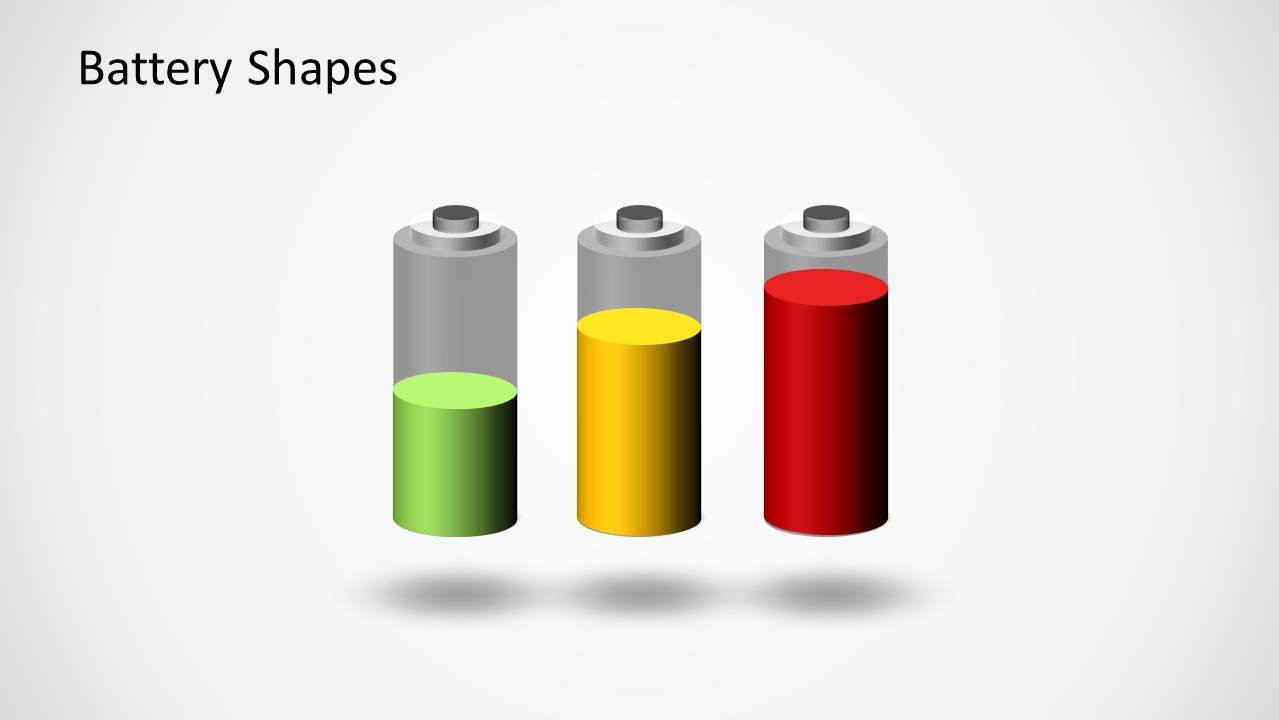
A: Most audiences instantly understand a battery as full, low, charging, or depleted. The red, yellow, and green fills add a traffic-light reading, while the vertical and horizontal layouts let the presenter choose between comparison, single status, and headline percentage. This reduces explanation time and makes status differences easier to scan.


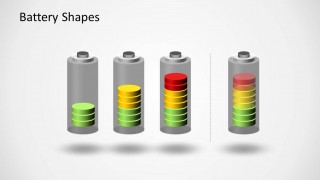
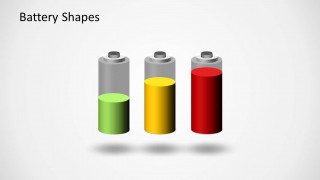
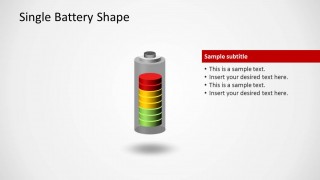
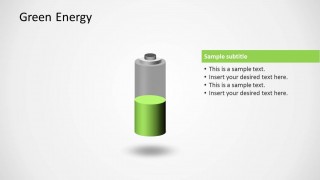
Battery Shapes for PowerPoint
8-slide PowerPoint presentation template with battery gauges, energy levels, and KPI status visuals
Battery Shapes for PowerPoint is an 8-slide PowerPoint template with editable battery illustrations for energy, KPI, and capacity messaging. Visible layouts include a cover slide, stacked energy-level battery gauge, side-by-side battery comparison, callout text panel, four-battery status sequence, and percentage battery diagram for presenters explaining progress or power levels.


 Loading...
 Microsoft PowerPoint
  Microsoft Copilot
  Claude for PowerPoint
 Other formats supported
Subscribe today and get immediate
access to download our PowerPoint templates.