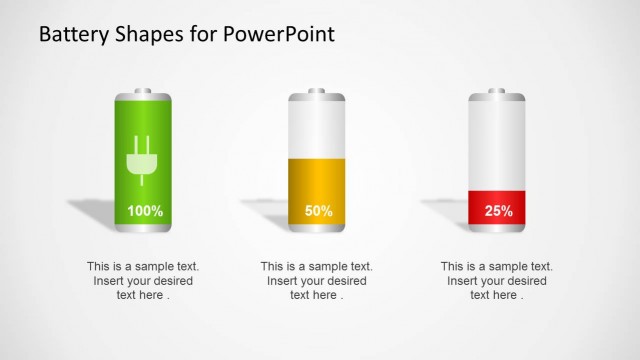
Slide 1 of 8 from Battery Shapes for PowerPoint
9054-battery-shapes-wide-1
Battery Shapes for PowerPoint Presentation
- Shape Object
- Other
- Concept Explanation Slide
- 16:9
- 100% Editable
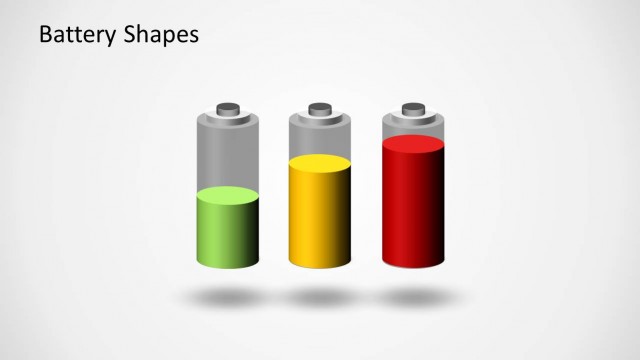
The Battery Shapes slide from the Battery Shapes for PowerPoint template visually explains energy levels using three colored battery icons, ideal for business presentations on energy metrics or KPI discussions. This slide layout includes editable shapes that help clearly communicate product features or performance indicators within a corporate presentation or pitch deck template.
What’s on This Slide
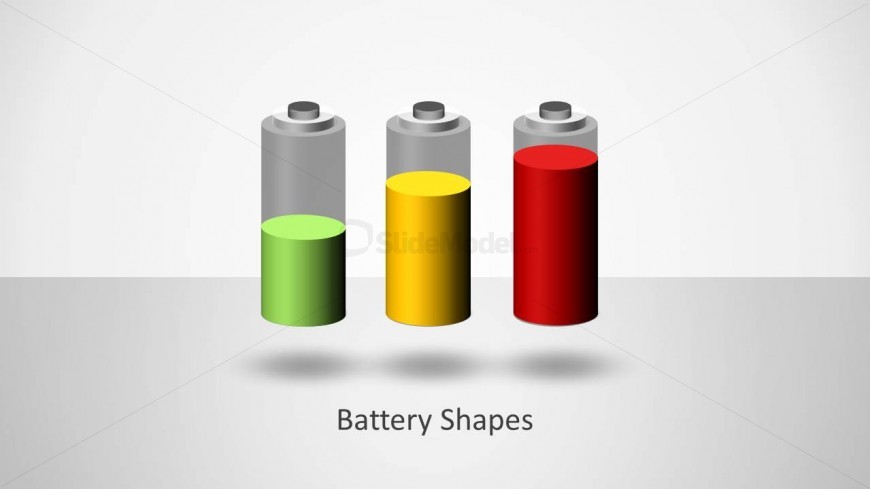
The slide features three battery shapes aligned horizontally at the center. The left battery is green, representing a low level, the middle battery is yellow for a medium level, and the right battery is red, indicating a high level. Each battery has a cylindrical shape with a rounded top and a metallic cap. The background is a light gradient transitioning from white to light gray, creating a subtle contrast. Below the batteries, there is a text placeholder centered for the title 'Battery Shapes,' which is visually prominent and serves as the focal point of the slide.
How to Use It
This layout serves as a visual representation of battery levels, suitable for presentations discussing energy metrics or performance indicators. It fits well at the beginning of a presentation to introduce the topic of energy levels. This slide can be used in contexts such as energy management, product features, or KPI discussions, where illustrating different states or levels is essential. It effectively communicates variations in battery capacity or energy status in a clear and engaging manner.
Text Placeholders & Capacity
Keep your copy within these limits so it fits without resizing. The title slot can hold about 3-5 words comfortably.
| Placeholder | Count | Max characters (approx.) |
|---|---|---|
| Slide title | 1 | 20 |