Create an effective, well-structured PowerPoint presentation using the Actionable PowerPoint Template. Ideal to improve business presentations with creative PowerPoint slide designs and diagrams. It provides the presenter with colorful alternatives to plain, generic business layouts.
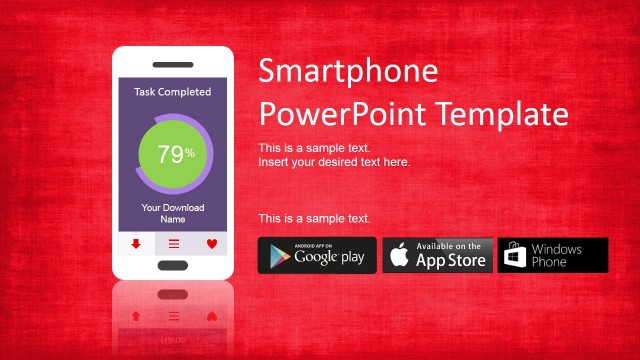
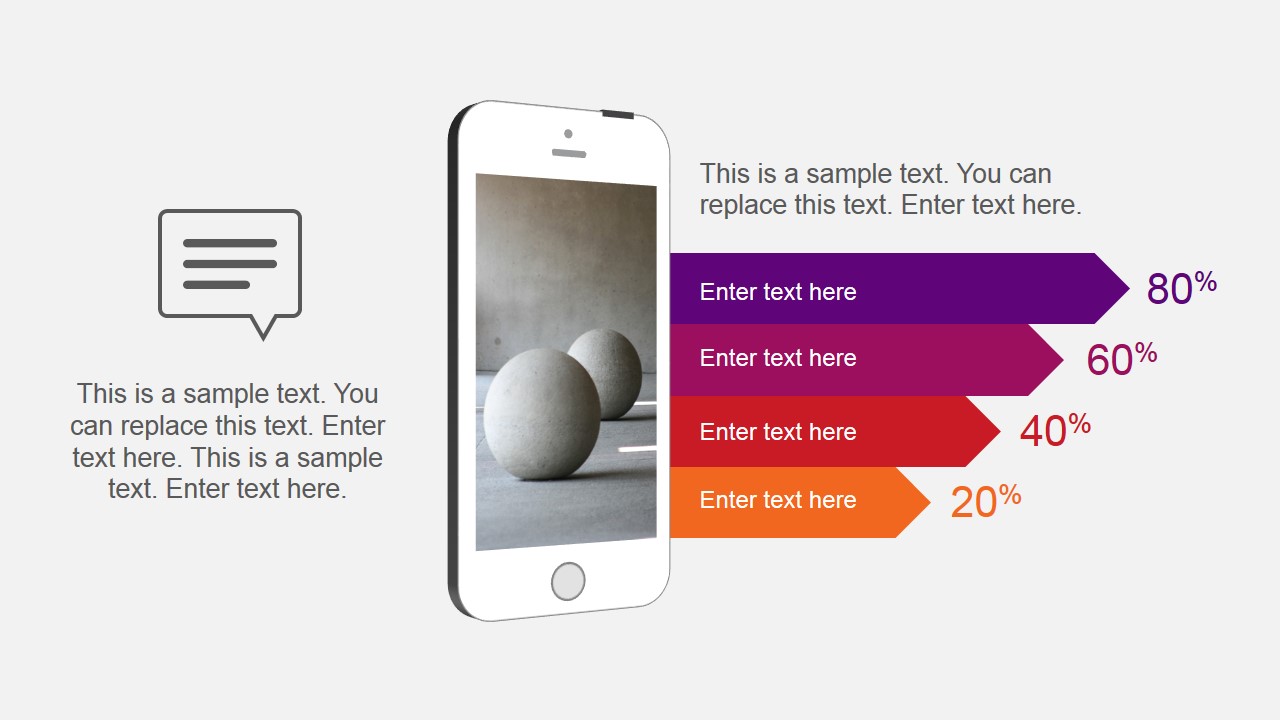
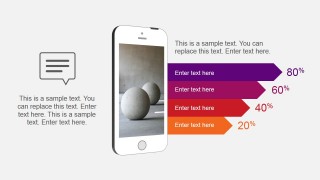
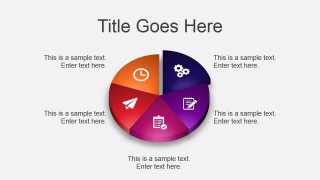
The slide designs contains diagrams which can be used to show several statistical information, such as bar charts and pie charts. The main theme of the PowerPoint Template is related to mobile applications. It uses an IPhone PowerPoint shape to decorate an arrow bar chart. The iphone content is an image placeholder the user can replace with its own content.
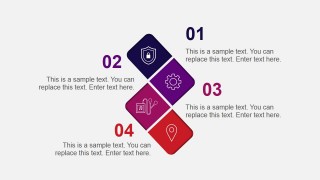
The PowerPoint template provides a set of six different vectorial diagrams designed to be an alternative to bullet points. The presenter can avoid death by PowerPoint organizing the slide content with professional PowerPoint Layouts. Each of the diagrams is colored with a flat warm palette that appeals to global audiences. All the charts provided are 100% editable; the user can adapt the theme of the presentation and the shapes will be updated automatically.
The presentation is decorated with a set of default generic PowerPoint Icons:
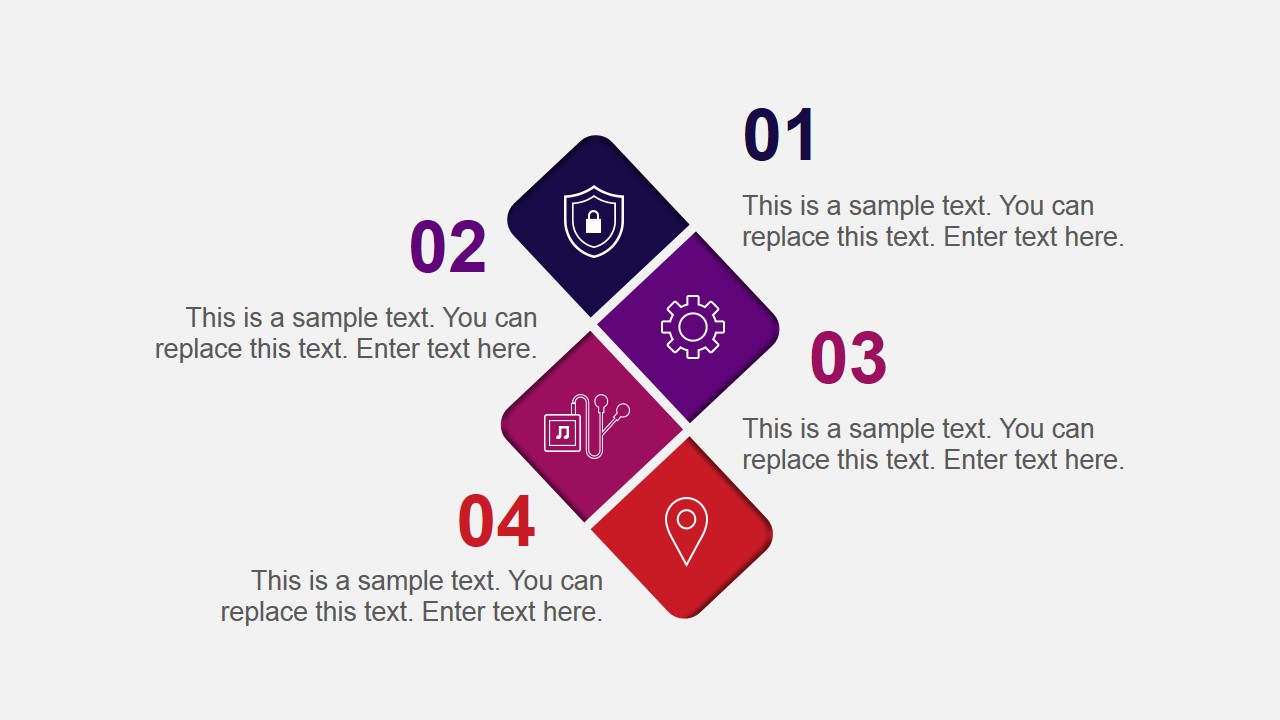
- Shield with a padlock inside: metaphor for security.
- Thin Flat Gear icon: for processes and plans.
- A Digital Music Jukebox: represent music streaming or MP3.
- GPS Flat Thin location icon: to represent Local Business or place.
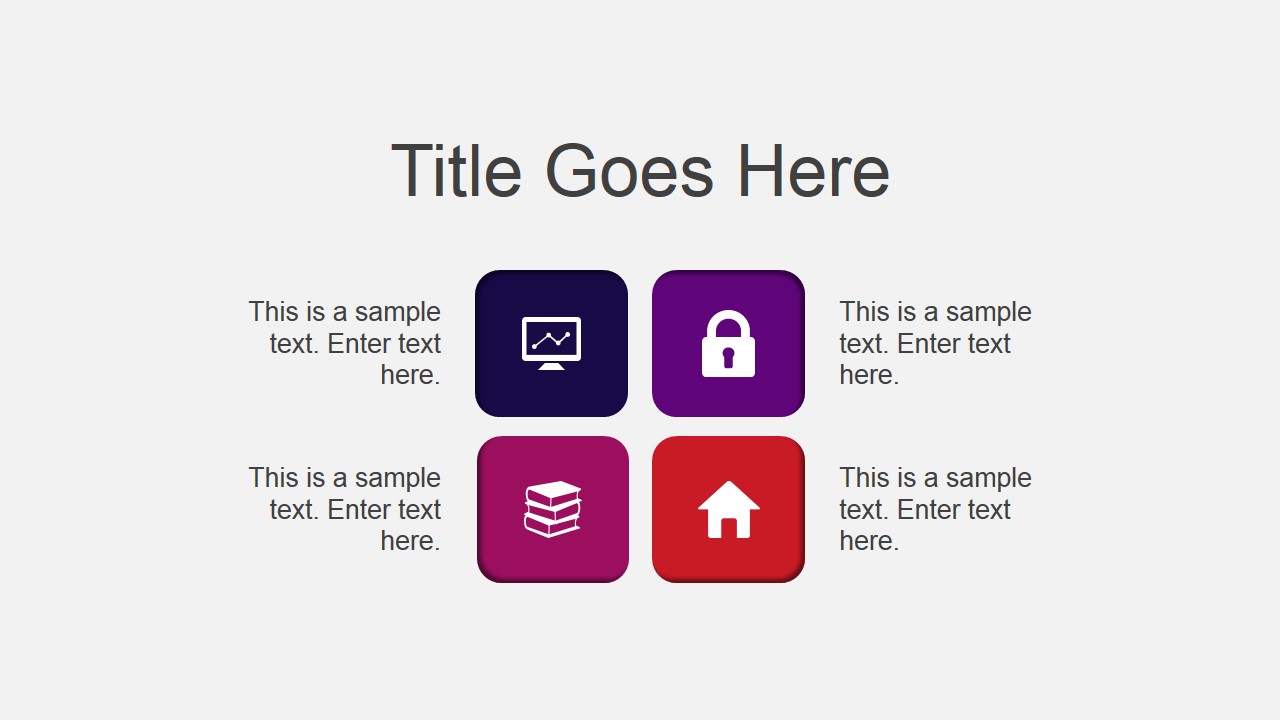
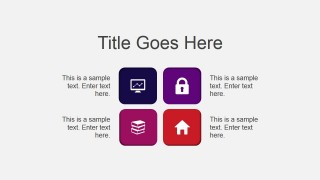
- Monitor with line chart: ideal for dashboards or finance presentations
- Padlock: related to passwords or security systems.
- Pile of Books: related to documentation.
- House: home directory or homepage.
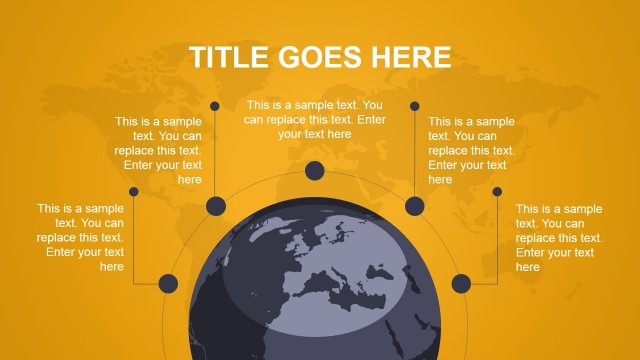
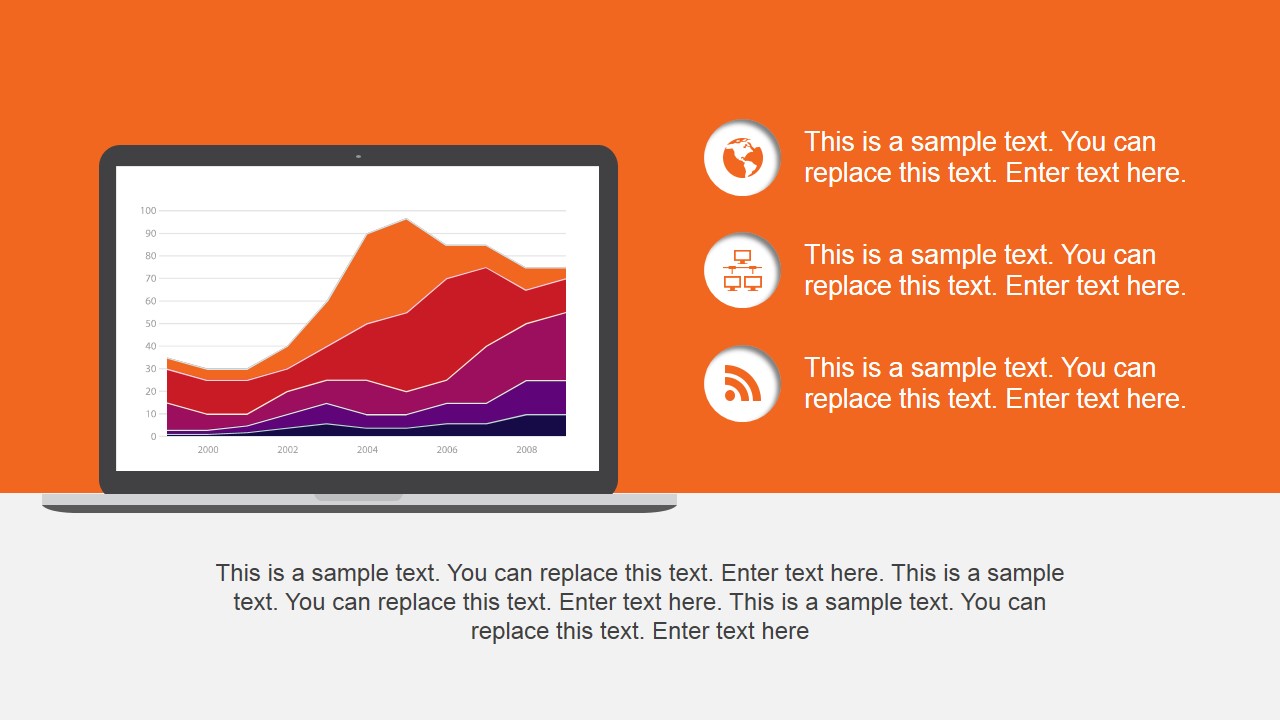
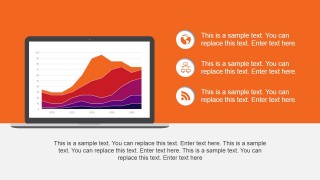
- World: user can apply it to talk about the internet, or globalization.
- Computer network: featuring communications.
- RSS: Diffusion or widespread of information.
- Shopping Cart: Ecommerce related presentations.
- Money in hand: represent a transaction.
Impress members of the organization, while providing accurate information. Suited for presenting a summary of statistics in a marketing presentation, the Actionable PowerPoint Template can be complemented with additional PowerPoint Icons of our gallery. Alternatively, you can download other creative & professional presentation templates for PowerPoint.
What’s inside this template
Example presentation scenarios
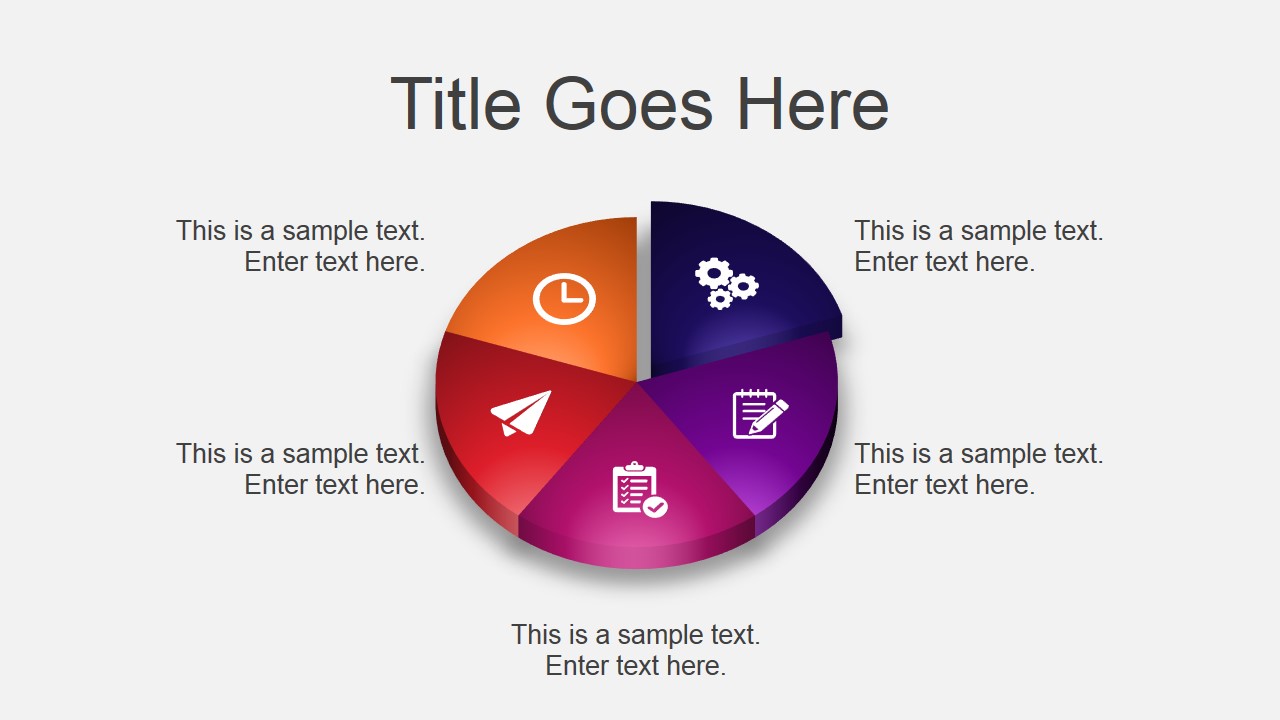
- A product manager can present a mobile app status update by using the smartphone arrow bar chart to show relative progress and the pie chart to explain feature categories.
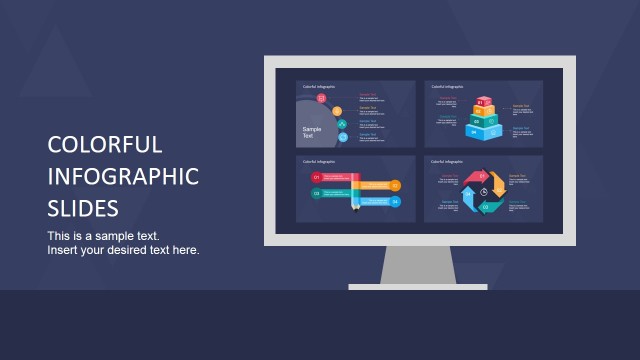
- A marketing lead can summarize campaign or channel performance with the laptop area chart and supporting icon callouts for web, structure, and RSS-style distribution points.
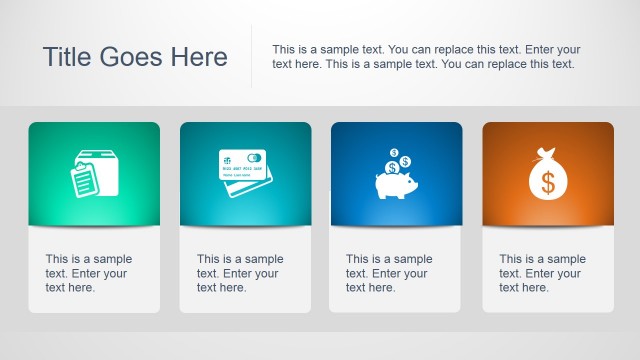
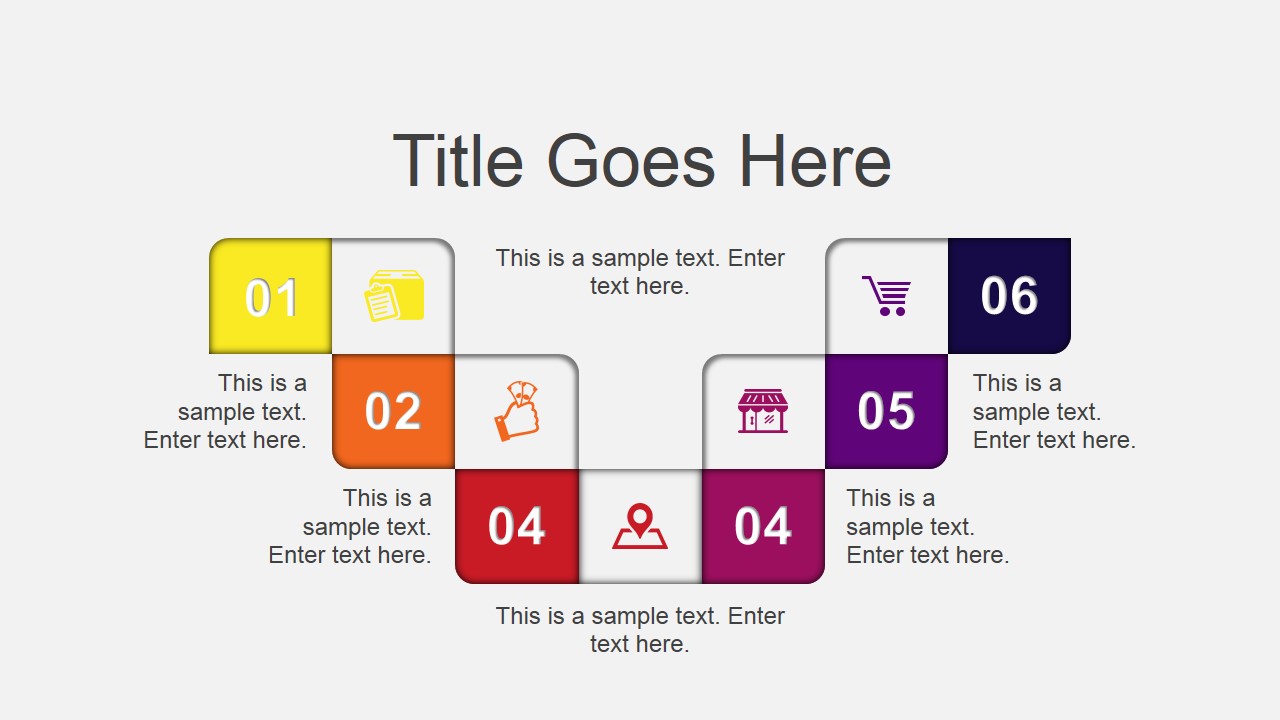
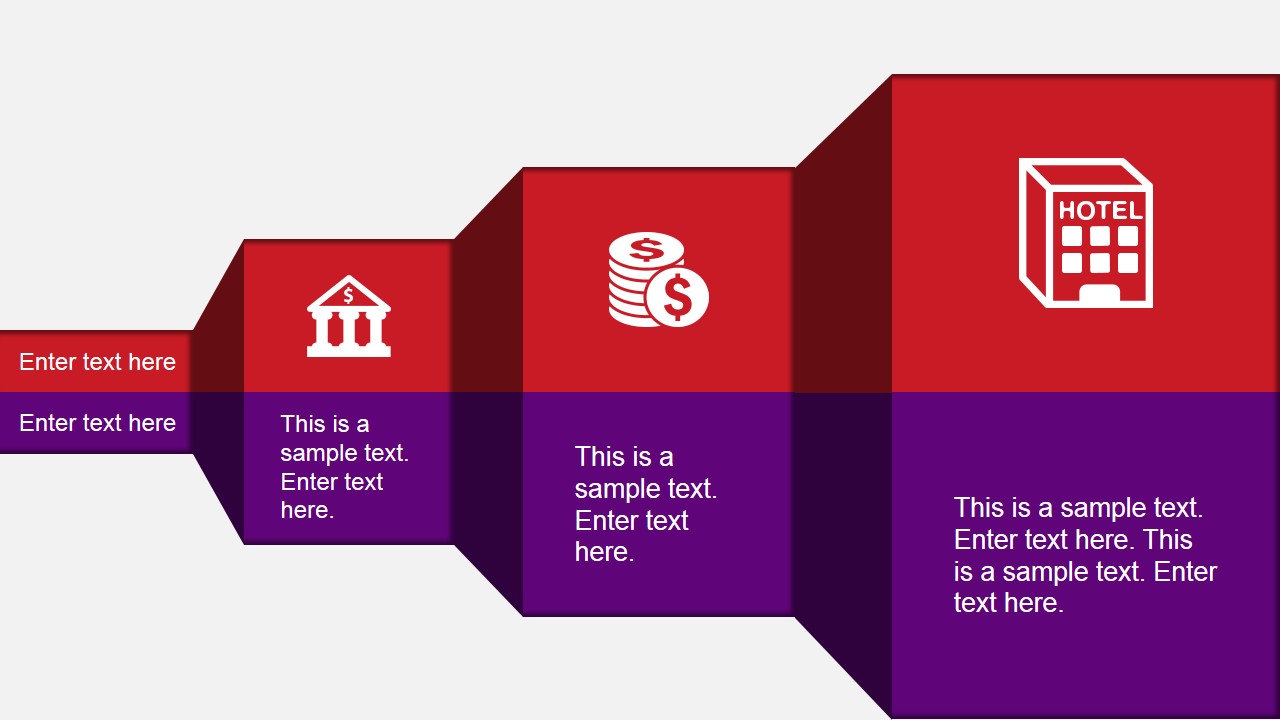
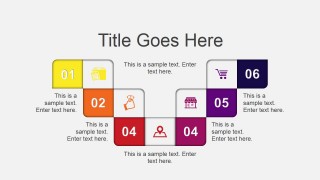
- A startup founder can explain an app concept to internal stakeholders by using the icon matrix for core capabilities and the numbered stair-step diagram for the rollout path.
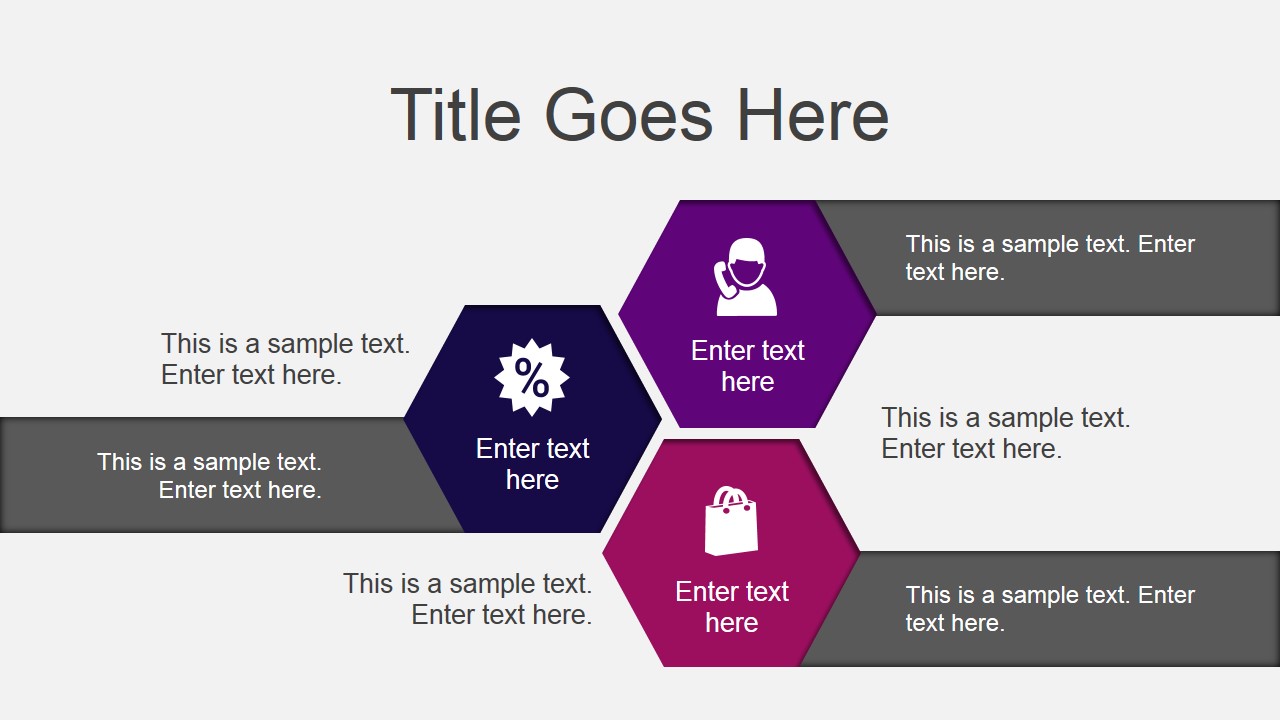
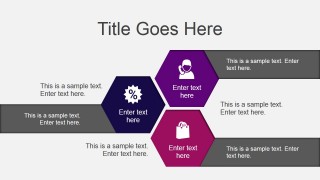
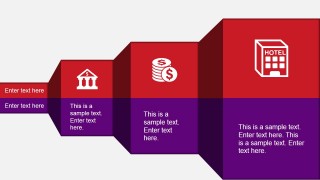
- A consultant can compare service packages or business units with the hexagon content map and cube comparison diagram, then close with the handshake thank-you slide.
Features
- 100% editable presentation template
- Compatible with Microsoft PowerPoint and Google Slides
- 16:9 aspect ratio slides
- Scalable vector shapes, icons and illustrations
- AI-Ready for Microsoft Copilot and Claude
- Instant access and download
Frequently asked questions
Q: How should a presenter structure a concise update with this template?
A: Start with the smartphone arrow chart to frame the main metric or priority list, then move into the icon matrix and pie chart to organize categories. Use the stair-step process only after the audience understands the categories. Close with the cube comparison or handshake slide when the update needs a clear decision or agreement point.
Q: Who is this template best suited for in a business setting?
A: This template fits presenters explaining app-related work, digital services, or marketing activity to a mixed business audience. Product managers can map features, marketers can show channel summaries, and consultants can compare service areas. The strongest fit is a short briefing where icons and charts are easier to scan than long bullet lists.
Q: Why do the mobile phone, icons, blocks, and handshake improve the message?
A: The smartphone sets the context for app or mobile-first content, while icons act as quick metaphors for security, location, ecommerce, data, and documentation. The blocks and stair steps make sequence and comparison visible. The handshake closing slide shifts the tone from explanation to alignment, which is useful when asking for approval or next steps.


Actionable PowerPoint Template
9-slide presentation template for mobile app charts, icon diagrams, process steps, and business handoffs
The Actionable PowerPoint Template is a 9-slide presentation template for mobile app and business content. It includes a smartphone arrow bar chart, icon matrix, laptop area chart, pie chart, numbered process steps, hexagon content map, cube comparison, and thank-you slide for Microsoft PowerPoint and Google Slides.
- Category
- Template Backgrounds
- Rating


 Loading...
- Aspect ratio
- 16:9, 4:3
- Item ID
- 4082-01
- Colors
 Microsoft PowerPoint
  Microsoft Copilot
  Claude for PowerPoint
 Other formats supported
Subscribe today and get immediate
access to download our PowerPoint templates.