Slide 7 of 8 from Battery Shapes for PowerPoint
9054-battery-shapes-wide-7
Multiple Battery Shapes in Red for Presentations
- Diagram
- Comparison Split
- Evaluation Slide
- 16:9
- 100% Editable
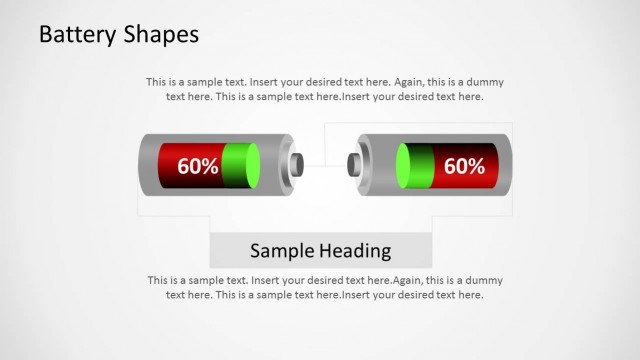
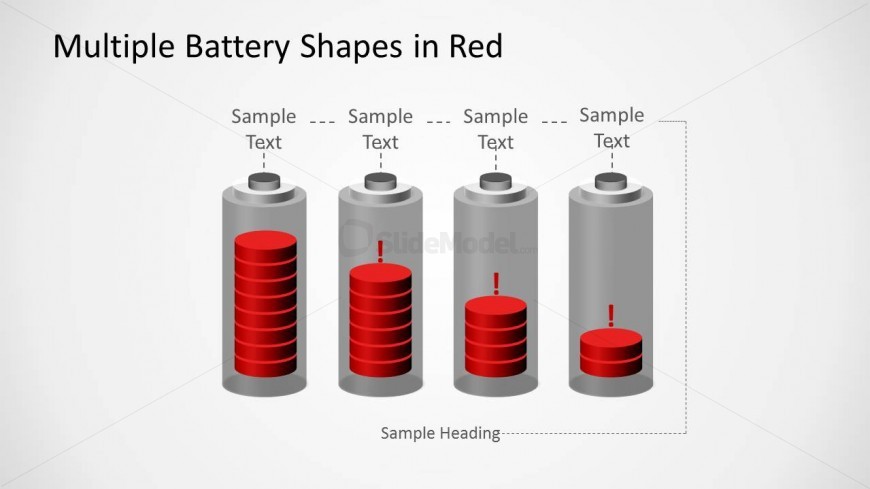
The Multiple Battery Shapes in Red slide from the Battery Shapes for PowerPoint template provides a clear visual comparison tool for energy consumption and performance metrics. This slide layout uses editable shapes and vector icons to highlight varying energy levels, making it suitable for corporate presentations and KPI reports. Its design supports effective communication in business presentations and project updates within slide decks and Google Slides templates.
What’s on This Slide
The layout features four battery shapes arranged horizontally across the center of the slide. Each battery is depicted in gray with red sections representing energy levels. Above each battery, there are text placeholders labeled 'Sample Text' aligned centrally. A larger placeholder titled 'Sample Heading' is positioned at the top center of the slide. The overall background is light gray, providing contrast to the battery shapes. The visual hierarchy emphasizes the batteries, with the red sections drawing attention to the energy levels depicted.
How to Use It
This layout serves to visually represent energy levels or KPIs using battery shapes, making it suitable for presentations on performance metrics or energy consumption. It fits well in a sequence following a problem statement, illustrating solutions or current status. This structure is ideal for business scenarios such as project updates, energy reports, or performance assessments, where clear visual comparisons are needed to convey data effectively.
Text Placeholders & Capacity
Keep your copy within these limits so it fits without resizing. Node labels are tight, roughly 4-5 words each.
| Placeholder | Count | Max characters (approx.) |
|---|---|---|
| Slide title | 1 | 30 |
| Item heading | 4 | 20 |
| Item body | 4 | 30 |
| Node number | 4 | 10 |
| Callout | 4 | 10 |
| Body paragraph | 1 | 50 |