Slide 4 of 8 from Battery Shapes for PowerPoint
9054-battery-shapes-wide-4
Battery Shapes for PowerPoint Presentation
- Shape Object
- Other
- Concept Explanation Slide
- 16:9
- 100% Editable
The Battery Shapes slide from the Battery Shapes for PowerPoint template visually conveys different energy levels using editable shapes of batteries in green, yellow, and red. This slide is suitable for business presentations focused on energy consumption, KPI tracking, or product performance metrics. It integrates well into slide decks that require clear visual indicators of charge status, making it a practical choice for corporate presentations and pitch deck templates involving energy management topics.
What’s on This Slide
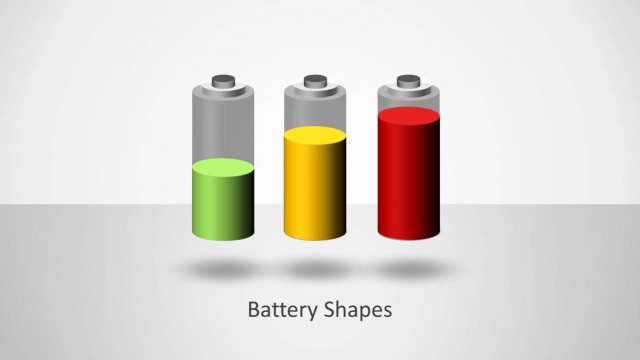
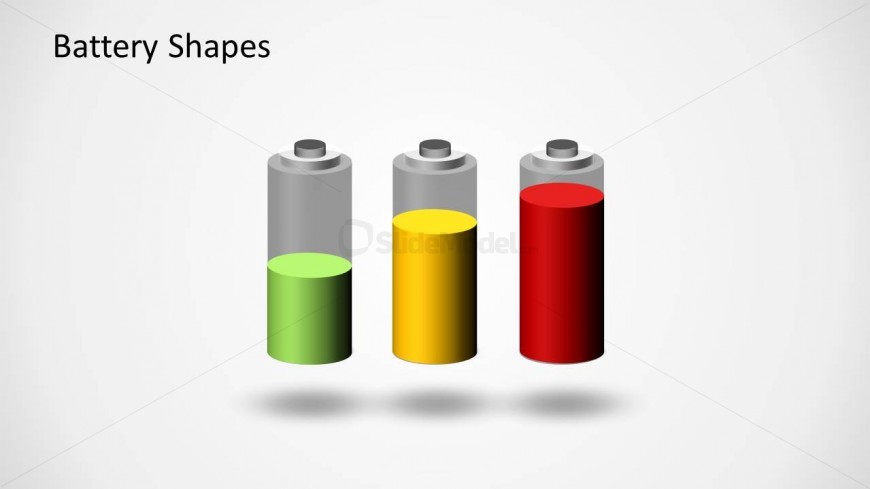
The slide features three battery shapes arranged horizontally. The leftmost battery is filled with green, indicating a full charge, while the middle battery is yellow, representing a medium charge, and the rightmost battery is filled with red, indicating a low charge. Each battery has a cylindrical shape with a gray top and a shadow effect beneath. The title 'Battery Shapes' is positioned at the top left, emphasizing the visual hierarchy. There are no text placeholders present, and the background is a light gray color, providing contrast to the battery shapes.
How to Use It
This layout serves as a visual representation of battery charge levels, ideal for discussions on energy consumption or performance metrics. It fits well in a presentation sequence after an introduction to energy topics, effectively illustrating varying levels of energy or performance. This slide is suitable for business scenarios involving product presentations, energy management discussions, or KPI tracking related to energy usage. It can be used individually to highlight specific energy levels in reports or meetings.
Text Placeholders & Capacity
Keep your copy within these limits so it fits without resizing. The title slot can accommodate a short phrase, roughly 3-5 words.
| Placeholder | Count | Max characters (approx.) |
|---|---|---|
| Slide title | 1 | 20 |