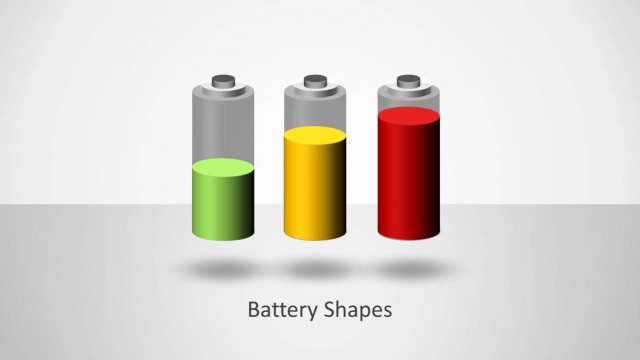
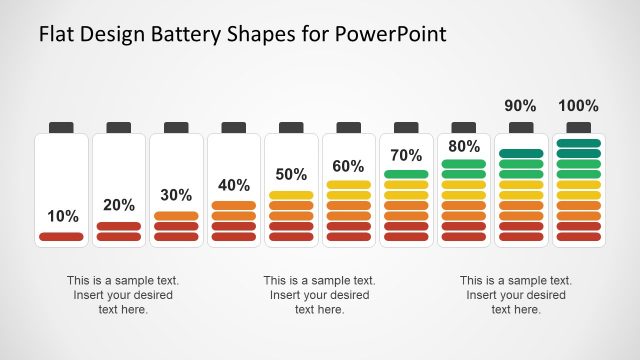
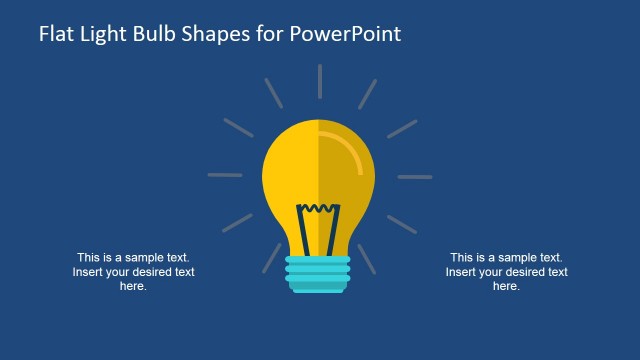
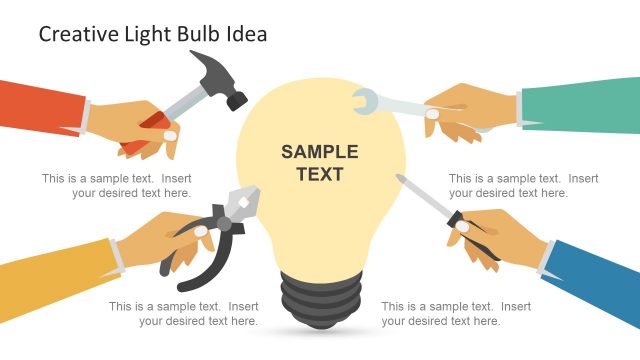
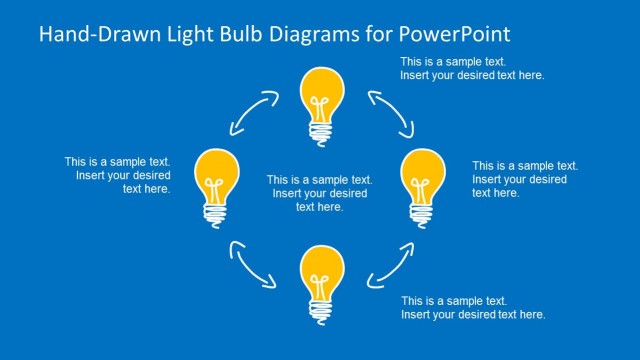
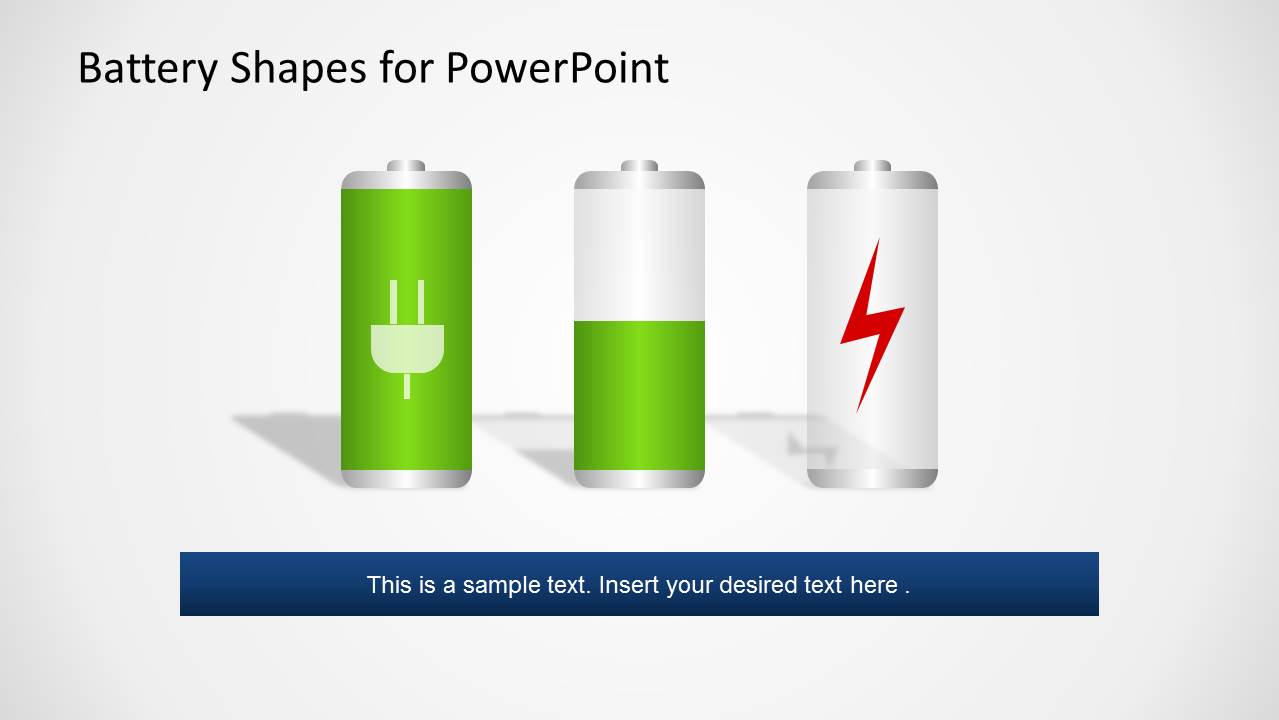
Battery PowerPoint Template is a cool set of slides created with battery, plugs and light bulbs shapes. The essence of the presentation is to relate the user content to general energy related information. Each slide contains editable shapes created as PowerPoint objects, enabling the user to customize each battery with colors, different levels of completion, change the logos and colors of the fill. You can use this shapes for idea generation sessions, or electric consumption awareness, or any energy related content that requires engaging and impact designs.
What’s inside this template
Example presentation scenarios
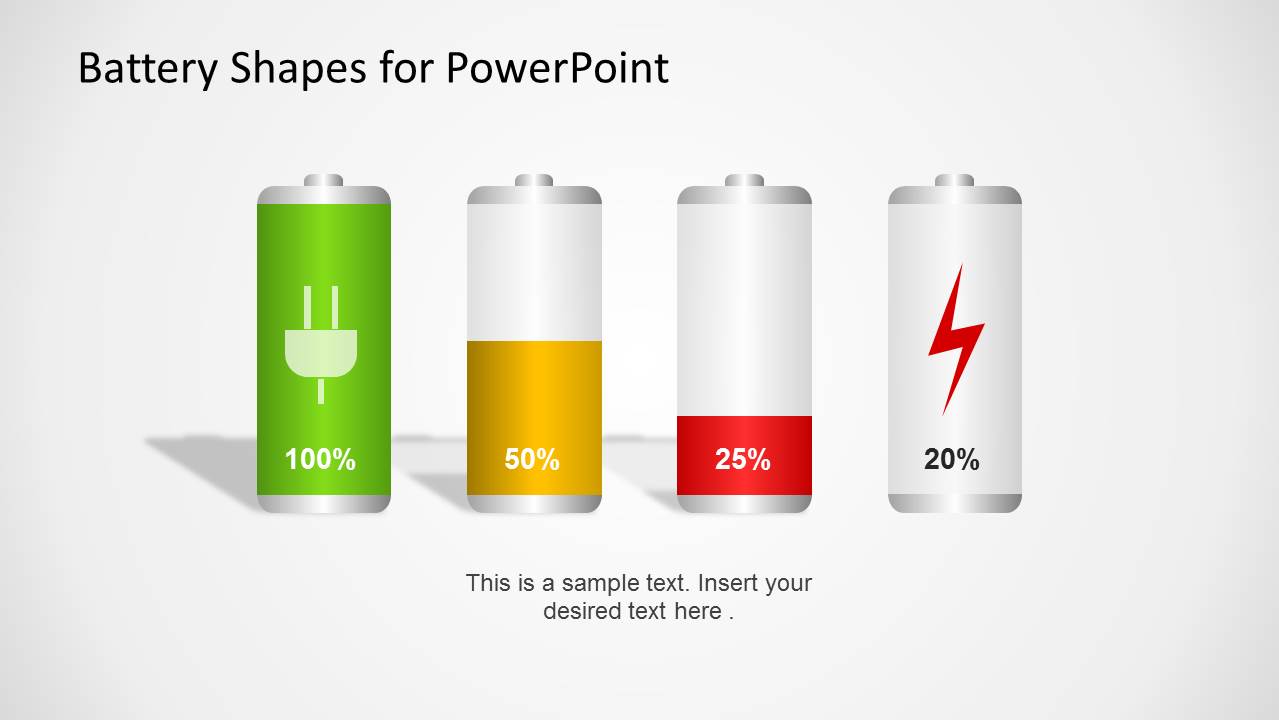
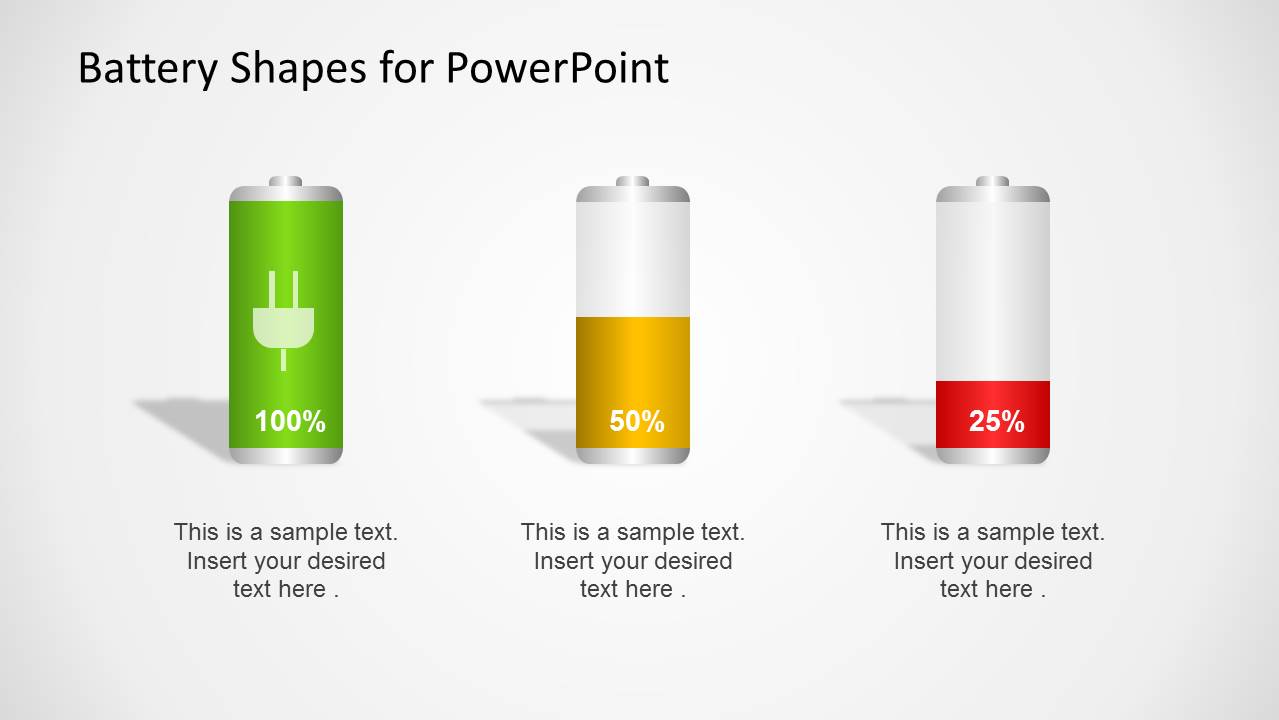
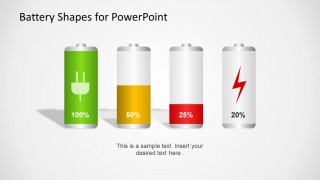
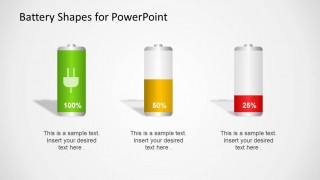
- A sustainability manager can present energy-saving priorities by using the 100%, 50%, and 25% battery indicators to show current performance and improvement targets.
- A product manager can explain feature readiness by mapping progress stages to the green, yellow, and red battery charge layouts.
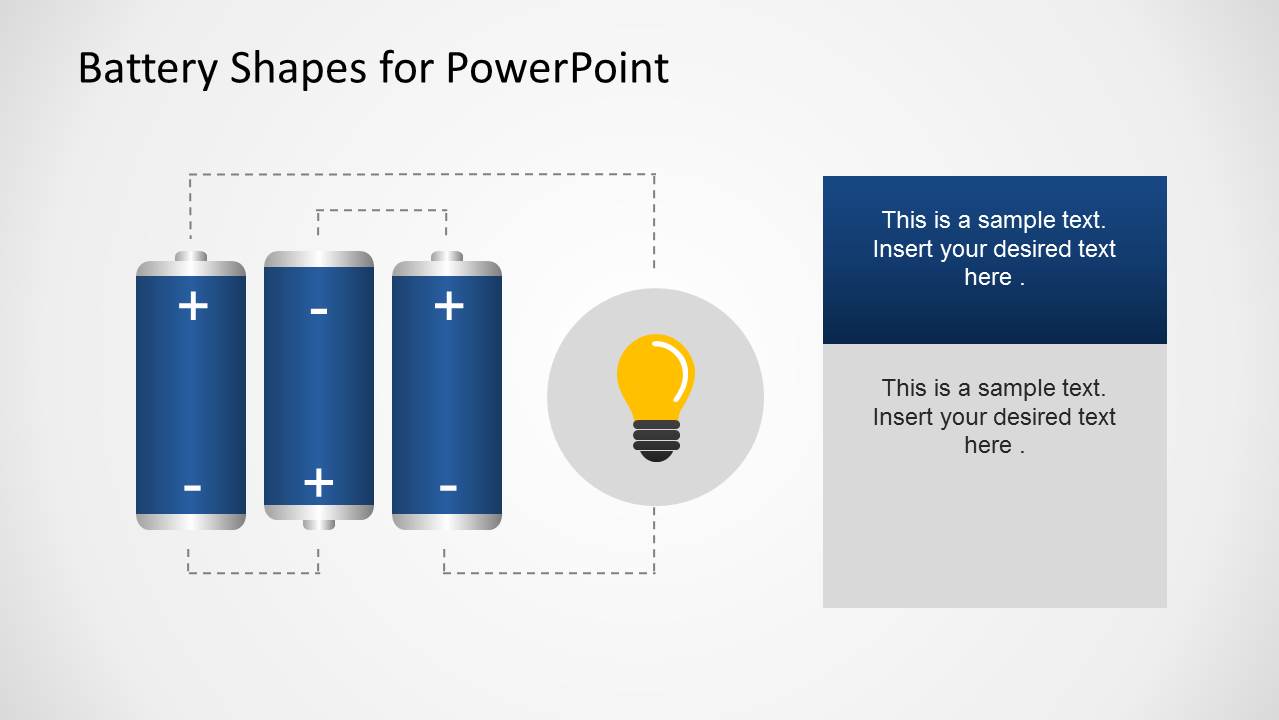
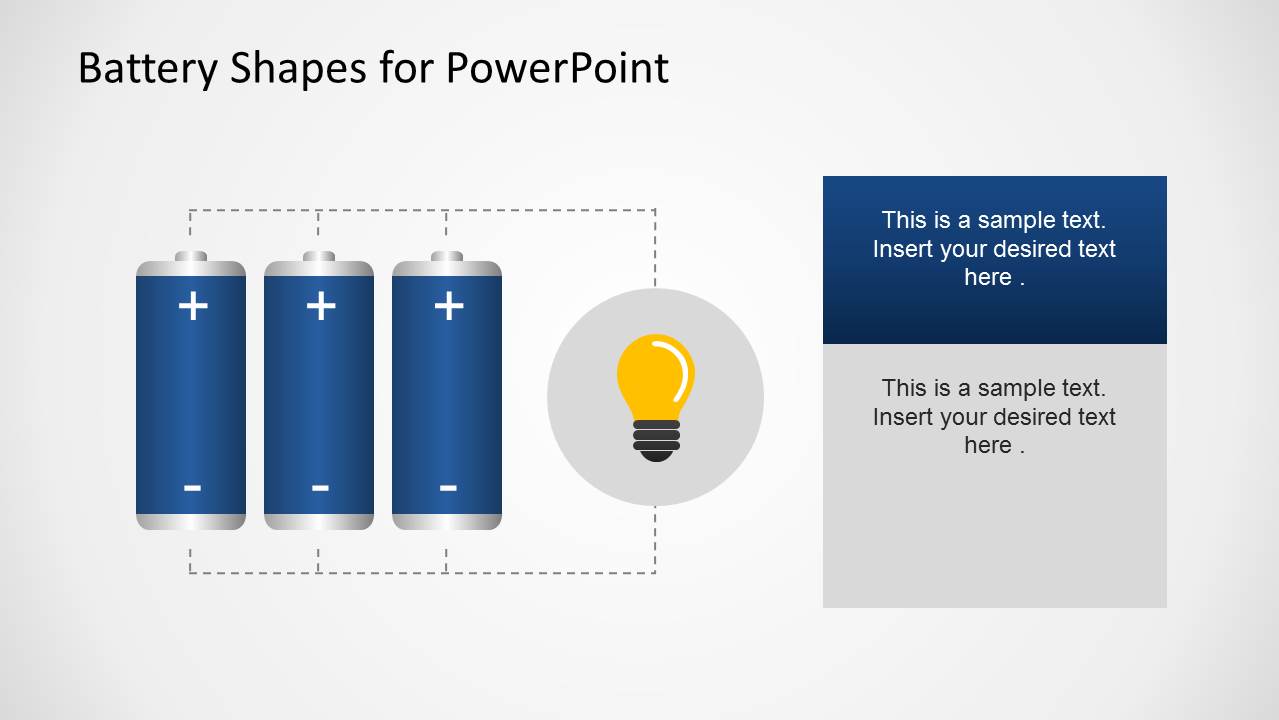
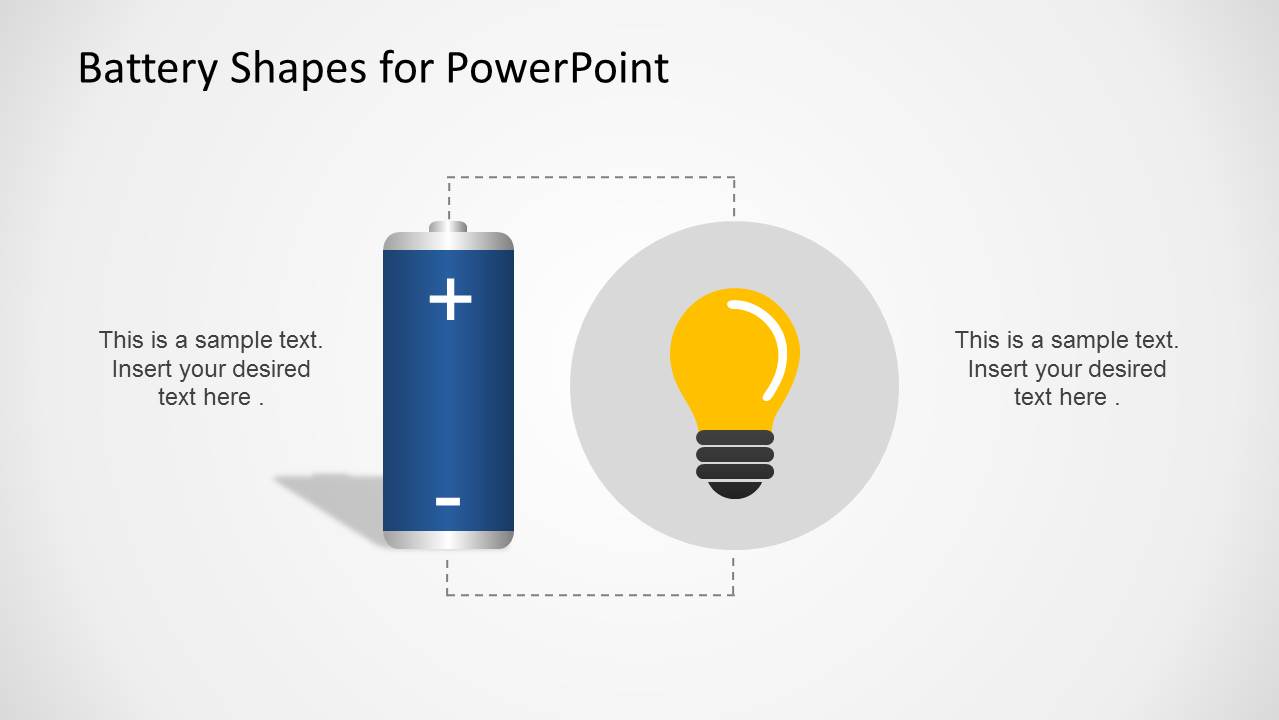
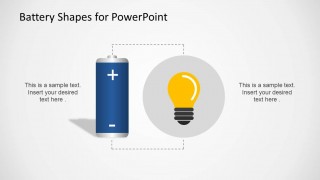
- A training facilitator can introduce an idea generation workshop by using the light bulb slides and battery-to-lightbulb diagrams to connect input effort with creative output.
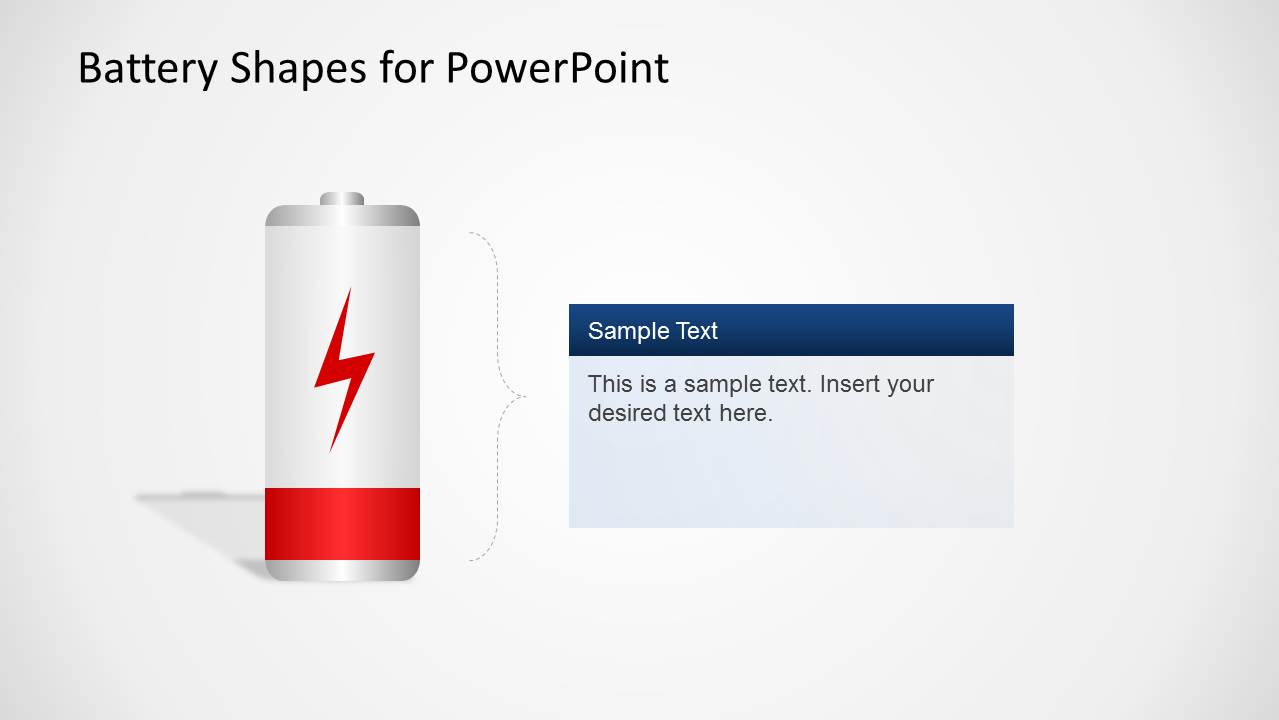
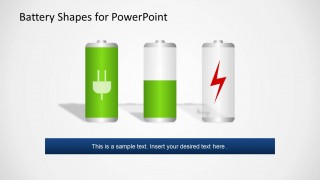
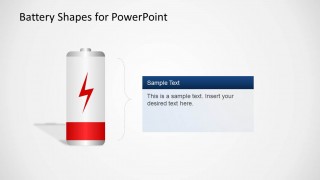
- An operations presenter can communicate power risk by using the low-battery warning slide with the red lightning symbol and the callout box for action notes.
Features
- 100% editable presentation template
- Compatible with Microsoft PowerPoint and Google Slides
- Scalable vector shapes, icons and illustrations
- AI-Ready for Microsoft Copilot and Claude
- Instant access and download
Frequently asked questions
Q: How should the battery metaphor be used without oversimplifying the message?
A: Use the charge level as the first layer of meaning, then add a short explanation in the nearby callout or caption. For example, green can signal readiness, yellow can signal partial capacity, and red can signal risk. Keep each slide to one main point so the metaphor supports the message rather than replacing the explanation.
Q: Who is this template best suited for?
A: This template fits presenters who need a fast visual language for energy, capacity, urgency, or idea activation. Sustainability teams, operations leaders, trainers, and product managers can use the battery indicators, plug callouts, and light bulb icons to make abstract status messages easier for nontechnical audiences to read.
Q: Why do the battery and light bulb visuals improve communication?
A: Battery charge is an instantly recognized status metaphor, while the light bulb suggests ideas, output, and activation. The layouts place these icons beside short text blocks, so the audience can read the situation before reading the details. This works well for progress, risk, readiness, and energy-awareness topics.
Battery PowerPoint Template
10-slide PowerPoint presentation template with battery charge indicators, plug icons, and light bulb shapes
Battery PowerPoint Template is a 10-slide shape-based presentation template for energy, power, and idea-readiness messages. It includes editable battery charge indicators, battery-to-lightbulb concept diagrams, plug callout layouts, a lightning icon slide, and light bulb idea icons for presenters building PowerPoint decks.

 Loading...
 Microsoft PowerPoint
  Microsoft Copilot
  Claude for PowerPoint
 Other formats supported
Subscribe today and get immediate
access to download our PowerPoint templates.