Slide 8 of 8 from Battery Shapes for PowerPoint
9054-battery-shapes-wide-8
Battery Shapes for PowerPoint Presentation
- Chart
- Gauge Meter
- Evaluation Slide
- 16:9
- 100% Editable
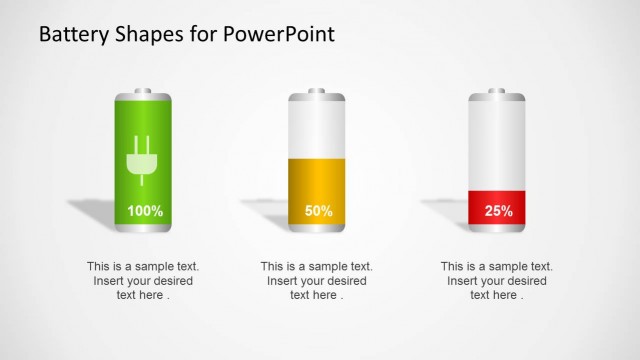
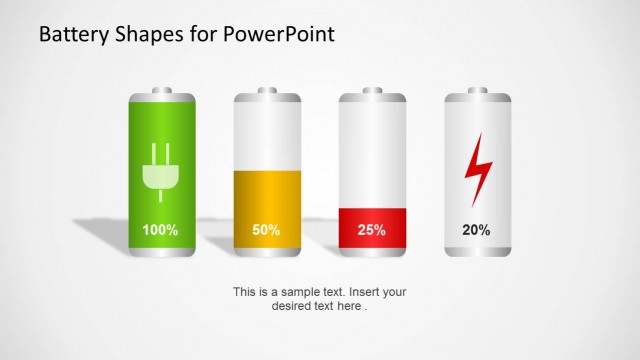
The Battery Shapes with Levels slide from the Battery Shapes for PowerPoint template offers editable slides featuring battery-shaped gauges ideal for visualizing energy levels, KPIs, and performance evaluations. This layout supports clear comparison of metrics using vector icons and is suitable for business presentations and corporate slide decks focused on resource tracking.
What’s on This Slide
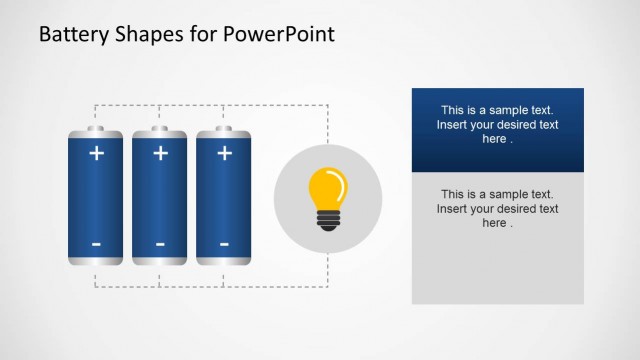
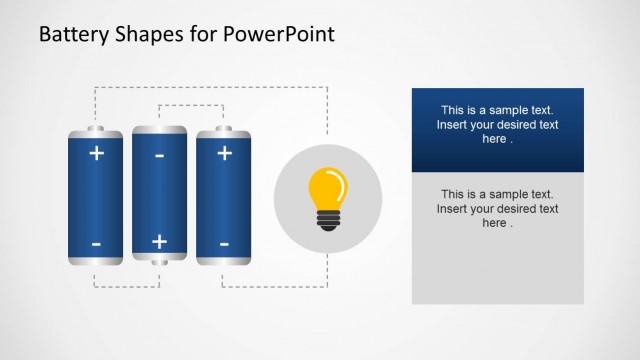
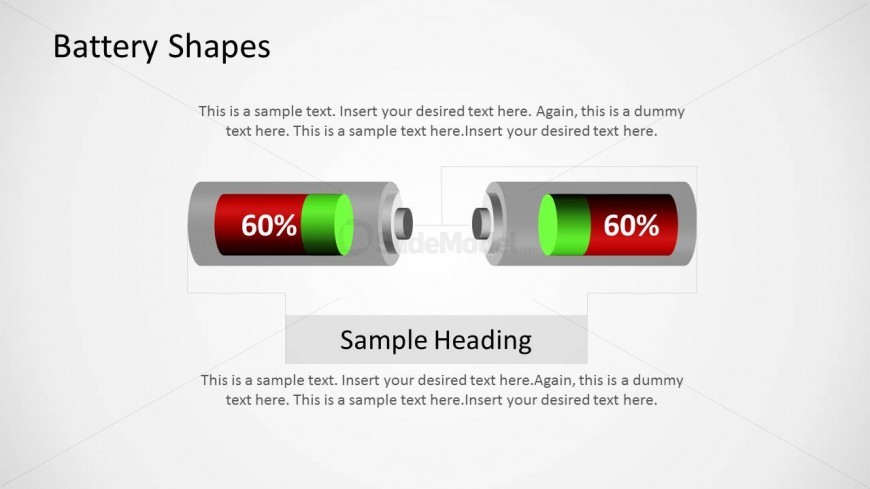
The layout features two battery shapes positioned horizontally, each displaying a green and red color scheme. The left battery shows a filled green section indicating 60%, while the right battery mirrors this design. Above the batteries, a title placeholder is centered, labeled 'Battery Shapes.' Below the batteries, a large text placeholder is present, labeled 'Sample Heading,' with additional smaller text placeholders beneath it for further content. The overall composition is balanced, with elements evenly spaced and aligned to create a cohesive visual structure.
How to Use It
This layout serves to visually represent energy levels or KPIs using battery shapes, making it suitable for presentations on performance metrics or resource levels. It fits well in a sequence following an analysis or overview slide, effectively summarizing key data points. Ideal scenarios include energy consumption reports, project status updates, or performance evaluations. The design allows for easy comparison between two metrics, enhancing clarity in communication.
Text Placeholders & Capacity
Keep your copy within these limits so it fits without resizing. Body slots can hold approximately 10-15 words each.
| Placeholder | Count | Max characters (approx.) |
|---|---|---|
| Slide title | 1 | 30 |
| Item heading | 2 | 3 |
| Item body | 2 | 50 |
| Body paragraph | 3 | 100 |