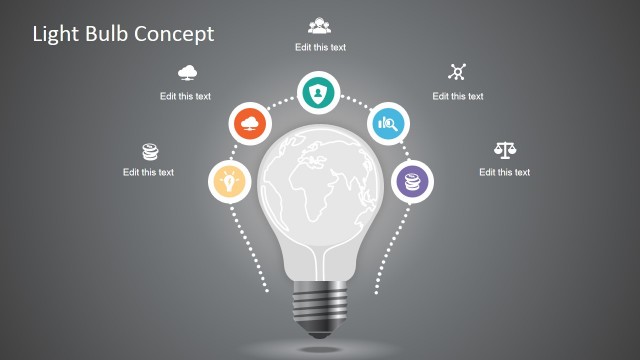
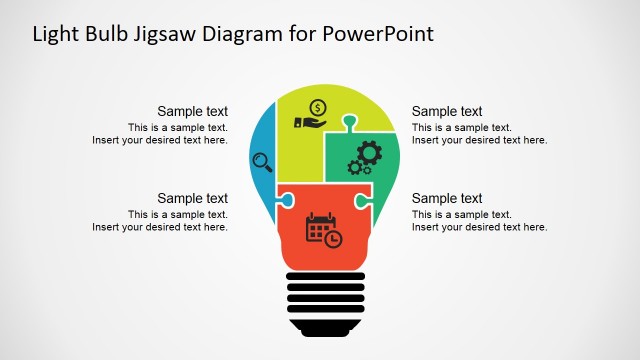
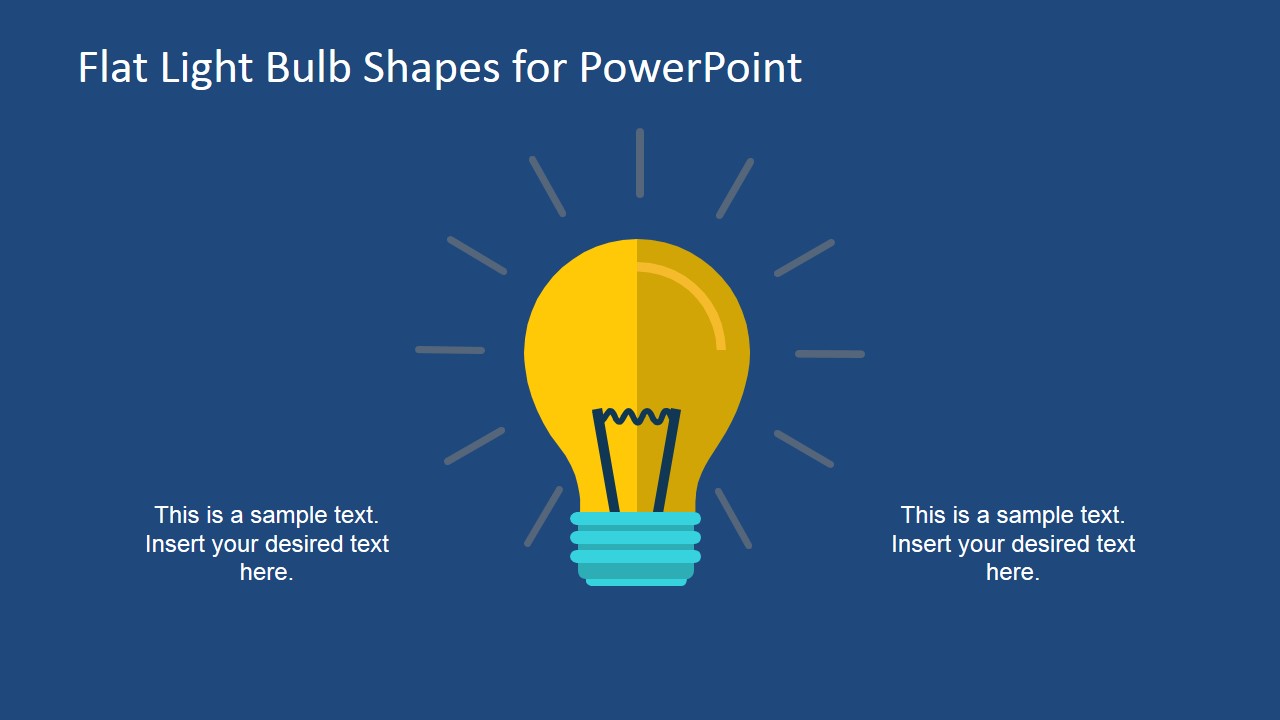
Flat Light Bulb Shapes for PowerPoint is a presentation template containing creative light bulb illustrations with flat styles that you can use to decorate your presentations and slides. This light bulb graphic design for PowerPoint can be used to decorate presentations on business ideas and business plans.
You can use the bright idea light bulb shapes to present your ideas to an audience or make presentations on entrepreneurship programs. Easily you can copy and paste the light bulb shapes into your own presentation and prepare custom layouts to present your ideas and data. You can also change colors by switching to a new color theme.
Alternatively you can download other flat PowerPoint templates and presentation designs containing awesome light bulb illustrations for PowerPoint.
What’s inside this template
Example presentation scenarios
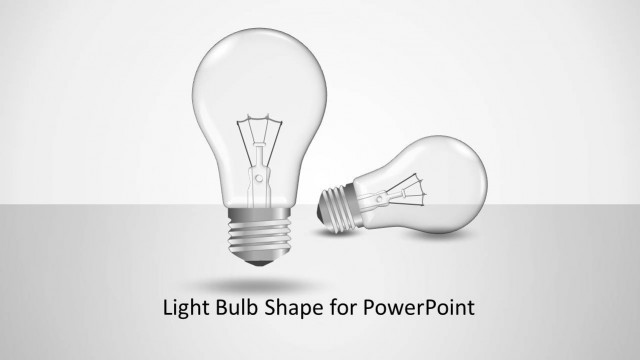
- A startup founder can introduce a new venture concept by placing the main proposal on the title-style light bulb slide and supporting it with two short callouts.
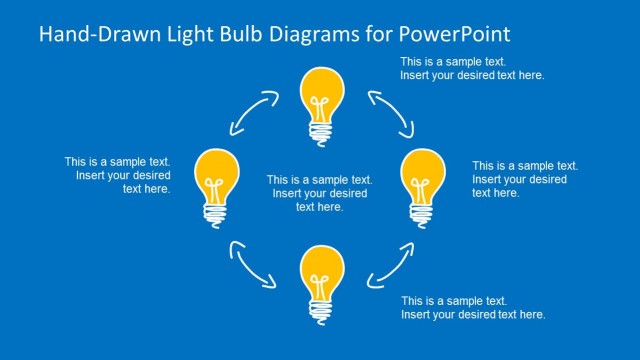
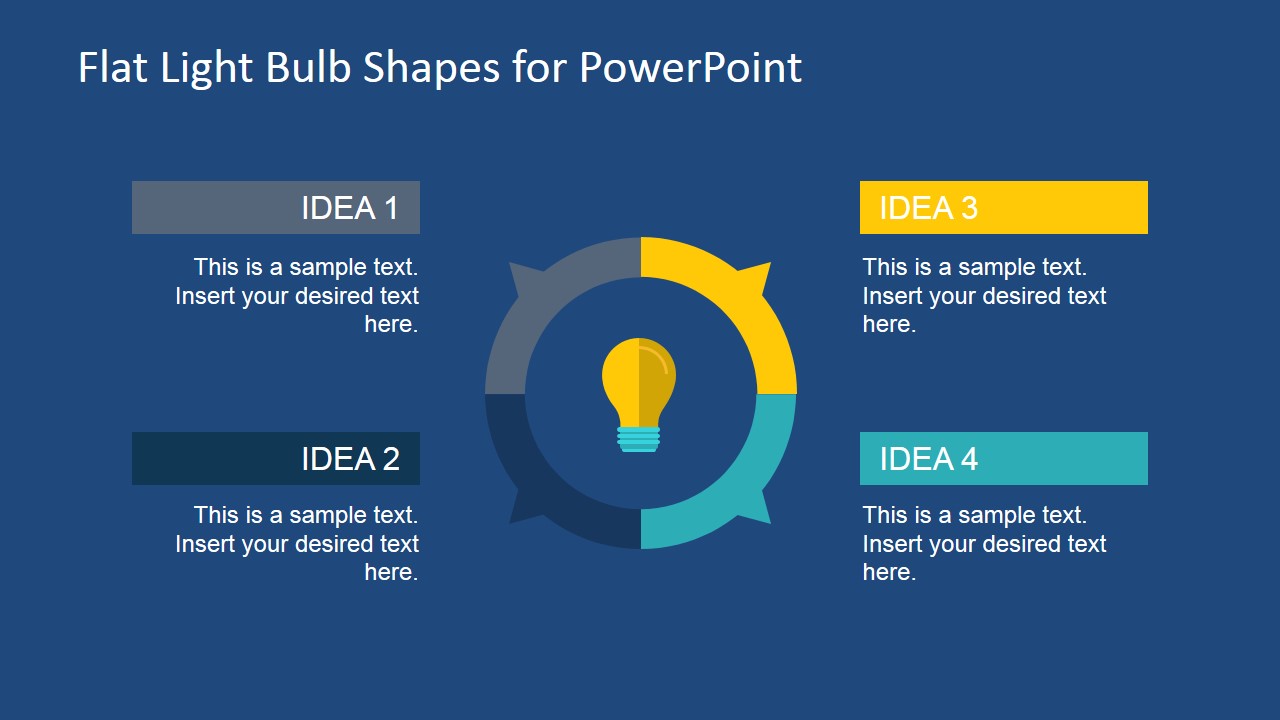
- A business trainer can explain idea generation methods by using the circular four-idea diagram to group exercises, discussion prompts, or workshop outputs.
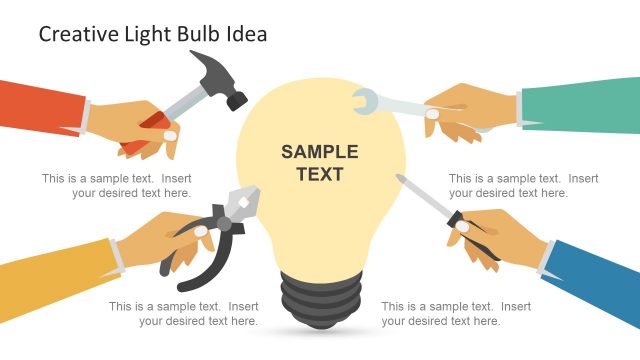
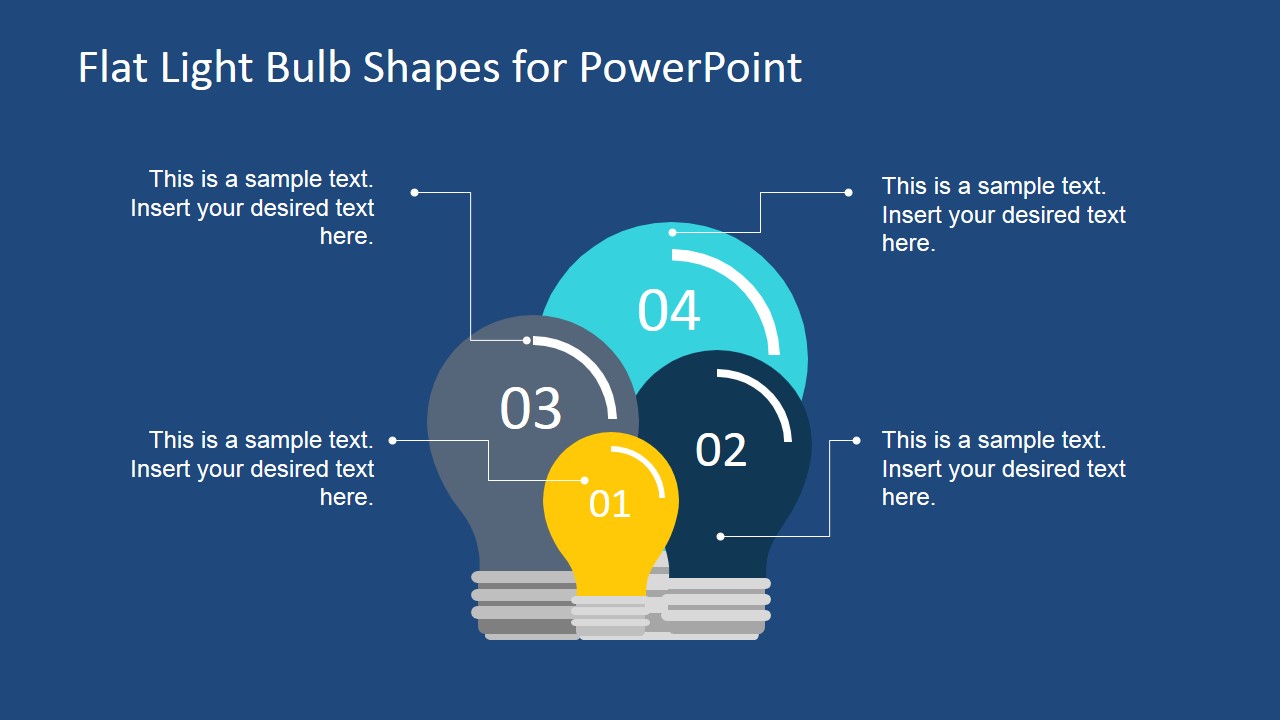
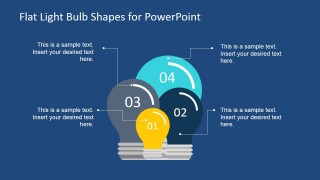
- A product manager can compare four feature ideas with the overlapping numbered bulb cluster and connect each bulb to a concise benefit statement.
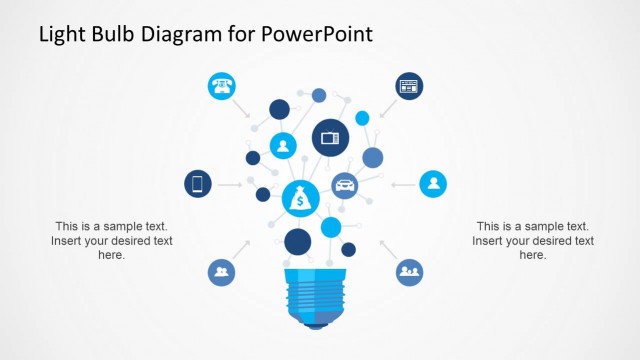
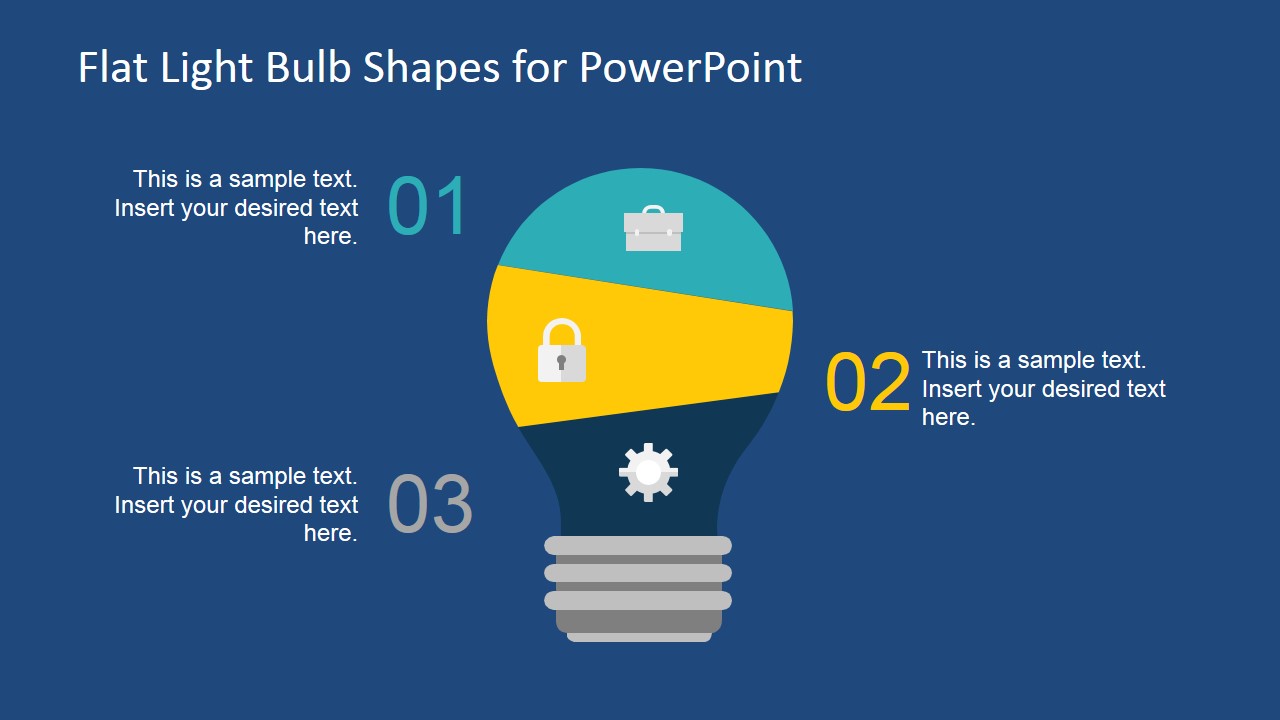
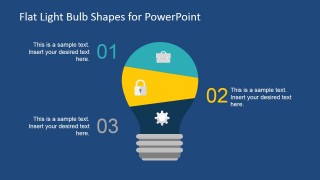
- An innovation consultant can present a three-step opportunity model with the segmented light bulb process slide, using the internal icons to separate themes such as access, priority, and execution.
Features
- 100% editable presentation template
- Compatible with Microsoft PowerPoint and Google Slides
- Scalable vector shapes, icons and illustrations
- AI-Ready for Microsoft Copilot and Claude
- Instant access and download
Frequently asked questions
Q: How should a presenter use these light bulb slides without making the idea feel generic?
A: Anchor each slide to one clear message before adding detail. Use the single bulb slide for the main idea, then move to the circular four-idea diagram only if the audience needs categories or options. Keep each callout short, because the bulb graphics already signal creativity and should not compete with long paragraphs.
Q: Who benefits most from this template, and in what presentation setting?
A: This template fits founders, trainers, consultants, and product leads who need to explain an idea before the audience sees detailed proof. It works best in short concept introductions, entrepreneurship classes, ideation workshops, and business plan discussions where the goal is to frame options, not report dense metrics.
Q: Why does the light bulb metaphor work well for idea and entrepreneurship presentations?
A: The light bulb is a familiar signal for insight, discovery, and problem solving, so the audience understands the theme quickly. The template extends that metaphor into different structures: one central idea, four related ideas, a numbered cluster, and a segmented process. This keeps the visual language consistent while changing the message structure.
Flat Light Bulb Shapes for PowerPoint
4-slide presentation template with flat light bulb idea diagrams for entrepreneurship and business planning
Flat Light Bulb Shapes for PowerPoint is a 4-slide presentation template with editable flat light bulb graphics for idea and entrepreneurship presentations. It includes a title-style bulb graphic, circular four-idea diagram, numbered bulb cluster, and segmented bulb process layout for business presenters working in Microsoft PowerPoint or Google Slides.

 Loading...
 Microsoft PowerPoint
  Microsoft Copilot
  Claude for PowerPoint
 Other formats supported
Subscribe today and get immediate
access to download our PowerPoint templates.