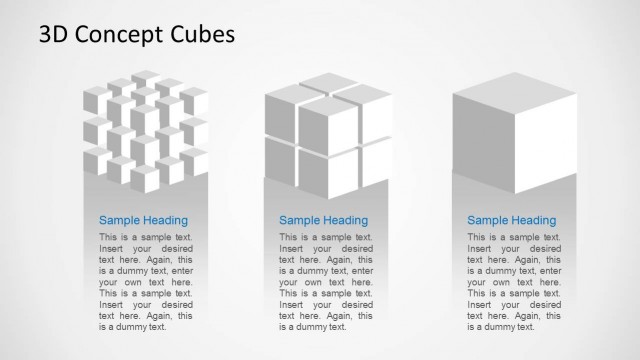
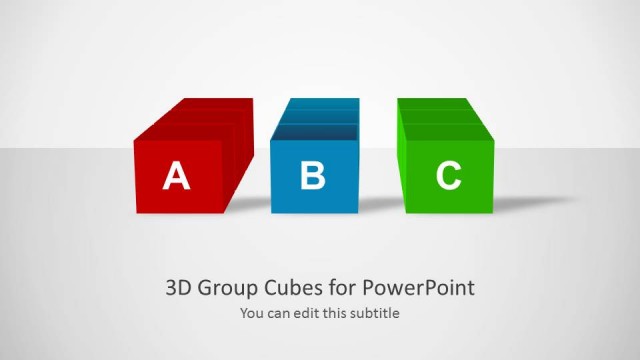
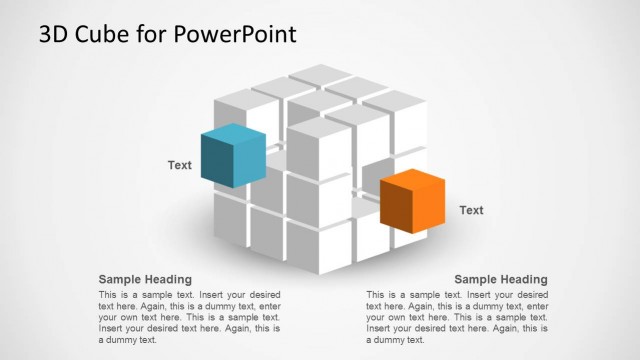
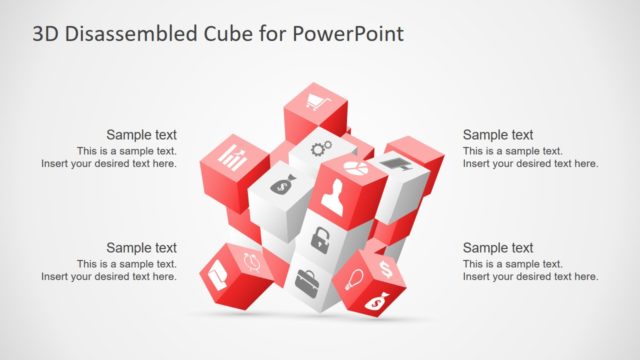
3D Cubes for PowerPoint is a presentation template containing transparent 3D cube shapes created 100% in PowerPoint. You can download this template to prepare presentations and charts containing 3D cubes on different sizes.
What’s inside this template
Example presentation scenarios
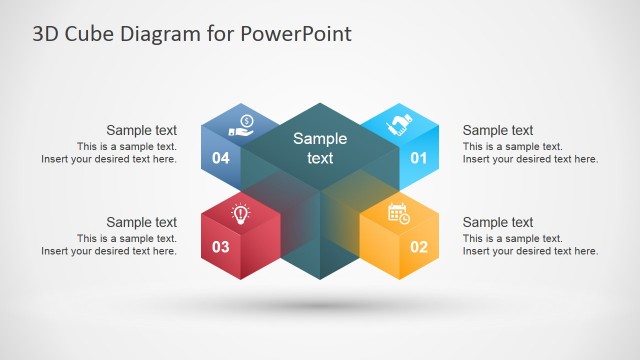
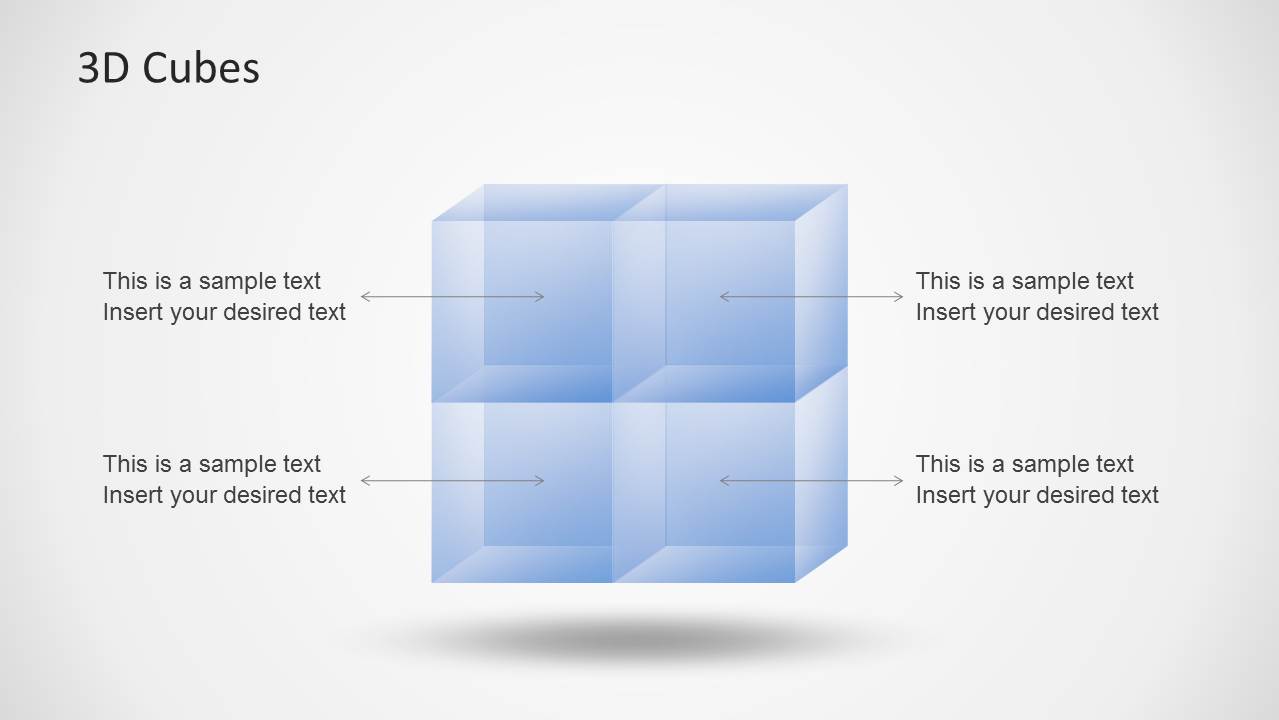
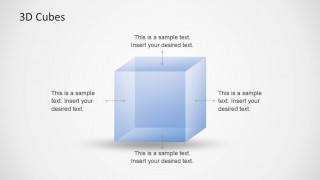
- A consultant can use the cube matrix to explain four related capability areas and keep each point visually balanced around one central structure.
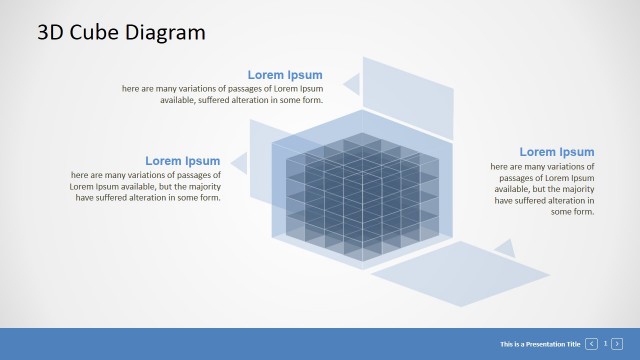
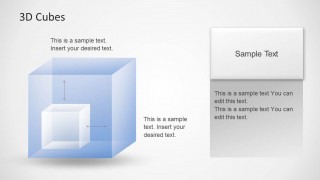
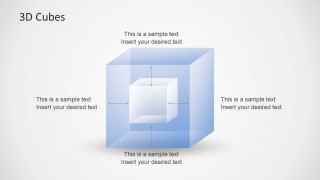
- A product manager can use the nested cube callout to show a core feature inside a larger product architecture or platform concept.
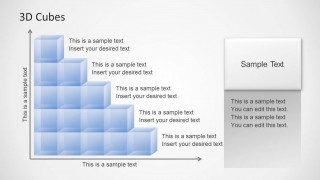
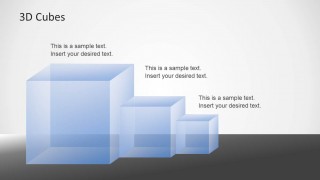
- An operations leader can use the step pyramid to present maturity levels, capacity growth, or staged implementation across horizontal and vertical axes.
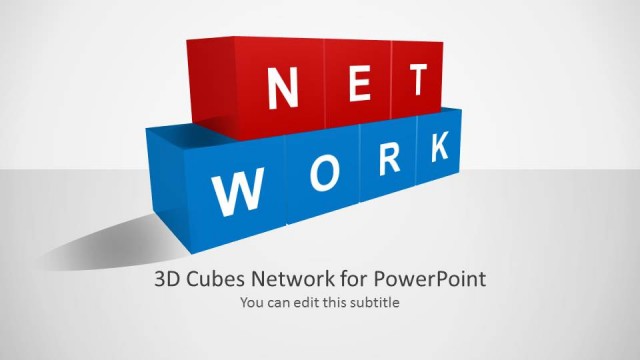
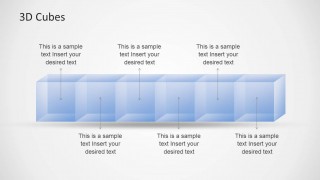
- An educator or trainer can use the horizontal cube chain to introduce sequential modules, with each cube acting as a visible lesson or topic container.
Features
- 100% editable presentation template
- Compatible with Microsoft PowerPoint and Google Slides
- Scalable vector shapes, icons and illustrations
- AI-Ready for Microsoft Copilot and Claude
- Instant access and download
Frequently asked questions
Q: How should a presenter explain a complex idea with these transparent cube diagrams?
A: Start by assigning one meaning to the cube metaphor, such as a component, layer, capability, or stage. Then keep each callout short and consistent. The single cube, nested cube, and four-cube matrix work best when the presenter explains relationships before adding detail, so the audience understands the structure first.
Q: What kind of business message is this template best suited for?
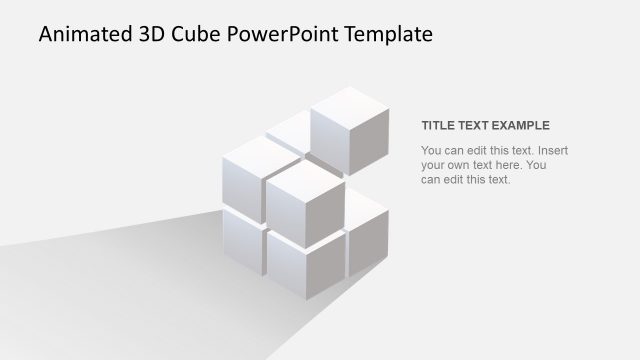
A: This template fits presentations where the message is conceptual rather than data-heavy. Consultants, product managers, and trainers can use the cube chain, step pyramid, and cube grid to explain modular systems, maturity levels, service blocks, or learning units without forcing the content into a table or dashboard.
Q: Why use transparent cubes instead of flat boxes for this topic?
A: The transparent cube metaphor gives the presenter a sense of depth, containment, and relationship. A nested cube can show a core element inside a larger system, while clustered cubes can show connected modules. The translucency also keeps callout arrows and labels readable without making the diagram feel heavy.


Transparent 3D Cubes for PowerPoint
10-slide PowerPoint presentation template with transparent 3D cube diagrams, step pyramid, and cube matrix
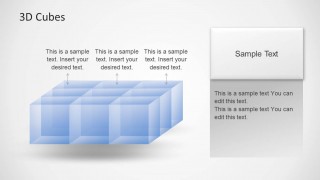
Transparent 3D Cubes for PowerPoint is a 10-slide shape template built around translucent blue cube illustrations. It includes cube matrix, floating cube cluster, step pyramid, horizontal cube chain, cube grid, and nested cube callout layouts for explaining components, layers, growth, or relationships in PowerPoint.

 Loading...
 Microsoft PowerPoint
  Microsoft Copilot
  Claude for PowerPoint
 Other formats supported
Subscribe today and get immediate
access to download our PowerPoint templates.