Slide 1 of 10 from Transparent 3D Cubes for PowerPoint
6238-01-3d-cubes-1
3D Cube Diagram for Presentations
- Diagram
- Matrix Grid
- Concept Explanation Slide
- 16:9
- 100% Editable
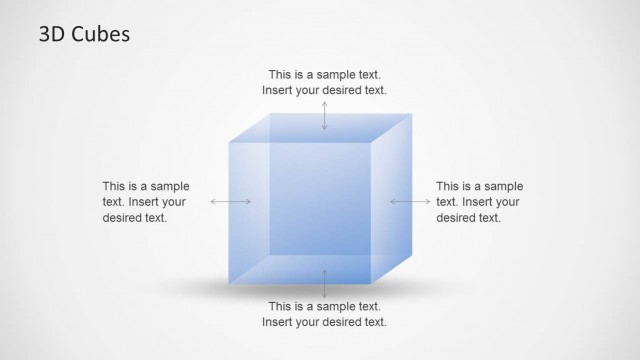
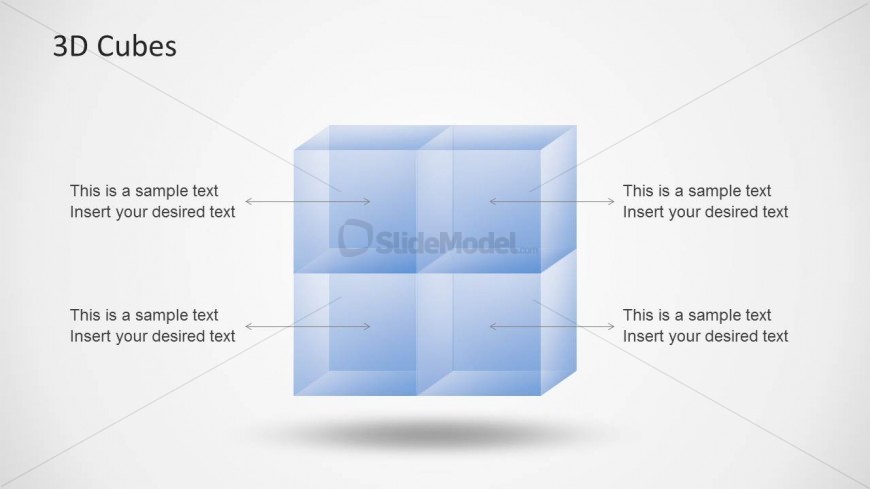
The 3D Cube Diagram slide from the Transparent 3D Cubes for PowerPoint template offers a clear visual layout ideal for explaining product features, project phases, or organizational structures. This slide uses editable shapes and vector icons arranged in a balanced 2x2 grid, enhancing business presentations and pitch deck templates. Its translucent blue cubes and directional arrows facilitate concept explanation within a corporate presentation or slide deck.
What’s on This Slide
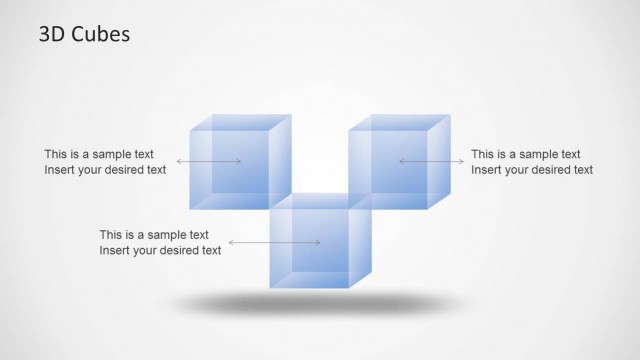
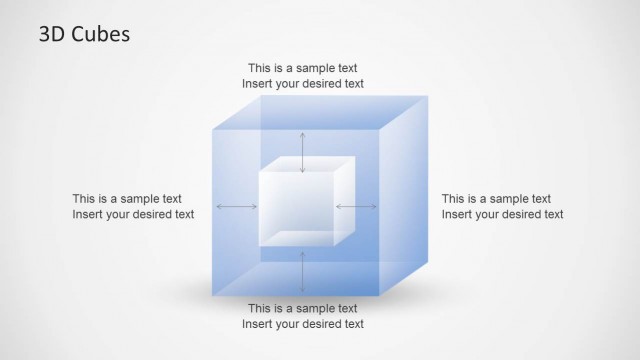
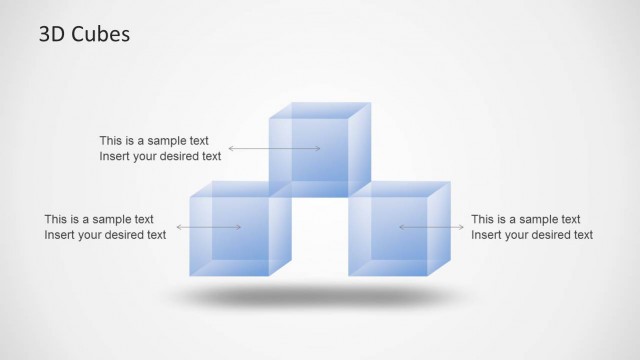
The slide features a central arrangement of four translucent blue cubes, positioned in a 2x2 grid. Each cube has a corresponding text placeholder below and to the left, aligned to the left and right sides respectively. Arrows connect the text placeholders to the cubes, indicating a flow of information. The background is a light gradient, enhancing the visibility of the cubes. The visual hierarchy is clear, with the title at the top center, followed by the cubes and text placeholders. The overall composition is balanced and structured.
How to Use It
This layout serves as a visual representation of components or concepts related to a central theme, suitable for explaining relationships or processes. It fits well in presentations discussing product features, project phases, or organizational structures. This slide can be used in business contexts to illustrate concepts like growth, strategy, or analysis. It is effective for both standalone presentations and as part of a larger series of slides.
Text Placeholders & Capacity
Keep your copy within these limits so it fits without resizing. Node body slots can hold about 5-6 words each.
| Placeholder | Count | Max characters (approx.) |
|---|---|---|
| Slide title | 1 | 20 |
| Item body | 4 | 30 |
Slide Keywords
Download unlimited PowerPoint templates, charts and graphics for your presentations with our annual plan.
DOWNLOADReturn to Transparent 3D Cubes for PowerPoint.