Slide 4 of 10 from Transparent 3D Cubes for PowerPoint
3D Cubes in a Chart Slide Design for PowerPoint
3D Cube Matrix for Presentations
- Diagram
- Matrix Grid
- Concept Explanation Slide
- 16:9
- 100% Editable
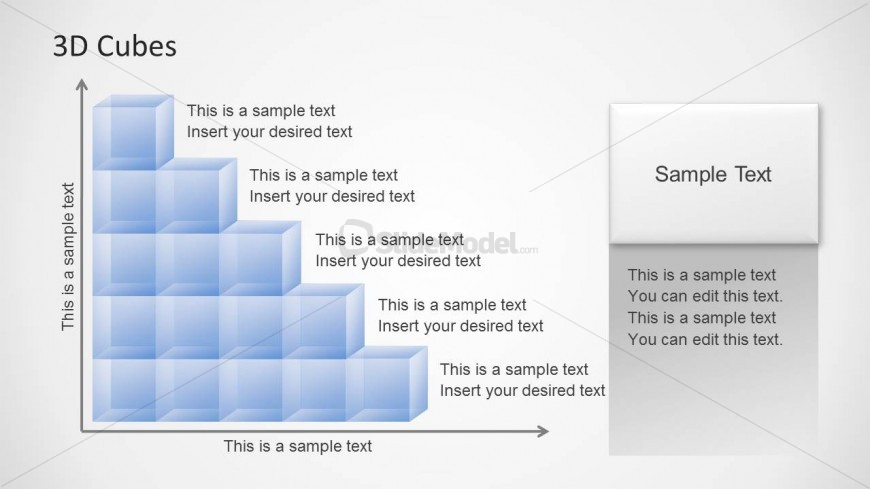
The 3D Cube Matrix slide from the Transparent 3D Cubes for PowerPoint template offers a structured layout ideal for business presentations. This slide template features editable shapes arranged in a stepped 3D formation, supporting clear visualization of processes, product features, or project updates. Its balanced design combines vector icons within semi-transparent cubes and text placeholders, making it a versatile choice for slide decks requiring detailed concept explanations.
About This Slide
3D Cubes in a PowerPoint chart created with shapes and easily editable to make any desired layout or chart 3D structure using 3D cubes.
What’s on This Slide
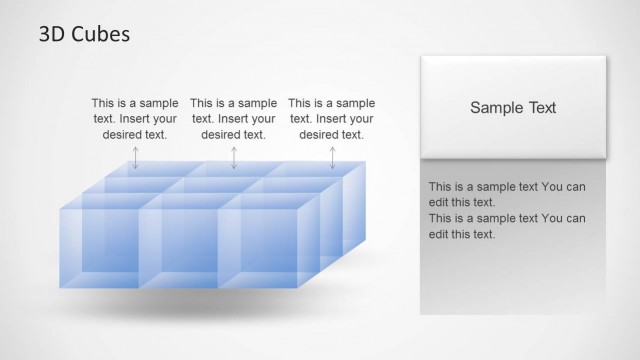
The layout features a 3D cube matrix arranged in a stepped formation on the left. Each cube is semi-transparent and has a light blue color. Text placeholders are integrated within the cubes, with sample text aligned horizontally and vertically. To the right, a rectangular container holds additional text placeholders, with a title placeholder at the top. The overall composition is balanced, with the cube matrix occupying the left side and the text container on the right, creating a clear visual hierarchy. The background is a light gradient, enhancing the 3D effect.
How to Use It
This layout serves as a matrix for displaying layered information or components, suitable for explaining processes or relationships. It fits well in a presentation sequence after introducing a concept and before detailing specific elements. This structure is ideal for business scenarios such as project updates, product features, or organizational frameworks, allowing for clear communication of complex ideas through visual representation.
Text Placeholders & Capacity
Keep your copy within these limits so it fits without resizing. Node body slots are tight, roughly 30 characters each.
| Placeholder | Count | Max characters (approx.) |
|---|---|---|
| Item body | 10 | 30 |
| Item heading | 10 | 15 |
| Slide title | 1 | 20 |
| Body paragraph | 1 | 200 |
Slide Keywords
Download unlimited PowerPoint templates, charts and graphics for your presentations with our annual plan.
DOWNLOADReturn to Transparent 3D Cubes for PowerPoint.