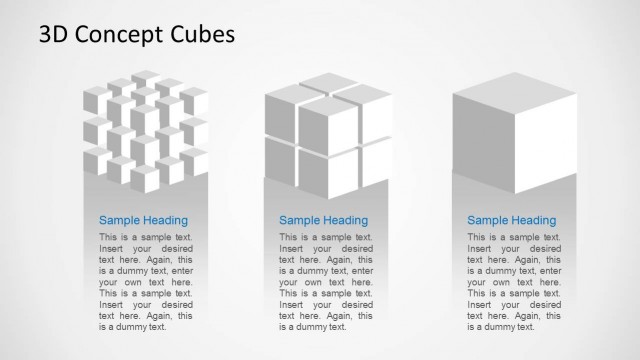
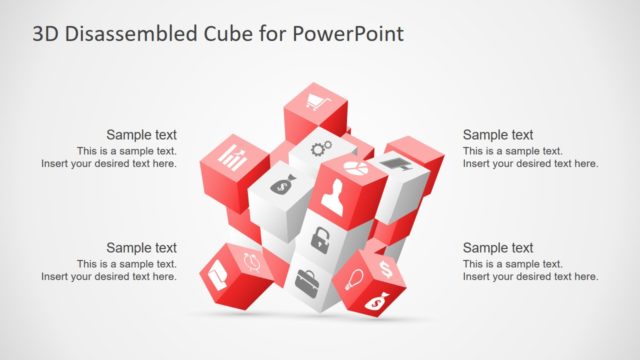
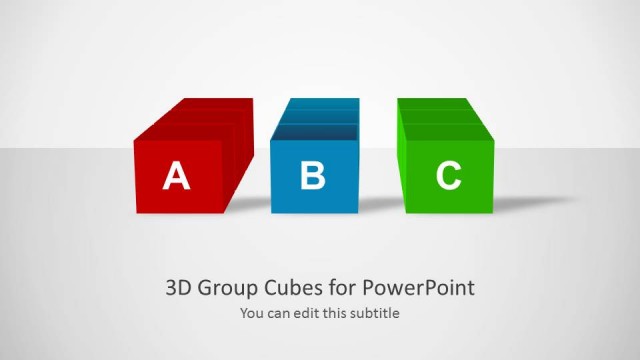
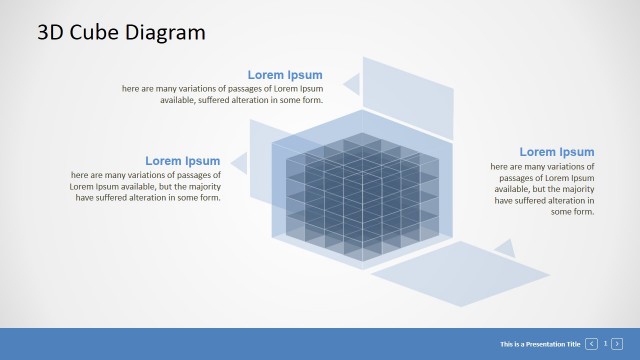
3D Cube Shape for PowerPoint is an awesome graphic for PowerPoint presentations that you can use to prepare awesome presentations on Data Mining as well as modeling data warehouses and explaining the data warehouse cubes in a presentation.
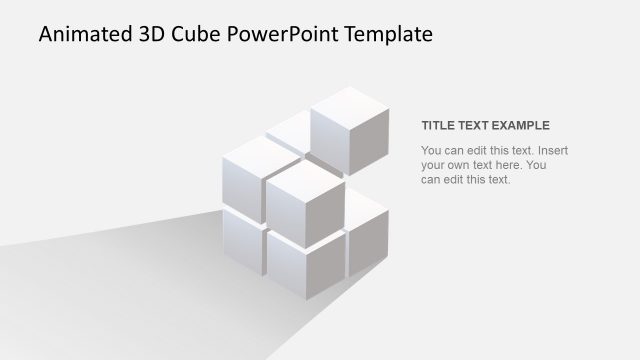
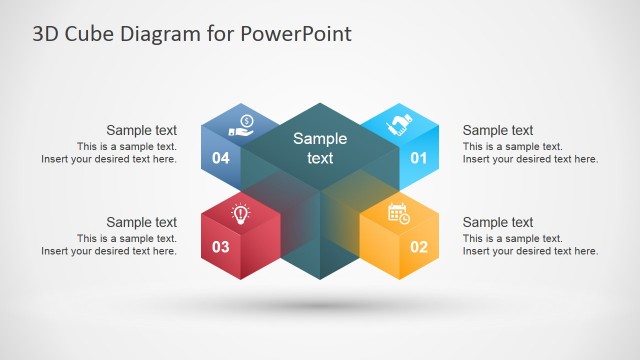
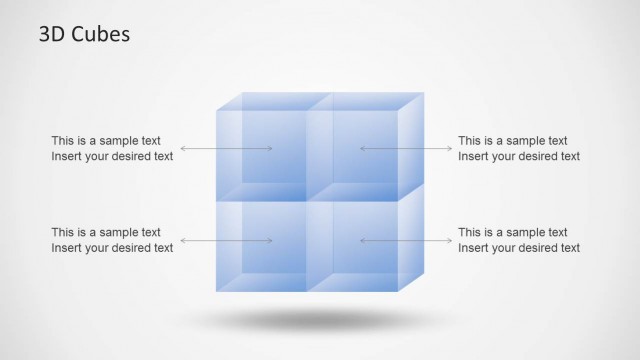
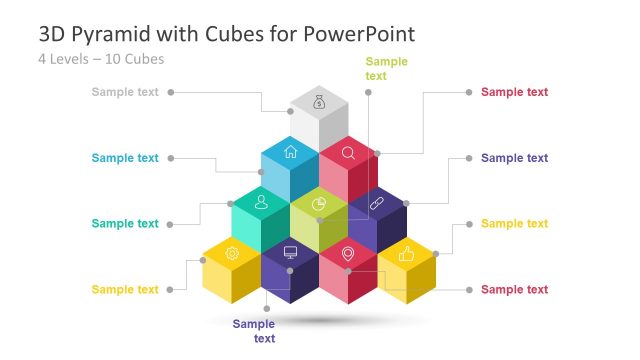
The 3D Cube presentation template contains a nice cube design that was created using built-in PowerPoint shapes. You can easily adapt this presentation design to fit your presentation needs, change the colors and isolate individual cubes.
Alternatively, you can download other cube PowerPoint template designs and slide designs with geometry objects or you can browse our content gallery with thousands of pre-designed presentation templates.
What’s inside this template
Example presentation scenarios
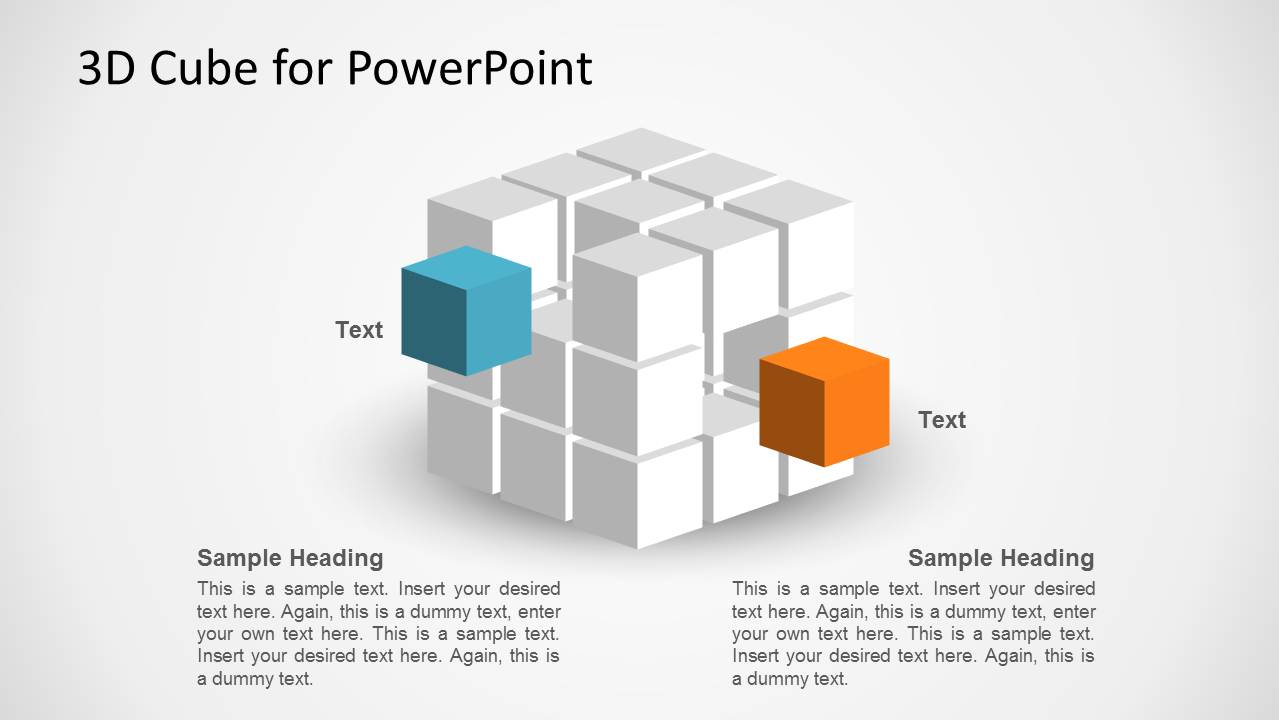
- A data architect can use the labeled cube diagram to explain how dimensions, measures, or storage layers connect inside a data warehouse model.
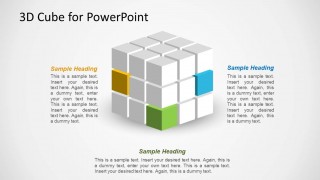
- A business intelligence manager can use the three-callout cube layout to brief executives on separate data domains while keeping the full cube as the visual context.
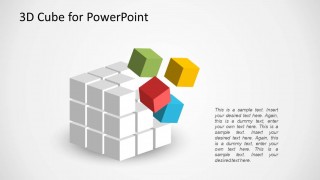
- An IT consultant can use the exploded cube view to show how infrastructure components can be separated, inspected, and reassembled into one system.
- A technical product manager can use the colored cube blocks to map features, modules, or data sources before moving into deeper implementation detail.
Features
- 100% editable presentation template
- Compatible with Microsoft PowerPoint and Google Slides
- 16:9 aspect ratio slides
- Scalable vector shapes, icons and illustrations
- AI-Ready for Microsoft Copilot and Claude
- Instant access and download
Frequently asked questions
Q: How should a presenter use the cube layouts to explain multidimensional data clearly?
A: Start with the full gray cube as the whole data environment, then assign each colored block to one dimension, measure, layer, or dependency. Keep each text area to one idea so the audience sees both the part and the larger structure. The exploded cube slide works well after the overview, when one component needs closer explanation.
Q: Who is this template best suited for in a business or technical meeting?
A: This template fits presenters who must explain abstract technical structures without showing dense architecture diagrams. Data architects, BI leads, IT consultants, and technical product managers can use the cube to discuss warehouse cubes, modular platforms, or infrastructure blocks with non-specialist stakeholders who need a visual model before technical detail.
Q: Why does the 3D cube metaphor help communicate data warehouse or IT architecture ideas?
A: The cube suggests volume, layers, and connected dimensions, which matches how many data warehouse and infrastructure concepts are discussed. The gray blocks create a stable system backdrop, while colored cubes guide attention to selected components. This reduces visual noise and helps the presenter explain one part without losing the whole model.


3D Cube Shape for PowerPoint
3-slide presentation template with editable 3D cube diagrams for data mining and warehouse concepts
3D Cube Shape for PowerPoint is a 3-slide, 16:9 presentation template for explaining cube-based concepts such as data mining, data warehouse structure, and IT infrastructure models. It includes a labeled cube diagram, a three-callout cube layout, and an exploded cube view for analysts, architects, and IT presenters using Microsoft PowerPoint or Google Slides.
- Category
- Shapes
- Rating


 Loading...
- Aspect ratio
- 16:9
- Item ID
- 1178
- Colors
 Microsoft PowerPoint
  Microsoft Copilot
  Claude for PowerPoint
 Other formats supported
Subscribe today and get immediate
access to download our PowerPoint templates.