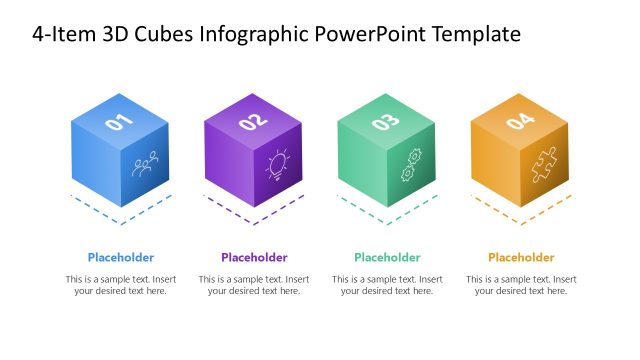
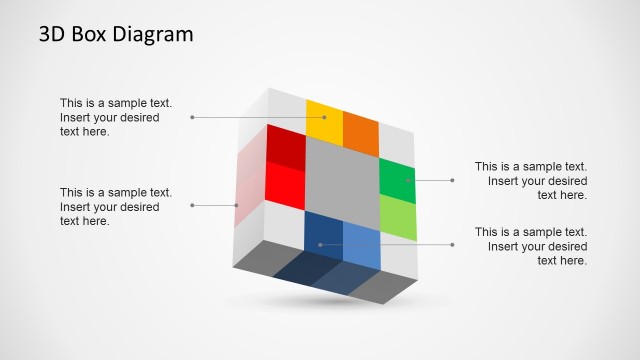
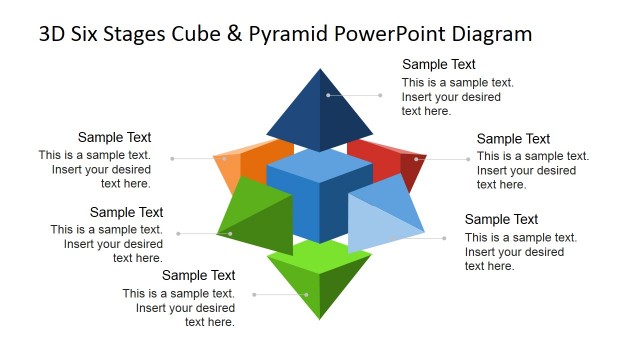
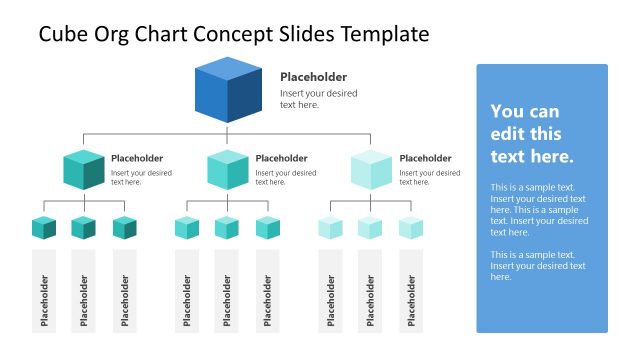
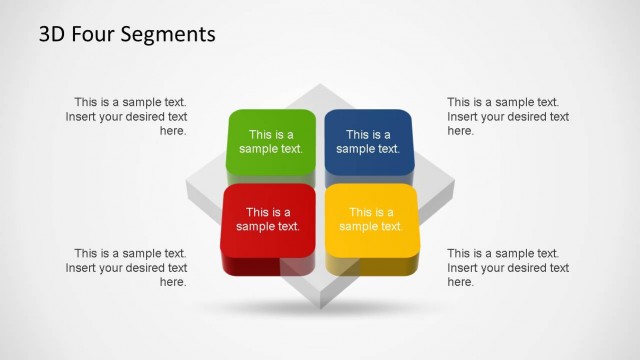
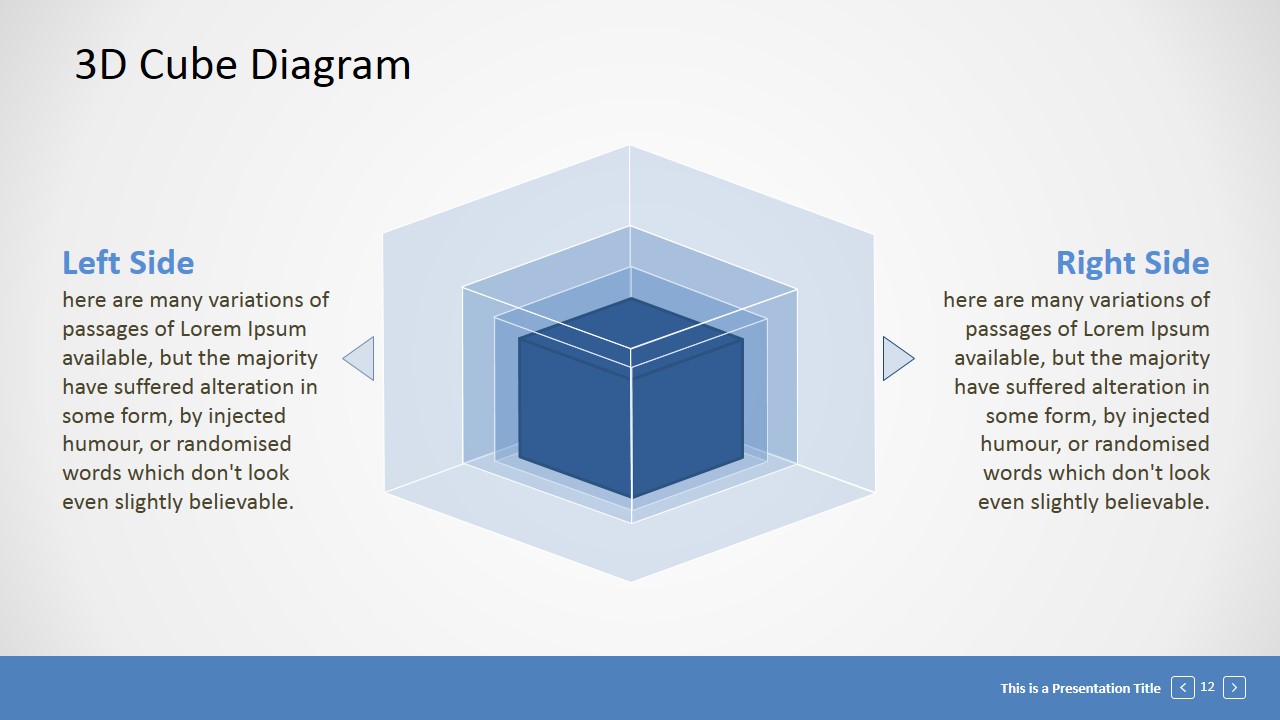
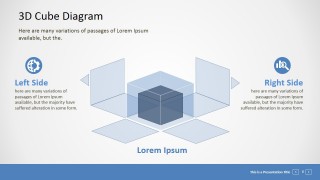
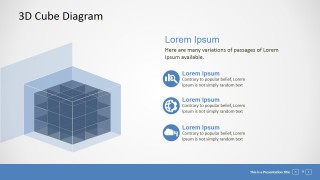
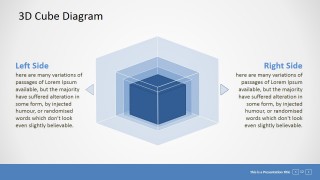
The editable 3D cube diagram is created with combined individual PowerPoint Cube shapes. Each shapes is 100% editable allowing the user to fully customize each section of the overall PowerPoint Diagram. The effects are achieved with the combination of transparency and layer overlapping. No special effects are applied in order to guarantee portability and ease of use of the PowerPoint shapes.
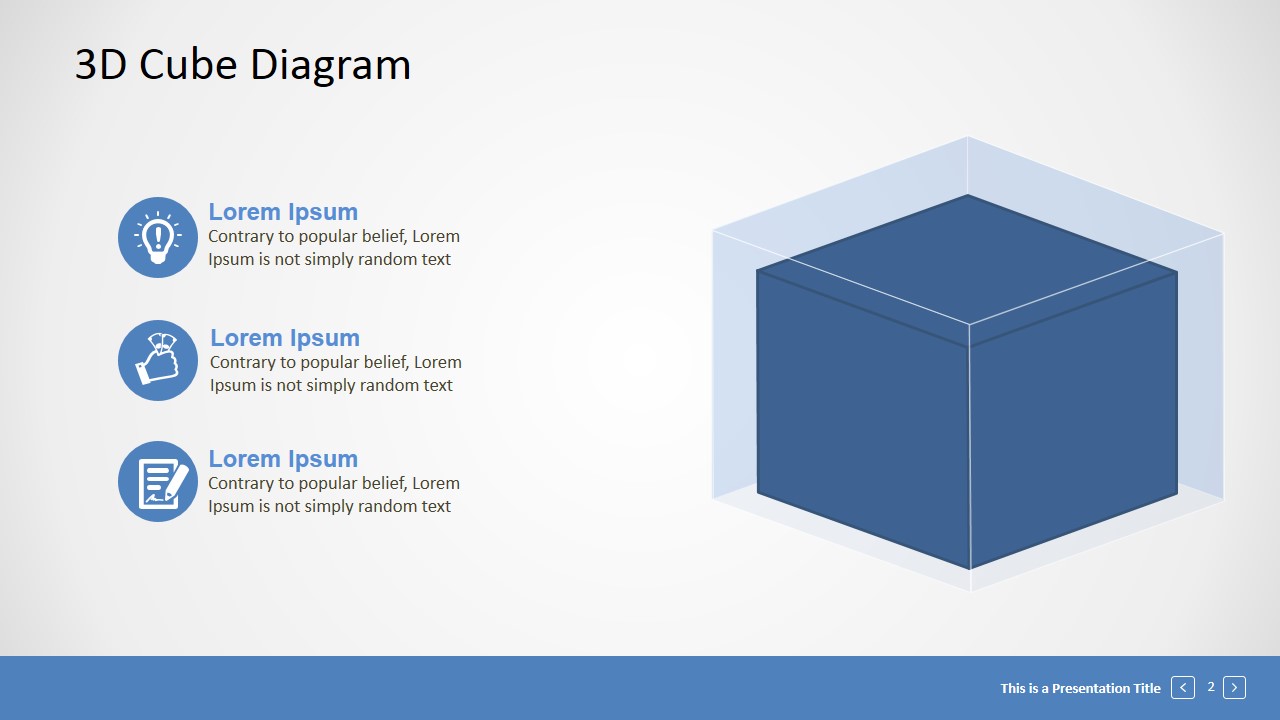
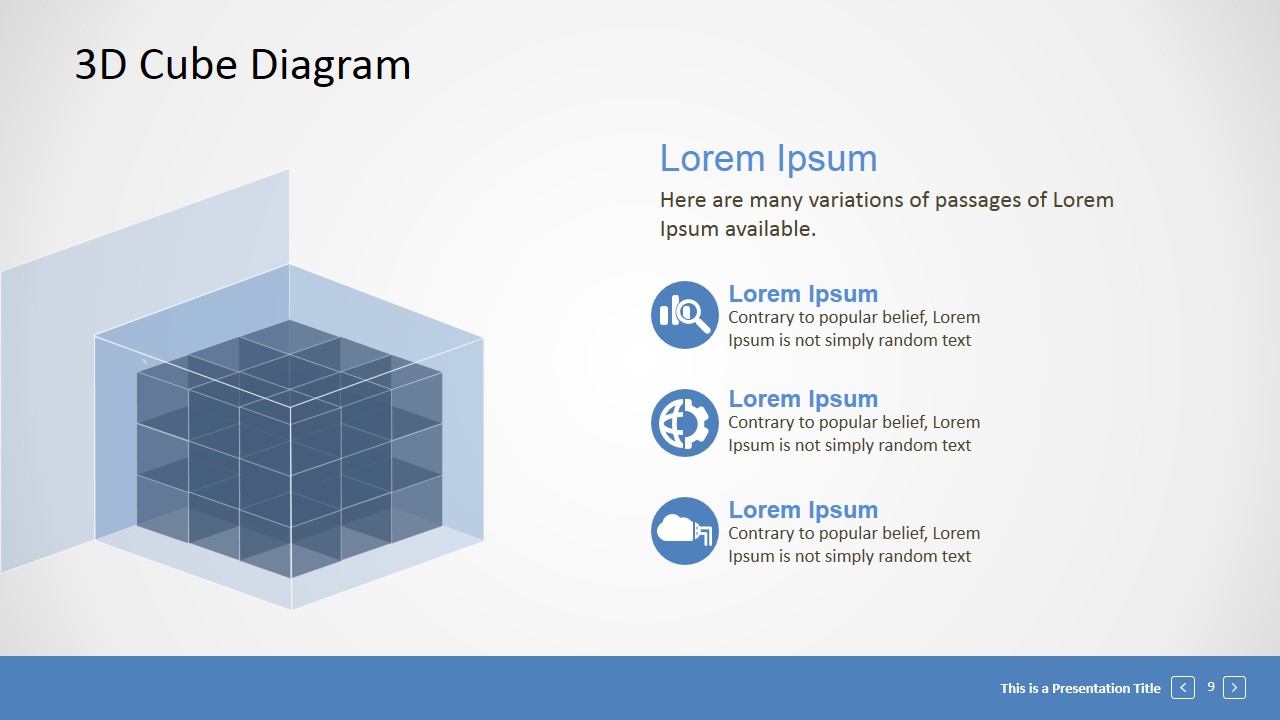
The segmented 3D Cube with perspective effect provides a professional look and feel that can be applied in different themes. The slides are decorated with PowerPoint Icons featuring different business concepts. The user can modify the Icons to match specific information being described.
This Editable 3D Cube Presentation template is ideal for describing topics related to sections, units or building blocks. The presenter can use the metaphor of a puzzle to describe pieces of a process or an organization and include the specific content of the speech in the predefined placeholder of the presentation template.
Impress your audience with easy to use professional presentation graphics and create PowerPoint decks that appeal to executives.
This template is compatible with PowerPoint and Google Slides. Alternatively, you can download other geometry PowerPoint template designs, including 3D coordinate systems and graphics with 3D shapes.
What’s inside this template
Example presentation scenarios
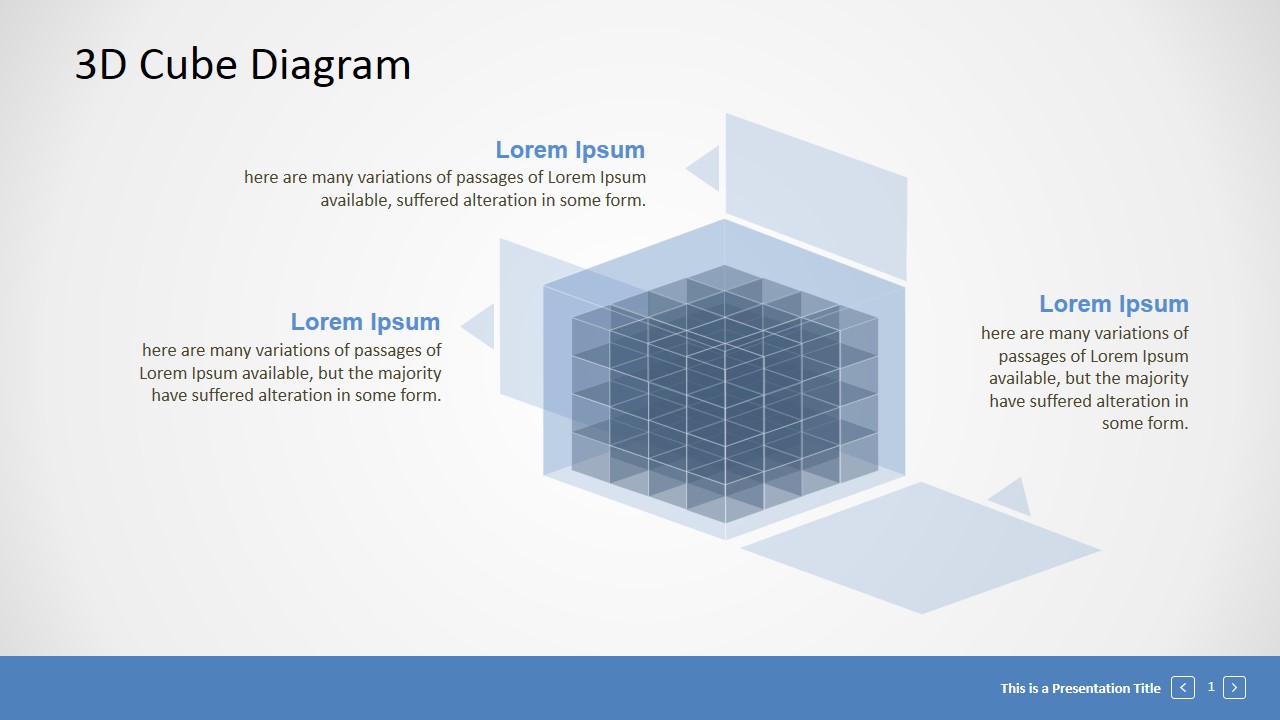
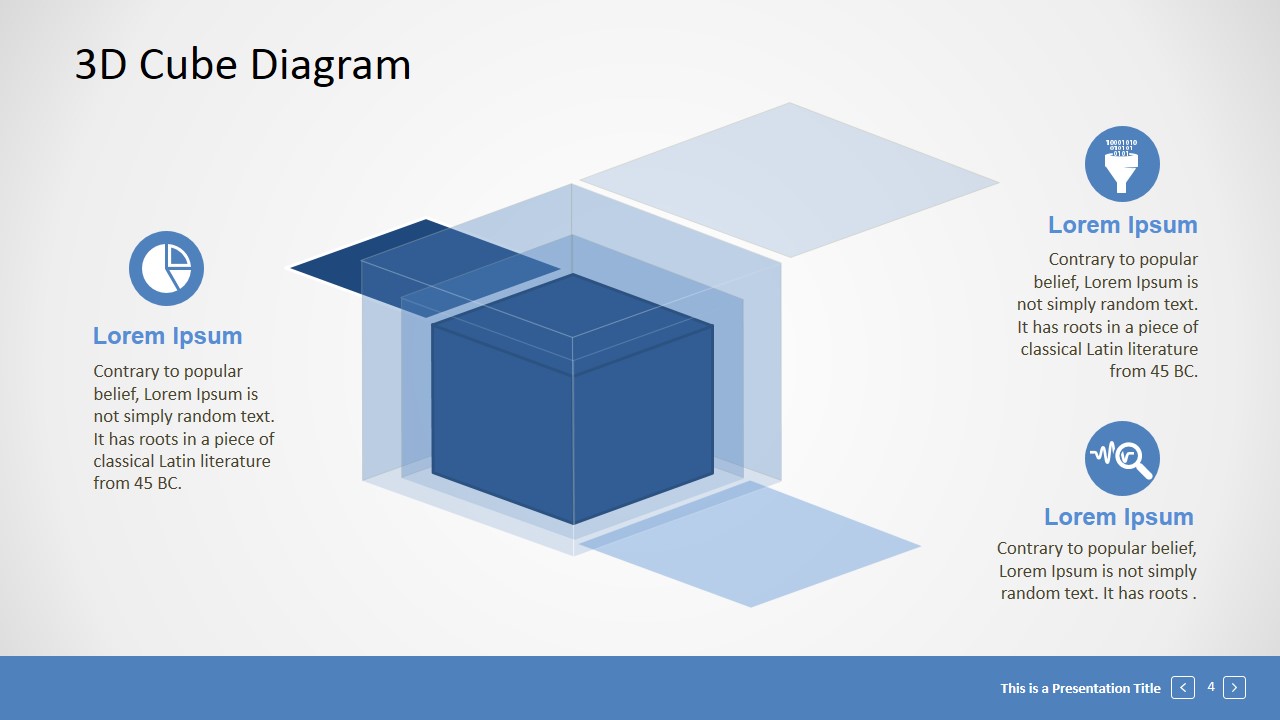
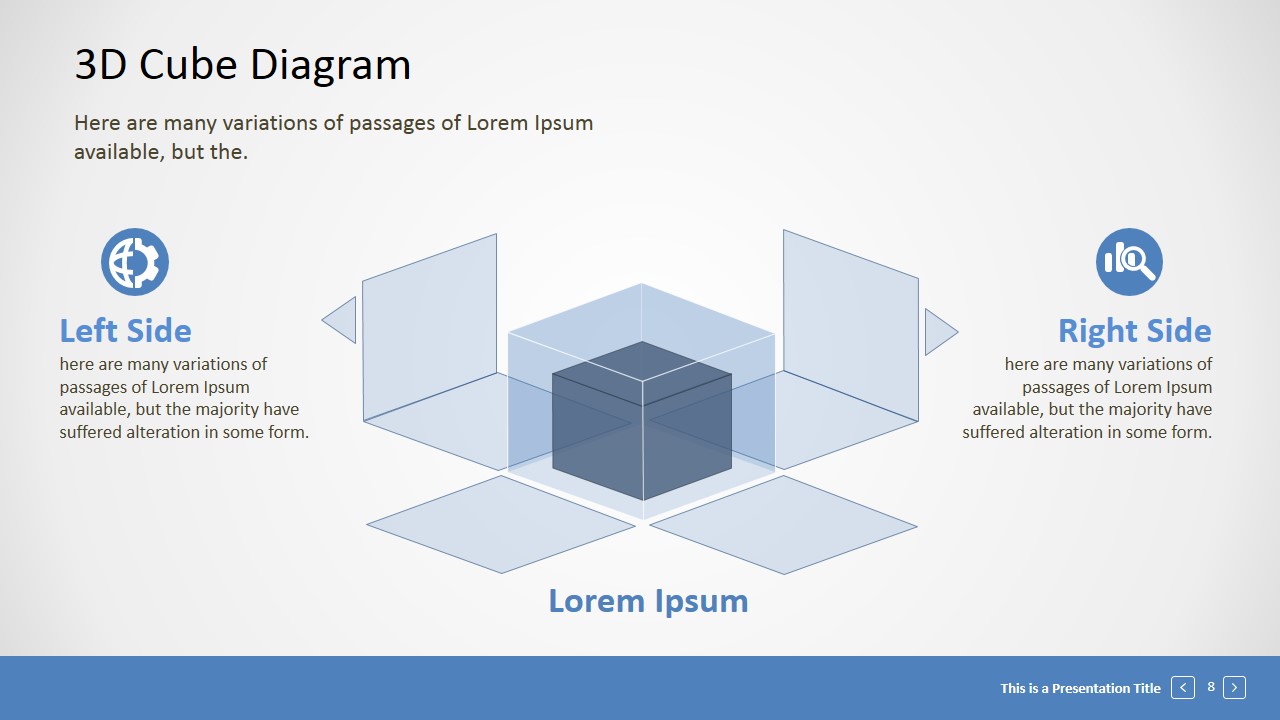
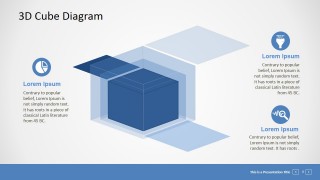
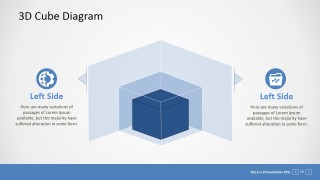
- A consultant can use the segmented cube callouts to explain how separate workstreams combine into one operating model for an executive client.
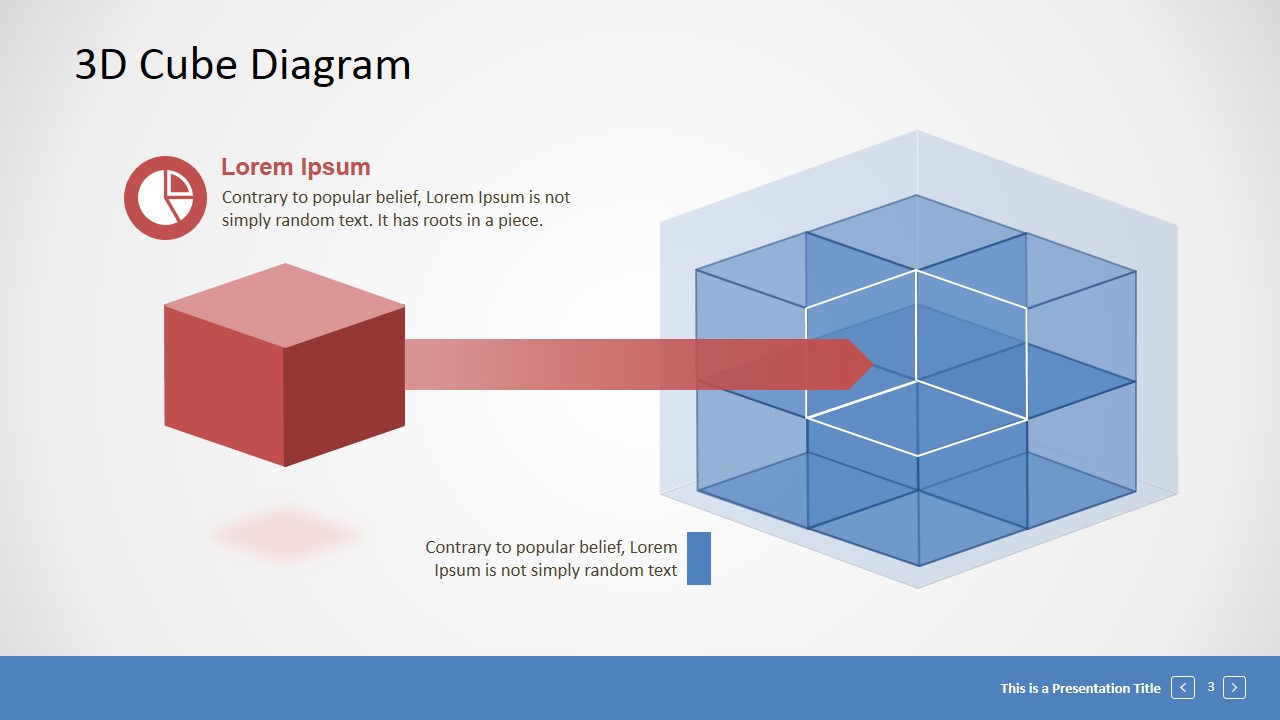
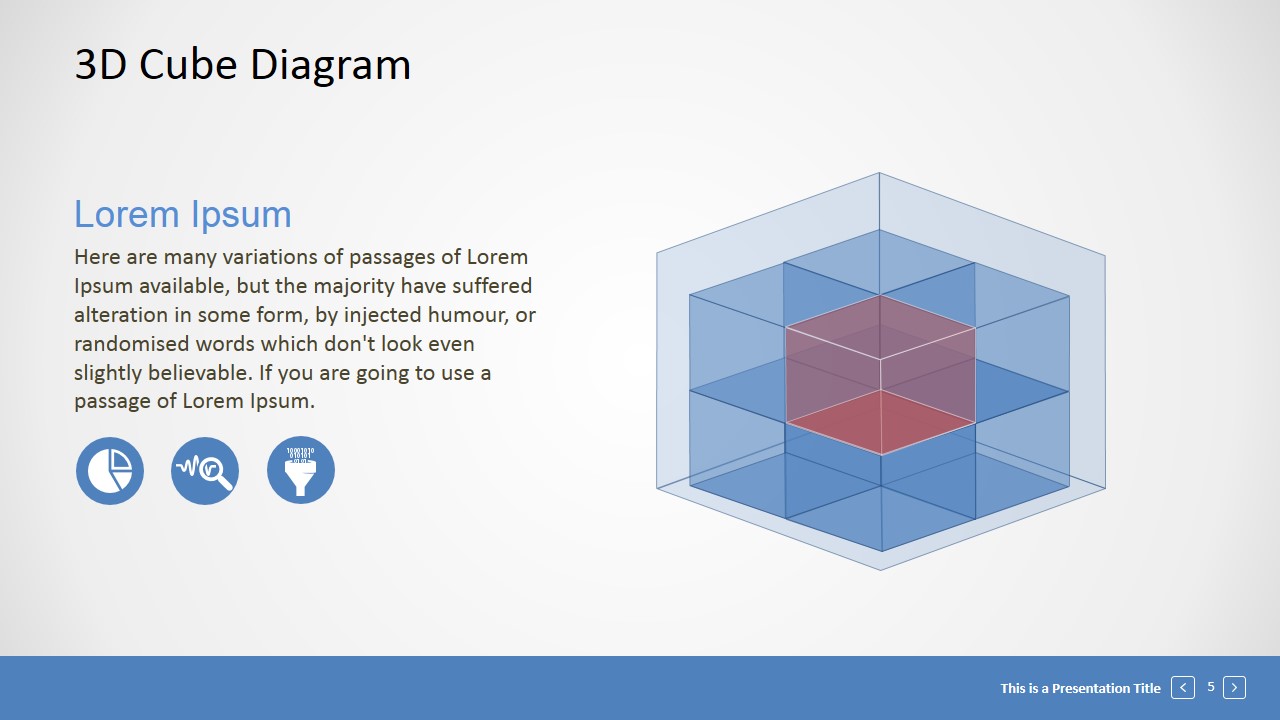
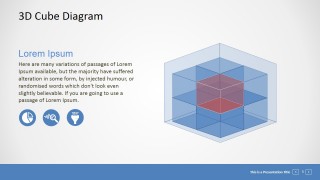
- A product manager can use the red input arrow slide to show how an external feature, dependency, or customer request fits inside a larger system.
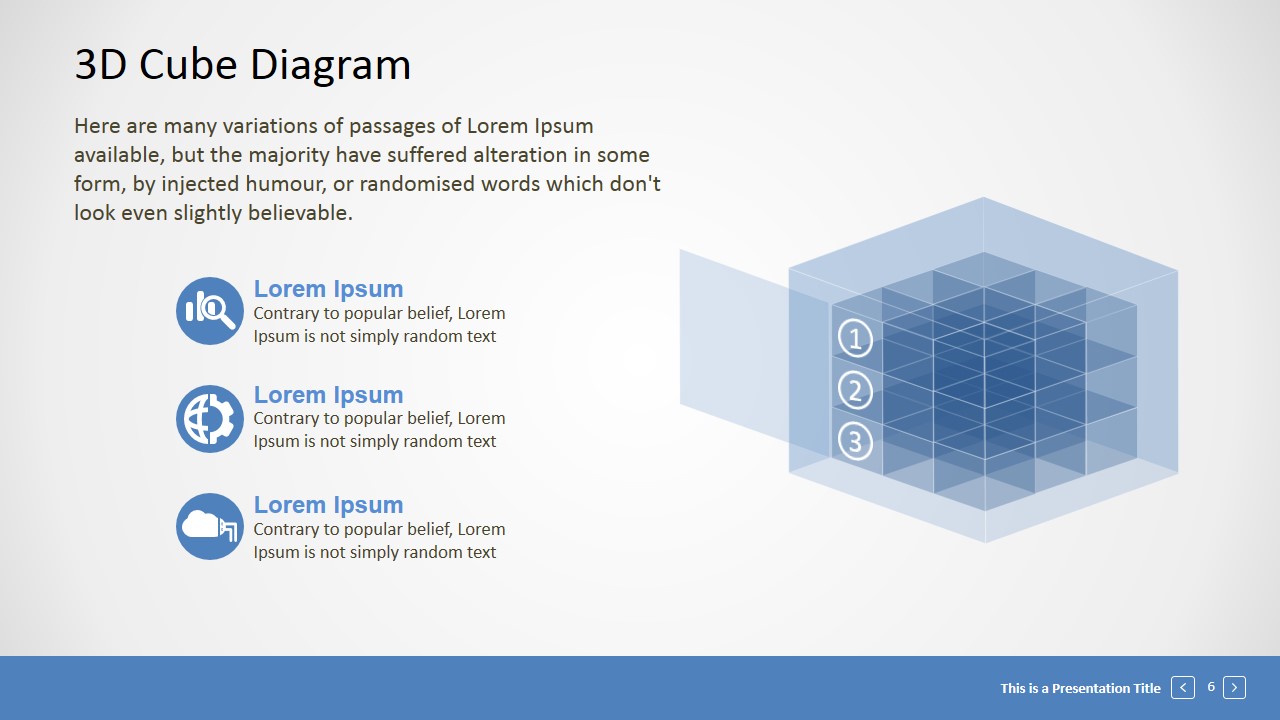
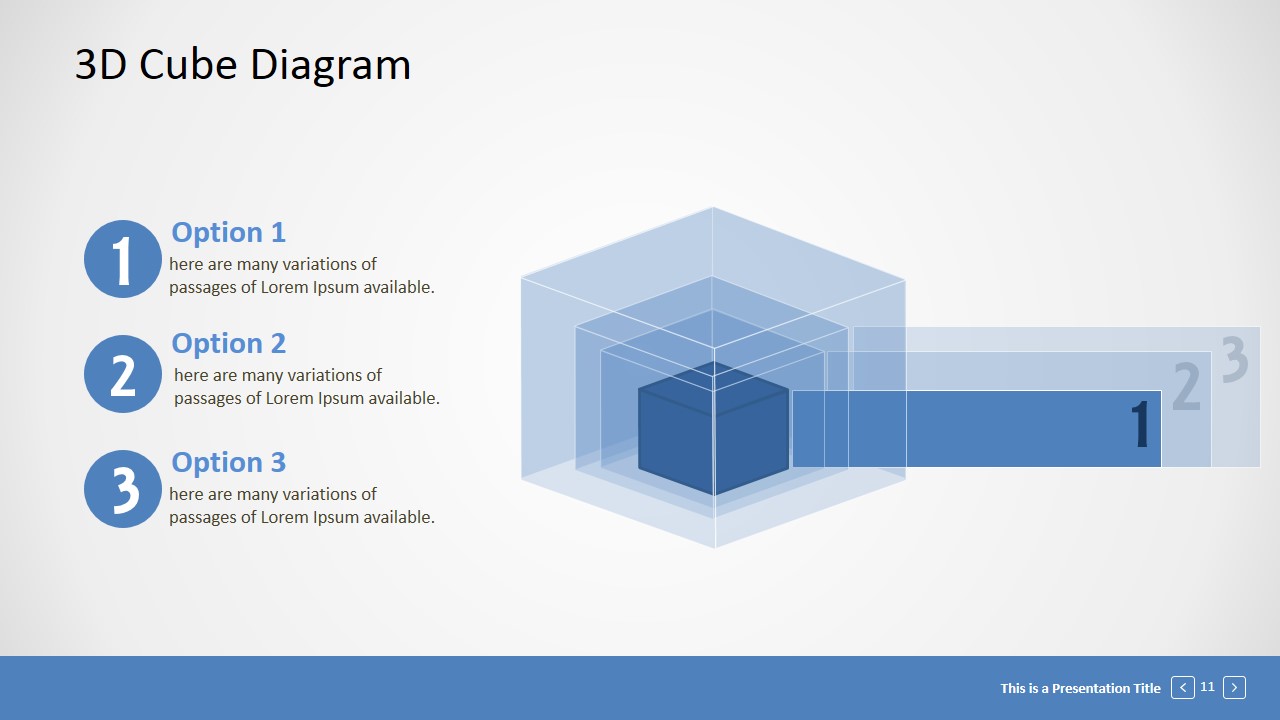
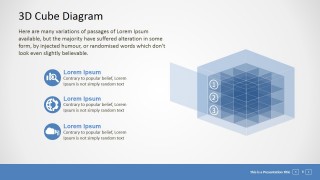
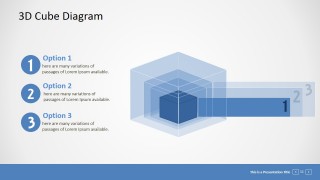
- A project lead can use the numbered option bars to compare three implementation phases and connect each phase to the cube metaphor.
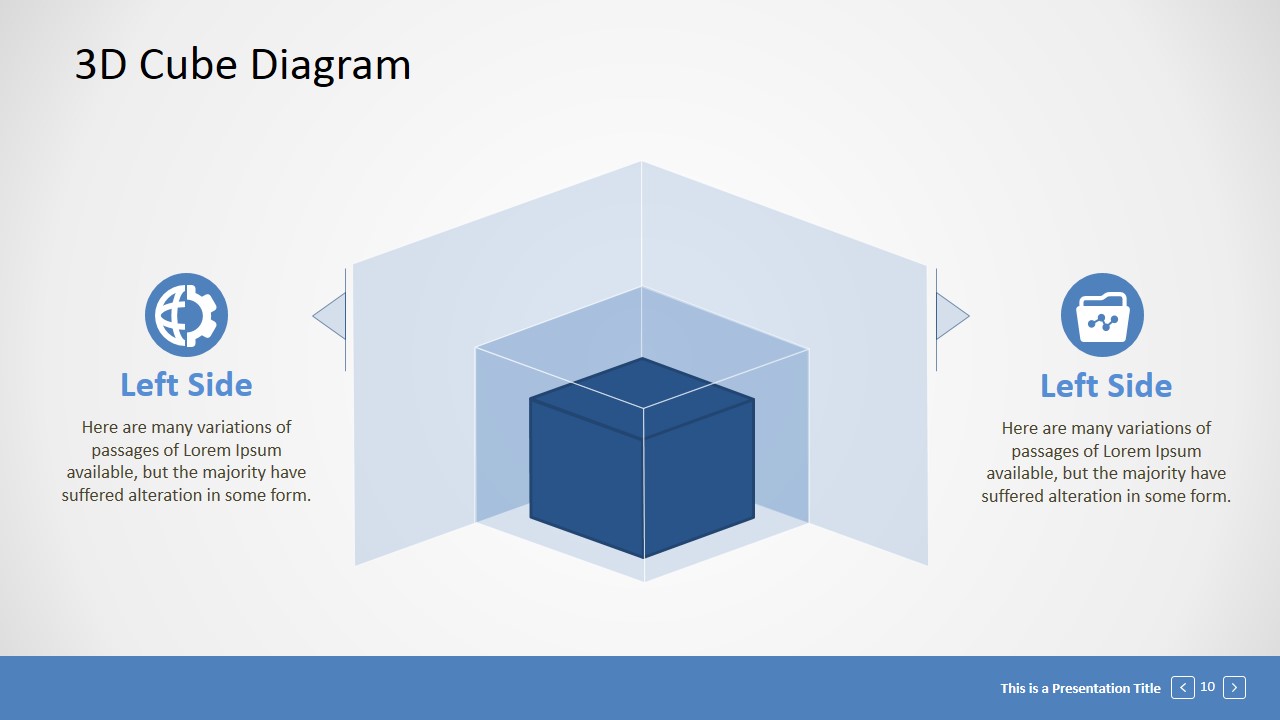
- A trainer can use the exploded cube panels to teach how visible outcomes depend on internal components, responsibilities, or process layers.
Features
- 100% editable presentation template
- Compatible with Microsoft PowerPoint and Google Slides
- 16:9 aspect ratio slides
- Scalable vector shapes, icons and illustrations
- AI-Ready for Microsoft Copilot and Claude
- Instant access and download
Frequently asked questions
Q: How should a presenter explain a complex idea with the cube metaphor?
A: Start by naming the whole idea represented by the cube, then assign each visible segment to a component, team, phase, or capability. Use the callout slides for definitions, the highlighted internal segment for priority, and the numbered bars for sequencing. Keep each segment label short so the geometry supports the explanation instead of competing with it.
Q: Who is this template best suited for in a business presentation?
A: This template works best for consultants, strategists, project leads, and trainers who need to explain modular topics without relying on dense text. It is a strong fit for operating models, capability maps, product architecture, process components, and organizational building blocks because the cube visually suggests structure, fit, and interdependence.
Q: Why do the transparent cube and exploded panels improve communication?
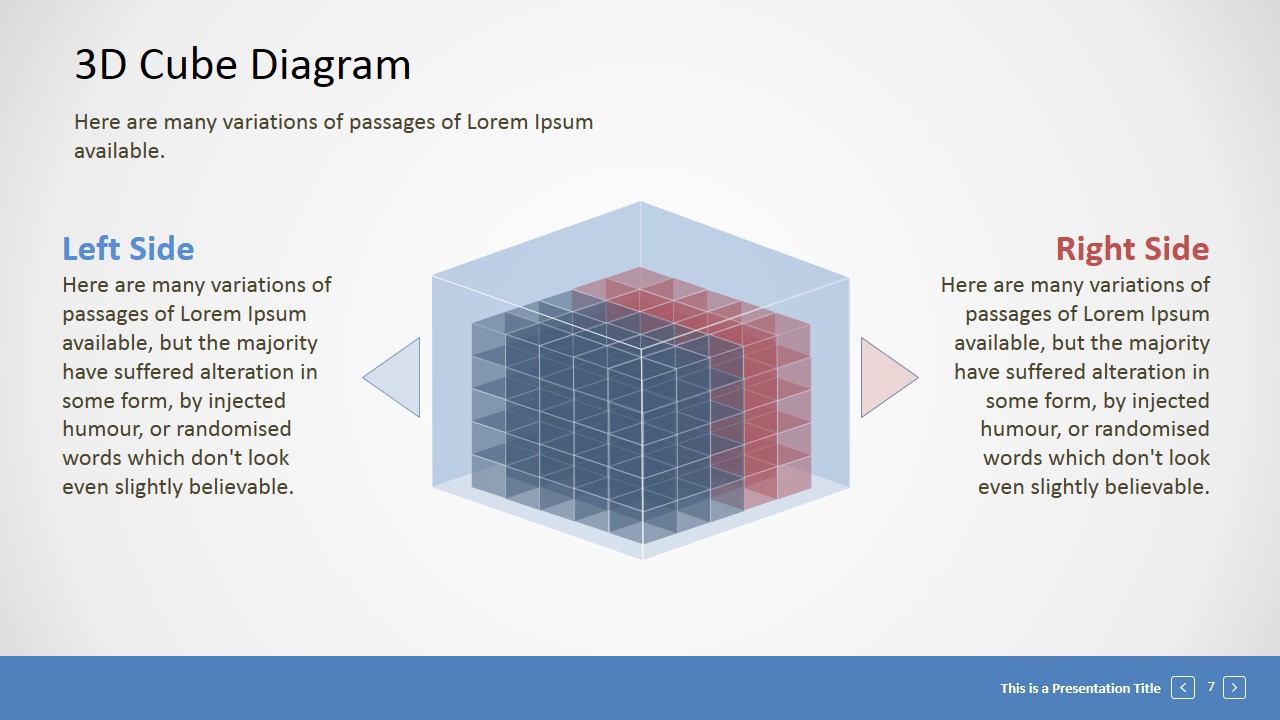
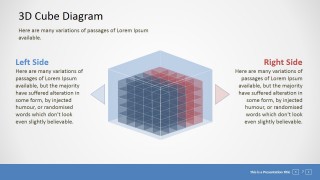
A: The transparent layers let an audience see both the outside system and its internal parts at the same time. Exploded panels create separation, which helps a presenter discuss one side or layer without losing the connection to the full cube. The metaphor turns abstract relationships into a spatial model that is easier to follow.
Editable 3D Cube Presentation Template
12-slide 3D cube presentation template for segmented diagrams, building blocks, and perspective process visuals
Editable 3D Cube Presentation Template is a 12-slide diagram deck for explaining business concepts as geometric building blocks. Visible layouts include segmented cube callouts, exploded cube panels, left-right comparison diagrams, and numbered option bars. It is built for Microsoft PowerPoint and Google Slides with editable shapes and vector icons.
- Category
- Shapes
- Rating


 Loading...
- Aspect ratio
- 16:9, 4:3
- Item ID
- 0001-01
- Colors
 Microsoft PowerPoint
  Microsoft Copilot
  Claude for PowerPoint
 Other formats supported
Subscribe today and get immediate
access to download our PowerPoint templates.