Slide 5 of 10 from Transparent 3D Cubes for PowerPoint
6238-01-3d-cubes-5
3D Cubes Diagram for Presentations
- Diagram
- Other
- Process Slide
- 16:9
- 100% Editable
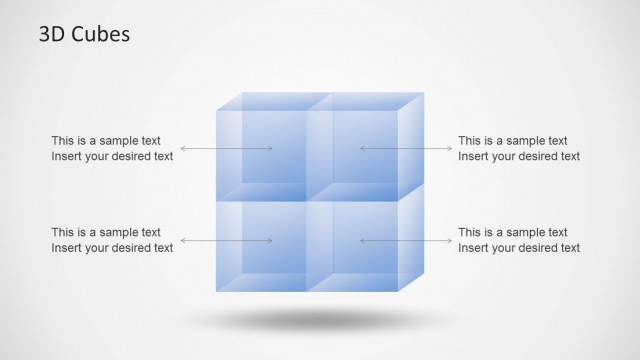
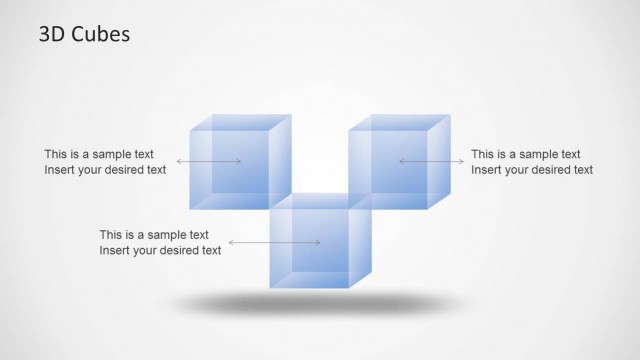
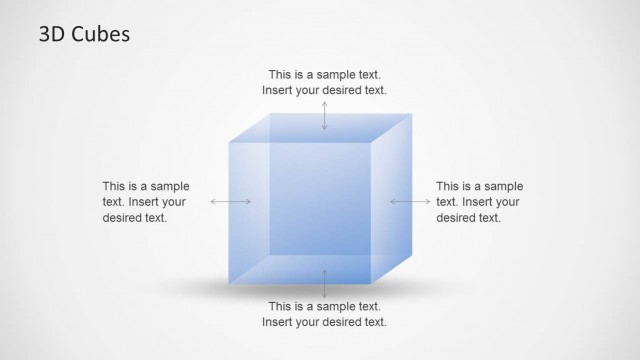
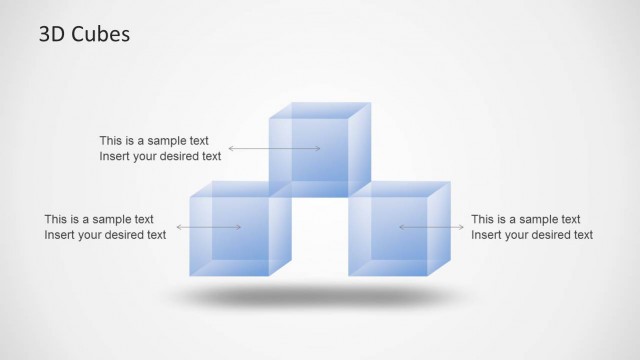
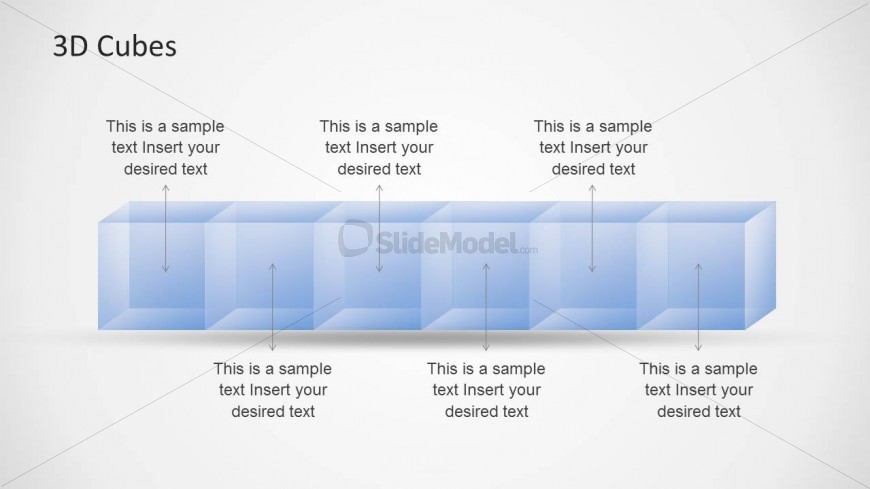
The 3D Cubes slide layout from the Transparent 3D Cubes for PowerPoint template offers a clear visual process diagram ideal for business presentations. Featuring a horizontal arrangement of translucent cubes with upward arrows, this slide effectively illustrates product features, component relationships, or process stages. Its design supports the use of editable shapes and text placeholders, making it suitable for corporate presentations and pitch deck templates that require structured and visually engaging slide templates.
What’s on This Slide
The layout features a horizontal row of four translucent blue cubes, each with a text placeholder centered above. The cubes are arranged in a straight line, with arrows pointing upward from each cube to indicate a flow or connection. Each cube is slightly staggered to create a sense of depth. The background is light, enhancing the visibility of the cubes. Text placeholders are aligned centrally above each cube, indicating space for titles or descriptions. The overall composition emphasizes clarity and organization.
How to Use It
This layout serves as a visual representation of components or stages in a process. It is suitable for presentations that require illustrating relationships, growth, or comparisons among multiple elements. This slide fits well after introductory content, providing a clear transition to detailed discussions. It can be used in business contexts such as project updates, product features, or strategic planning sessions, where visual clarity is essential for audience understanding.
Text Placeholders & Capacity
Keep your copy within these limits so it fits without resizing. Node labels can accommodate about 40 characters each.
| Placeholder | Count | Max characters (approx.) |
|---|---|---|
| Slide title | 1 | 20 |
| Item heading | 4 | 40 |
Slide Keywords
Download unlimited PowerPoint templates, charts and graphics for your presentations with our annual plan.
DOWNLOADReturn to Transparent 3D Cubes for PowerPoint.