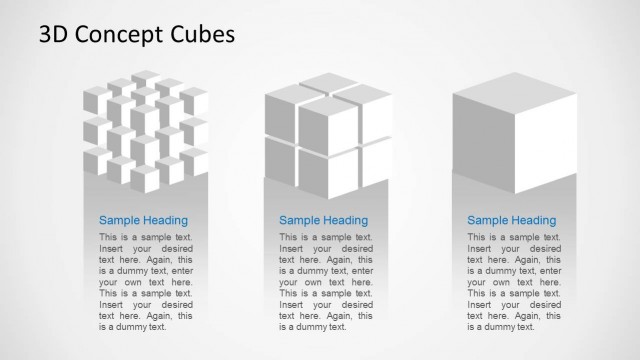
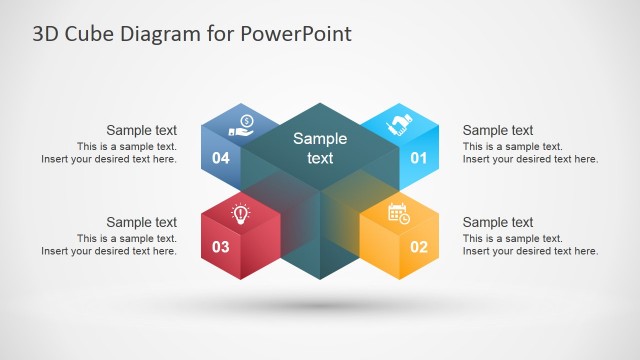
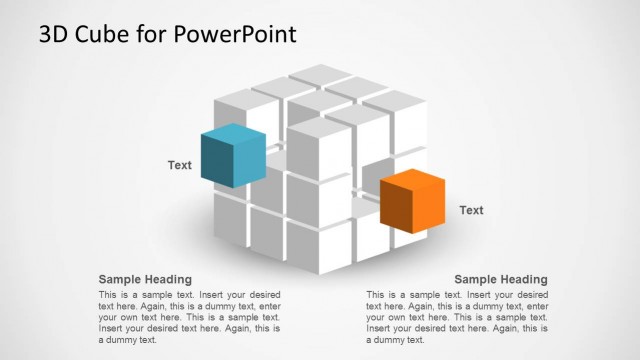
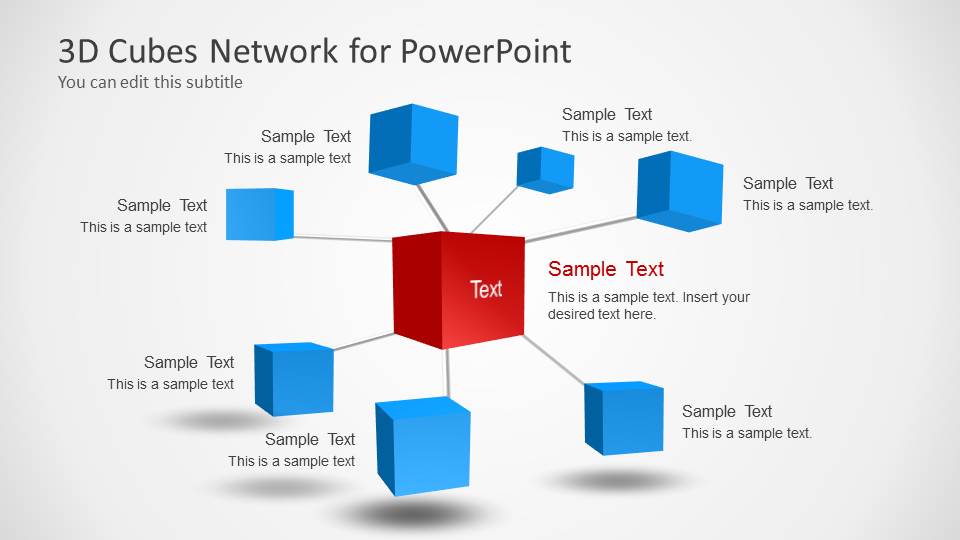
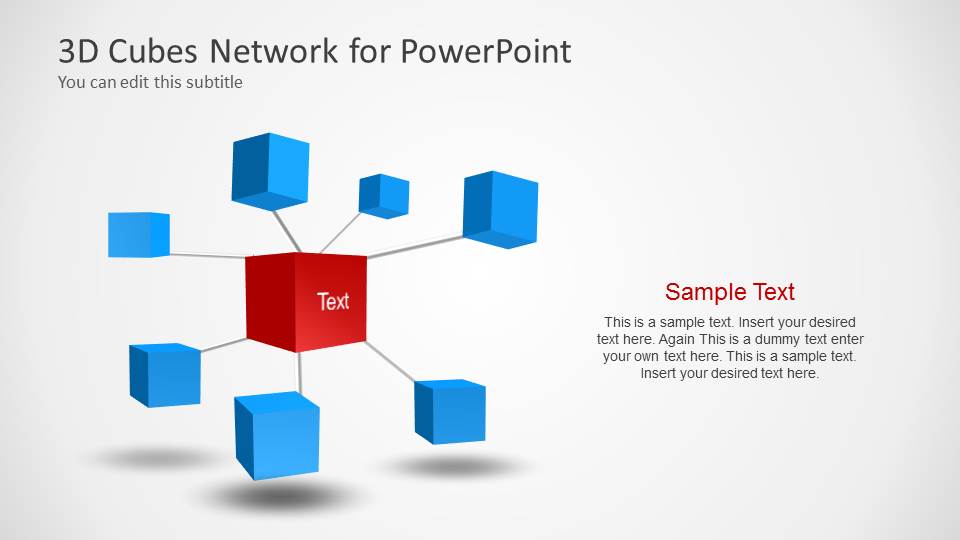
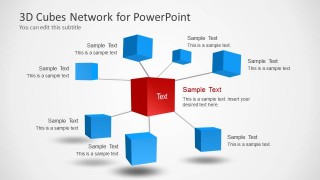
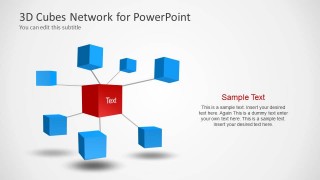
3D Cubes Network Template for PowerPoint is a cube and network themed template that can be used for making presentations about networking by depicting the cubes as nodes. You can also use the customizable cube themed slides to create custom diagrams to depict your ideas; where a central idea might have to be elaborated along with multiple connected topics.
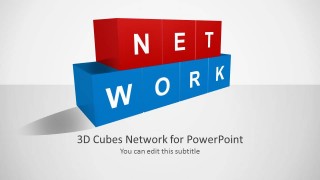
The template also features blocks where you can add custom text to spell a word that best describes your presentation or slide topic.
What’s inside this template
Example presentation scenarios
- An IT manager can use the central node network diagram to explain how applications, services, or departments connect around one core platform.
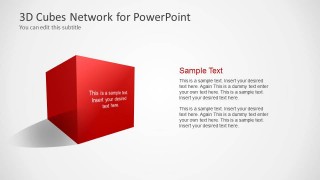
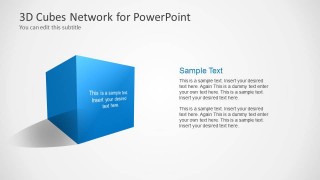
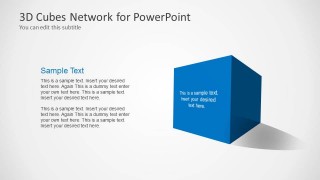
- A consultant can use the word-building cube cover and single-cube concept slides to introduce a network strategy and explain each major pillar.
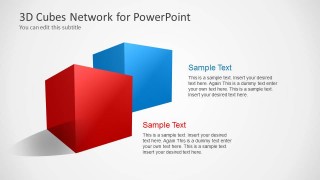
- A product manager can use the two-cube layout to compare two related product modules, integration points, or roadmap themes.
- An operations leader can use the cube-and-text slides to summarize linked process areas while keeping the explanation focused on one concept at a time.
Features
- 100% editable presentation template
- Compatible with Microsoft PowerPoint and Google Slides
- 16:9 aspect ratio slides
- Scalable vector shapes, icons and illustrations
- AI-Ready for Microsoft Copilot and Claude
- Instant access and download
Frequently asked questions
Q: How should a presenter explain the central cube network without making the slide feel abstract?
A: Start by naming the red center cube as the main system, idea, or decision point. Then move around the blue cubes in a clear order, assigning each node one short label and one sentence of context. Keep the connectors as relationship cues, not as detailed process paths.
Q: Who is this template best suited for in a business presentation?
A: This template works best for presenters who need to make connected topics understandable without showing a full technical schematic. IT, operations, product, and consulting teams can use the node network slides for relationships, then switch to the single-cube slides to explain each component in plain business language.
Q: Why does the cube metaphor help communicate a network or interoperability topic?
A: Cubes make each node feel like a discrete building block, while the connector lines show that the blocks are part of a broader system. The red center cube creates a visual anchor, and the surrounding blue cubes signal supporting elements. This helps audiences separate core concepts from related parts.



3D Cubes Network Template for PowerPoint
7-slide presentation template for cube network diagrams, node connections, and concept blocks
The 3D Cubes Network Template for PowerPoint is a 7-slide diagram presentation template for showing connected ideas as cubes and nodes. It includes a word-building cube cover, central node network diagrams, single-cube concept slides, and two-cube comparison layouts for business, technology, or process presentations in PowerPoint and Google Slides.
- Category
- Shapes
- Rating


 Loading...
- Aspect ratio
- 16:9
- Item ID
- 6105-01
- Colors
 Microsoft PowerPoint
  Microsoft Copilot
  Claude for PowerPoint
 Other formats supported
Subscribe today and get immediate
access to download our PowerPoint templates.