Slide 3 of 10 from Transparent 3D Cubes for PowerPoint
3D Cubes PowerPoint Template with 3 Cubes
3D Cubes Diagram for Presentations
- Diagram
- Other
- Concept Explanation Slide
- 16:9
- 100% Editable
The 3D Cubes slide from the Transparent 3D Cubes for PowerPoint template offers a clear visual tool for illustrating relationships and components in business presentations. This slide layout uses translucent blue cubes with directional arrows and text placeholders, making it suitable for explaining processes or project elements within a corporate presentation. Its design supports effective communication of complex ideas using editable shapes and vector icons, enhancing any slide deck or pitch deck template.
About This Slide
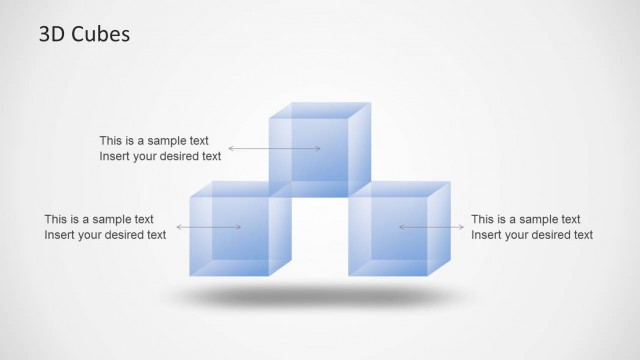
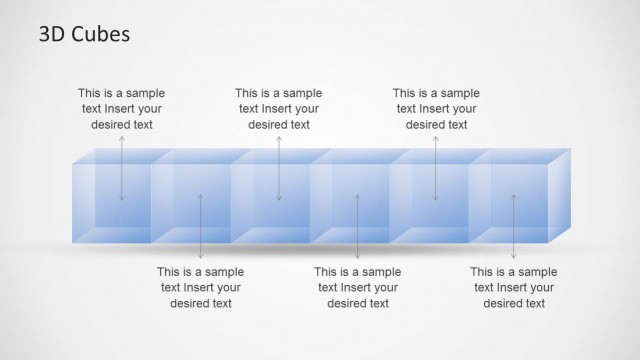
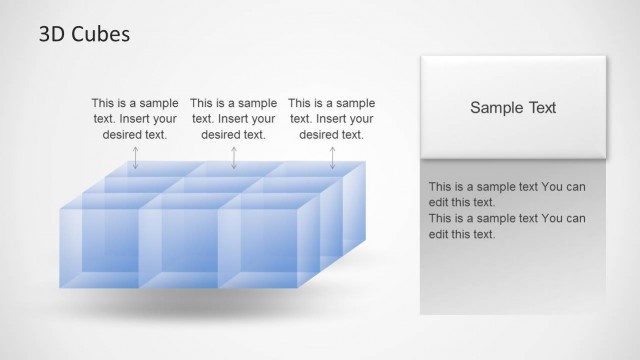
Three cubes horizontally organized in a PowerPoint slide design. You can use this slide design to represent a business concept or business idea in PowerPoint using a cubes metaphor.
What’s on This Slide
The layout features three translucent blue cubes arranged in a V-shape. The cubes are positioned centrally, with two cubes on the outer sides and one in the middle. Each cube has a text placeholder aligned to the left and right, indicating where to insert desired text. The text placeholders are visually distinct, with arrows pointing towards the cubes to indicate relationships. The background is a light gradient, enhancing the 3D effect of the cubes. The overall composition is balanced, with a clear visual hierarchy emphasizing the cubes.
How to Use It
This layout serves as a diagram for illustrating relationships or components in a structured manner. It fits well in a presentation following a problem statement, helping to visualize solutions or key elements. Suitable for business scenarios like project breakdowns, product features, or process explanations, it allows for clear communication of complex ideas. The layout can be used individually to highlight specific points or as part of a series to maintain visual consistency throughout the presentation.
Text Placeholders & Capacity
Keep your copy within these limits so it fits without resizing. Node body slots can hold about 30 characters each.
| Placeholder | Count | Max characters (approx.) |
|---|---|---|
| Item body | 3 | 30 |
| Slide title | 1 | 20 |
Slide Keywords
Download unlimited PowerPoint templates, charts and graphics for your presentations with our annual plan.
DOWNLOADReturn to Transparent 3D Cubes for PowerPoint.