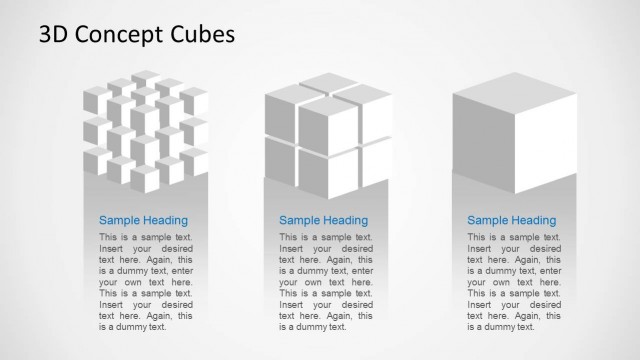
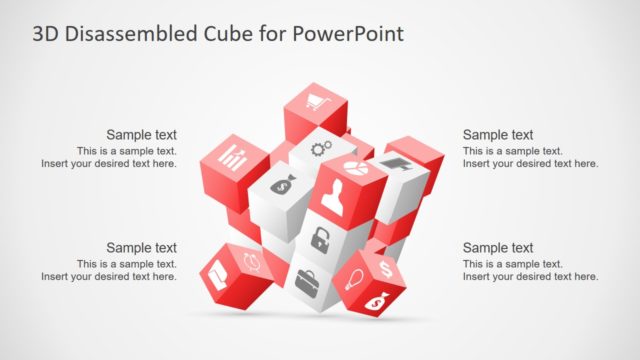
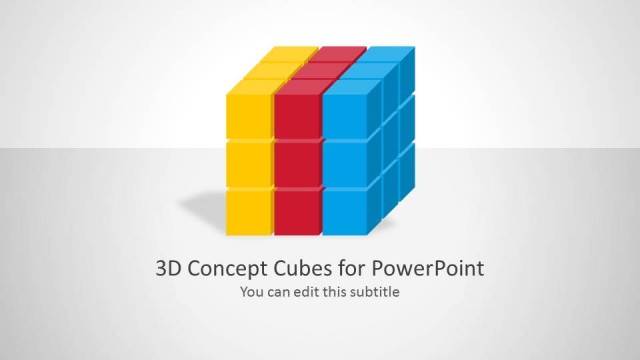
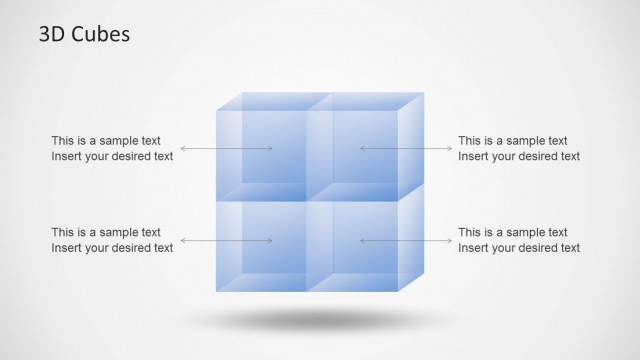
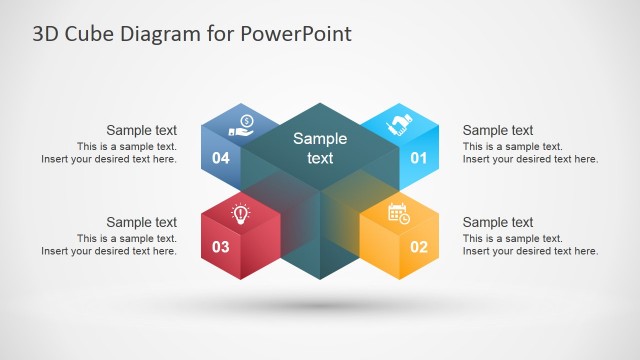
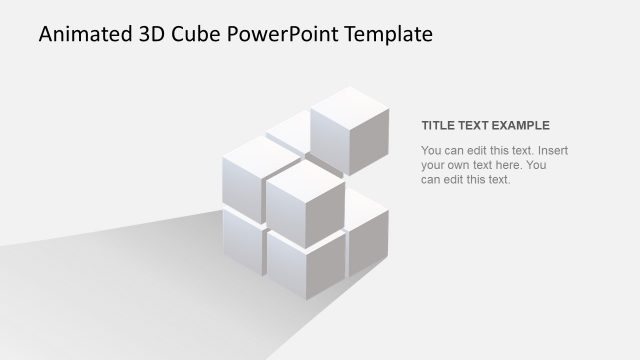
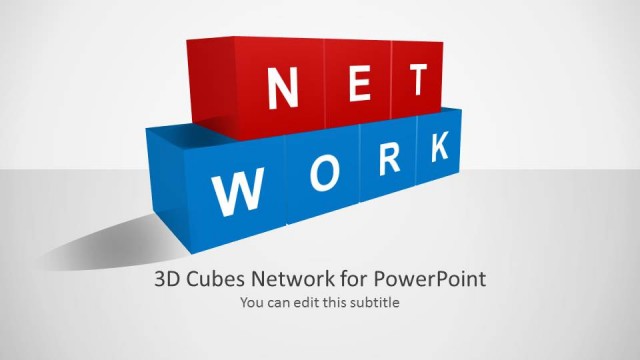
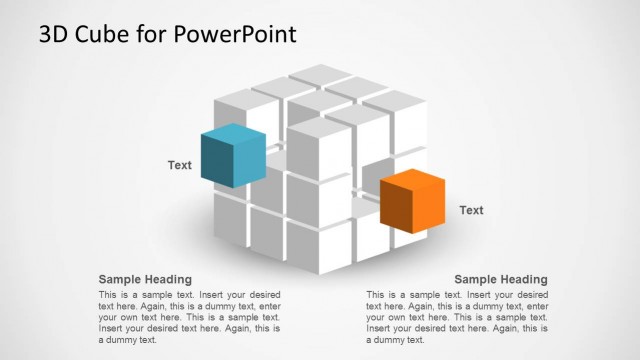
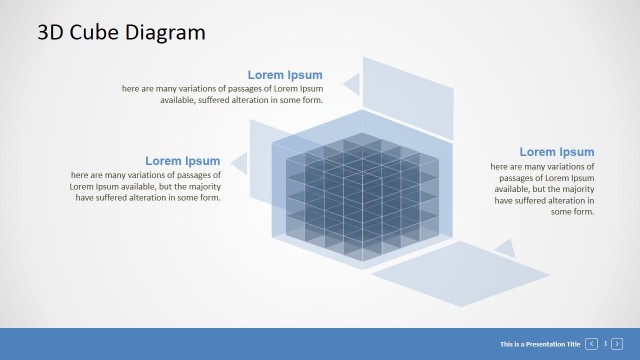
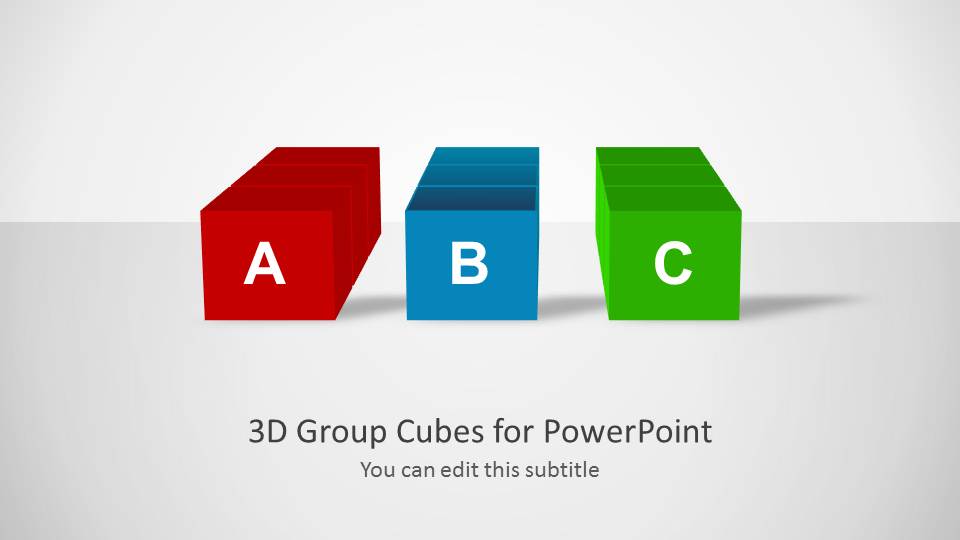
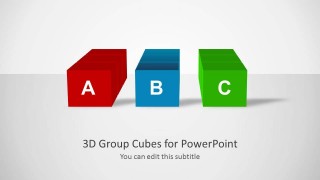
3D Concept Cubes for PowerPoint with three 3D cubes is a 3D template for making PowerPoint presentations.
The elegantly designed slides provide different layouts with customizable cubes which come with textboxes for adding your own text.
You can customize the cubes and easily replicate them across slides to modify the existing design, as well as easily create professional looking presentations with the aid of impressive 3D cube layouts.
What’s inside this template
Example presentation scenarios
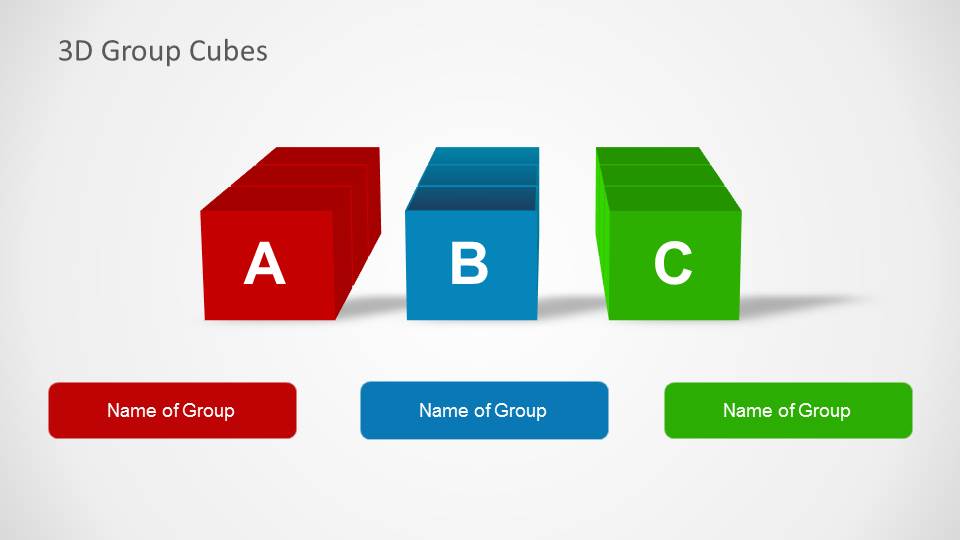
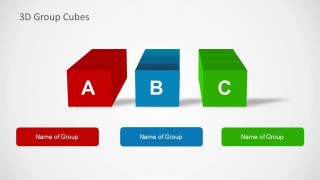
- A consultant can use the separated A, B, and C cube groups to introduce three workstreams and give each one a clear label.
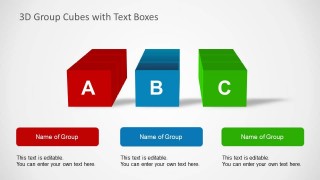
- A product manager can use the three text-box columns to compare product tiers, feature groups, or roadmap themes with short supporting notes.
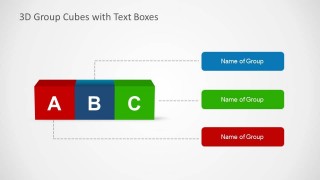
- A trainer can use the connector callout slide to explain how three concepts connect to definitions, actions, or learning outcomes.
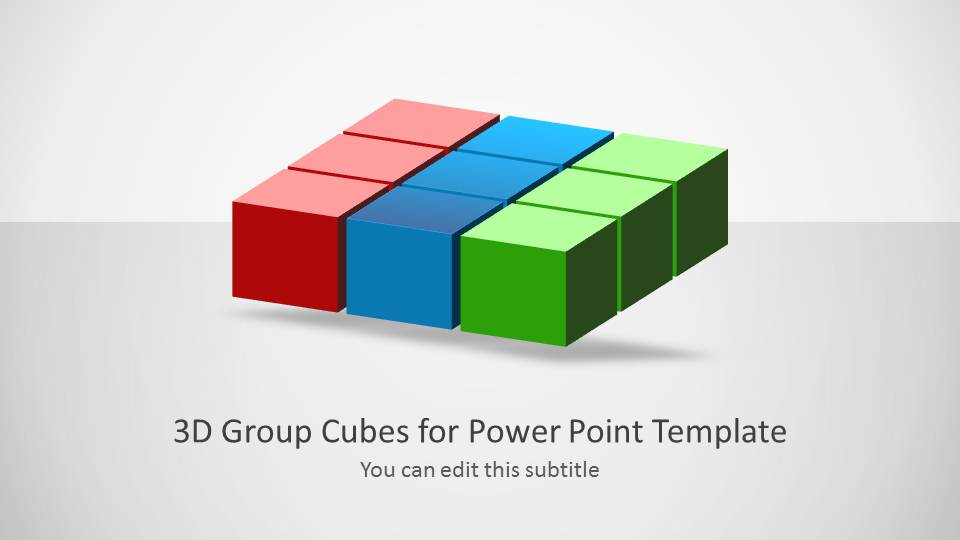
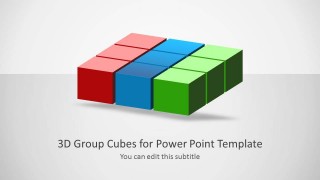
- A marketing presenter can use the 3-by-3 cube block to show a compact model made from three grouped pillars.
Features
- 100% editable presentation template
- Compatible with Microsoft PowerPoint and Google Slides
- Scalable vector shapes, icons and illustrations
- AI-Ready for Microsoft Copilot and Claude
- Instant access and download
Frequently asked questions
Q: How should a presenter structure a message with the three cube groups?
A: Start by assigning one clear meaning to each cube color, such as capability, audience segment, or project stream. Use the first cover to introduce the model, then move to the labeled or captioned slides for detail. Keep each text box short so the cube labels remain the main navigation device for the audience.
Q: Who is this cube concept template best suited for?
A: This template works best for business presenters who need to explain a simple three-part idea without using a dense matrix or chart. Consultants, trainers, product managers, and marketing teams can use the A, B, and C cube structure to frame categories, service bundles, decision options, or program pillars.
Q: Why use 3D cubes instead of flat boxes for this kind of content?
A: The cube metaphor makes each concept feel like a distinct building block while still allowing the parts to sit together as one model. The separated cube slides support comparison, and the connected cube strip supports relationship mapping. This helps the audience see both independence and connection among the three groups.


3D Concept Cubes for PowerPoint
5-slide PowerPoint presentation template with 3D cube groups, labels, and callout text boxes
3D Concept Cubes for PowerPoint is a 5-slide diagram template built around red, blue, and green 3D cube groups. Visible layouts include a title cover, a segmented cube block, labeled cube groups, three text-box columns, and connector callouts. It is for explaining categories, concepts, comparisons, or grouped ideas in PowerPoint.


 Loading...
 Microsoft PowerPoint
  Microsoft Copilot
  Claude for PowerPoint
 Other formats supported
Subscribe today and get immediate
access to download our PowerPoint templates.