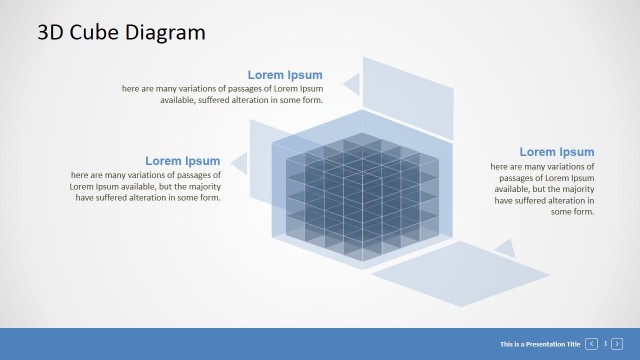
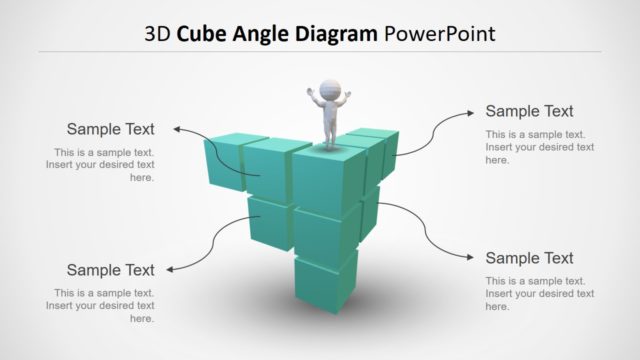
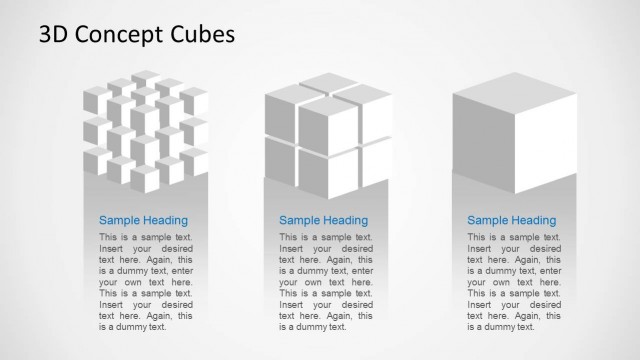
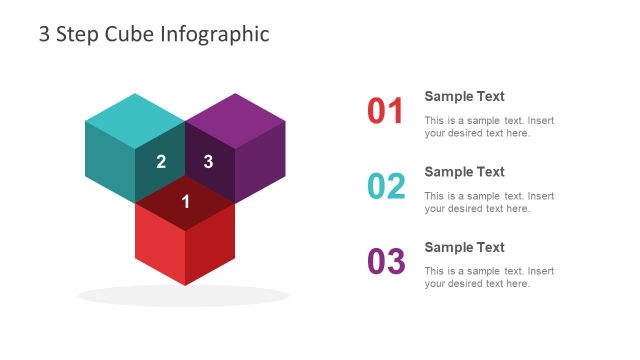
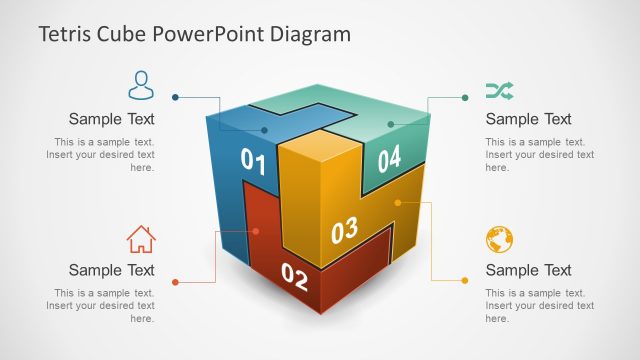
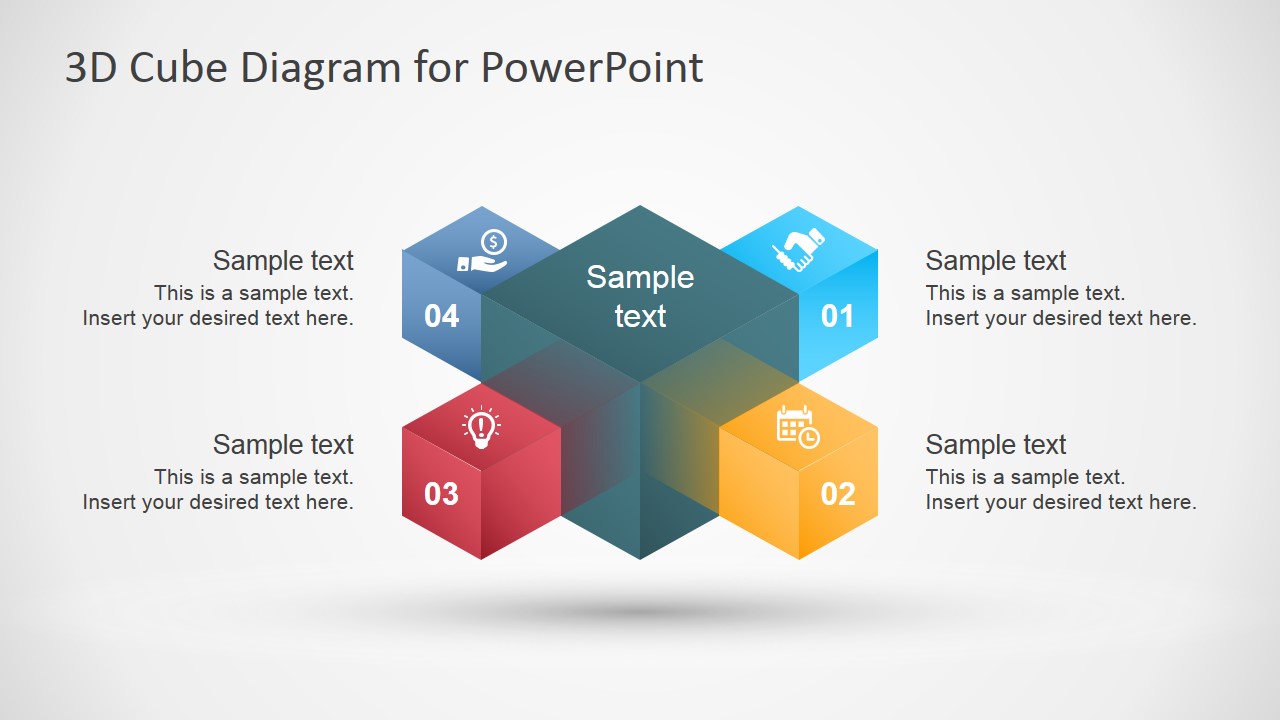
Creative 3D diagram design for PowerPoint with editable placeholders. This 3D cubes diagram template for PowerPoint can be used to make presentations and describe business concepts or up to four topics. The diagram design contains PowerPoint icons that you can easily replace by any other icon or shape in our gallery.
What’s inside this template
Example presentation scenarios
- A consultant can use the four-step cube overview to introduce a strategy framework, then use the individual highlighted cube slides to explain each pillar without crowding the discussion.
- A product manager can present four product capabilities around one central value proposition, using the numbered cubes and icon placeholders to make each capability easy to recall.
- A project manager can explain a phased rollout by assigning each numbered cube to a stage, using the gray inactive cubes on slides 2 through 5 to keep the audience oriented.
- A training facilitator can teach a four-part business model by starting with the full diagram and then moving through each step highlight slide for guided explanation.
Features
- 100% editable presentation template
- Compatible with Microsoft PowerPoint and Google Slides
- 16:9 aspect ratio slides
- Scalable vector shapes, icons and illustrations
- AI-Ready for Microsoft Copilot and Claude
- Instant access and download
Frequently asked questions
Q: How should I present a four-part idea with this cube diagram?
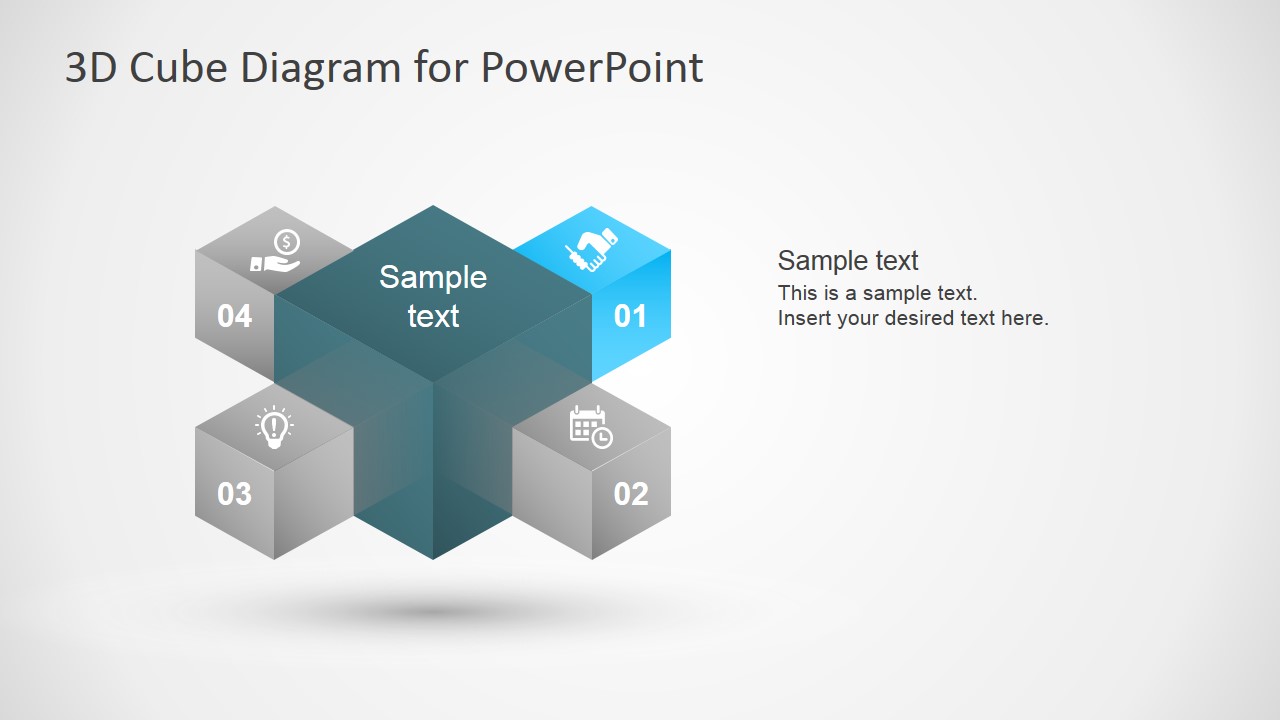
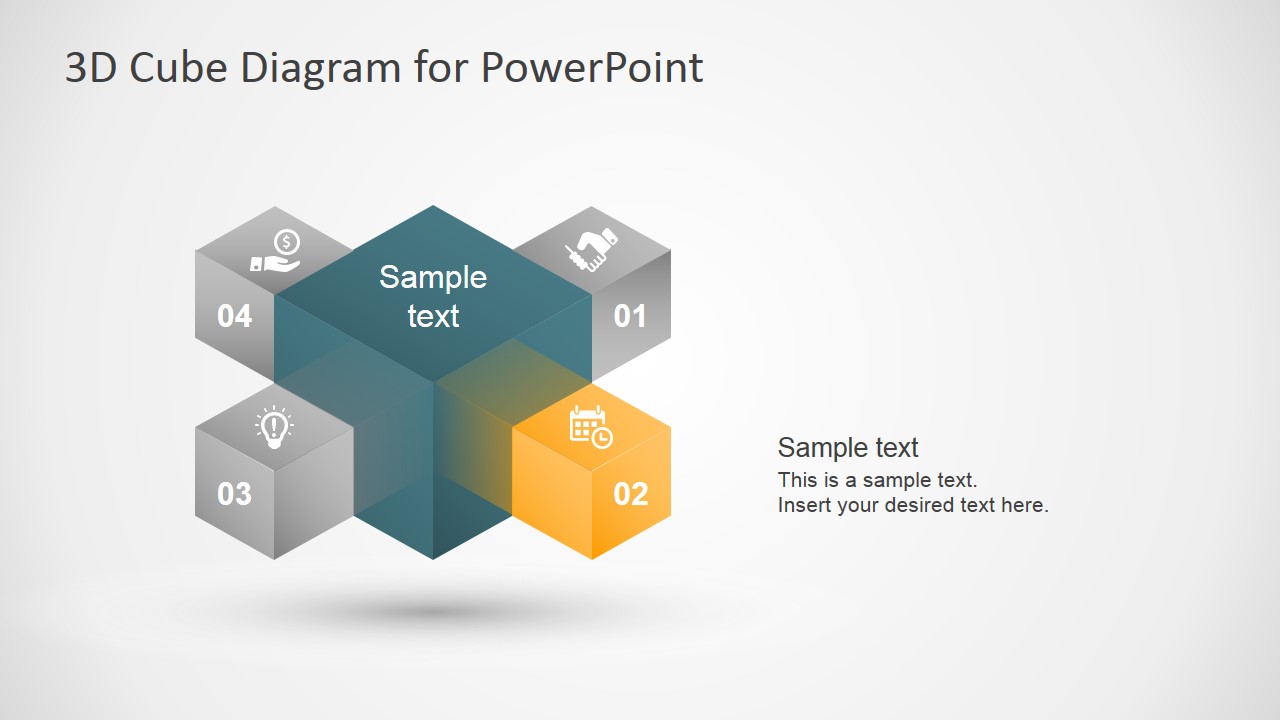
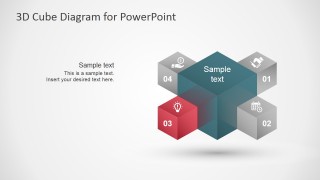
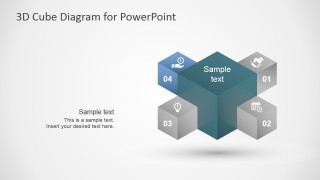
A: Start with slide 1 to establish the central idea and all four related parts at once. Then move through slides 2 to 5, where one cube is colored and the other cubes are gray. This lets the audience keep the full model in mind while focusing on one point at a time.
Q: Who is this template best suited for?
A: This template fits presenters who need to explain a compact four-part model, such as consultants framing strategy pillars, product managers describing capability areas, or trainers introducing a process. It works best when the topics are peers around one central concept rather than a long sequence of detailed tasks.
Q: Why use a 3D cube metaphor for this message?
A: The cube metaphor suggests structure, connection, and balance. The central cube creates a visual anchor, while the four smaller cubes show the surrounding components as part of the same system. The highlight slides reduce visual noise by graying inactive parts, which helps the speaker guide attention deliberately.
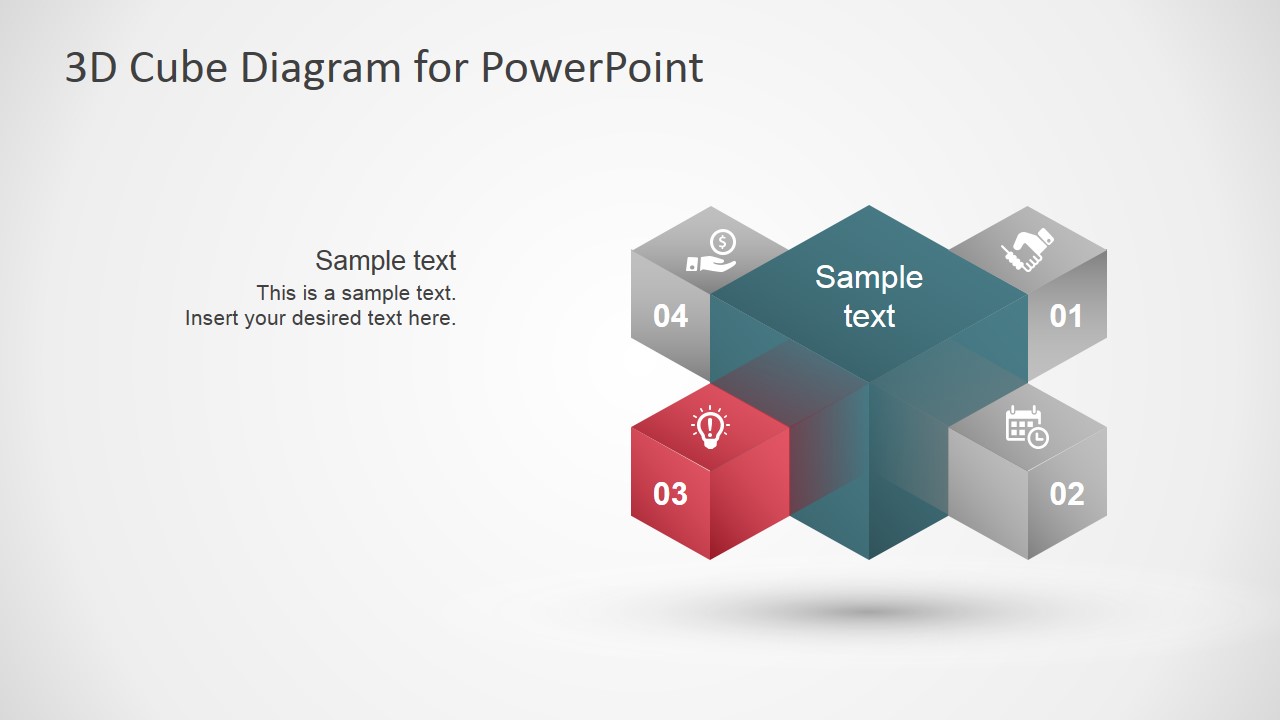

3D Cube Diagram Template for PowerPoint
5-slide 3D cube diagram presentation template for four-step process topics and business concepts
This 5-slide 3D cube diagram template presents a central cube connected to four numbered topic cubes. It includes a full four-step overview, individual step highlight slides, icon placeholders, and short text callouts for explaining business concepts, priorities, or process components in Microsoft PowerPoint and Google Slides.
- Category
- Diagrams
- Rating


 Loading...
- Aspect ratio
- 16:9
- Item ID
- 7195-01
- Colors
 Microsoft PowerPoint
  Microsoft Copilot
  Claude for PowerPoint
 Other formats supported
Subscribe today and get immediate
access to download our PowerPoint templates.