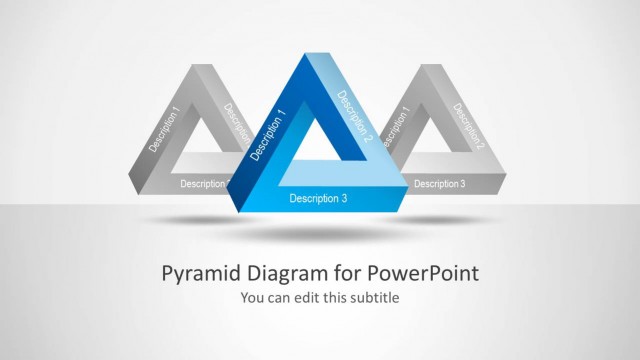
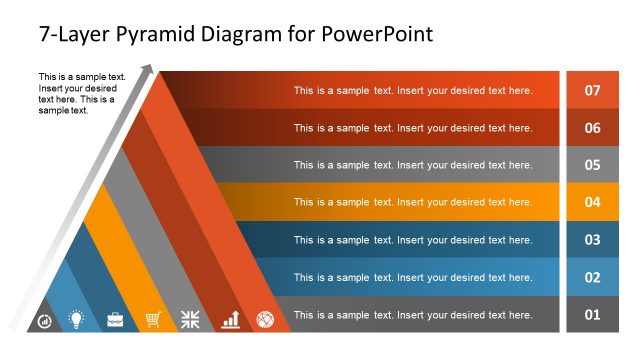
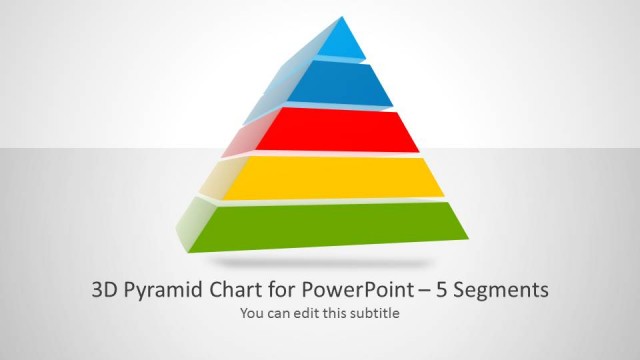
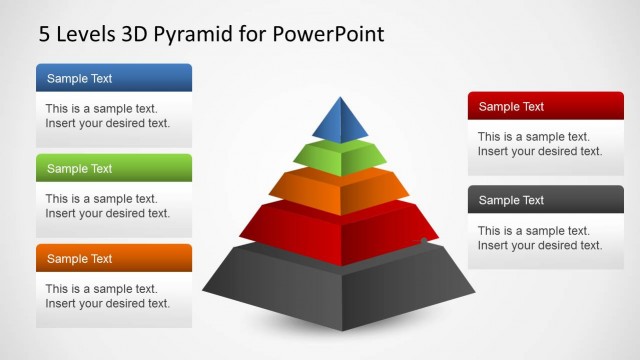
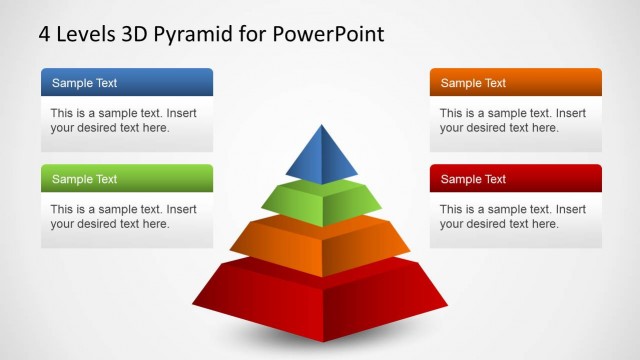
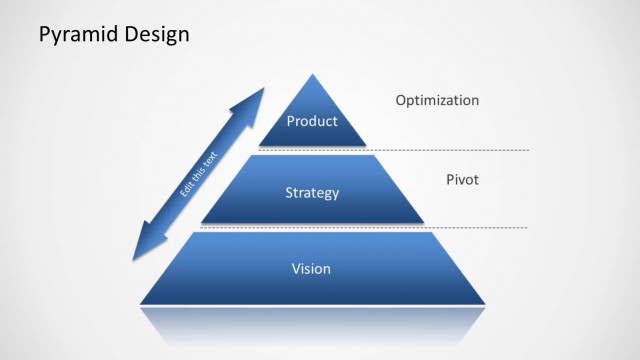
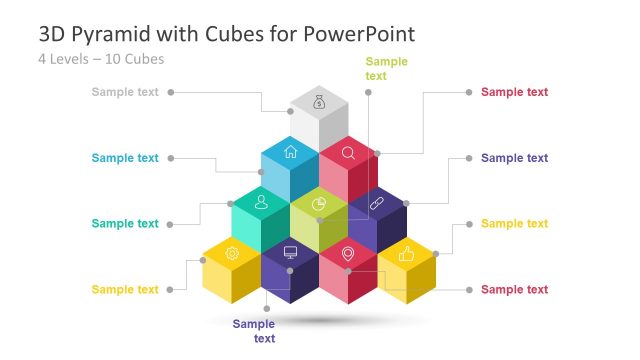
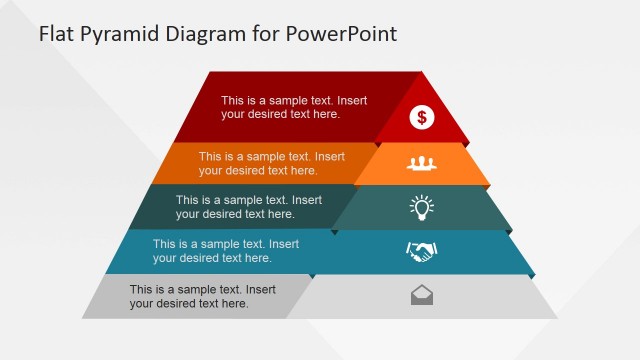
Pyramid Diagrams for PowerPoint is a presentation template containing seven slides with awesome pyramid concept that you can use to represent business models or make awesome diagrams in PowerPoint.
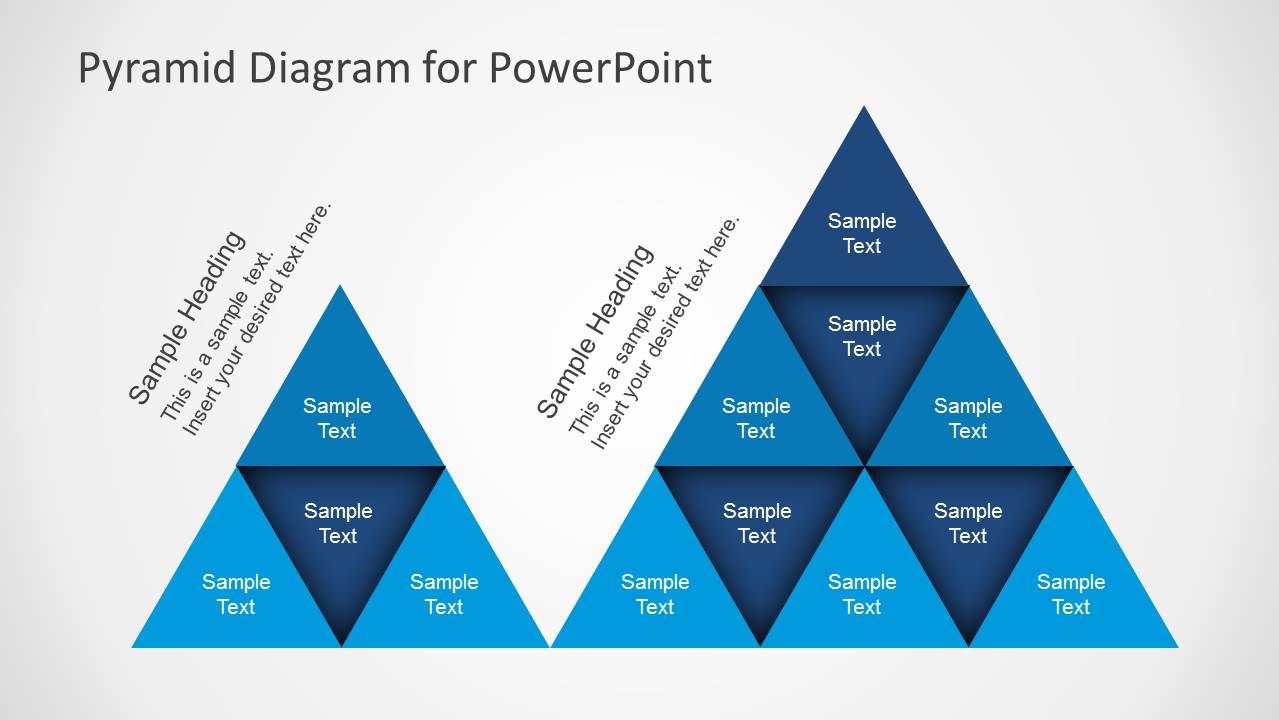
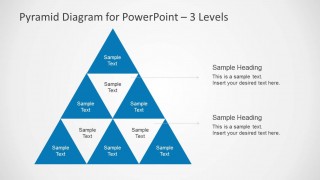
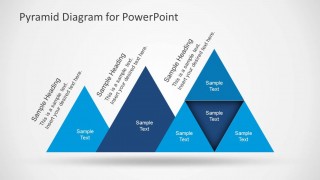
Inside this editable presentation template for PowerPoint you can find several pyramid diagram designs created with shapes. You can use the pyramid diagrams to represent a multi-level model. Some of the slides show a pyramid formed by other smaller pyramids inside.
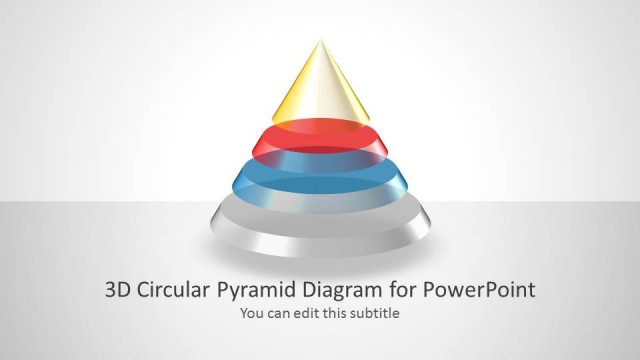
Alternatively you can download the 3D cone pyramid diagram with multiple layers and editable text boxes.
What’s inside this template
Example presentation scenarios
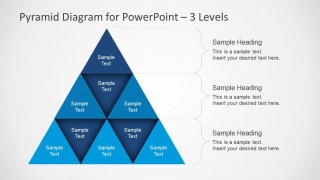
- A strategy consultant can use the 3-level pyramid with brace annotations to explain how foundational capabilities support higher-value initiatives during an executive workshop.
- A project manager can use the 2-level pyramid to separate base requirements from top priorities when aligning stakeholders on scope and trade-offs.
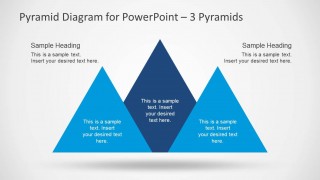
- A training facilitator can use the three-pyramid comparison slide to compare three learning paths, maturity levels, or operating models in one visual frame.
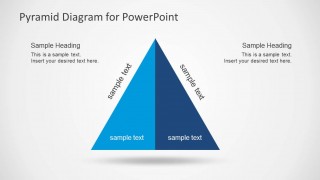
- A product leader can use the two-sided pyramid to show two complementary dimensions of a framework, such as customer value and internal capability.
Features
- 100% editable presentation template
- Compatible with Microsoft PowerPoint and Google Slides
- Scalable vector shapes, icons and illustrations
- AI-Ready for Microsoft Copilot and Claude
- Instant access and download
Frequently asked questions
Q: How should a presenter choose the right pyramid layout for the message?
A: Use the 3-level pyramid when the concept has a clear base, middle, and top. Use the 2-level pyramid when the audience only needs to distinguish fundamentals from priorities. Use the three-pyramid comparison when the message is about alternatives, business units, or models that should be evaluated side by side.
Q: Who is this template best suited for in a business presentation?
A: This template fits consultants, managers, trainers, and strategy teams that need to simplify abstract frameworks. It is useful when the presenter must explain levels of value, dependency, maturity, or organizational thinking without relying on dense text. The pyramid metaphor works best for ideas that build upward from a foundation.
Q: Why do pyramid diagrams help communicate hierarchical ideas clearly?
A: The pyramid shape gives the audience an immediate sense of base, support, and peak. In these slides, segmented triangles and brace callouts separate each level so the presenter can discuss one layer at a time. The comparison slides also prevent overload by placing related pyramid concepts in distinct visual zones.



Pyramid Diagrams for PowerPoint
7-slide presentation template with pyramid diagrams, multi-level models, and comparison layouts for PowerPoint.
Pyramid Diagrams for PowerPoint is a 7-slide diagram template for building hierarchy, priority, maturity, or business model visuals. It includes 2-level and 3-level segmented pyramids, a three-pyramid comparison, a side-by-side pyramid sequence, and a two-sided pyramid. Business presenters can edit the vector PowerPoint shapes and text areas.


 Loading...
 Microsoft PowerPoint
  Microsoft Copilot
  Claude for PowerPoint
 Other formats supported
Subscribe today and get immediate
access to download our PowerPoint templates.