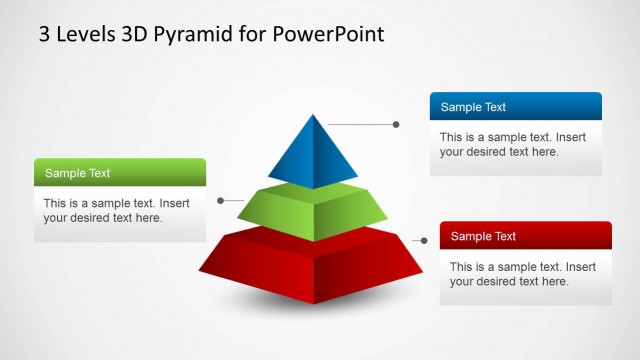
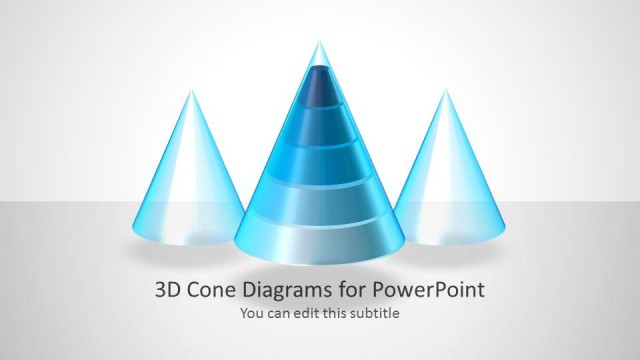
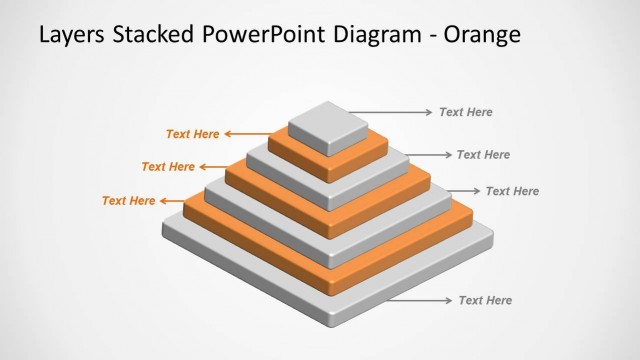
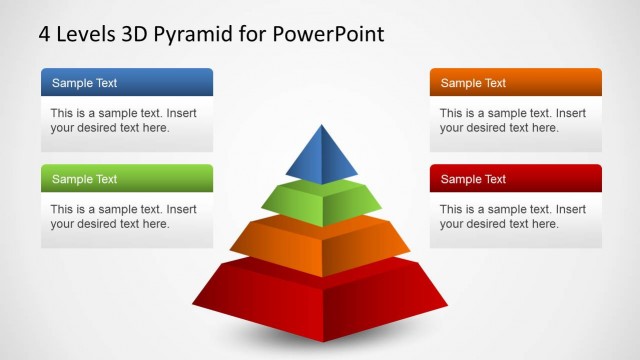
A 3D Circular Pyramid Diagram is a PowerPoint template containing circular pyramids and cone diagrams ready to be used in your PowerPoint presentations. Using a 3D Circular Pyramid Diagram template in a PowerPoint presentation can enhance your visual communication and make complex data or concepts more digestible for your audience.
The sample diagrams are easy to edit and you can move slide objects via drag and drop to adjust the shapes according to your liking.
The well-matched color tones and 3D slide designs add a touch of elegance to each slide, making them easy on the eyes and attention-grabbing to help you instantly generate interest among your audience with the visual aid of stylish cone-shaped diagrams.
You can use the circular pyramid template to represent business models and strategies, also to explain complex concepts in a simple way, for educational purposes. You can also use it in data visualization and infographics.
What’s inside this template
Example presentation scenarios
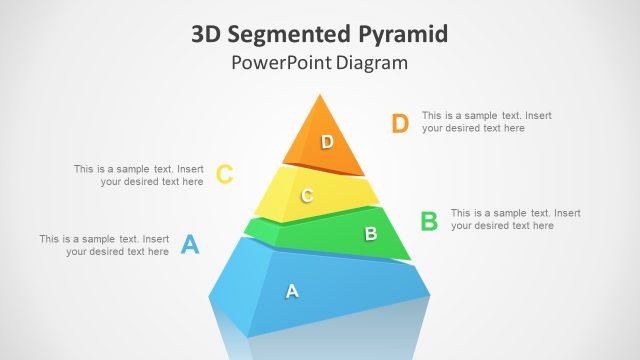
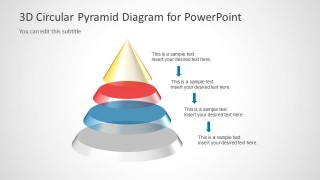
- A consultant can present a strategy framework by assigning priorities to the upright segmented pyramid and using the right-side callouts to explain each level.
- A trainer can teach a learning progression by mapping course stages onto the 3D circular pyramid and using the cover slide to introduce the model.
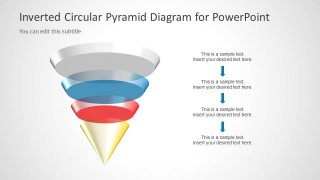
- A product manager can explain dependency layers by using the inverted circular pyramid to show how foundational or high-impact elements relate across the structure.
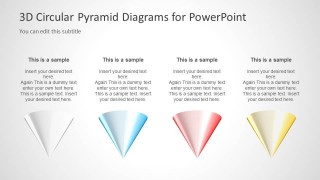
- An educator can compare four conceptual categories by using the four-column cone layout with short headings, body copy, and color-coded cone illustrations.
Features
- 100% editable presentation template
- Compatible with Microsoft PowerPoint
- 16:9 aspect ratio slides
- Scalable vector shapes, icons and illustrations
- AI-Ready for Microsoft Copilot and Claude
- Instant access and download
Frequently asked questions
Q: How should a presenter assign content to the pyramid levels?
A: Use the widest base for the broadest or most foundational idea, then move upward toward narrower, higher-priority levels. Keep each tier label short and place supporting detail in the callouts. The 3D shape already suggests progression, so the presenter should avoid overloading the diagram with long sentences.
Q: Who is this circular pyramid template best suited for?
A: It is best for consultants, trainers, educators, and business presenters who need to explain a hierarchy, layered strategy, maturity model, or conceptual framework. The upright pyramid works well for priority structures, while the inverted pyramid is useful when the presenter wants to challenge the usual order or show reversed dependency.
Q: Why use a 3D circular pyramid instead of a flat list?
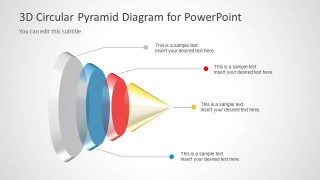
A: The circular pyramid gives hierarchy a spatial metaphor: large lower rings imply foundation, smaller upper rings imply focus, and the cone tip implies culmination. The exploded side-view slide makes the parts easier to discuss one by one, while the comparison slide turns the same visual language into four parallel categories.
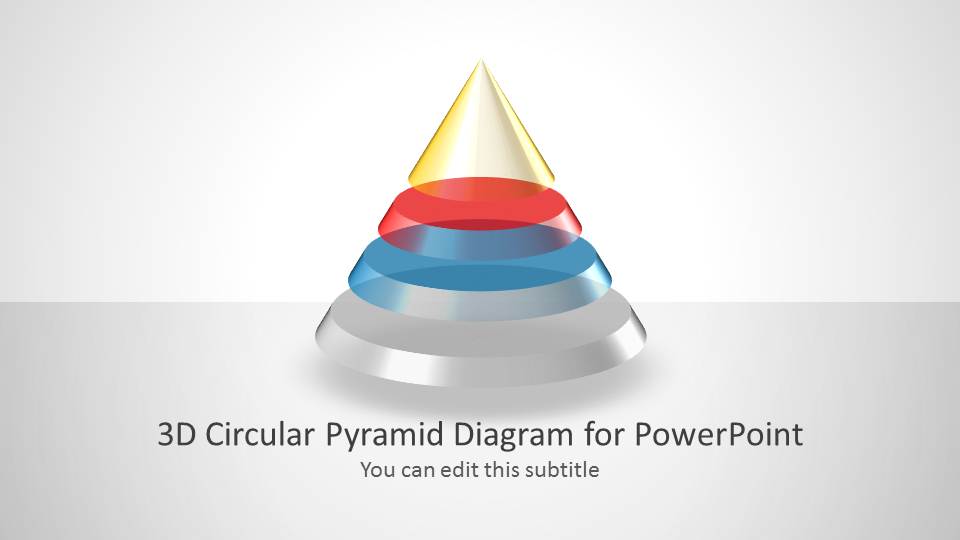


3D Circular Pyramid Diagram for PowerPoint
5-slide PowerPoint diagram template with 3D circular pyramid, inverted cone, and segmented hierarchy layouts
This 5-slide PowerPoint diagram template presents 3D circular pyramid and cone layouts for explaining hierarchy, stages, or layered concepts. It includes a cover slide, upright segmented pyramid, inverted circular pyramid, horizontal exploded cone, and four-cone comparison layout for business, education, strategy, and conceptual presentations.
- Category
- Diagrams
- Rating

 Loading...
- Aspect ratio
- 16:9
- Item ID
- 6089-02
- Colors
 Microsoft PowerPoint
  Microsoft Copilot
  Claude for PowerPoint
 Other formats supported
Subscribe today and get immediate
access to download our PowerPoint templates.