Slide 7 of 7 from Pyramid Diagrams for PowerPoint
Pyramid Diagram for PowerPoint
Pyramid Diagram for PowerPoint - Slide 7
- Diagram
- Pyramid
- Strategic Analysis Slide
- 16:9
- 100% Editable
The Pyramid Diagram with Sample Text slide from the Pyramid Diagrams for PowerPoint template offers a clear visual hierarchy ideal for business presentations. This slide layout uses editable shapes and vector icons to illustrate project phases, organizational structures, or product features, making it a practical choice for strategic analysis in corporate presentations or pitch decks.
What’s on This Slide
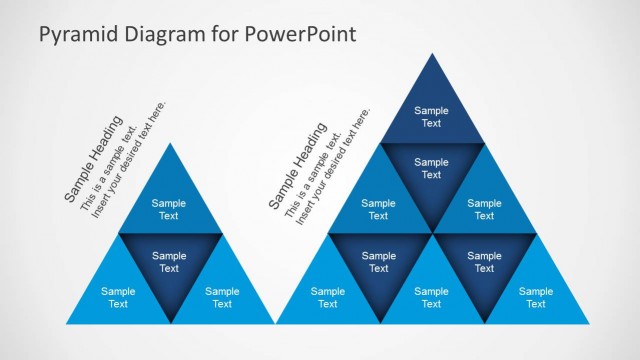
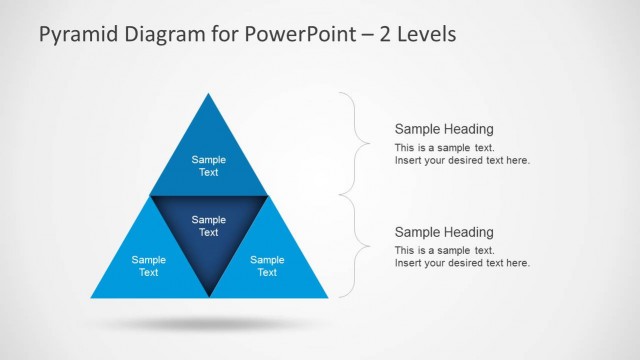
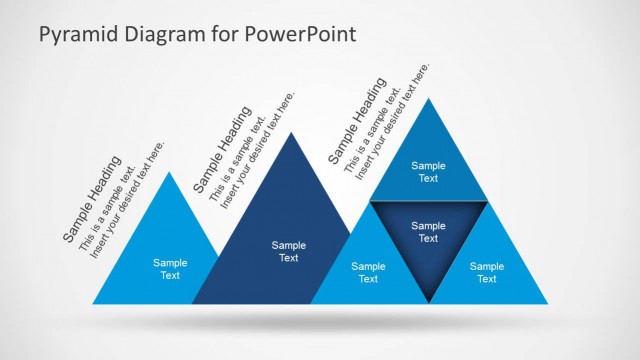
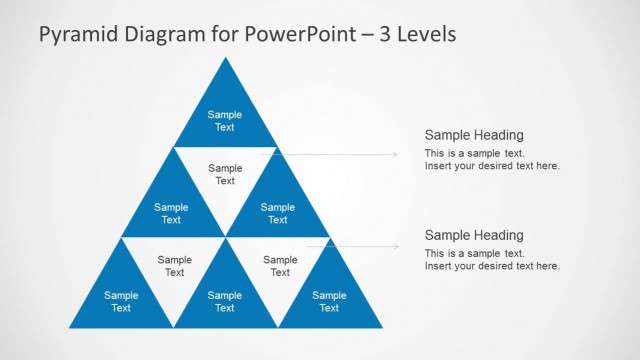
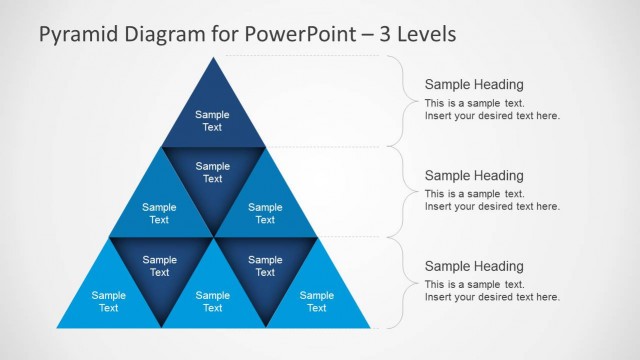
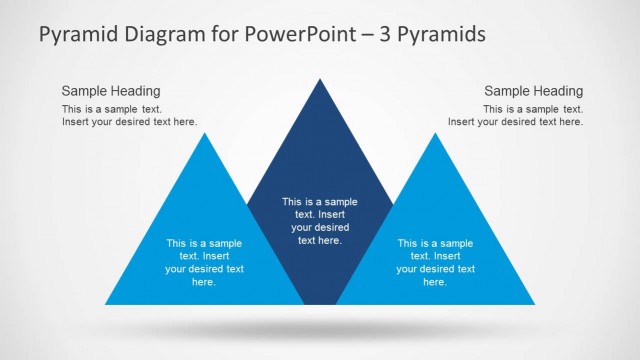
The slide features a central pyramid divided into three segments, each labeled with sample text. The pyramid is positioned centrally, with a light background that enhances visibility. Above the pyramid, there are two text placeholders for headings, aligned to the left and right. Below the pyramid, additional text placeholders are also present, allowing for further elaboration. The pyramid segments are colored in various shades of blue, creating a clear visual hierarchy. The overall layout is symmetrical, emphasizing the pyramid's structure and the accompanying text.
How to Use It
This layout serves as a visual representation of hierarchical information, ideal for illustrating concepts such as priorities or stages. It fits well in a presentation sequence after problem identification, helping to convey solutions or strategies. Suitable for business contexts, it can be used to outline project phases, organizational structures, or product features. This slide can effectively summarize key points in a concise manner, making it useful for executive summaries or strategic discussions.
Text Placeholders & Capacity
Keep your copy within these limits so it fits without resizing. Body slots can hold about 4-5 words each.
| Placeholder | Count | Max characters (approx.) |
|---|---|---|
| Slide title | 1 | 30 |
| Body paragraph | 4 | 25 |
Slide Keywords
Download unlimited PowerPoint templates, charts and graphics for your presentations with our annual plan.
DOWNLOADReturn to Pyramid Diagrams for PowerPoint.