Slide 3 of 7 from Pyramid Diagrams for PowerPoint
6125-01-pyramid-diagram-3
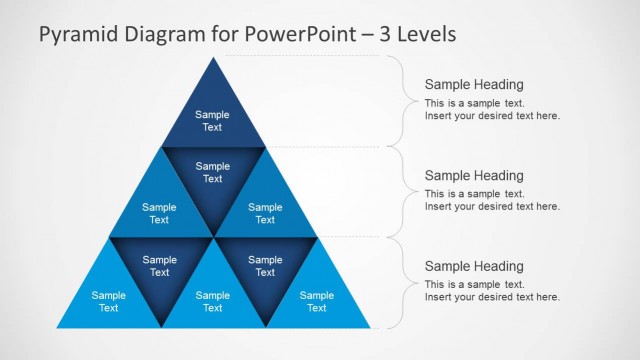
Three-Level Pyramid Diagram for Presentations
- Diagram
- Pyramid
- Concept Explanation Slide
- 16:9
- 100% Editable
The Three-Level Pyramid Diagram slide from the Pyramid Diagrams for PowerPoint template offers a clear hierarchical model ideal for business frameworks and educational concepts. This slide layout features editable shapes and vector icons arranged to emphasize layered information flow, making it suitable for corporate presentations and pitch deck templates that require structured visual explanations.
What’s on This Slide
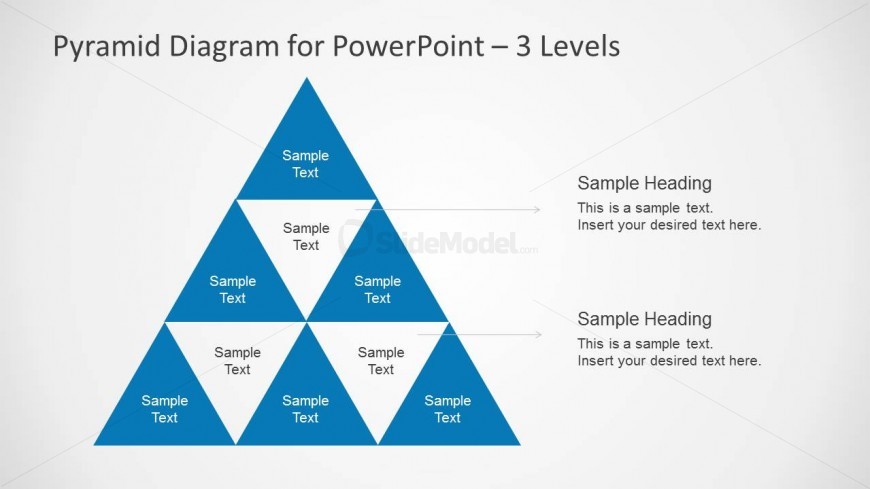
The slide features a three-level pyramid diagram positioned centrally. The pyramid is divided into three segments, each labeled with 'Sample Text.' To the right, there are two text placeholders stacked vertically, each with a heading and body text area. The headings are aligned to the top of each placeholder. The pyramid is colored in a blue gradient, while the background is a light gray. Arrows connect the pyramid segments to the text placeholders, indicating a flow of information. The overall layout emphasizes the pyramid as the primary visual element.
How to Use It
This layout serves as a hierarchical representation, ideal for illustrating concepts like priority or maturity. It fits well in a presentation sequence following an introduction or problem statement, leading into detailed analysis. This structure is useful in business contexts for showcasing frameworks, strategies, or models. It can also be applied in educational settings to explain layered concepts or processes, making it versatile for various audiences.
Text Placeholders & Capacity
Keep your copy within these limits so it fits without resizing. Node body slots can accommodate about 40 characters each.
| Placeholder | Count | Max characters (approx.) |
|---|---|---|
| Item heading | 6 | 12 |
| Item body | 6 | 40 |
| Section number | 2 | 20 |
| Body paragraph | 2 | 80 |
Slide Keywords
Download unlimited PowerPoint templates, charts and graphics for your presentations with our annual plan.
DOWNLOADReturn to Pyramid Diagrams for PowerPoint.