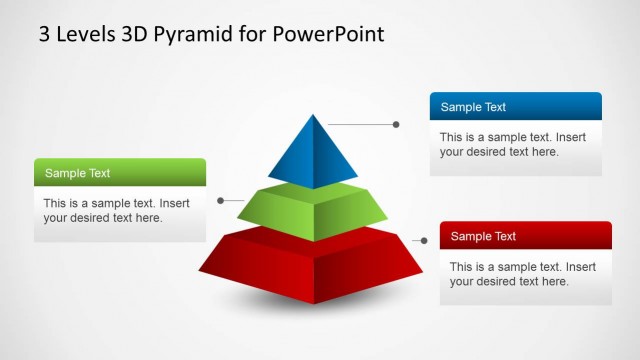
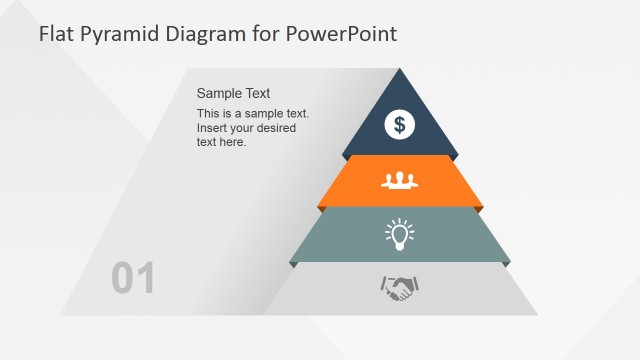
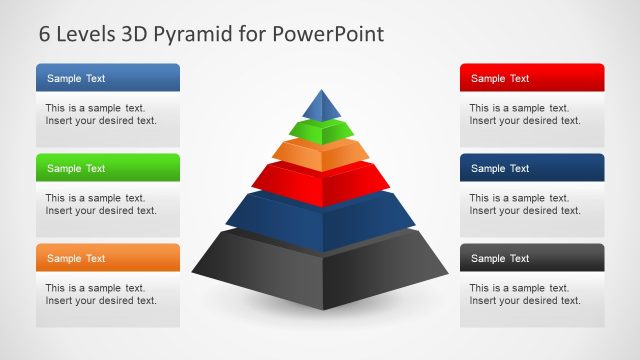
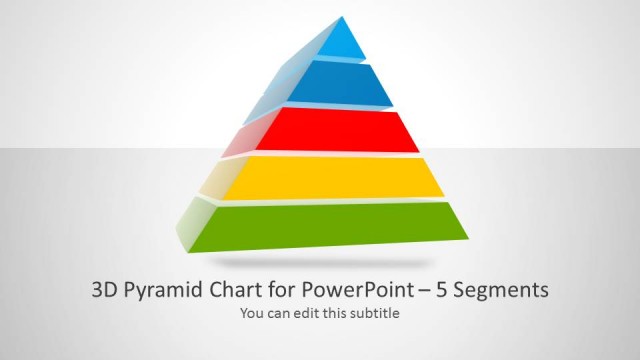
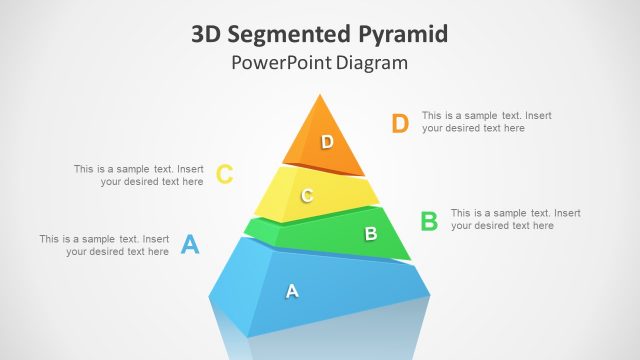
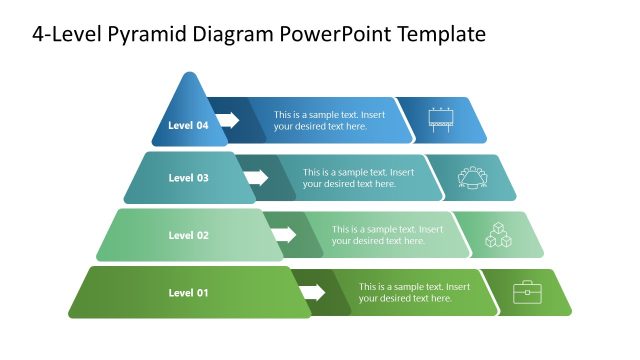
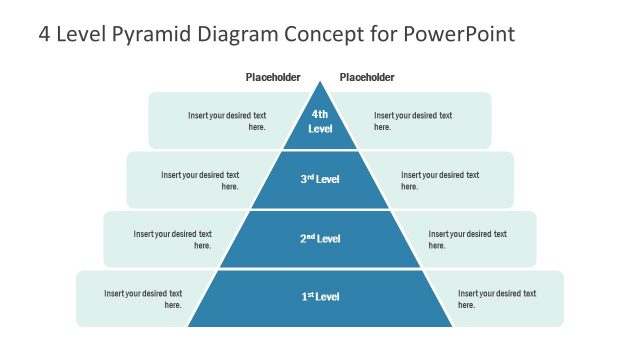
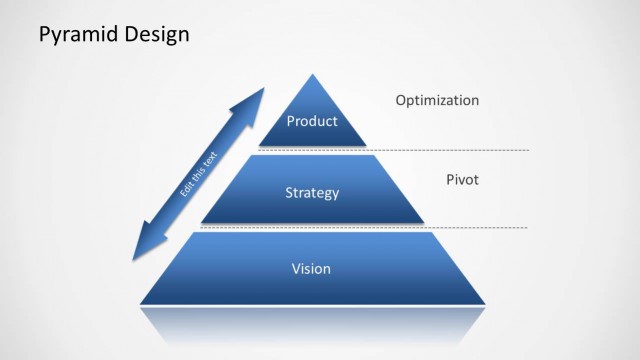
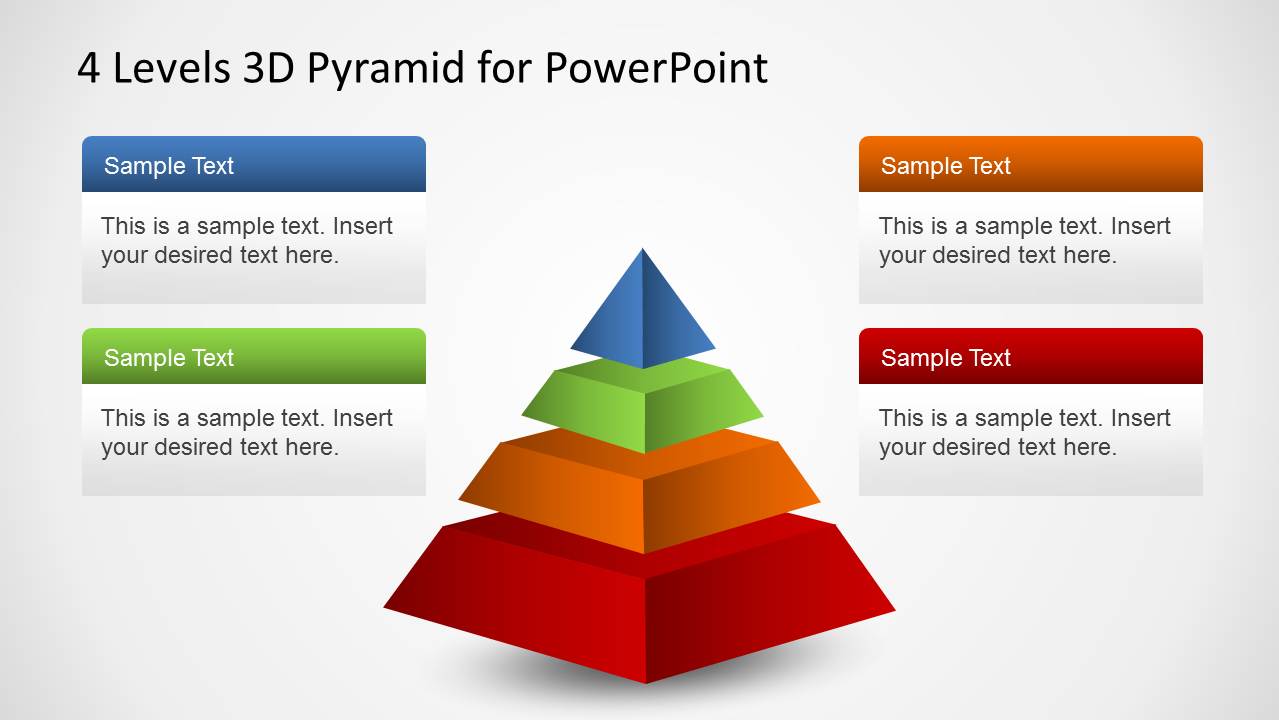
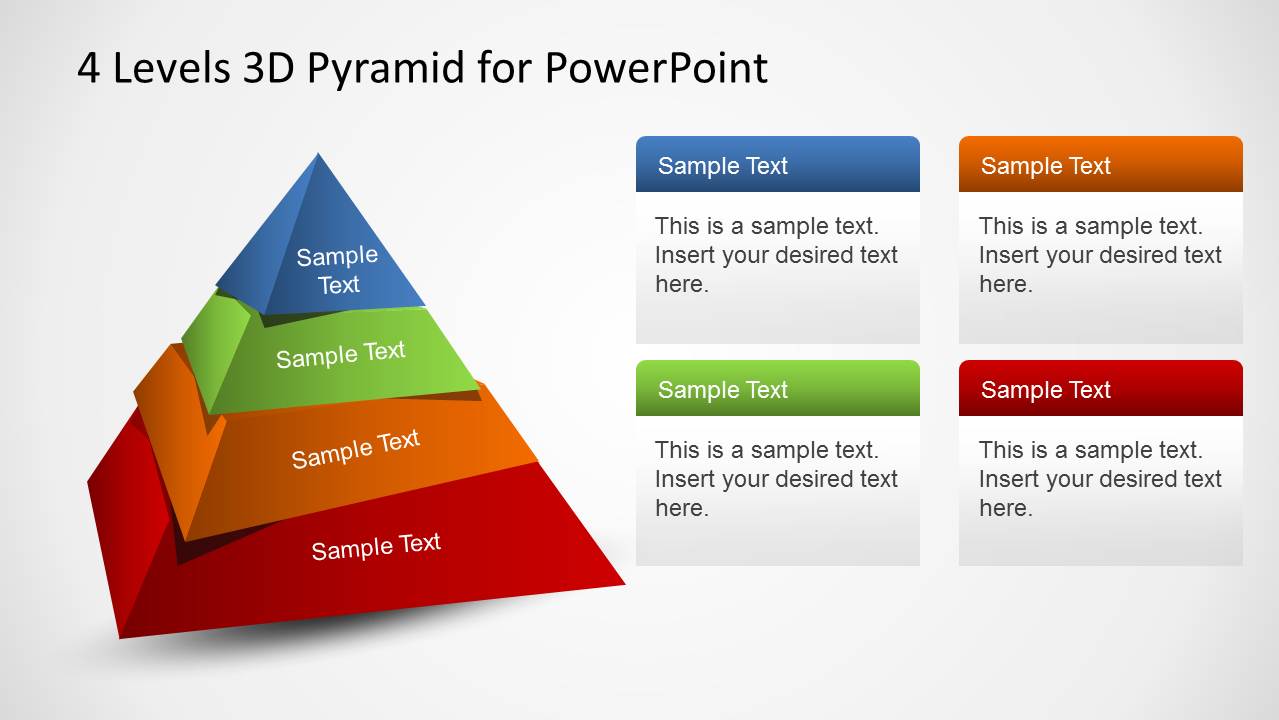
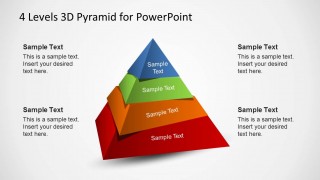
4 Levels 3D Pyramid Template for PowerPoint is a professional presentation template for PowerPoint, containing a nice 3D Pyramid diagram that you can use to describe a business concept or business model represented with a pyramid.
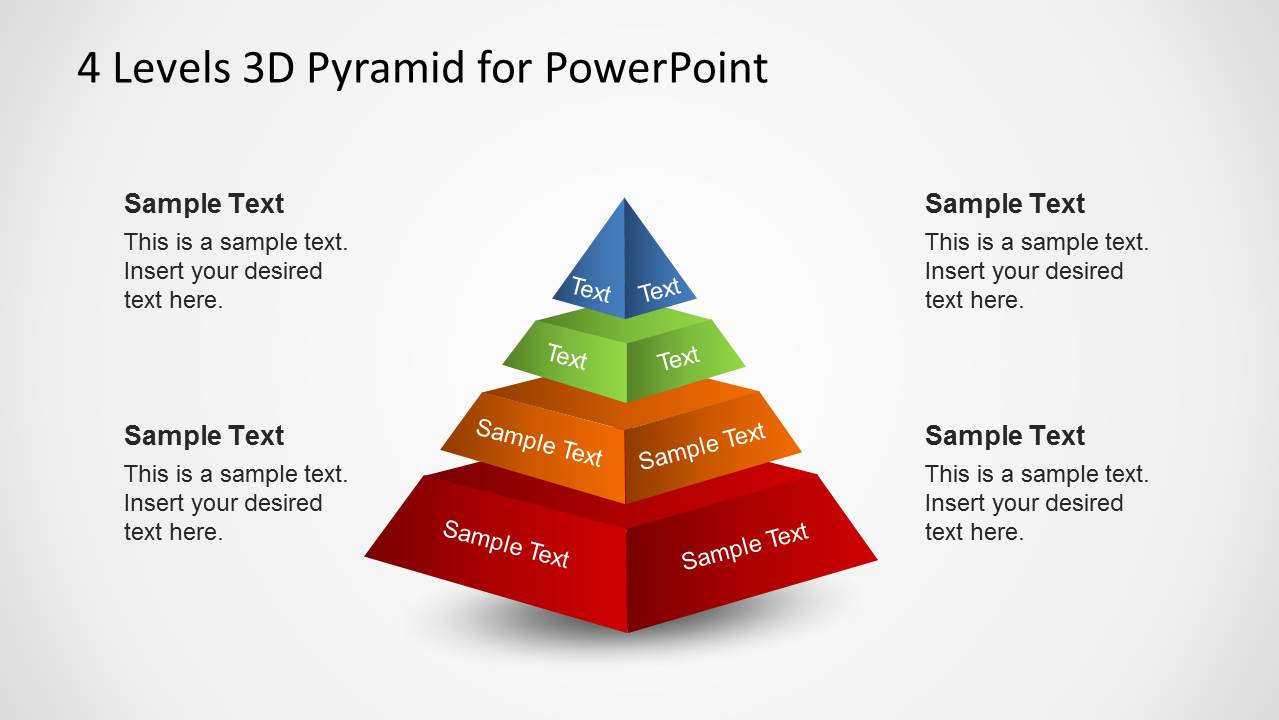
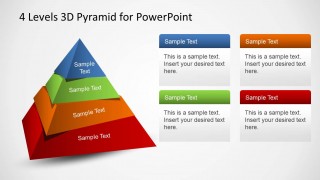
The diagram contains 4 layers. Each layer has a 3D Effect and is colored with a gradient palette. The layer is labeled for the user to update with the relevant model name , and with the topic that bests describes the layer. Pyramid diagrams are very popular as represent sub sets of depending conceptual topics. The user can represent an Alimentary Pyramid, Social Structure Pyramid, Maslow Pyramid, etc.
Each object of the diagram is created as PowerPoint shapes, allowing the user to fully customize each of their properties.
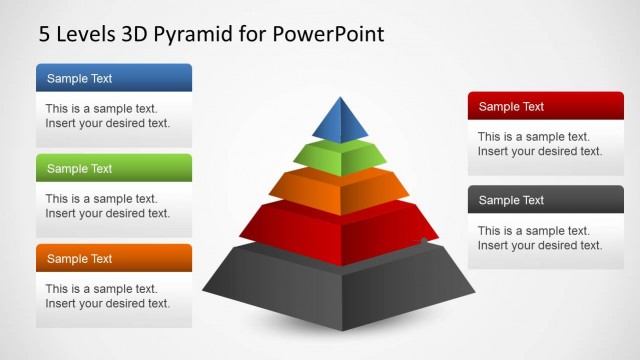
There are other useful pyramid PowerPoint templates that you can download instead, for example the five levels pyramid design for PowerPoint which is very useful to make strategy diagrams in PowerPoint or describe the Maslow’s Pyramid of Needs.
Impress and engage your audience with this outstanding 4 Levels 3D Pyramid Template for PowerPoint.
What’s inside this template
Example presentation scenarios
- A strategy consultant can use the full 4-level pyramid to explain how foundational initiatives support higher-priority business outcomes.
- A training facilitator can use the side-note pyramid to teach a tiered concept, with each layer paired to a short definition.
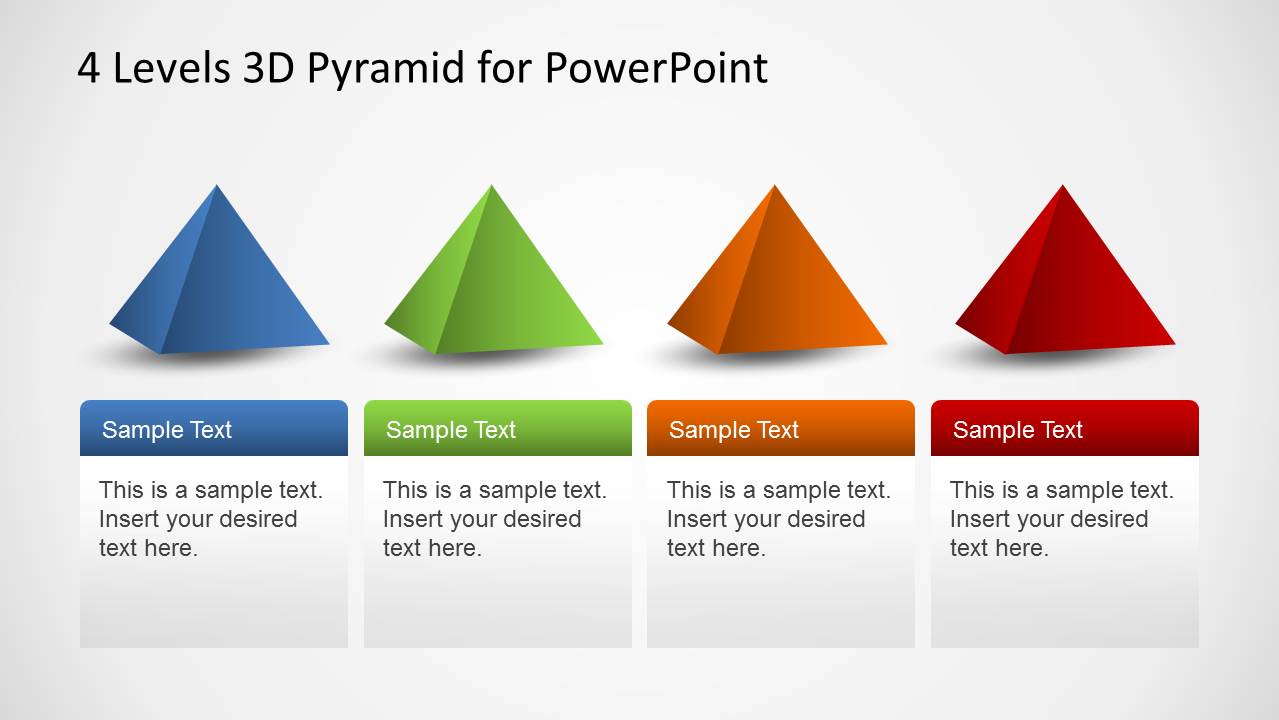
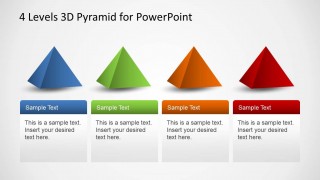
- A product manager can use the four separated pyramid segments to compare roadmap levels, customer tiers, or value layers one at a time.
- An HR leader can adapt the pyramid to present capability levels, competency stages, or employee needs with supporting callout text.
Features
- 100% editable presentation template
- Compatible with Microsoft PowerPoint and Google Slides
- 16:9 aspect ratio slides
- Scalable vector shapes, icons and illustrations
- AI-Ready for Microsoft Copilot and Claude
- Instant access and download
Frequently asked questions
Q: How should a presenter explain a four-level model with this pyramid without overloading the slide?
A: Start with the full pyramid as the mental model, then use one short label per tier and reserve the surrounding callouts for definitions or implications. The base should carry the broadest or most foundational concept, while the top should represent the narrowest, highest-value, or most advanced level.
Q: Who is this template best suited for in a business presentation?
A: This template fits consultants, managers, trainers, and analysts who need to make a layered concept easy to scan. It works well for priority stacks, maturity stages, value hierarchies, capability levels, or need-based frameworks where the audience must understand the relationship between four ranked layers.
Q: Why use a 3D pyramid metaphor instead of a flat list?
A: The pyramid metaphor communicates dependency and rank faster than a list because the eye reads the wide base as foundation and the narrow top as outcome or peak priority. The angled 3D treatment gives each tier visual separation, while the callout layouts let the presenter explain meaning without crowding the diagram.
4 Levels 3D Pyramid Template for PowerPoint
5-slide presentation template with 4-level 3D pyramid hierarchy and segmented diagram layouts
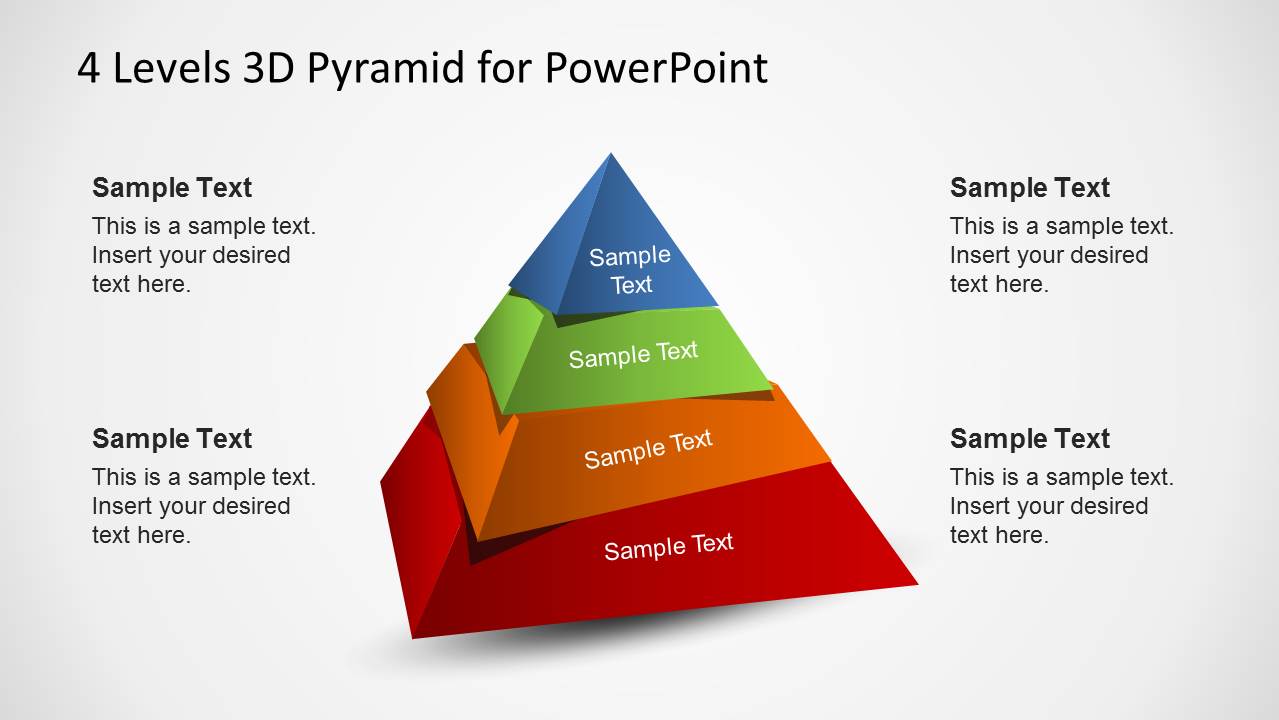
This 5-slide diagram template presents a 4-level 3D pyramid for hierarchy, maturity, priority, or layered business concepts. Visible layouts include a centered pyramid with callout boxes, a labeled pyramid with side notes, a large angled pyramid, and four separate pyramid segments. It is built for Microsoft PowerPoint and Google Slides.
- Category
- Diagrams
- Rating


 Loading...
- Aspect ratio
- 16:9, 4:3
- Item ID
- 6319-01-4
- Colors
 Microsoft PowerPoint
  Microsoft Copilot
  Claude for PowerPoint
 Other formats supported
Subscribe today and get immediate
access to download our PowerPoint templates.