Slide 1 of 7 from Pyramid Diagrams for PowerPoint
2 Pyramids for PowerPoint
Segmented Pyramid Diagram for Presentations
- Diagram
- Matrix Quadrant
- Strategic Analysis Slide
- 16:9
- 100% Editable
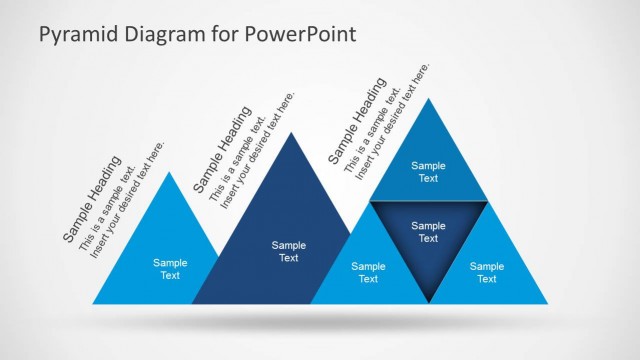
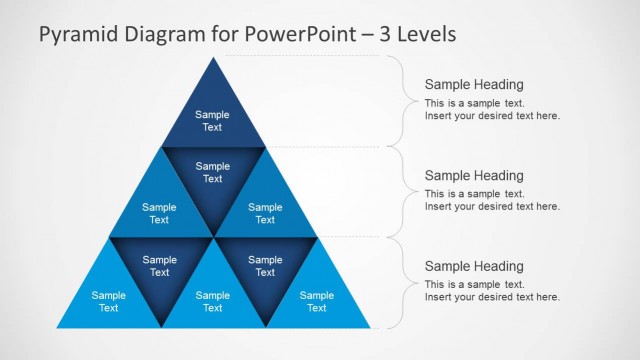
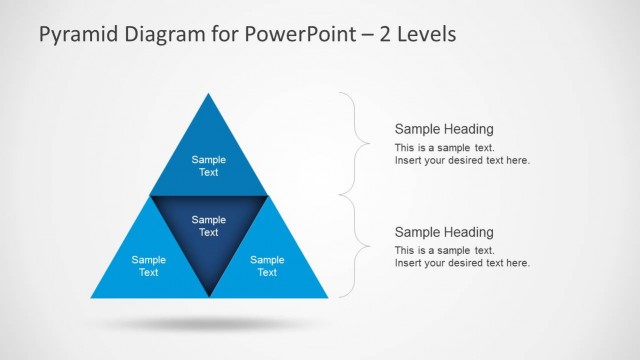
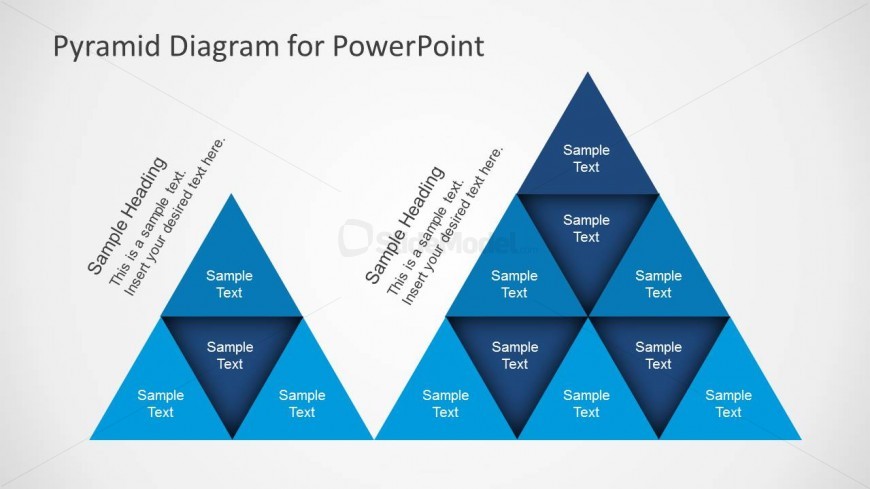
The Segmented Pyramid Diagram slide from the Pyramid Diagrams for PowerPoint template offers a clear visual tool for business presentation needs such as organizational hierarchy and feature comparison. This slide layout includes editable shapes arranged in two pyramids, facilitating strategic analysis through a balanced and visually distinct design. It is ideal for illustrating project phases or business models within a corporate presentation or pitch deck template using professional slide templates.
What’s on This Slide
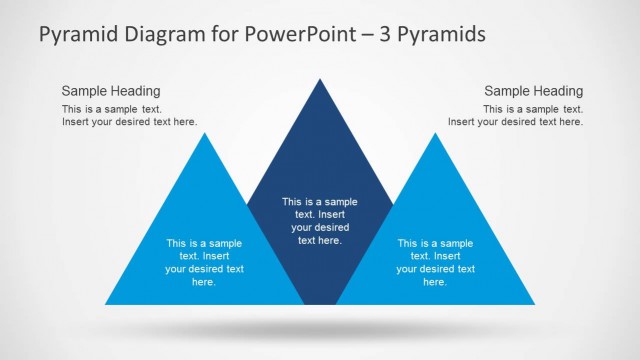
The layout features two segmented pyramids positioned side by side. The left pyramid has three levels, with the top triangle being the smallest and the base triangle the largest. Each triangle contains a text placeholder aligned centrally within. The right pyramid also has three levels, with a similar structure. Above both pyramids is a title placeholder, aligned centrally. The background is light, enhancing the blue gradient of the pyramids. The overall composition is balanced, with clear visual separation between the two pyramids.
How to Use It
This layout serves to illustrate hierarchical relationships or comparisons between two sets of data. It fits well in presentations discussing business models, strategic priorities, or maturity stages. This diagram can be used in scenarios such as product feature comparisons, organizational structures, or project phases. It is suitable for visualizing complex information in a clear and organized manner, making it easy for audiences to grasp key concepts quickly.
Text Placeholders & Capacity
Keep your copy within these limits so it fits without resizing. Node labels can hold about 30 characters each, while body text can accommodate around 50 characters.
| Placeholder | Count | Max characters (approx.) |
|---|---|---|
| Slide title | 1 | 50 |
| Item heading | 6 | 30 |
| Item body | 6 | 50 |
Slide Keywords
Download unlimited PowerPoint templates, charts and graphics for your presentations with our annual plan.
DOWNLOADReturn to Pyramid Diagrams for PowerPoint.