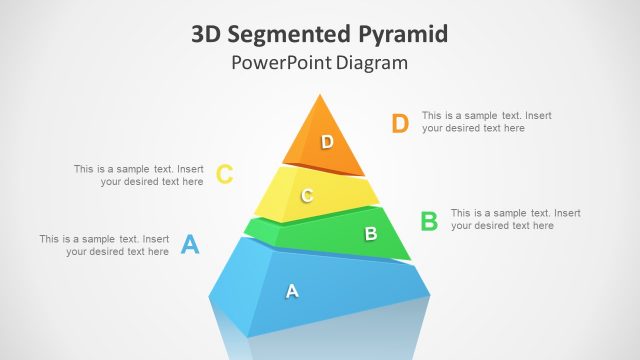
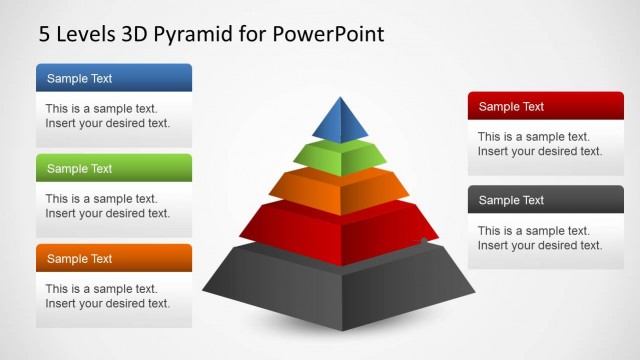
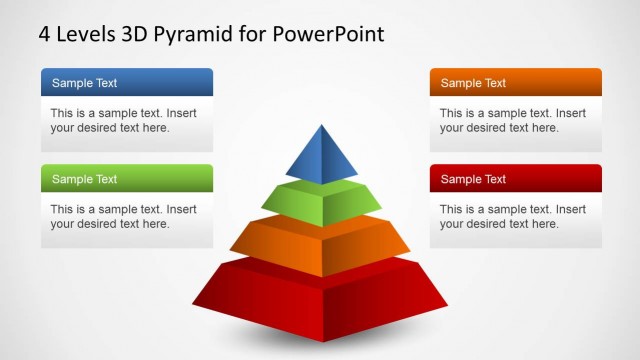
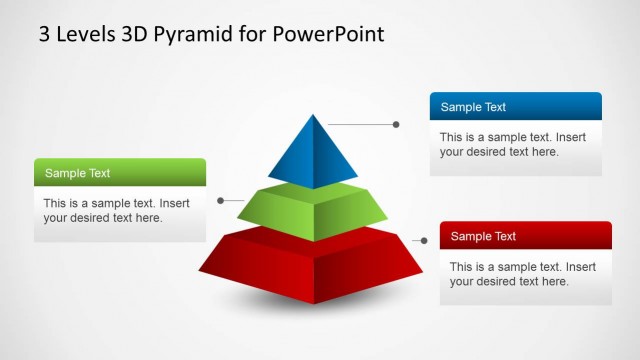
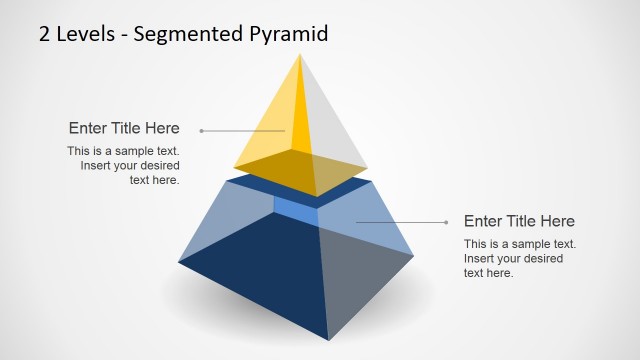
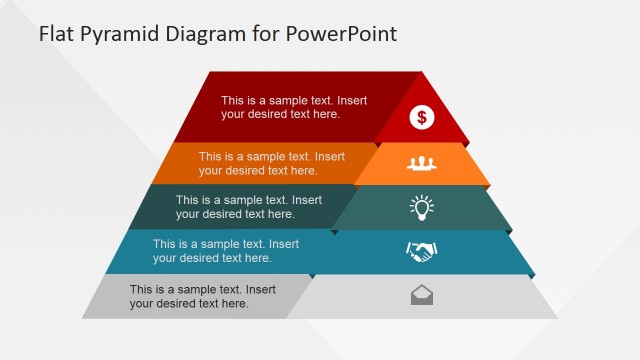
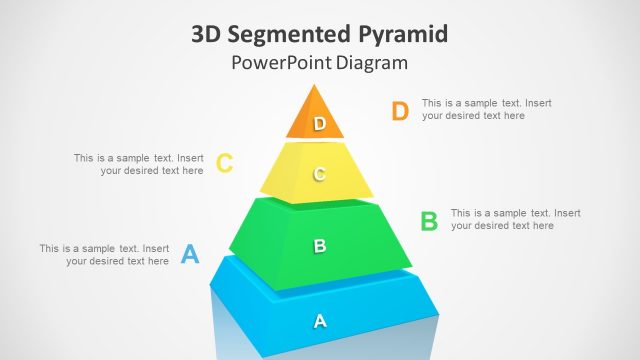
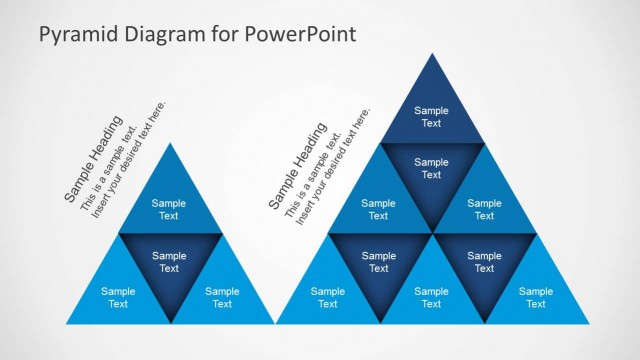
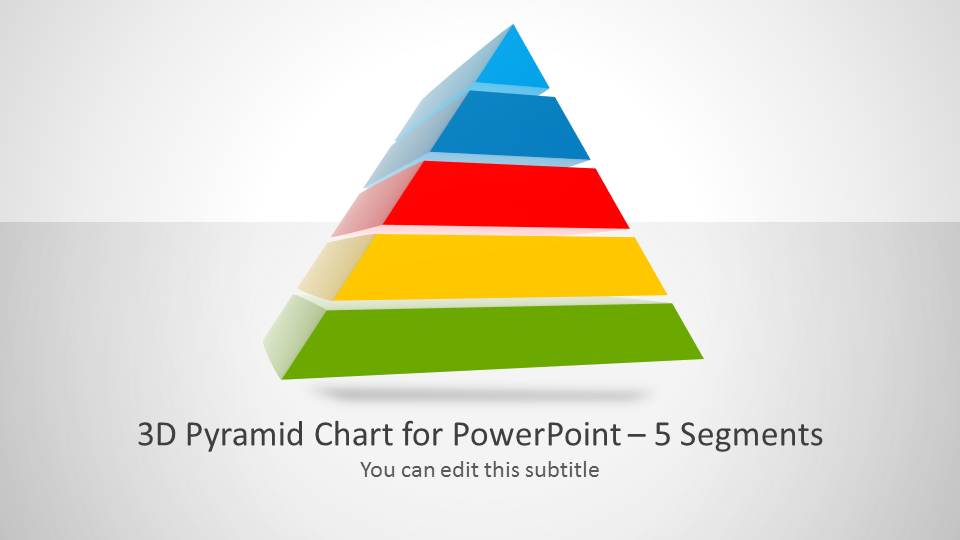
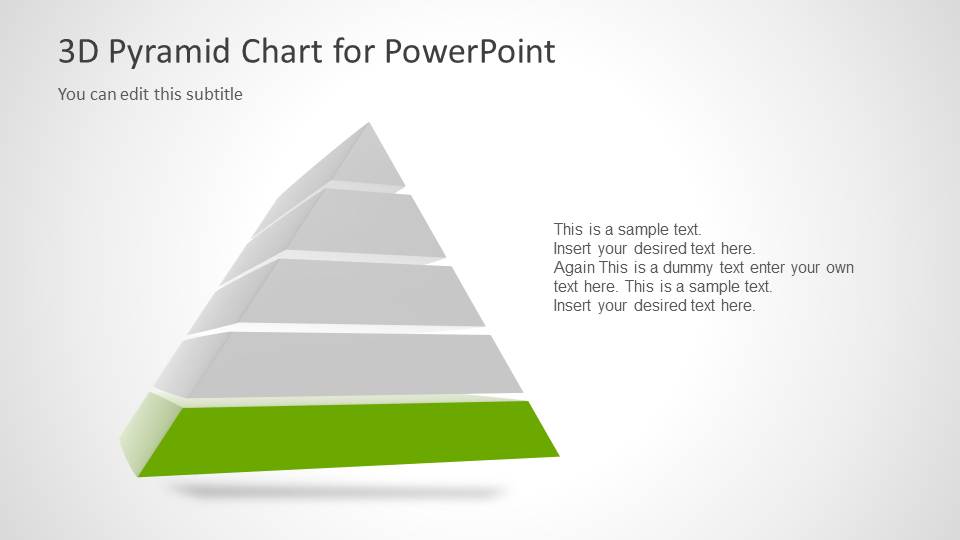
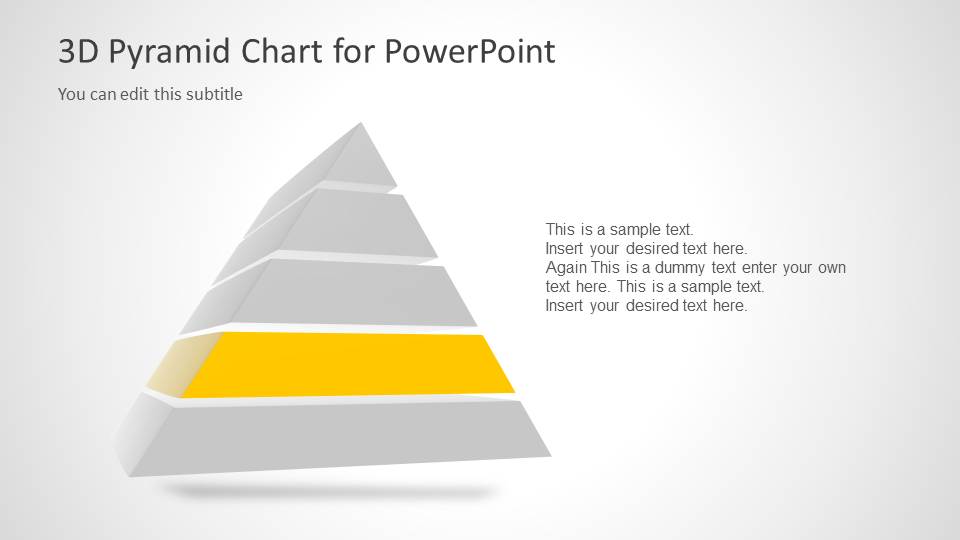
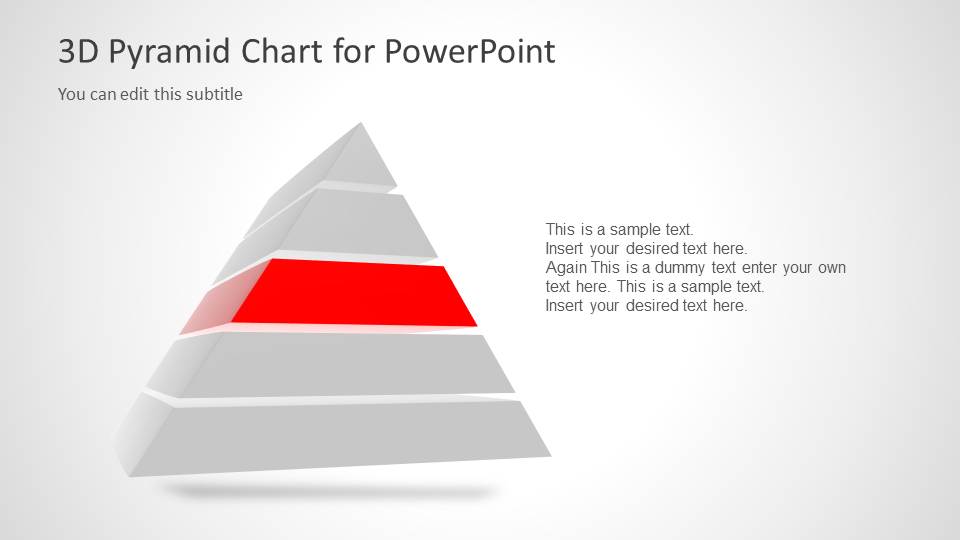
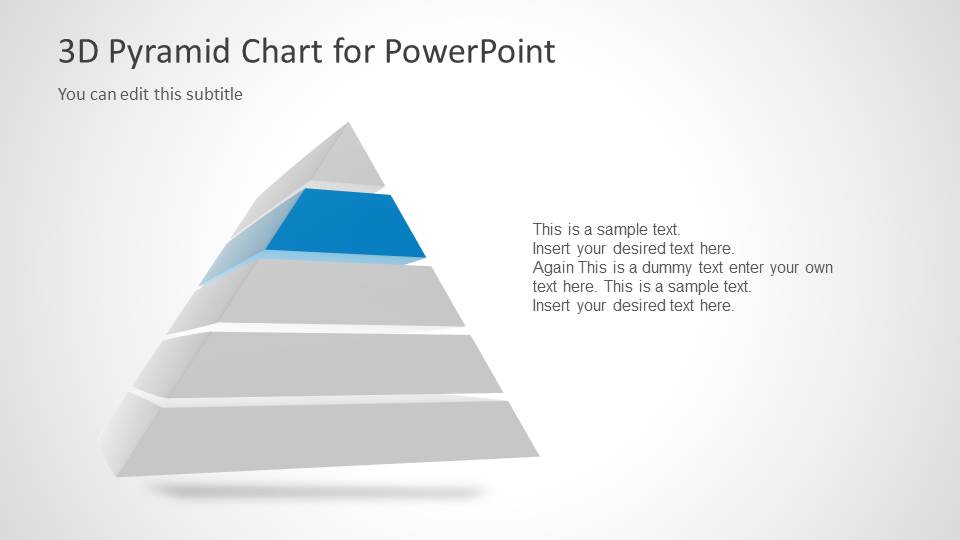
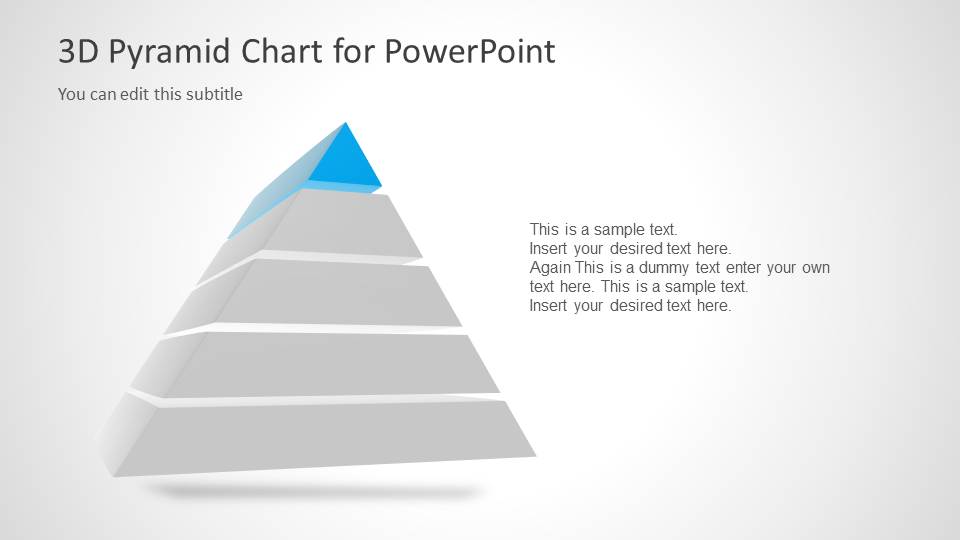
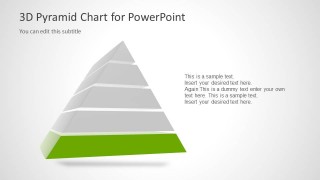
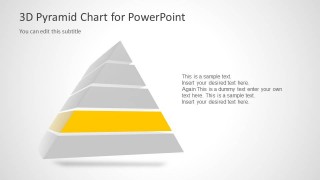
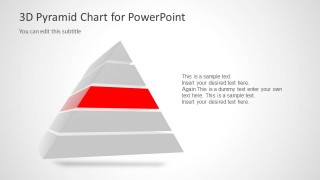
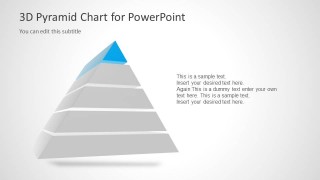
3D Pyramid for PowerPoint is a nice presentation design containing a pyramid diagram with five segments.
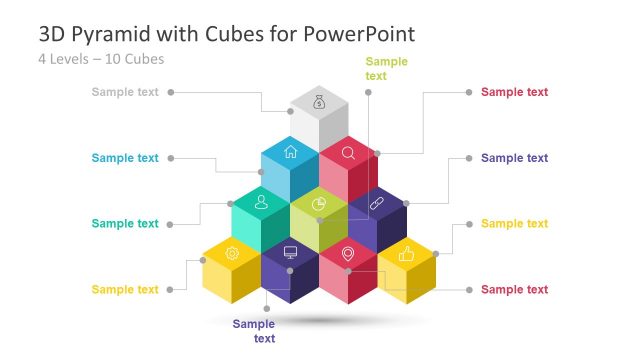
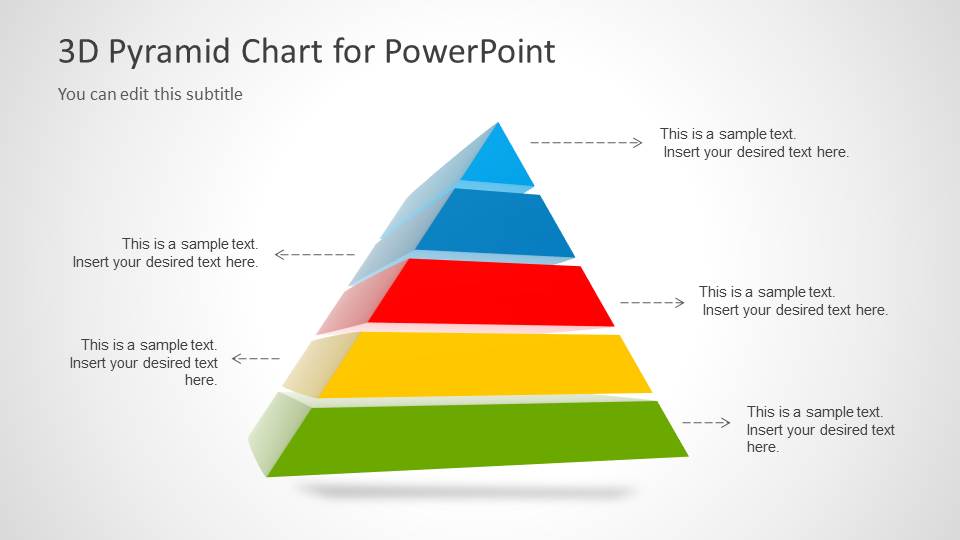
Inside this presentation template you can find 8 unique slide designs with the 3D Pyramid diagram created with PowerPoint shapes. You can use this 3D template to represent a business model or any other idea like the Maslow’s hierarchy of needs, the theory in psychology proposed by Abraham Maslow.
What’s inside this template
Example presentation scenarios
- A strategy consultant can explain a five-tier business model to executives by starting with the annotated pyramid and then using the highlighted segment slides to discuss each priority level.
- An HR trainer can teach a Maslow-style needs hierarchy to employees by using the full pyramid for context and the top-segment and base-segment slides for focused discussion.
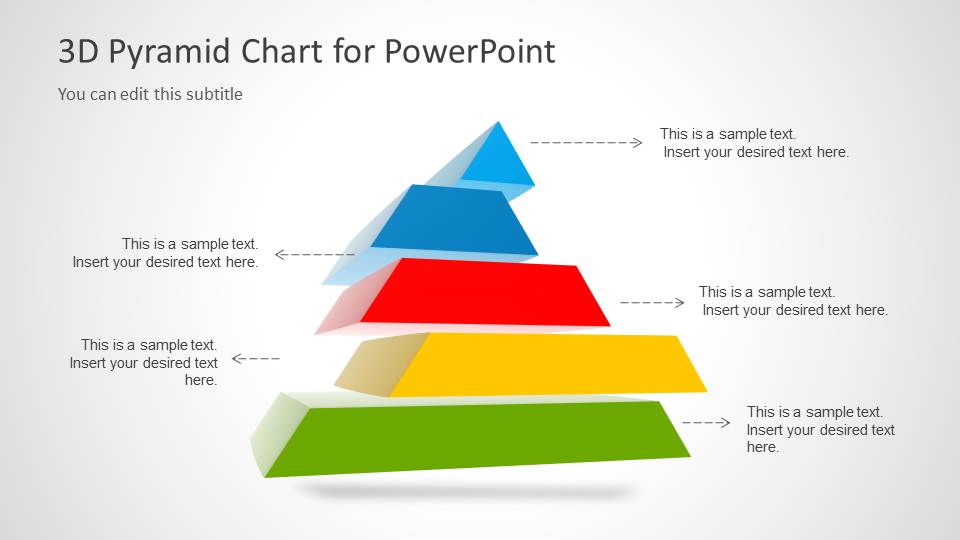
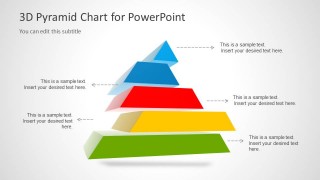
- A product manager can present a staged maturity model to stakeholders by using the exploded pyramid to show the separation between phases and the level-highlight slides to assign ownership.
- An educator can introduce a layered theory or classification system to students by using the callout arrows for definitions and the color-coded tiers to reinforce order.
Features
- 100% editable presentation template
- Compatible with Microsoft PowerPoint and Google Slides
- 16:9 aspect ratio slides
- Scalable vector shapes, icons and illustrations
- AI-Ready for Microsoft Copilot and Claude
- Instant access and download
Frequently asked questions
Q: How should I present the five pyramid levels so the audience understands the hierarchy quickly?
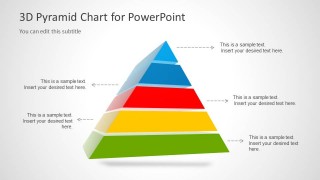
A: Start with the full annotated pyramid to define the overall model before moving into the individual highlight slides. Explain the base first if the lower tier supports everything above it, then build upward. Keep each level label short and use the body text area for consequences, examples, or ownership rather than repeating the label.
Q: Who is this template best suited for, and what message does it communicate well?
A: This template works best for presenters who need to explain ordered levels, dependencies, or increasing importance. Consultants can map maturity stages, HR teams can explain needs or capability layers, and educators can teach structured concepts. The design is less suited to free-form brainstorming because the pyramid implies ranking and progression.
Q: Why use a 3D pyramid metaphor instead of a flat list?
A: The pyramid metaphor shows hierarchy at a glance: lower segments read as foundations, upper segments read as more selective or advanced levels. The exploded view separates the tiers so each can be discussed independently, while the gray-and-color highlight slides reduce distraction and direct attention to one level at a time.

3D Pyramid Template for PowerPoint with 5 Segments
8-slide 3D pyramid presentation template for hierarchy diagrams and five-step level models
3D Pyramid Template for PowerPoint with 5 Segments is an 8-slide diagram template for Microsoft PowerPoint and Google Slides. It includes a cover pyramid, annotated five-level pyramid, exploded segment view, and single-level highlight slides for managers, trainers, consultants, and educators explaining hierarchy models or staged frameworks.
- Category
- Diagrams
- Rating

 Loading...
- Aspect ratio
- 16:9
- Item ID
- 6042-01
- Colors
 Microsoft PowerPoint
  Microsoft Copilot
  Claude for PowerPoint
 Other formats supported
Subscribe today and get immediate
access to download our PowerPoint templates.