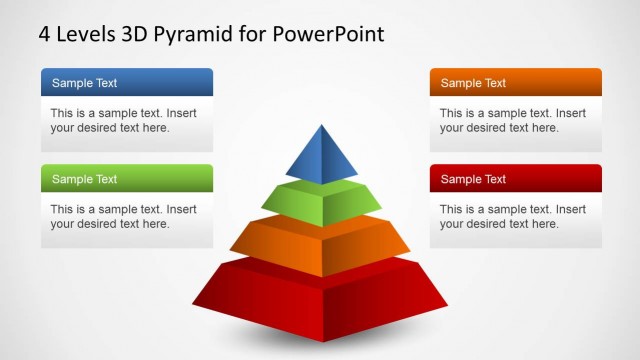
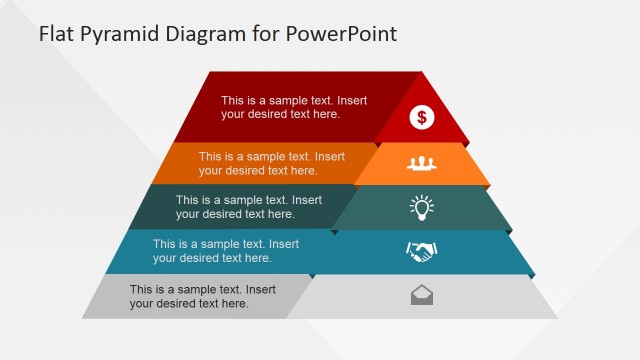
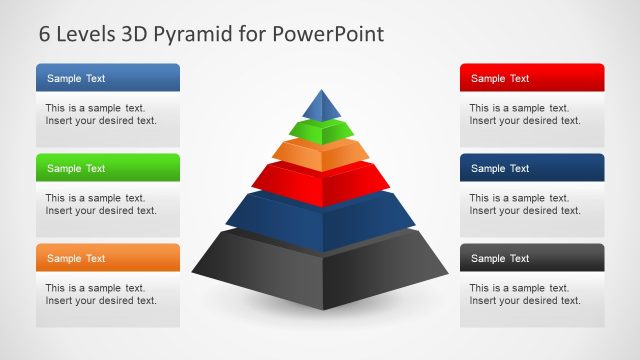
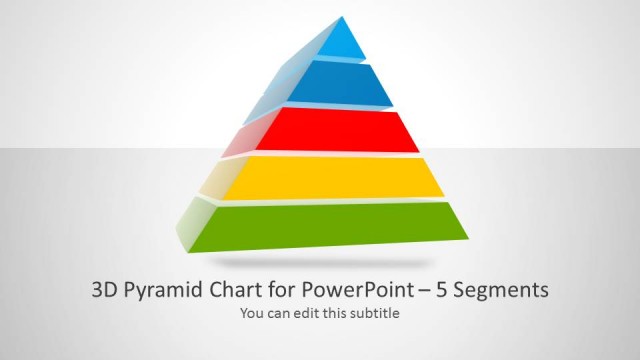
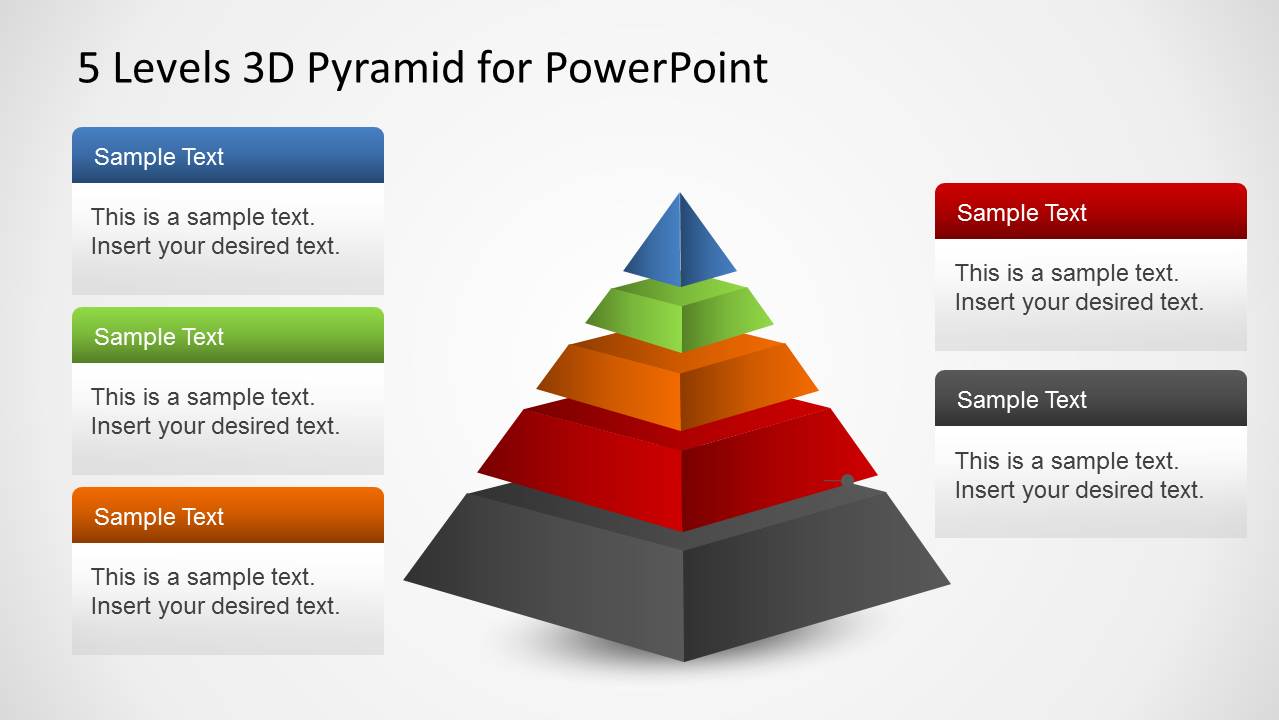
Create multi-layered pyramid diagrams in PowerPoint with the 5 Levels 3D Pyramid Template for PowerPoint.
This multi-layered template comes with five editable layers of a pyramid which are easy to customize. You can recolor, resize and adjust the diagram objects to create elaborate presentations using pyramid diagrams.
The template features multiple sample slides with pyramid layouts to help presenters conveniently craft professional looking pyramid shaped 3D diagrams.
What’s inside this template
Example presentation scenarios
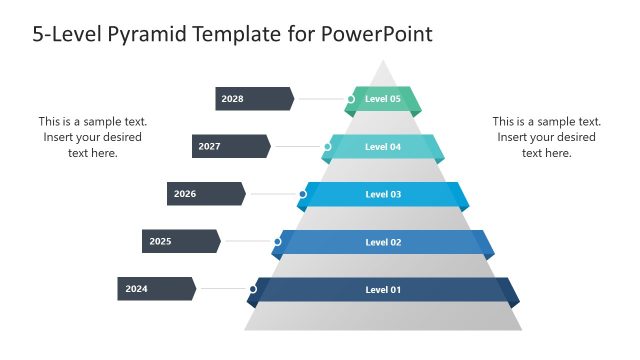
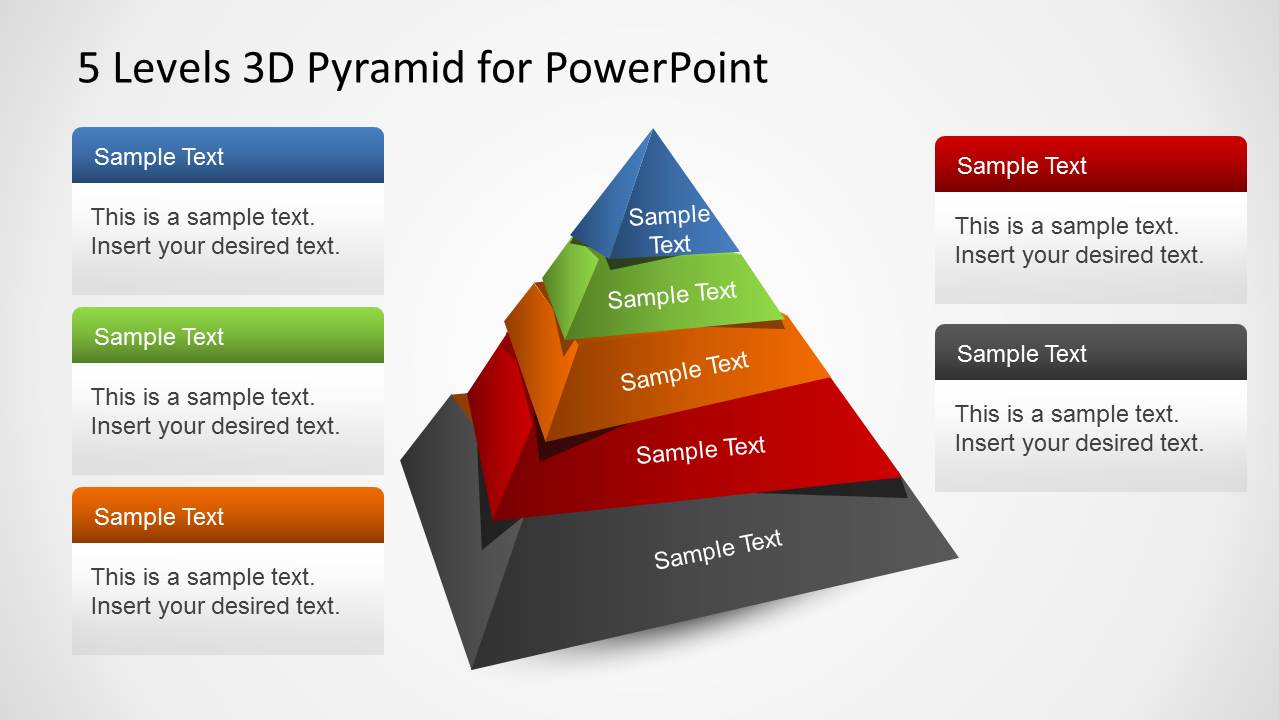
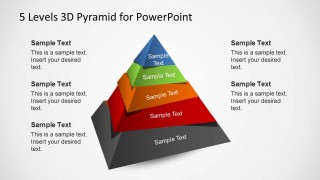
- A strategy consultant can use the central 5-level pyramid to explain how foundational capabilities support higher-order business outcomes.
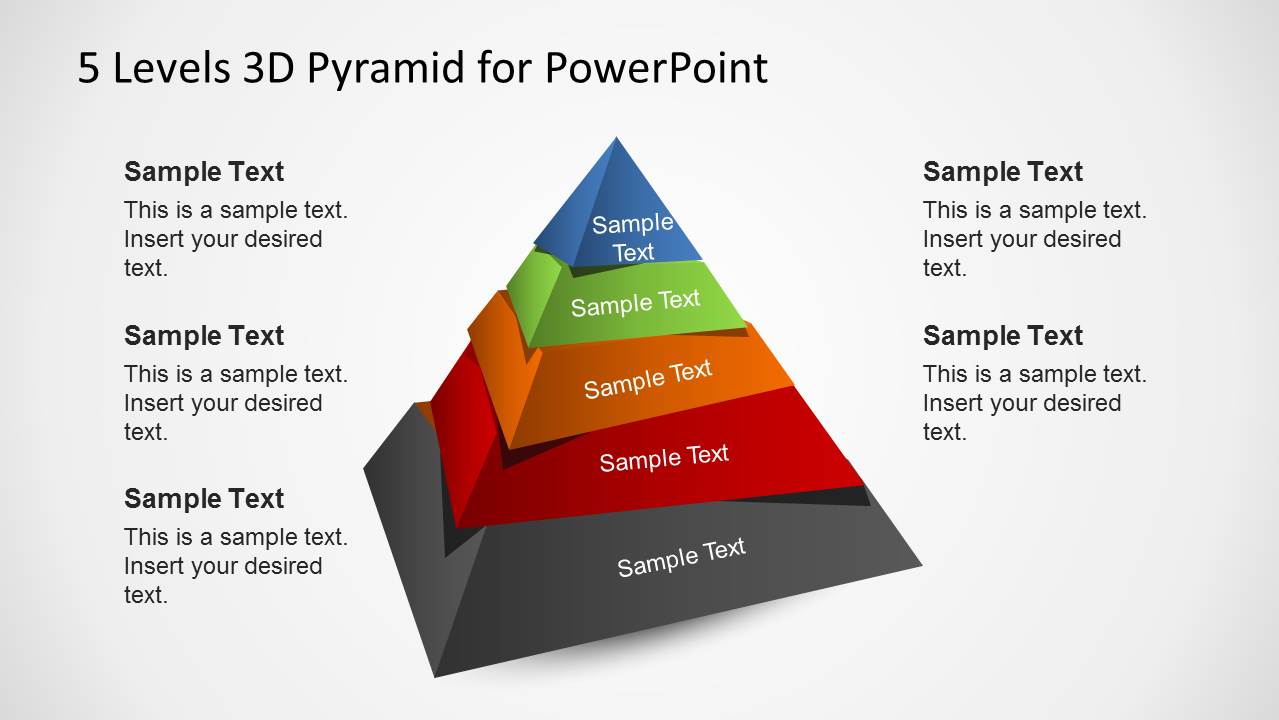
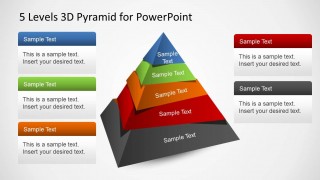
- A product manager can use the angled pyramid with side notes to present a five-stage adoption model and describe each level beside the diagram.
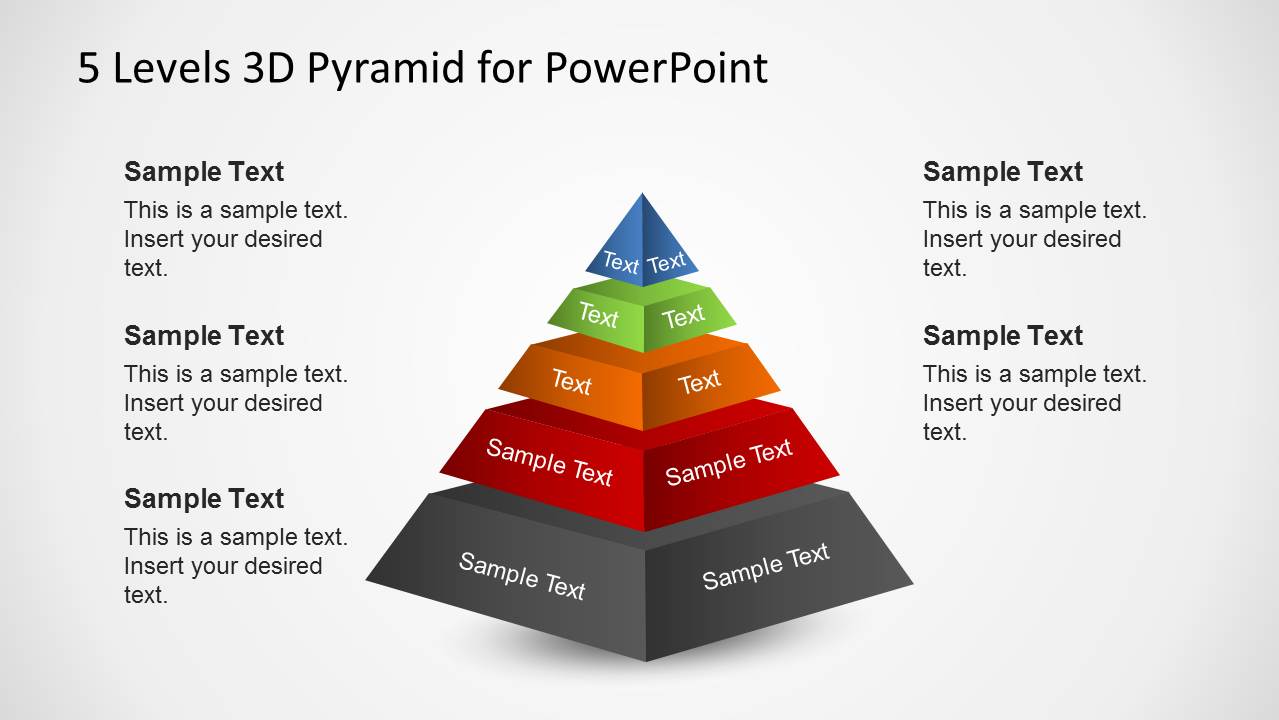
- A corporate trainer can use the labeled front-view pyramid to teach a layered concept while keeping each level visible and easy to reference.
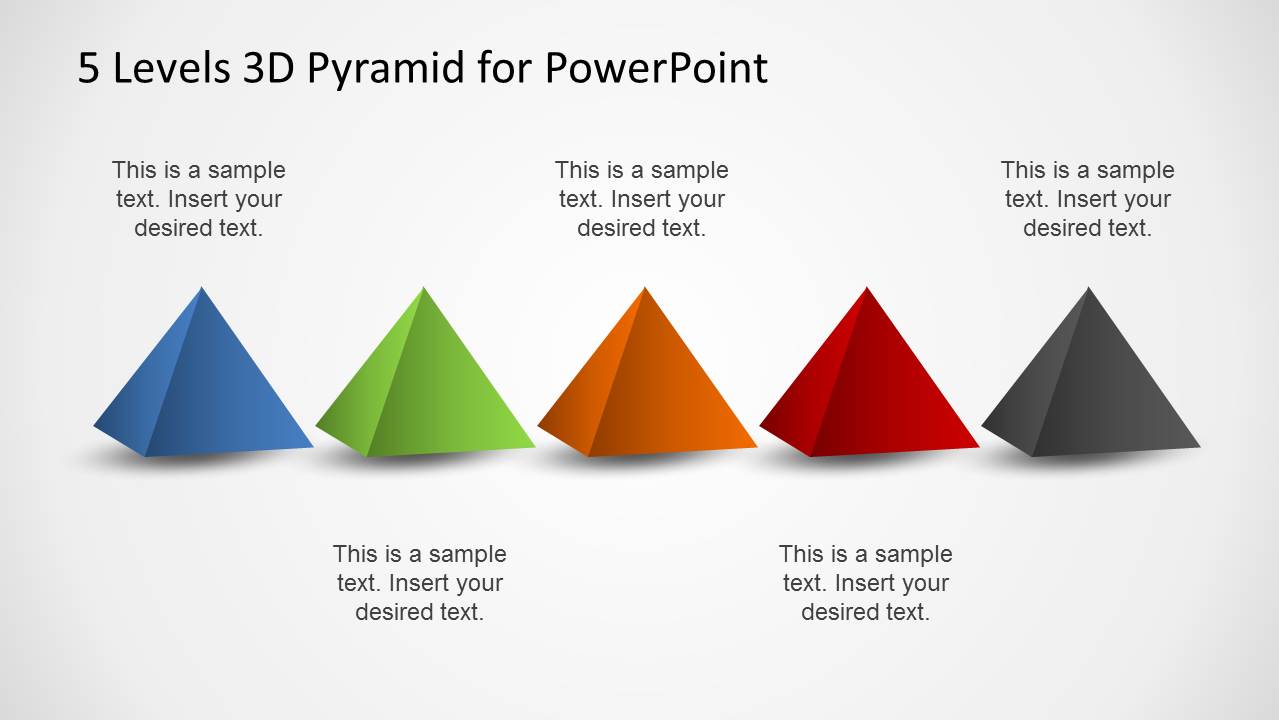
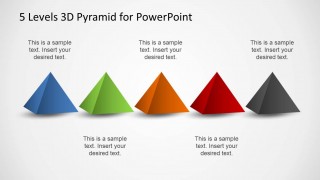
- An executive presenter can use the row of five separate pyramid markers to compare five priorities, initiatives, or maturity levels in one visual line.
Features
- 100% editable presentation template
- Compatible with Microsoft PowerPoint and Google Slides
- 16:9 aspect ratio slides
- Scalable vector shapes, icons and illustrations
- AI-Ready for Microsoft Copilot and Claude
- Instant access and download
Frequently asked questions
Q: How should a presenter assign content to the five pyramid levels?
A: Start with the broadest foundation at the gray base and place the most dependent or aspirational idea at the blue top. Keep each layer short, using one label on the pyramid and one supporting note in the surrounding text area. This prevents the 3D form from becoming crowded while preserving the hierarchy.
Q: What communication situations fit this pyramid template best?
A: This template fits presentations that explain layered relationships rather than linear time. Consultants can frame capability maturity, managers can rank priorities, and trainers can teach concepts that build from a base to a peak. The strongest use cases involve five distinct levels that must be compared as one structured model.
Q: Why use a 3D pyramid metaphor instead of a flat list?
A: The 3D pyramid makes hierarchy visible before the audience reads the text. Wider lower layers imply support, weight, and dependency, while the narrow top implies a final outcome or advanced state. This visual metaphor helps audiences understand structure quickly and remember how the levels relate.
5 Levels 3D Pyramid Template for PowerPoint
5-slide 16:9 presentation template with 3D pyramid hierarchy diagrams and five-step segmented layouts
The 5 Levels 3D Pyramid Template for PowerPoint is a 5-slide diagram template for presenting layered hierarchies and five-step frameworks. It includes a central 5-level 3D pyramid, labeled front-view pyramid, angled pyramid with side notes, and separate pyramid markers, built for Microsoft PowerPoint and Google Slides.
- Category
- Diagrams
- Rating


 Loading...
- Aspect ratio
- 16:9
- Item ID
- 6319-01
- Colors
 Microsoft PowerPoint
  Microsoft Copilot
  Claude for PowerPoint
 Other formats supported
Subscribe today and get immediate
access to download our PowerPoint templates.