Slide 6 of 7 from Pyramid Diagrams for PowerPoint
6125-01-pyramid-diagram-6
Pyramid Diagram for PowerPoint Slide 6
- Diagram
- Segmented Wheel
- Strategy Slide
- 16:9
- 100% Editable
The Pyramid Diagram with Text slide from the Pyramid Diagrams for PowerPoint template offers a clear visual tool for business strategy and project prioritization. This slide layout uses editable shapes arranged in a staggered pyramid format to highlight hierarchical relationships and feature comparisons. Ideal for corporate presentations, it integrates seamlessly into slide decks focused on strategic analysis, providing a structured way to communicate complex information using professional PowerPoint templates.
What’s on This Slide
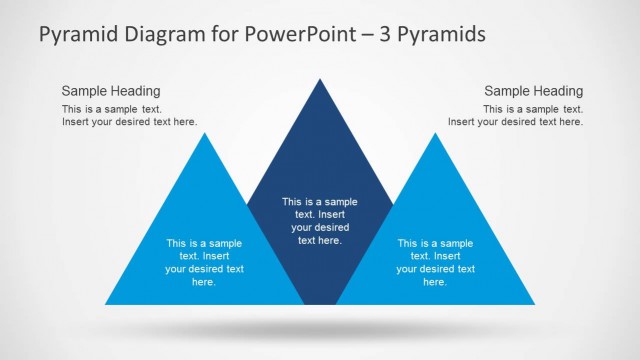
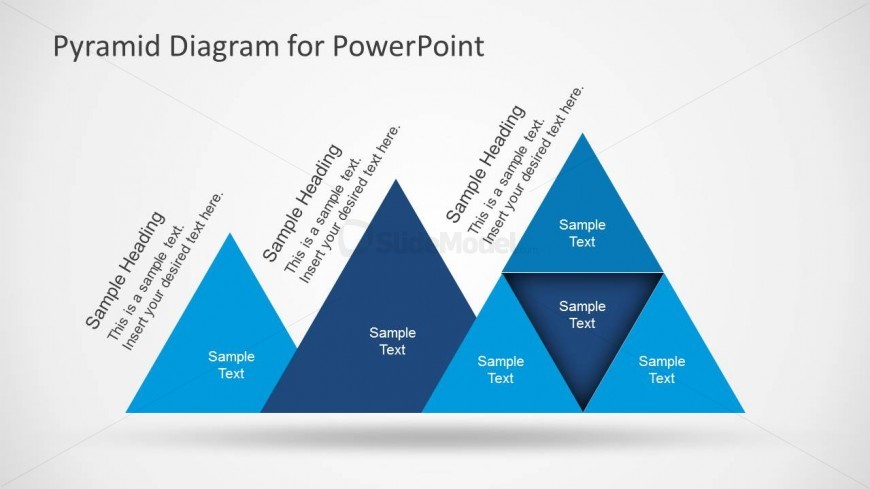
The layout features three triangular shapes arranged in a staggered formation. The leftmost triangle is oriented upright, while the middle and right triangles are inverted. Each triangle contains text placeholders positioned centrally within, with the top triangle featuring a larger placeholder for a heading. The background is light gray, enhancing the visibility of the blue and dark blue triangles. The overall visual hierarchy emphasizes the headings, with smaller text placeholders below each heading. There are no additional images or media placeholders present.
How to Use It
This layout serves as a segmented pyramid diagram, ideal for illustrating hierarchical relationships or comparisons. It fits well in a presentation sequence following a problem or analysis slide, providing a visual representation of concepts. Real-world applications include business strategy presentations, project prioritization, or showcasing product features. The staggered arrangement allows for clear differentiation between categories or levels, making it suitable for various analytical contexts.
Text Placeholders & Capacity
Keep your copy within these limits so it fits without resizing. Node labels can accommodate roughly 5-6 words each.
| Placeholder | Count | Max characters (approx.) |
|---|---|---|
| Slide title | 1 | 40 |
| Item heading | 3 | 30 |
| Item body | 3 | 50 |
Slide Keywords
Download unlimited PowerPoint templates, charts and graphics for your presentations with our annual plan.
DOWNLOADReturn to Pyramid Diagrams for PowerPoint.